
Mela — Mac download
Download (14 MB) Earlier builds
Ticked
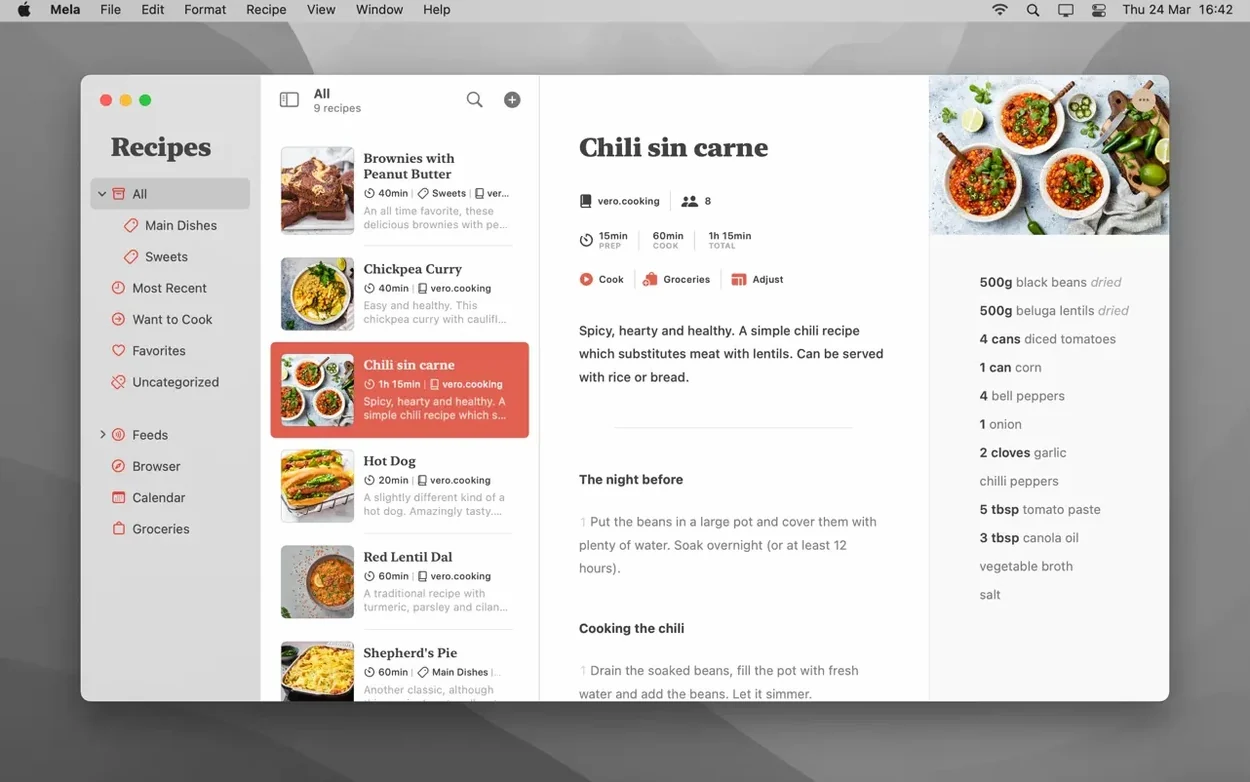
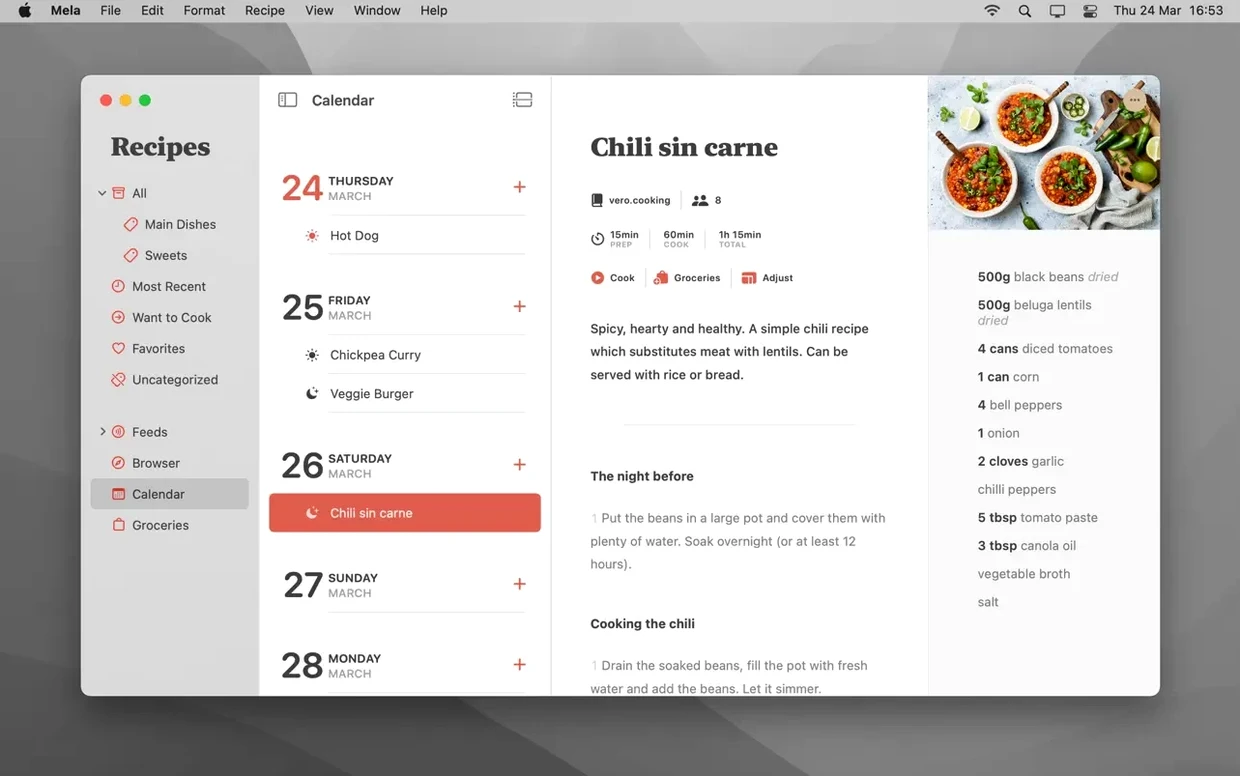
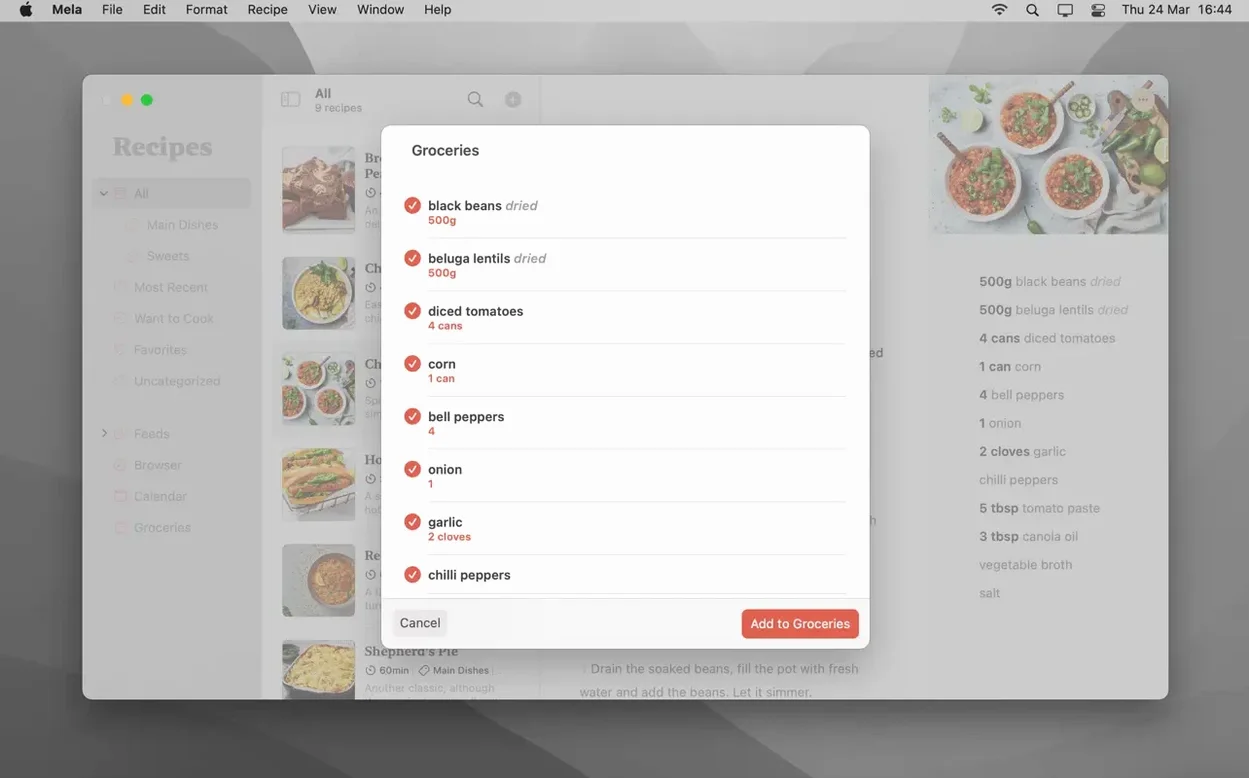
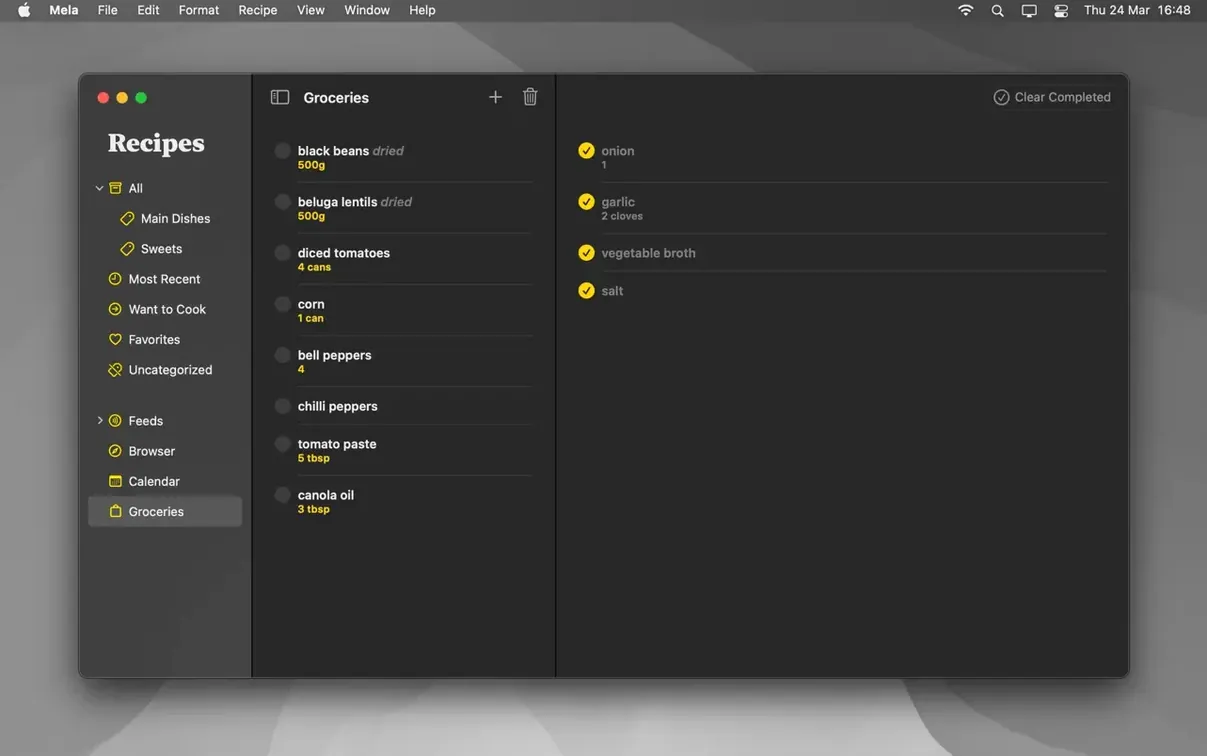
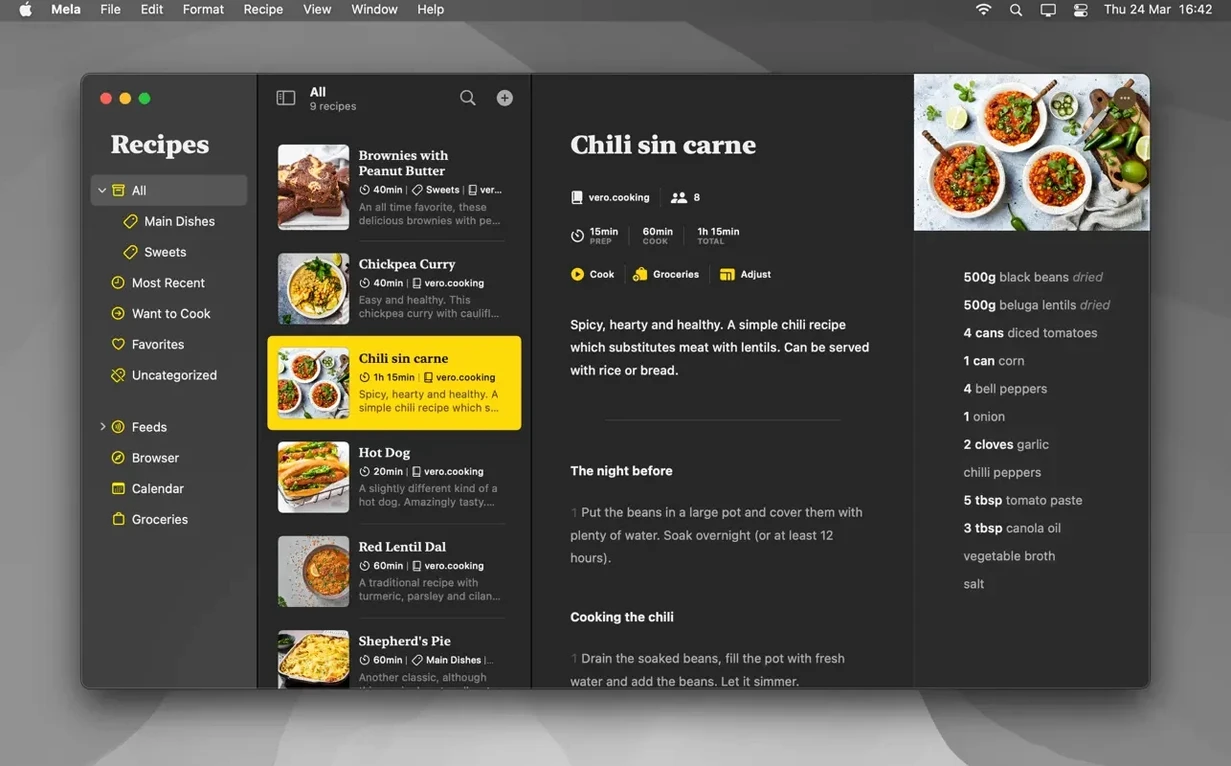
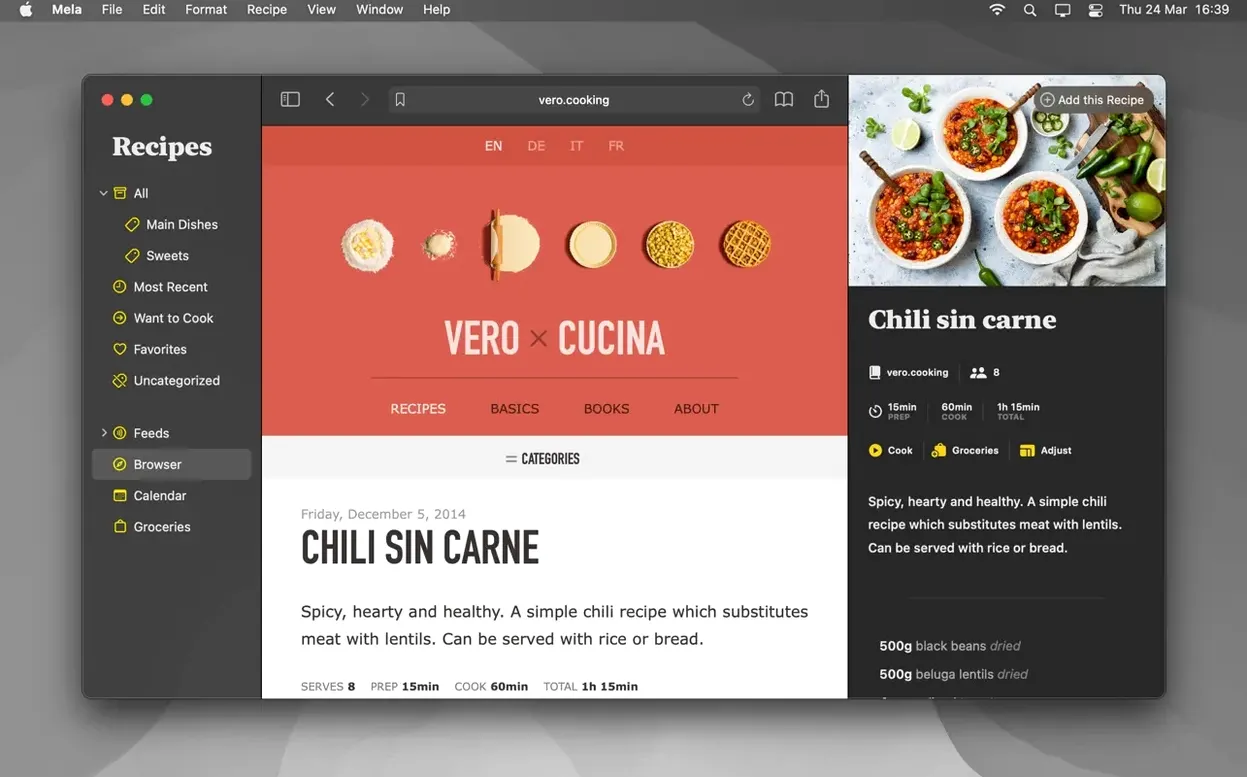
Sticky notes and bookmarks fall apart when a recipe collection grows. Mela keeps every source, note and step in one place without a subscription login nagging you on launch.
iCloud sync keeps your library current on every Mac
Version 2.6.1 carries forward the same quiet, focused toolset. Recipes sync through iCloud, so your library stays current across Macs without a separate cloud account. You can mark items as Favorites or tag them Want to Cook, then print a clean page or save a PDF when you need paper in the kitchen. Shared recipe libraries let another iCloud user add to the collection, provided both Macs run macOS 12 or newer.
Clipping stays seamless inside and outside the app
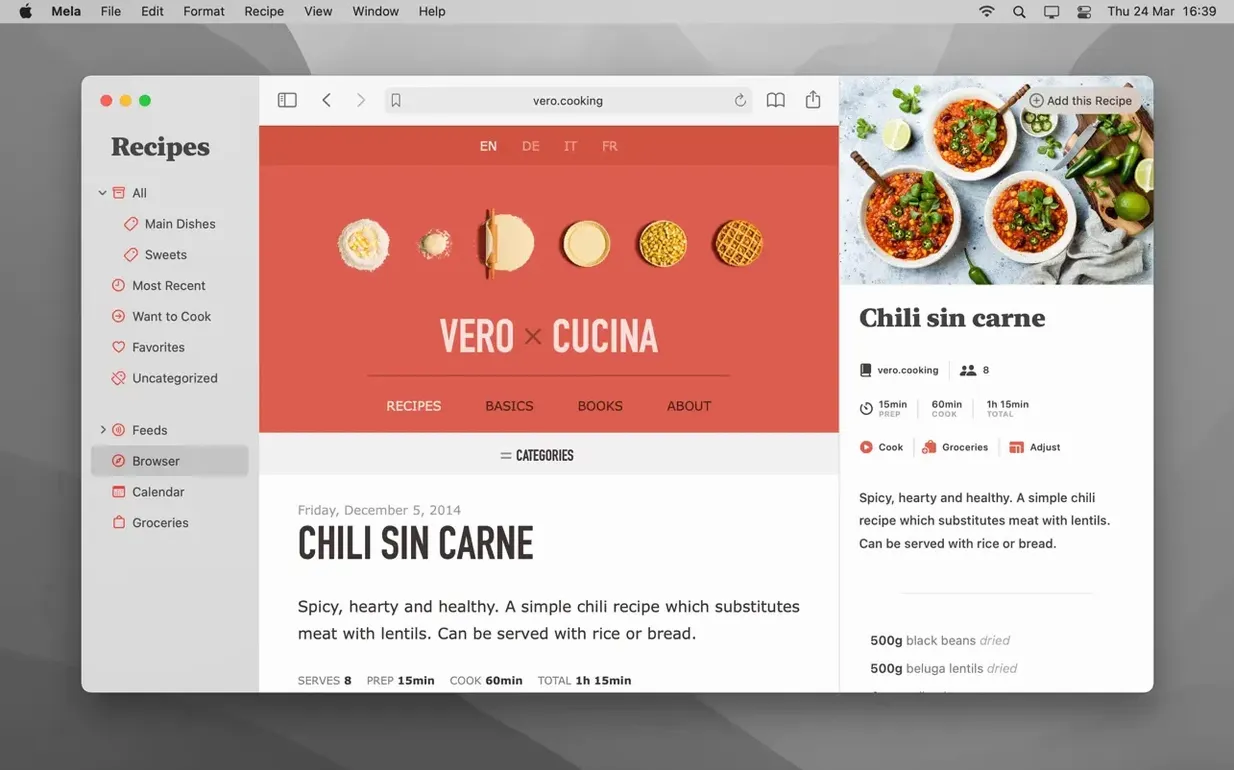
The in‑app browser still shows a live preview while you clip, and the sharing extension pulls recipes in from outside Mela without breaking stride. Calendar integration hands off meal plans to Calendar.app. The interface remains available in English, German, Italian and French. Mela installs from a standard disk image, plain and simple. That restraint is the whole point.
Enable the sharing extension before importing anything
- Add the sharing extension straight away. Open System Settings > Extensions > Sharing and tick Mela. From that point on, any Safari page with a recipe is one click from your library.
- Decide on categories before you import a hundred recipes. Broad labels like Weeknight, Baking, Slow cooker keep things findable. You can always rename later, but early discipline saves a Saturday morning of re-tagging.
- Test the scanner on one printed recipe. The text recognition works best with flat pages and even lighting. Hold the book open with a weight, not your elbow, or the skew will cost you editing time.
- Turn on iCloud sync, then leave it alone. Mela uses private iCloud storage by default. No configuration needed, no web dashboard to visit. If you plan to share a library, confirm both Macs are on macOS 12 or later before you send the invite.
Clipping without checking the preview scrambles your recipe
The most common one is treating Mela like a browser bookmark folder. Clipping a URL without checking what the in‑app preview actually captured leaves you with ingredient lists split across three fields and method steps stuck in a notes block. Spend ten seconds verifying the parsed recipe before you save — editing a clean import takes far less time than fixing a messy one.
Another trap: ignoring the Want to Cook flag. New users often mark everything as Favourite, then wonder why the sidebar feels cluttered. Favourites are for proven winners. Want to Cook is the staging area for next week's experiments. Use both.
Skipping the Calendar.app hand-off is the third slip. Dragging a recipe onto the meal plan calendar inside Mela updates Calendar.app automatically. It is not a separate planner you have to maintain — it is the same one already on your phone.
How Mela fits with other apps
Mela does not try to replace your calendar, your grocery list or your notes. It relies on Calendar.app for meal planning and hands off PDFs to whatever reader you already use. Recipes saved as PDF from the print panel land in your usual filing system, not a locked database.
The in‑app browser works alongside Safari rather than against it. When you subscribe to a recipe blog, Mela pulls in the post in its own clean viewer — stripped of pop‑ups and life stories — but the original page stays one tap away if you need the comments section. Sharing extension support means apps like Anybox or GoodLinks can pass a URL to Mela without duplicate saving.
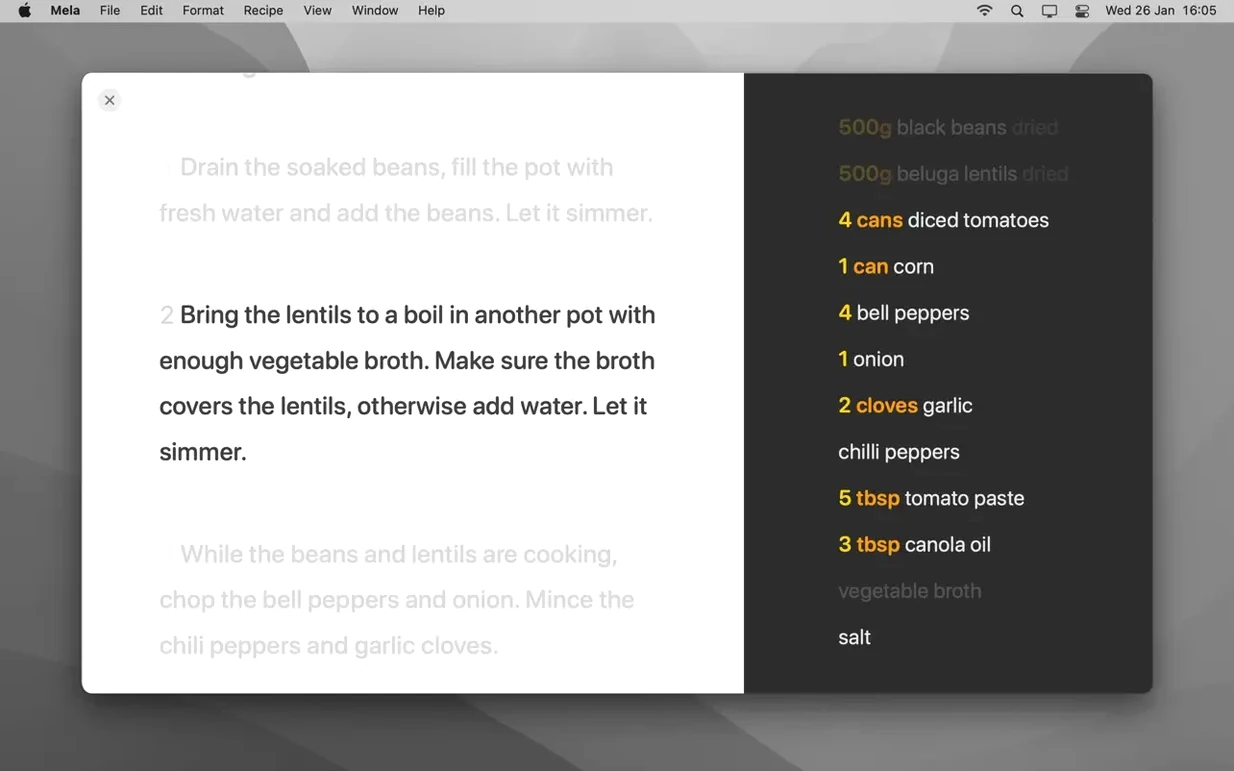
On the cooking side, the timer inside cooking mode runs independently of the system clock. You can have three timers counting down across two recipes while Calendar.app holds the week's plan and Reminders handles the shopping list. No overlap, no conflict.
- macOS 11 or later
- Apple Silicon or Intel 64-bit Mac
Questions the team asks
Yes. Mela supports shared recipe libraries with other iCloud users; the feature requires macOS 12 or later on both Macs.
Your local library works offline. iCloud sync and the in-app browser need a connection, but saved recipes are always available.
You can print any recipe directly or save it as a PDF from the print dialog.





Comments 0
Sign in or create an account to add a comment.
No comments yet. They go up after moderation.