

Mimestream — Mac download
Download (12 MB) Earlier builds
Ticked
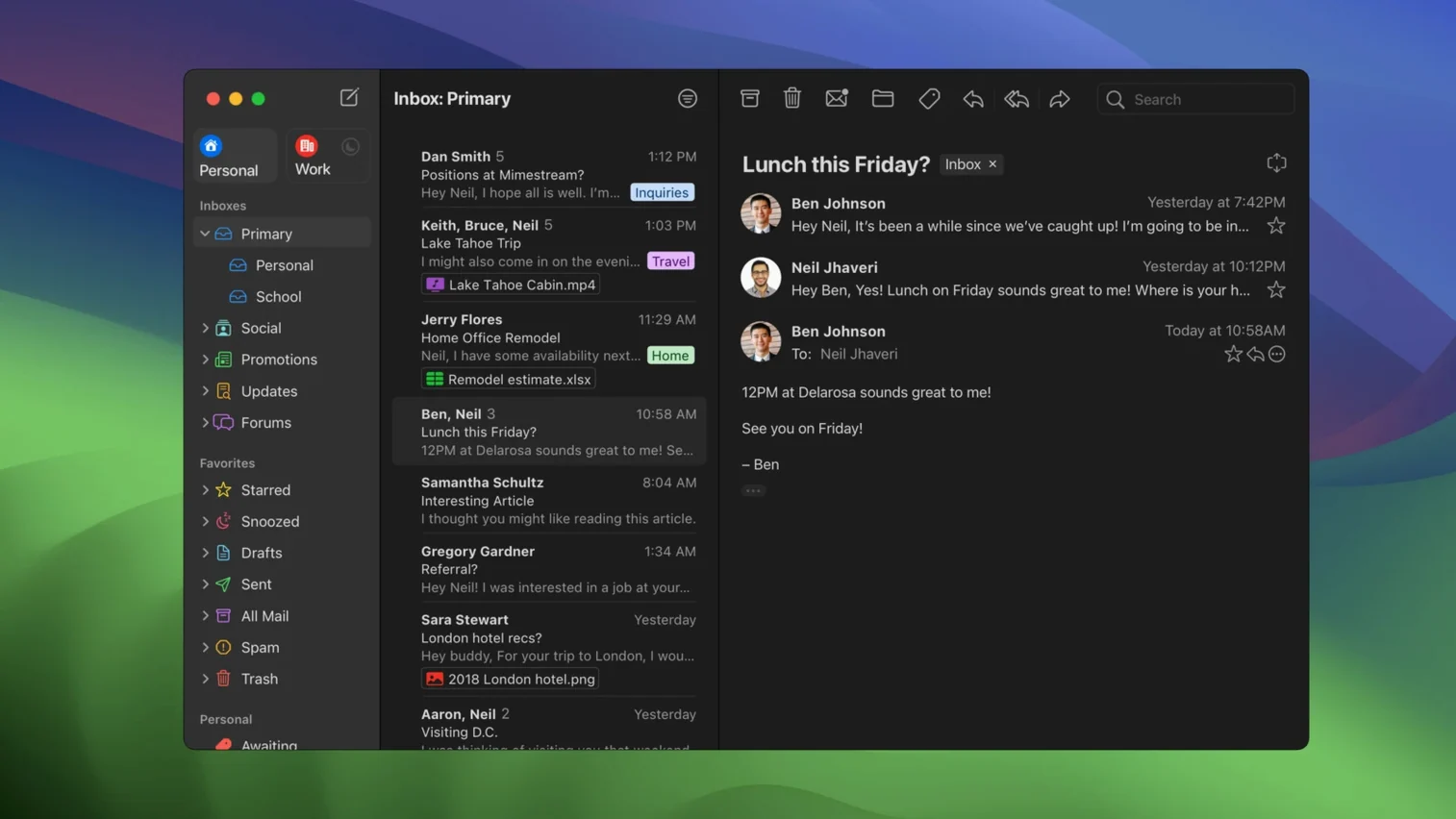
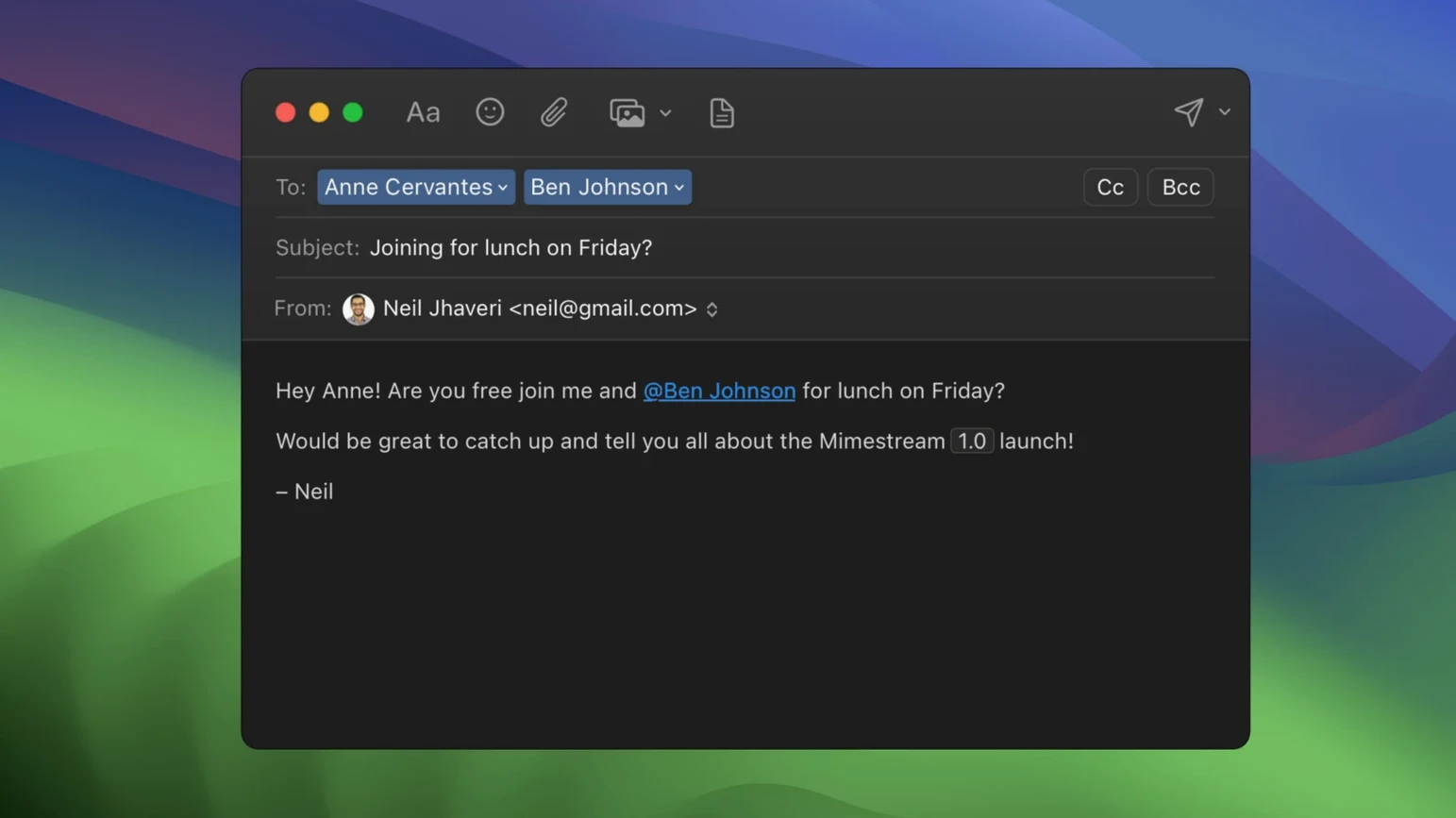
Web Gmail works, but it lives in a browser tab and never quite feels like a Mac app. Mimestream fixes that.
Gmail API — the app talks directly to Gmail, not through IMAP. Labels, aliases and signatures sync without extra setup.
Gmail search — type Gmail queries exactly as you would in the browser. Search also works offline.
Keyboard shortcuts — pick the Gmail set or the Apple Mail set. Either way, your hands stay on the keys.
Swipe gestures — sort and archive mail with macOS trackpad swipes, the same motion you use elsewhere on a Mac.
Google accounts only — this is a Gmail client, not a general mail app. You need a Google account to use it.
Details you might miss
A few small things make daily use smoother once you know about them.
- From field autocomplete — when replying or composing, the app automatically picks the alias that received the original message. No dropdown fiddling required.
- Undo send timer — configurable in preferences. Works exactly like Gmail's web undo, but inside a native notification.
- Focus mode awareness — on macOS 13 and later, notifications respect your current Focus profile. No pings during deep work unless you allow them.
- Drag-and-drop attachments out — pull a file from an email straight to Finder or another app. No save dialog step.
- Quick Apply label shortcut — press
Lon a selected message to bring up a label picker. Start typing to filter. - Tracking pixel blocking — runs silently. The blocked count appears in a small banner at the top of each message where trackers were removed.
Inbox-heavy professionals who transfer Gmail muscle memory
Not every Mac user needs a dedicated Gmail client. Certain setups benefit more than others.
Inbox-heavy professionals — people who process dozens or hundreds of messages daily. The keyboard shortcut parity with Gmail means muscle memory transfers immediately. Offline search means a train tunnel does not pause the workflow.
Multi-alias users — anyone managing several Gmail aliases across different contexts. The automatic alias sync removes the usual IMAP setup chore, and the auto-reply-from-alias behaviour cuts down on sending mistakes.
macOS purists — users who prefer native text rendering, system share sheets and trackpad gestures over browser-based mail. The app feels like it belongs on the Mac, not like a wrapped web view.
Privacy-conscious readers — the built-in tracker blocking appeals to anyone who does not want their reading habits reported back to fifty-plus marketing services.
If you use a single Gmail account and read five emails a day, the browser tab is probably fine. For everyone else, a mimestream download brings Gmail closer to the OS.
Private push notifications that skip Apple’s servers
Version 1.10 brought three additions that affect everyday use.
- Private Push notifications — enabled by default on macOS 26 and later. Notifications arrive without the content passing through Apple's notification servers. For users on current macOS, the feature is ready when the OS catches up.
- Optional All profile — one unified inbox across all your Gmail accounts. Toggle it on when you want a single stream instead of account-by-account browsing.
- Configurable notification actions — choose which quick actions appear on the notification banner. Archive, reply or mark as read, set per your preference.
The move toward macOS 14 as a future minimum was signalled quietly. Current 1.10.8 stays compatible with Monterey and Ventura, so older Macs are not left behind yet. A mimestream free test of the current build runs on any supported Mac without friction.
Native build — written in Swift and runs on Apple Silicon and Intel Macs.
- Private Push notifications now on by default for macOS 26 and later.
- Version 1.10 adds an optional All profile.
- Addresses for unknown senders now appear.
- Notification actions can be configured.
- Latest stable release: 1.10.8.
- macOS 12 Monterey or later
- Apple Silicon or Intel Mac
- Google account required
- Interface languages: Russian, English, German, Spanish, Italian, Chinese (Simplified), Dutch, French, Czech, Japanese







Comments 0
Sign in or create an account to add a comment.
No comments yet. They go up after moderation.