
MotionVFX mInfographics — Mac download
Ticked
Building charts
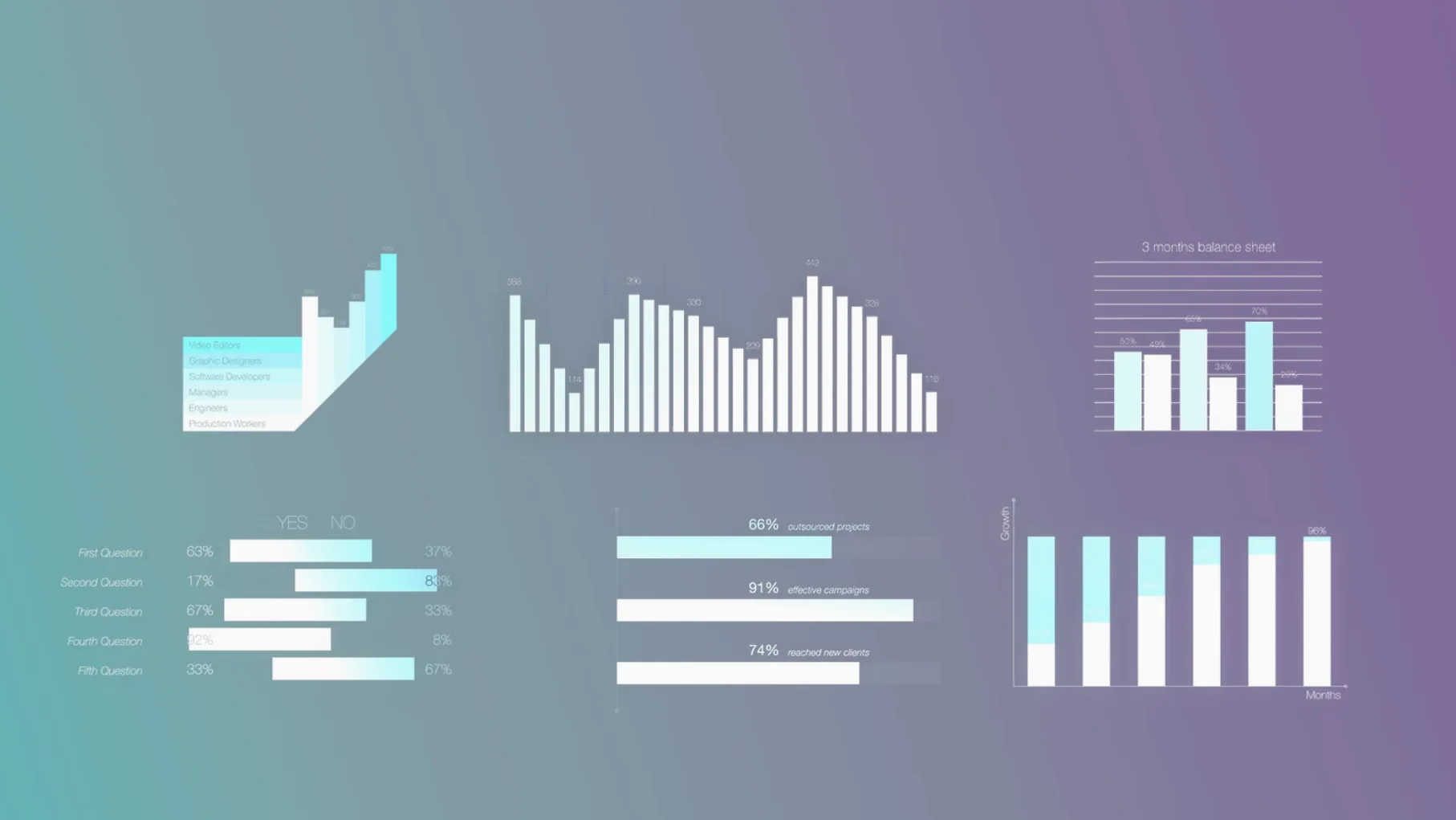
60 universal elements cover bars, lines, percentages and callouts. Pick one, drop it on a clip, adjust the data.
Setting up tracks
Keep infographics on a separate track above interviews or B-roll. On-screen controls let you resize and reposition without leaving the viewer.
Handing off jobs
Workflow: building quarterly results in three steps
Here is one repeatable path for turning a spreadsheet into a finished infographic clip.
- Sketch the one‑slide story. Open a sticky note and write the headline — say, “Q3 revenue +12%”. Decide you need one bar chart, one percentage ring, and one caption.
- Build the chart in Final Cut Pro. Drag the bar‑chart element from Titles onto a clean secondary storyline. Use the on‑screen control to pull the highest bar to the correct value. Repeat for the ring element. Type the numbers directly in the Inspector.
- Style and sign off. Apply a colour wash that matches the brand palette. Place an informational caption beneath each graphic with the source note. Play it back once with a fresh eye, adjust the timing, then lock the track.
Export the range. The whole process, from blank timeline to client‑ready preview, fits inside a lunch break.
Titles stay inside one Motion Templates folder
People usually want to know two things before they clear space for the download.
The first question is about clutter. These are Final Cut Pro titles, so they live inside the /Movies/Motion Templates/Titles folder. Nothing gets scattered into system directories. If you ever need to remove them, you delete one folder and the entries vanish from the Titles browser.
The second question is about rendering. Because the elements are built on standard Final Cut Pro title architecture, they lean on the timeline render engine you already use. A bar chart renders as fast as a basic lower third. No external renderer, no round‑tripping to another app. On Apple Silicon or Intel, playback stays responsive even with several infographics stacked in a project.
Some editors also ask about Motion. You do not need Motion installed to use these elements. You can open and tweak them in Motion if you already own it, but Final Cut Pro alone gives you full number entry, font changes and colour edits.
Pre‑built percentage rings skip the motion‑design handoff
Corporate video editors work through these elements the fastest. A quarterly update, a training module, an internal announcement — each needs clean numbers on screen without a motion‑design handoff. Dragging a pre‑built percentage ring and typing new digits takes seconds, and the typographic captions already follow a readable hierarchy.
Freelance editors who switch between clients also benefit. One project asks for clean tech‑startup charts; the next wants bold callouts for a fitness brand. Because the elements start neutral, a few colour and font changes make them fit either brief. No rebuilding from scratch.
Editors hunting for a motionvfx free download or who have grabbed a motionvfx torrent often test the water with a pack like this. The no‑activation install means the files work the moment they land in the Templates folder. That is useful for quick trials on a tight‑deadline project where you need a chart on screen before the morning review.
Vloggers and social‑video creators with Final Cut Pro gain value when they need numbers to feel polished. A single percentage ring under a talking‑head shot adds credibility without pulling focus. The on‑screen controls keep repositioning quick, which matters when you are cutting a ten‑minute upload and the thumbnail deadline is already looming.
Elements stay editable in Final Cut Pro. Hand the library to an editor and the numbers, colours and labels can still change.
- Supports Intel and Apple Silicon Macs
- Interface language: English
Questions the team asks
mInfographics includes 60 universal infographic elements for Final Cut Pro, with charts, graphs and on-screen controls for workflow adjustments.








Comments 0
Sign in or create an account to add a comment.
No comments yet. They go up after moderation.