
MotionVFX - mLowers Universal for FCP — Mac download
Ticked
You’re cutting a brand spot. The timeline’s tight. You drag a lower third onto a clip, check the social handle placement, tweak the text and move on.
Formats, hosts and fit
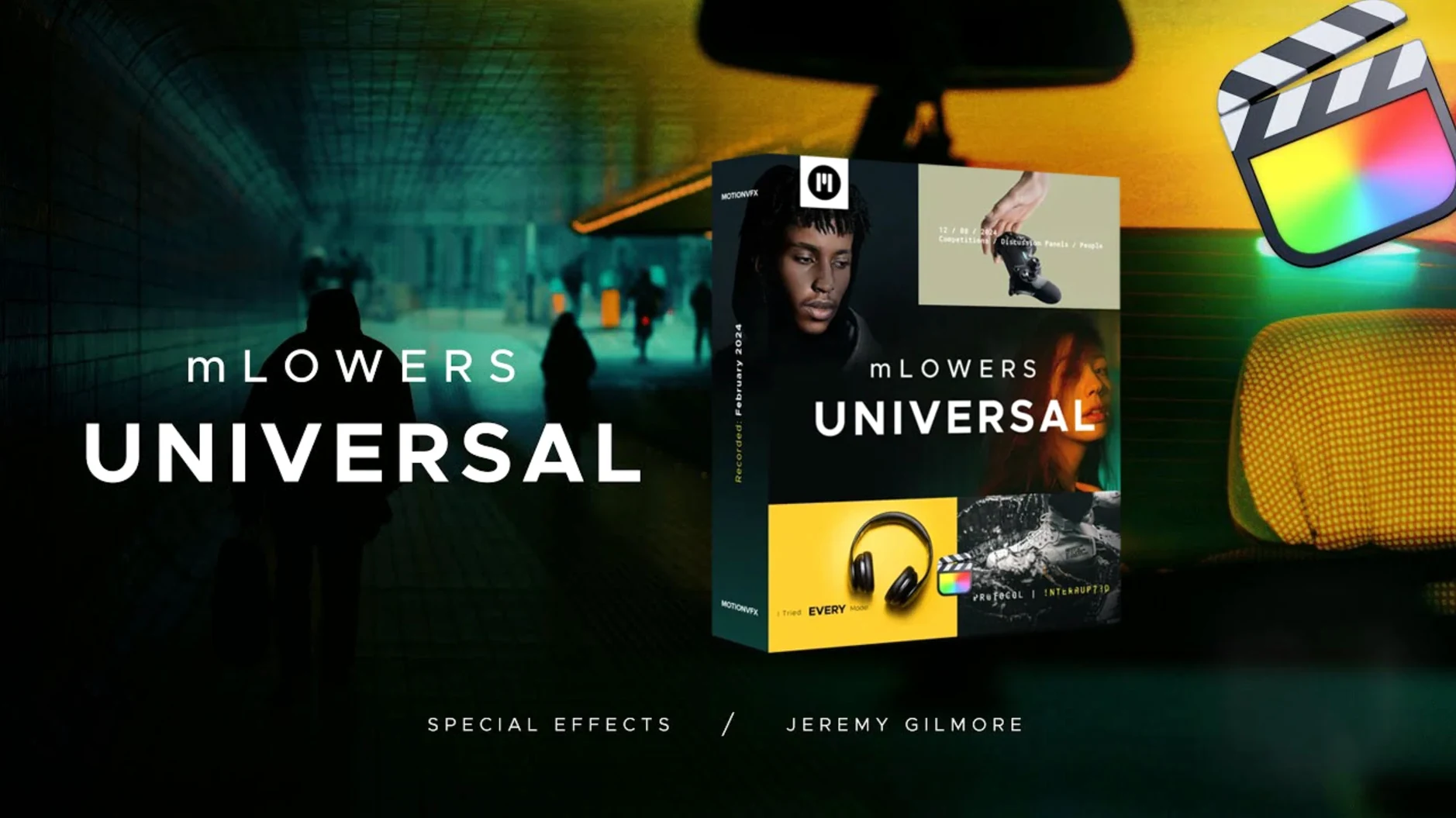
mLowers Universal is a pack of animated lower-third and title presets for Final Cut Pro. It’s self-contained: no external dependencies, no extra hosts. Designs lean high-tech, with glitch-style movement and cinema-screen inspired layouts. The 70 presets include built-in social media markers, so you can drop in handles for cross-platform cuts without rebuilding text layers.
What the presets deliver
The motion is built in. Animations are dynamic and sharp, with fast in-and-out fades that keep information readable without pausing the edit. Each preset is editable through the FCP title inspector—swap text, adjust position, change colour. No keyframing required. The set suits explainers, event recaps, tech promos and anything that needs clean, moving type without much back-and-forth.
Quick fix for a preset that sits too high in the frame
Open the Title inspector after you drop a preset. A few tweaks make the difference between a template and a custom look.
- Scale and position. The default anchor point sometimes sits too high for a busy frame. Use the on-screen controls or the Transform section. Shift the title down by 5–10 % and check it against your action-safe zone.
- Colour override. The default palette is cool—blues, whites, silvers. In the Title inspector, click the colour wells and sample from your clip. One colour change across the set ties the lower third to the brand instantly.
- Social handle fields. Each marker preset has dedicated text fields for handles. Fill them first, then adjust font size. The default size reads well on desktop but can overwhelm a 9:16 export. Drop it by 4–6 points for vertical cuts.
- Animation speed. The in-and-out fades are built into the Motion template. If you need faster transitions, duplicate the title clip and trim it in the timeline. The animation scales to the clip duration—shorter clip, snappier move.
No activation means one less step before you edit
The universal build removed the activation step. For timeline work, that’s one less process to check before jumping into an edit. You move the folder, open FCP, and the presets appear under the Titles browser.
Performance shifts are small but practical. The templates lean on FCP’s native text engine rather than complex Motion rigs. That means less render overhead when stacking multiple lower thirds across a project. On a full timeline—interviews, b-roll, social cuts—the difference is smoother scrubbing and fewer dropped frames during previews.
Compatibility with newer Final Cut Pro versions stays tight. motionVFX’s recent updates focused on keeping the presets visible and editable without falling back to the “missing plugin” warning. The social media markers now map correctly to FCP’s text roles, so exporting a clean version without handles takes a role toggle, not a duplicate timeline.
Mix mLowers presets with your own Motion templates
mLowers Universal sits inside the Motion Templates folder, which FCP shares with Apple Motion. If you use Motion to build custom generators, the same folder structure means you can mix mLowers presets with your own templates in the same Titles browser. No switching libraries.
For sound design, the presets carry no audio. That’s useful—you keep the music and sound effects on separate lanes. If you’re pulling a universal audio plugins torrent into a Logic Pro session for the soundtrack, the lower thirds stay clean in FCP while you bounce stems between apps.
On macOS, the /Movies/Motion Templates/ path works with Time Machine and iCloud Desktop & Documents if you’ve enabled it. That means the presets travel to a second Mac without a reinstall. It also makes manual backups straightforward—copy the folder, archive it, restore it later.
For editors who combine stock assets, a motionvfx download mac folder often sits alongside LUTs, sound libraries and graphic packs. mLowers Universal integrates into that pipeline without extra software. Drag a preset onto a clip, export a master, and bring the file into Compressor for batch transcoding. The titles survive the round-trip without flattening, as long as you keep the template folder in place.
- macOS ?
- Architecture: ?






Comments 0
Sign in or create an account to add a comment.
No comments yet. They go up after moderation.