
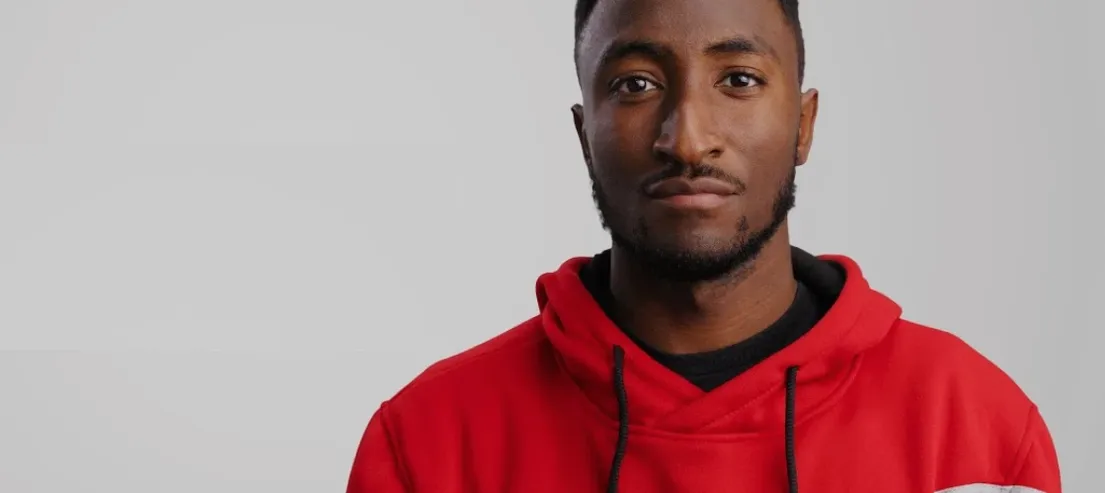
MotionVFX mKBHD — Mac download
Ticked

The recent release added 51 ready-made presets, pulling MKBHD’s signature moves into a single plugin. This is a collaboration with Marques Brownlee, designed for a drag-and-drop workflow. For editors who already know their way around a timeline, the real value sits in a few specific areas.
- Multi-NLE coverage. One package covers Final Cut Pro (45 titles, 6 transitions), Premiere Pro (45 titles, 6 transitions) and DaVinci Resolve (35 titles, 10 effects, 6 transitions). No format hopping required.
- Aspect ratio handling. Both the FCP and Resolve versions support horizontal and vertical timelines. Useful for cutting social edits without rebuilding titles from scratch.
- DaVinci Resolve VRAM check. The Resolve set demands 4 GB of VRAM. Lightweight laptops need not apply, but a proper GPU unlocks the full effect stack.
- Template-level control. Presets land directly in Motion Templates folders. You can open and tweak any parameter in Motion, bypassing the plugin wrapper entirely.
Experienced users will spot that the install process mirrors a standard template deployment — unpack archives, then place folders into Motion Templates/Titles and Motion Templates/Transitions. No installer, no background processes. Just assets ready to be picked apart or dropped straight onto a timeline.
First days with mKBHD — a short checklist
After the folders land in Motion Templates, a few habits save time.
- Tag the presets in FCP. Select each title and transition, open the inspector, add a keyword like “MKBHD.” A quick keyword filter later pulls the whole set without scrolling.
- Test vertical framing early. Drop a title onto a 9:16 project and check bounding boxes. Some presets shift text anchors; adjusting them once saves rework mid-edit.
- Render a short stress test. Stack three titles, two transitions and a colour grade on a 10-second clip. Play it back at full resolution. If frames drop in Resolve, check VRAM headroom in Preferences.
- Duplicate before you edit. Right-click a preset in the Motion Templates folder, duplicate it, rename the copy. Tweak the copy in Motion. The original stays intact for later projects.
- Build a favourites bin. Not all 51 presets fit every edit. Drag the 8–10 you reach for most onto a separate USB stick or a “Favourites” folder inside Motion Templates. Clutter-free browser right from day one.
Three plugin families that overlap with mKBHD’s lane
Three plugin families sit close to mKBHD’s lane. Each scratches a different itch.
motionvfx mKBHD vs. CinePacks Glow FX. CinePacks leans into light leaks, flares and film burns — organic, overlay-driven. mKBHD stays tighter, more graphic: clean titles, sharp wipes, text-forward motion. Editors who cut tech reviews or product spots pick mKBHD; music video cutters often reach for Glow FX first.
motionvfx mKBHD vs. Pixel Film Studios TransUrban. TransUrban packs hundreds of transitions, but quality varies preset by preset. mKBHD ships only six transitions — every one polished and tied to the same design language. If you want volume, TransUrban wins. If you want a cohesive look without auditioning 40 wipes, mKBHD is faster.
motionvfx mKBHD vs. Ryan Nangle’s preset packs. Nangle’s packs target Premiere Pro almost exclusively, with heavy use of adjustment layers and nested sequences. mKBHD spreads across three NLEs and keeps everything self-contained in Motion Templates or Resolve’s Effects Library. Cross-platform editors skip the round-trip.
A review-title workflow, end to end
Imagine a 6-minute tech review — horizontal timeline, Final Cut Pro. The intro needs a bold product name reveal, a quick b-roll montage and a lower-third spec list. Here is one path with mKBHD.
- Rough cut first. Lock picture on the A-roll and b-roll. No titles yet. Export a reference still of the opening frame where the product first appears.
- Pick the hero title. Browse mKBHD titles in the Titles browser. Find one with a large centre-text block and a geometric wipe-in. Drop it above the first clip. Type the product name. Adjust the animation curve in the Title inspector — pull the ease-in handle left for a snappier start.
- Match the transition. Scan the six transitions for one that shares a similar direction — horizontal wipe, hard edge. Place it between the intro b-roll and the first talking-head clip. Set duration to 12 frames. No feathering; keep the edge crisp.
- Build the lower third. Drag a second title preset with a small text line and a thin accent bar. Position it lower-left. Type the spec line — “6.1-inch OLED | A16 Bionic.” Duplicate it twice, update text for the next two specs, ripple them across 4-second segments.
- Colour coherence check. Open each title in Motion. Sample the accent bar colour with the eyedropper, pick a shade from the product’s chassis in the reference still. Apply the same hex value to all three lower thirds. Consistency without guesswork.
- Vertical variant. Duplicate the project, switch resolution to 1080×1920. Titles reflow automatically — text scales to fit. Adjust the hero title’s Y-position by 10% so it clears the product shot. Export for Shorts.
Some editors search for a motionvfx download mac and stumble onto cracked archives. A few look specifically for a motionvfx crack or motionvfx torrent hoping to skip the install steps. Those archives sometimes miss the DaVinci Resolve effect presets or bundle outdated versions. The clean unpack-and-move routine described here avoids missing
- Added 51 ready-made presets for direct use across Final Cut Pro, Premiere Pro and DaVinci Resolve editing workflows.
- macOS Big Sur 11.7.10 or later
- Intel or Apple Silicon Mac
- Final Cut Pro 10.6.5, DaVinci Resolve 17.4, Adobe Premiere Pro 2022+ or After Effects 2022+
- 16 GB system memory
- 4 GB VRAM (DaVinci Resolve)
Questions the team asks
It works with Final Cut Pro 10.6.5 or later, DaVinci Resolve 17.4 or later, Adobe Premiere Pro 2022+ and After Effects 2022+.
You need 16 GB of system memory and at least 4 GB of VRAM.








Comments 0
Sign in or create an account to add a comment.
No comments yet. They go up after moderation.