
Motion — Mac download
Download (2.6 GB) Earlier builds
Ticked
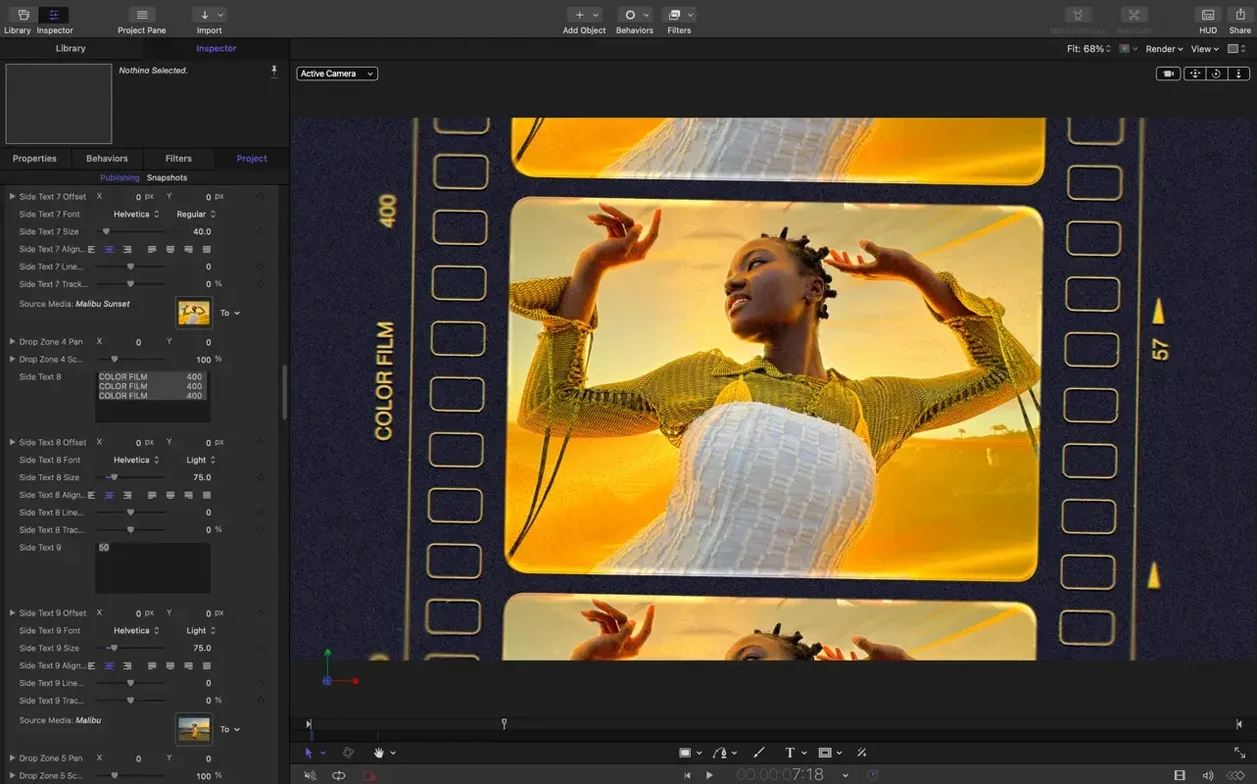
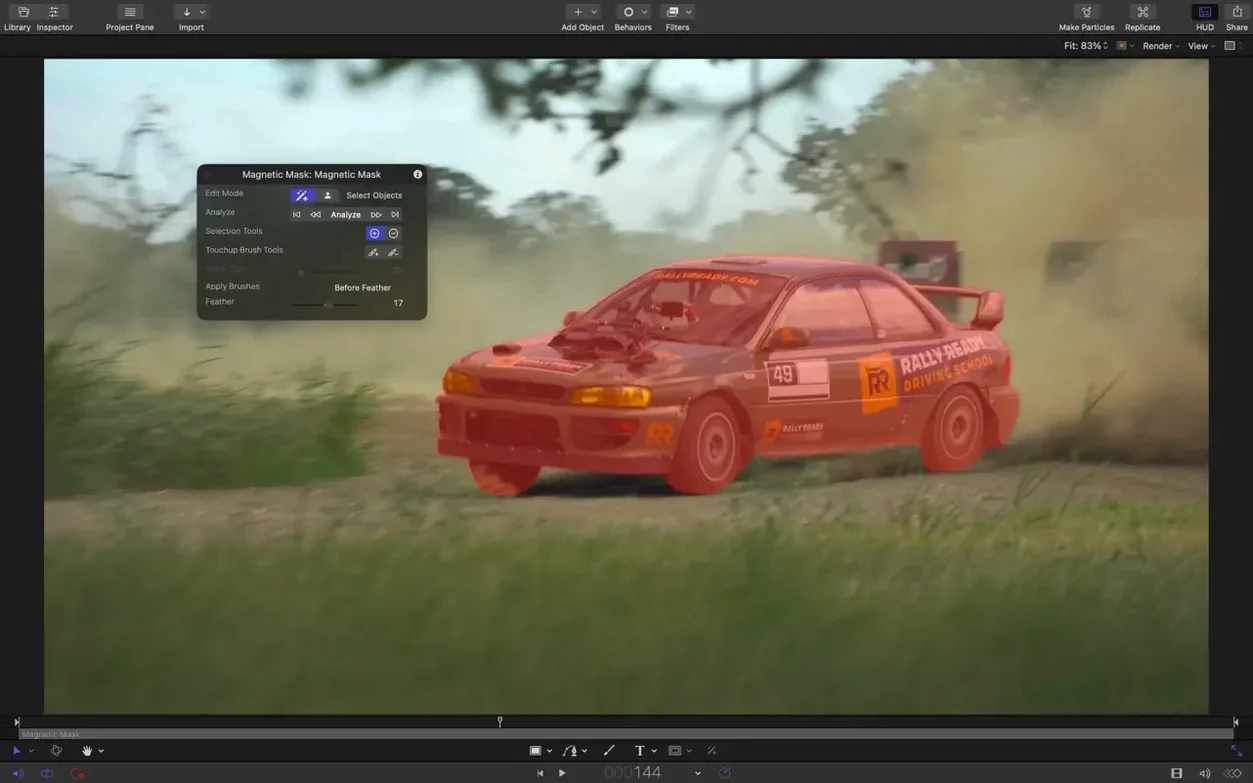
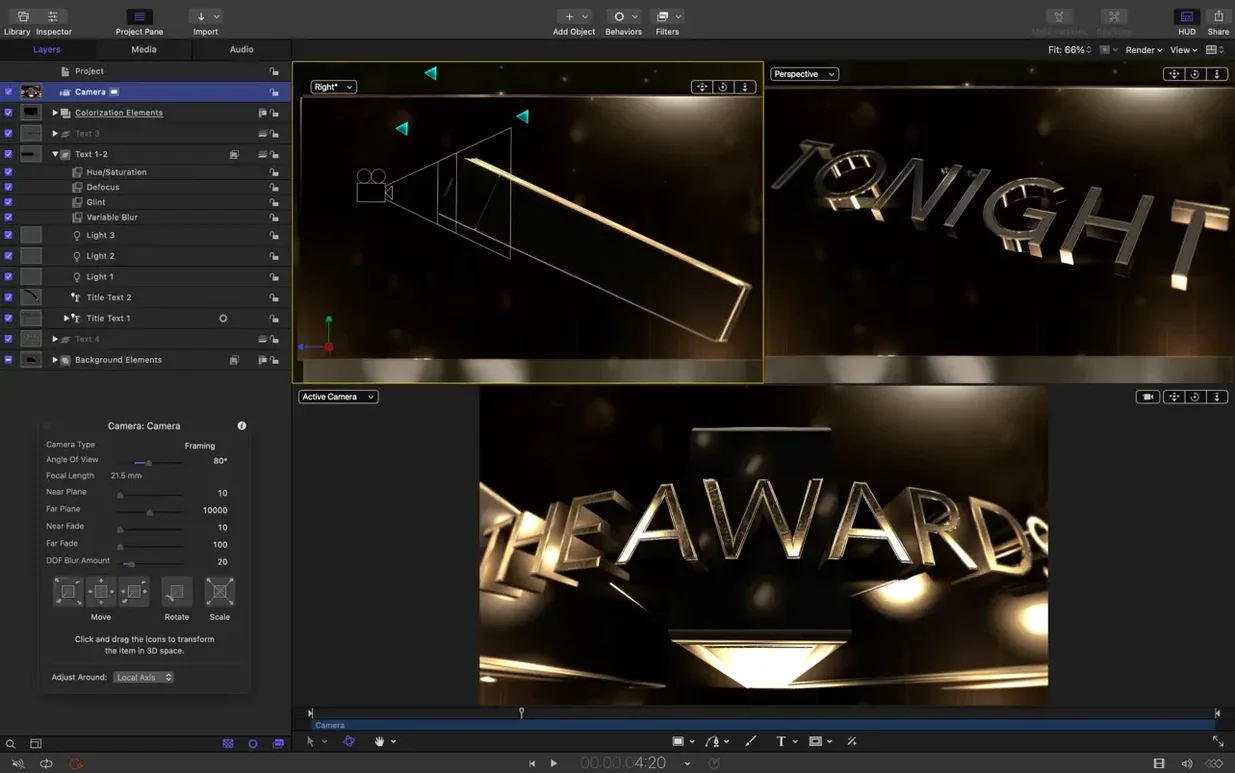
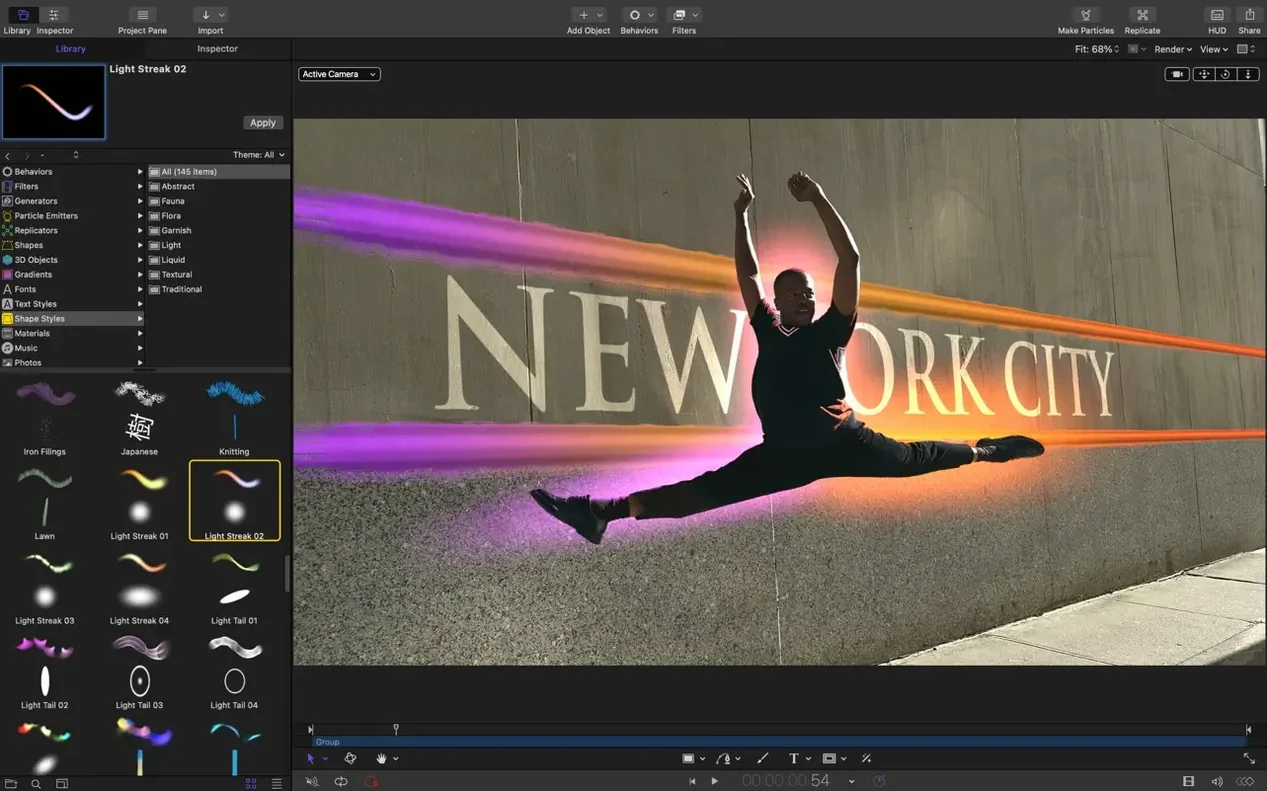
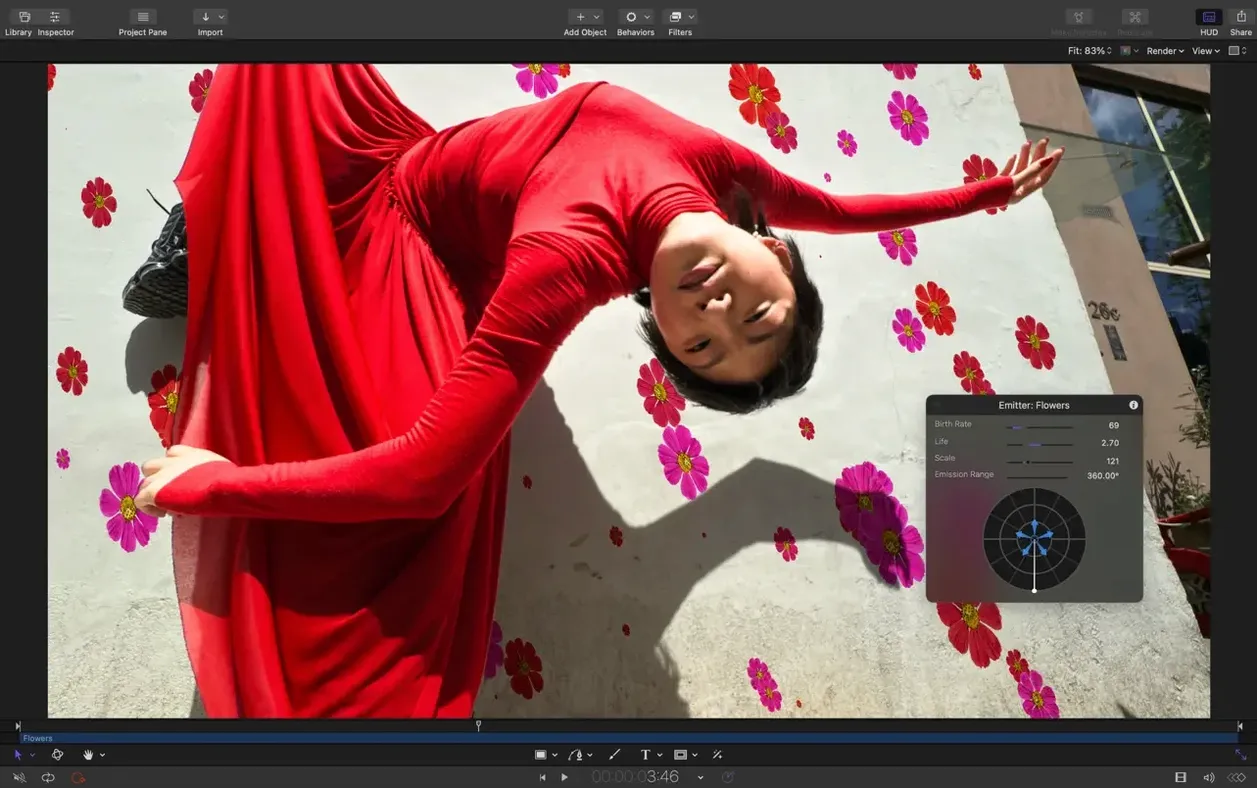
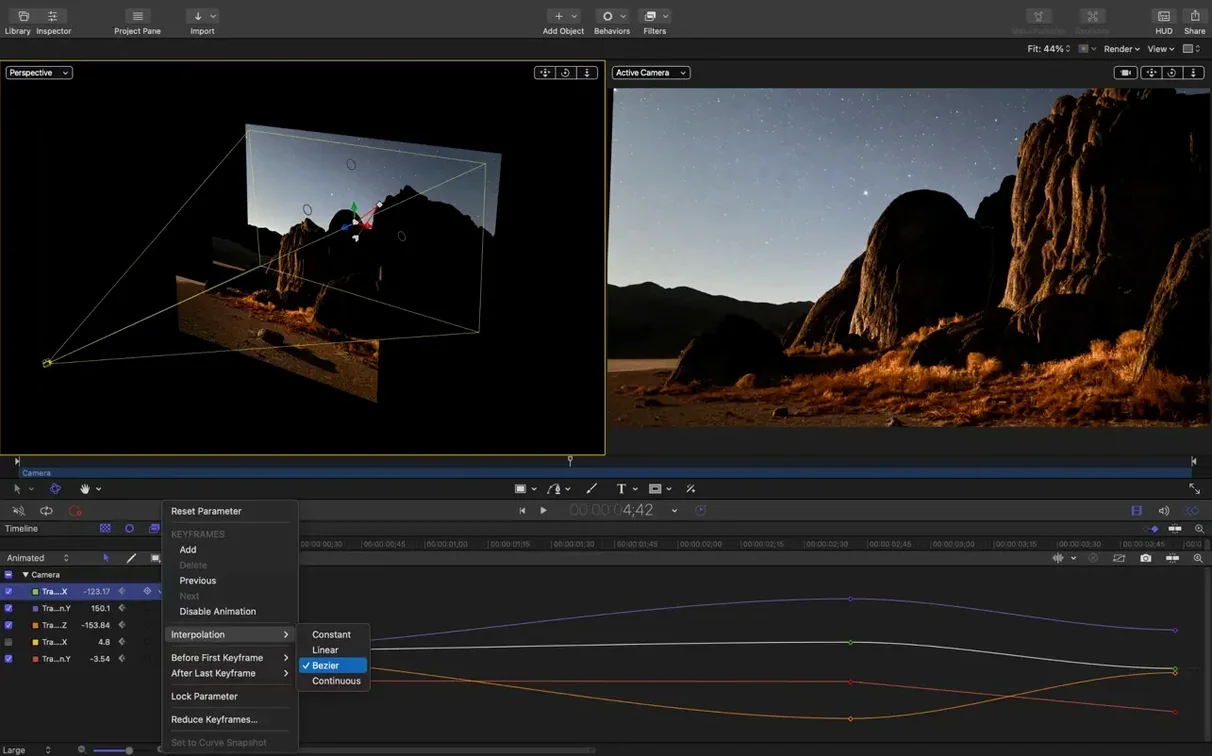
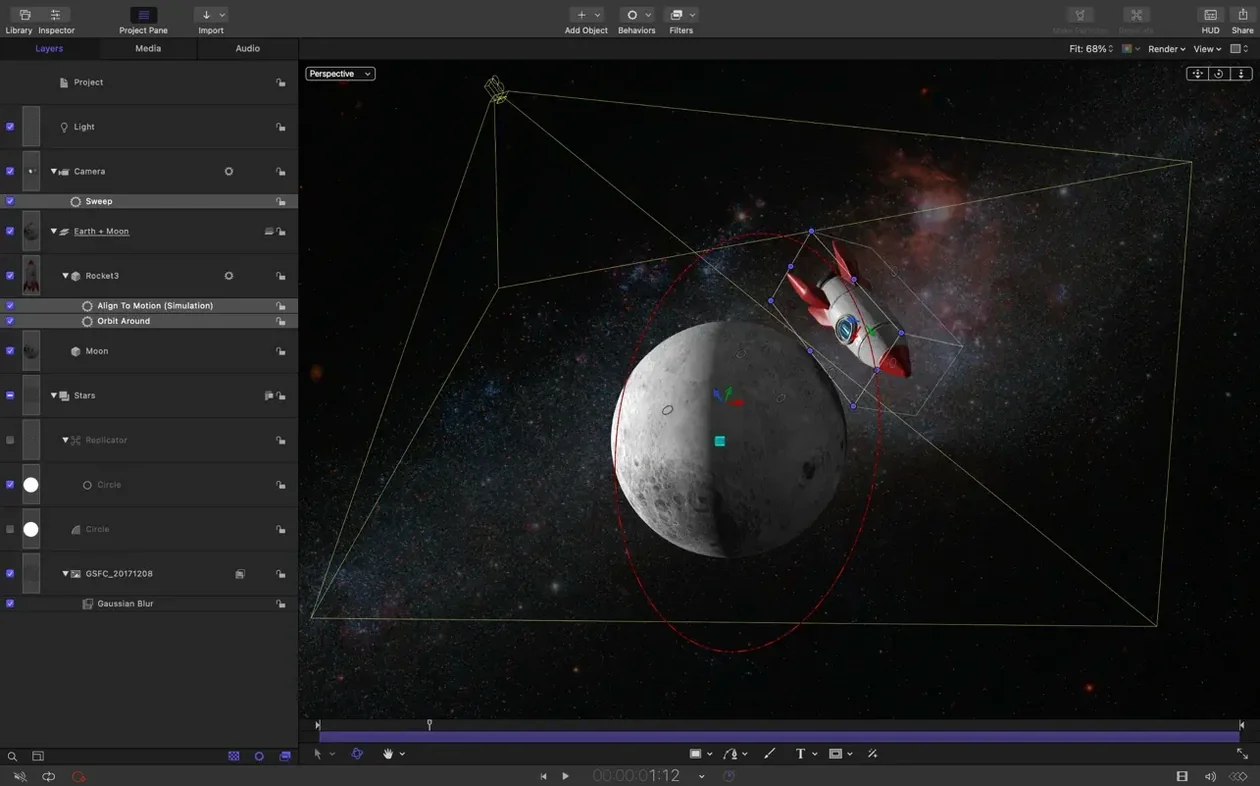
You need titles that move and effects that don't look like every other template. Motion gives you a dedicated workspace for building motion graphics that drop straight into Final Cut Pro. Before you commit, check the compatibility points below.
Apple Silicon and Intel 64-bit support from macOS 15.6 onward
Motion runs on macOS 15.6 and later. It supports both Apple Silicon and Intel 64-bit Macs, so you are covered whether you have moved to M-series chips or not. Interface languages include English, German, Spanish, Simplified Chinese, French, and Japanese. No separate GPU requirements sit outside the base OS needs—if your Mac runs the operating system, Motion will launch.
What you get when it runs
Version 6.3 brings SVG import that scales to any resolution without softening edges. You also get new controls to stagger, cascade, or reverse clips, plus a handful of fixes. Bezier Mask vertex selection works again, colour correction filters no longer render too bright on macOS 26, and 3D text and particle emitters use the correct textures during playback. The app builds cinematic 2D and 3D titles, realistic real-time effects, and transitions suited to commercials, films, presentations, and artistic video. Finished projects integrate directly with Final Cut Pro X and Apple Compressor.
One real scenario: broadcast promo in a morning
A TV producer needs a 15-second channel ident before lunch. She builds the base in Final Cut Pro, then sends a clip to Motion for the title card. A 3D text layer with a metallic shader goes onto the timeline. She drops an SVG logo behind it—scaled to full frame, edge to edge, with no pixelation—using the new SVG import. A particle emitter adds drifting light streaks. She staggers the light streaks across two seconds, cascades the text characters, and reverses the background flare for the outro beat. The project goes back to Final Cut Pro as a Motion template. Her director approves it by 11:45.
Fix the brighter-than-canvas render bug on macOS 26
New users hit the same friction points. Here is what breaks and how to fix it.
- Rendered output looks brighter than the canvas. A known bug on macOS 26 affects some colour correction filters. Check your project colour space under File > Project Properties. Switch from Wide Gamut HDR to Rec. 709 if the destination is SDR broadcast. Re-render a short test section before exporting the full job.
- 3D text shows a flat grey slab instead of the texture. The version 6.3 fix covers most cases, but the texture media can still unlink if you moved the source file. Open the Inspector, click the texture well, and relink the image. Save the project immediately after.
- Bezier Mask vertices won't select by dragging. Fixed in 6.3. If you are on an earlier build, click vertices one by one or hold Shift to add to the selection. Update to get rubber-band selection back.
- Playback stutters with heavy particle emitters. Lower the View > Quality setting to Quarter while working. Bump it back to Full for final preview. Disable reflections on 3D text objects until the last pass.
Why putting backgrounds, titles and particles in one group backfires
Most mistakes come from treating Motion like a simpler app or ignoring how it talks to Final Cut Pro.
- Building everything in one massive group. Motion rewards organised layers. Put backgrounds, titles, particles, and lights in separate groups. It makes timing adjustments with the new stagger and cascade controls far simpler.
- Publishing nothing to Final Cut Pro. If you do not right-click parameters and choose Publish, your Motion template arrives in Final Cut as a flat, uneditable clip. Publish the text strings, colours, and on-screen controls you want to tweak in the edit timeline.
- Ignoring the project duration. Motion defaults to a fixed length. A 10-second template dropped into a 30-second gap in Final Cut Pro will loop or cut off. Set the project duration longer than you think you will need before sending it across.
- Using huge uncompressed stills as textures. A 6000-pixel PNG on a 3D text face drags performance. Resize to the actual screen area the texture covers, or use the SVG import for resolution-independent graphics.
Set your default project length and frame rate first
Installation is straightforward. Open the disk image, drag Motion into the Applications folder, then launch it from Launchpad. After that, do these things in your first few hours.
- Set your default project settings. Open Motion > Settings > Project and pick the frame rate and resolution you deliver most often. It saves a click on every new project.
- Run through one template round-trip. Build a simple lower third with two text layers and a shape background. Publish the text fields. Save it as a template. Open Final Cut Pro, find it in the Titles browser, drop it on a clip, and edit the text in the Inspector. Knowing this flow eliminates day-one panic.
- Learn the stagger and cascade controls immediately. Select a group of clips or text characters, open the Timing pane, and drag the Stagger slider. The visual feedback is instant. It is the fastest way to transform a static title card into something that feels produced.
- Bookmark the particle emitter presets. In the Library, open Particle Emitters and drag a few presets onto an empty project just to see how they are built. Reverse-engineer one that is close to what you need rather than starting from a blank emitter.
- Test SVG import with a client logo. Drag an SVG into the canvas. Scale it up 400%. If edges stay crisp, you have just replaced half a dozen raster logo versions with one file.
- Import SVG files that scale to any size and keep graphics sharp at any resolution
- New controls to stagger, cascade, or reverse clips
- Performance updates
- Fixes Bezier Mask vertex selection
- Fixes incorrect texture media during playback for some 3D text and particle emitters
- Fixes brighter rendering for some colour correction filters on macOS 26
- macOS 15.6 or later
- Apple Silicon or Intel 64-bit Mac
Questions the team asks
Yes, Motion runs natively on Apple Silicon and Intel 64-bit Macs.
Yes, Motion integrates directly with Final Cut Pro X for titles, transitions, and effects.
The update fixes Bezier Mask vertex selection, incorrect texture media on some 3D text and emitters, and brighter colour correction rendering on macOS 26.







Comments 0
Sign in or create an account to add a comment.
No comments yet. They go up after moderation.