

Monocle — Mac download
Ticked
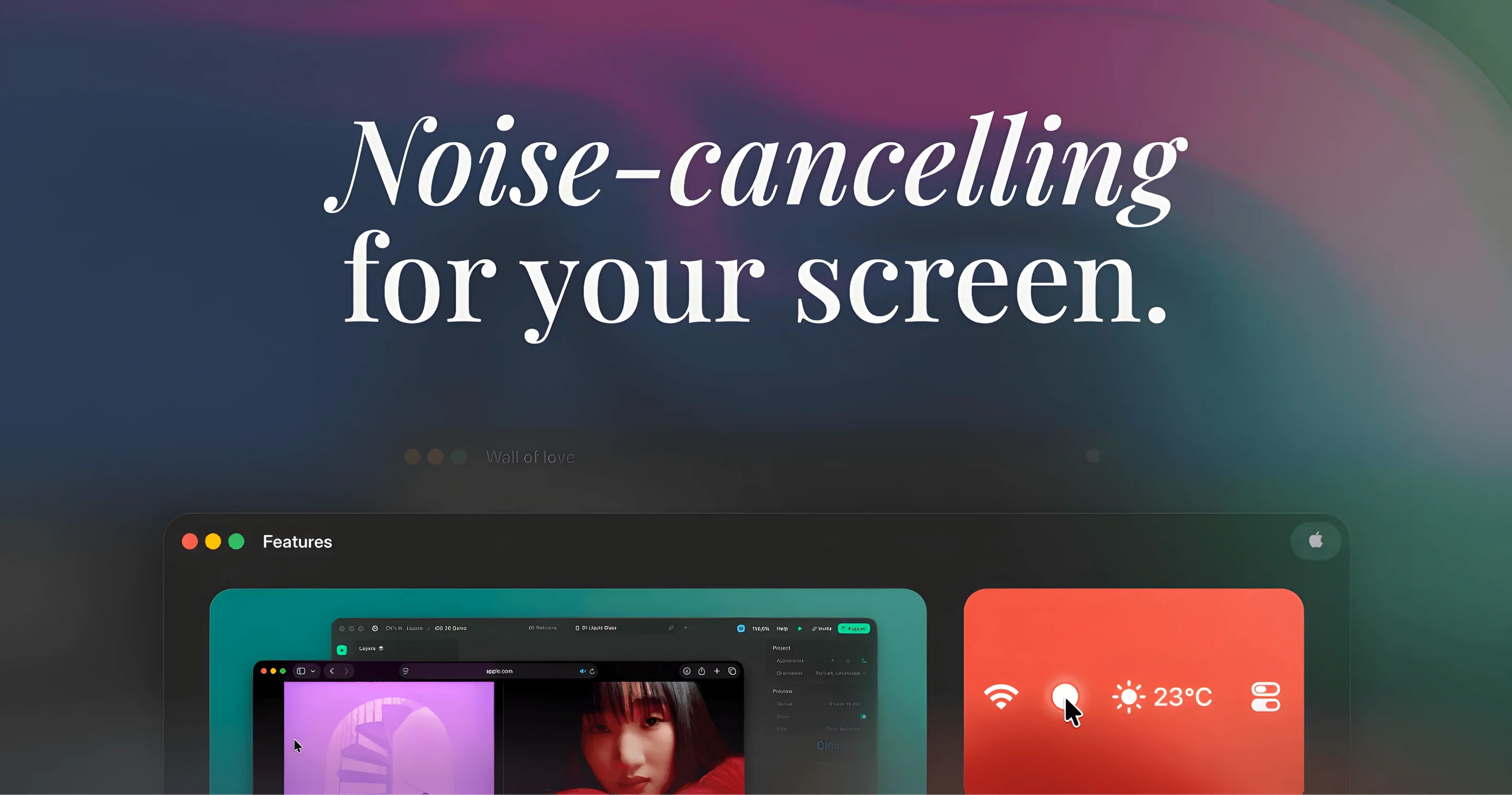
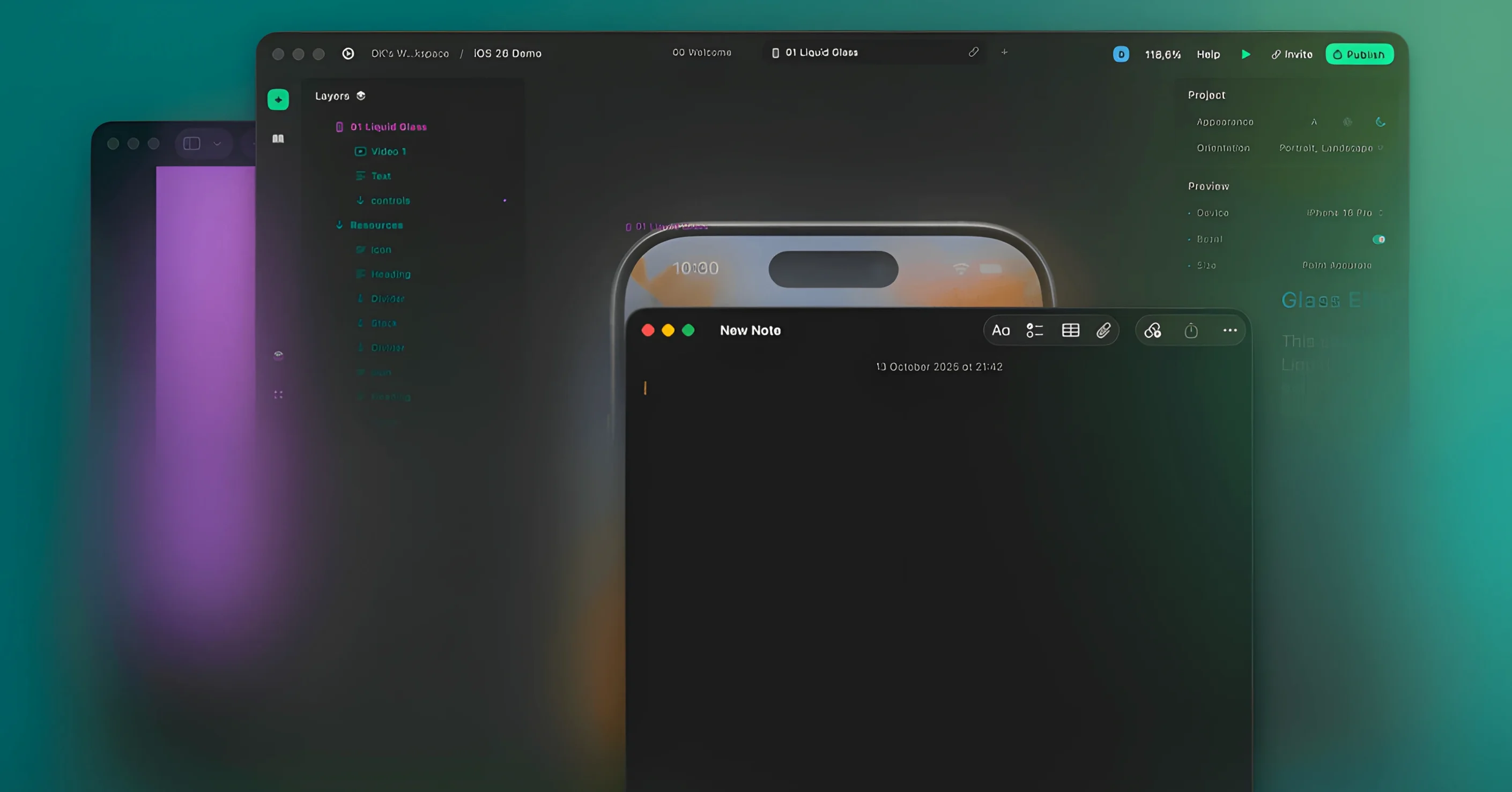
You have three documents open, a Finder window to the side, and Slack nudging in the corner. You click back into your main writing app, and everything else fades softly into the background. That’s the moment Monocle earns its place in the menu bar.
Standout features, each doing one clear job:
- Auto-dim inactive windows. The instant you switch focus, every other window darkens. Your active app stays bright and readable.
- Blur instead of dim. A toggle swaps the dark overlay for a frosted blur. Background clutter becomes shapes, not distractions.
- Menu bar control. No dock icon, no preferences window that steals focus. Click the icon, pick your setting, carry on.
- System-wide, not per-app. You don’t configure rules or exclusions. It works wherever you click, then stays out of the way.
- Minimal resource footprint. Built for ARM and x86 64-bit Macs, it runs quietly from the menu bar without taxing the GPU.
Keynote in focus, everything else fades back
You sit down with three Safari windows, a Keynote deck and Messages open across two displays.
- Click the Monocle menu bar icon and pick Dim Background.
- Tap into your Keynote window. Every other window on both screens darkens immediately.
- Switch to Safari to check a reference. The browser brightens; Keynote recedes.
- Toggle Blur from the menu bar when a busy Slack thread needs ignoring. Now background windows show as soft shapes, not readable text.
- Finish the slide deck without touching the setting again.
The whole session involves two clicks and no dock icon. Monocle stays in the menu bar, silent, until the next focus-heavy task.
Swap to blur mode for brighter displays
The app ships sensible, but three tweaks make it fit tighter:
- Switch the default mode. Open preferences and set startup behaviour to Blur if you find dimming too subtle on a bright display.
- Adjust transition speed. The fade between focused and unfocused states defaults to a medium curve. Shortening it makes window switching feel snappier.
- Set a keyboard shortcut. Bind a hotkey to toggle Monocle on or off. You skip the menu bar entirely for the rest of the day.
Once those are set, the utility rarely needs touching again. It just follows your focus.
Monocle strips window management down to one instinct: keep the thing you’re working on clear, and push the rest back where it belongs.
- Settings fixes for smoother preference handling.
- Removes the experimental before-and-after GIF feature.
- Minor under-the-hood improvements.
- macOS 14.6 or later
- Apple Silicon or Intel Mac (64-bit)







Comments 0
Sign in or create an account to add a comment.
No comments yet. They go up after moderation.