

Moho Pro — Mac download
Download (622 MB) Earlier builds
Ticked
Smart Bones let you rig a character once, then animate with natural bends and turns — no redrawing. That's the kind of time-saver that defines Moho Pro 14. But before you get to the timeline, you need to know whether your Mac can handle the frame-by-frame demands of a professional vector animation tool.
System check: will it run
Moho Pro 14 runs natively on both Intel and Apple Silicon Macs. The floor is macOS 10.15 Catalina, a 2.0 GHz Intel Core i3, and 4 GB of RAM. A 64-bit OS and an OpenGL 4.1 capable graphics card are non-negotiable. Clear 1.6 GB of free space for the application and its content library. You'll also need an internet connection for the initial online activation.
Vector rigging meets bitmap and 3D from day one
Moho Pro 14 is a dedicated 2D animation program that combines a vector engine with bitmap tools and a deep bone-rigging system. You can mix 2D and 3D elements by importing Poser scenes, or generate 3D objects directly from 2D vector layers. The curve animation tools give you fine control over line weight and shape over time. Finished work exports as standard video, image sequences, or SWF files. The interface speaks fifteen languages, from French and Japanese to Arabic and Farsi, making it a practical choice for distributed teams.
Shrink the auto-save gap before frame-by-frame work
Out of the box, Moho Pro 14 defaults lean toward general use. A few tweaks make the workspace sharper for production.
- Auto-save interval. Preferences > Documents > set to every 5 minutes. Frame-by-frame work drains RAM; a crash shouldn't cost you a morning.
- GPU acceleration. Under Display Options, confirm it's enabled. On Apple Silicon, it's off by default on some installs. Turn it on for smoother canvas panning.
- Timeline channel visibility. Collapse the channels you don't use immediately — motion blur, camera, and depth of field — to keep the timeline fast and readable.
- Default interpolation. New keyframes default to smooth interpolation. Switch to linear in Preferences if you prefer tighter control before easing curves later.
- Content library location. Move the built-in library to an external SSD if your internal drive is tight. Set the path once in Preferences > General.
First days with Moho Pro
If you grabbed a moho pro 14 download and you're staring at a blank canvas, start small. The toolset is deep, but early habits stick.
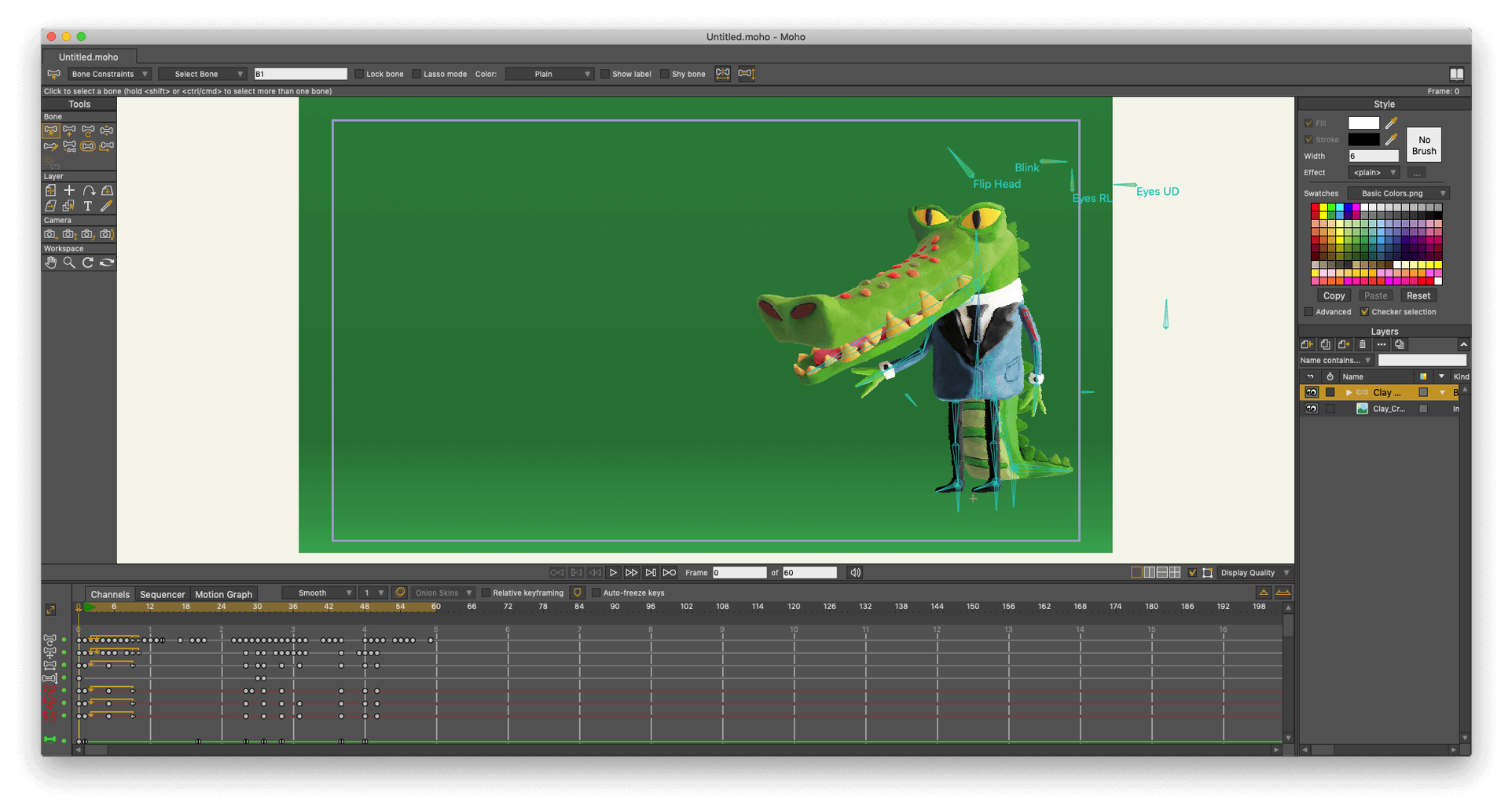
Build a simple cut-out character with four bones on day one. Use the Add Bone tool and bind a vector arm to it. Watch how the mesh deforms. Then open the Bone Constraints panel and add a rotation limit — suddenly your elbow bends like an elbow, not a wet noodle.
Spend thirty minutes inside the Actions window. Create a blink action, a head-turn action, and map them to the timeline as reusable clips. This is where rigging pays off: once authored, these actions are drag-and-drop across any scene you build later in the week.
Test the new glTF export early. Drop a simple rig into Unity or Godot and check bone scale and rotation. Moho's FBX and glTF pipelines behave differently; finding the right export preset now avoids pipeline headaches when a deadline's close.
Finally, pin the scripting console to a second monitor. Even if you don't write Lua, the console shows what Moho processes under the hood — useful when a layer isn't behaving and you need to spot the silent error.
- New glTF/GLB export added for transferring work to video game engines and 3D software.
- Particle system and layer handling received updates and fixes.
- The scripting interface was updated to Lua 5.4.4.
- macOS 10.15 or later
- Intel or Apple Silicon Mac
- 64-bit operating system
- 2.0 GHz Intel Core i3 or higher
- 4 GB RAM or higher
- 1.6 GB free hard drive space
- OpenGL 4.1 supported graphics card
- Internet connection for online activation
Questions the team asks
Moho was formerly known as Anime Studio Pro.
Version 14 adds glTF/GLB export, a standard format for 3D software and video game engines.
You can save completed animations as standard video files, image sequences, or SWF files.









Comments 0
Sign in or create an account to add a comment.
No comments yet. They go up after moderation.