

MotionVFX mModules — Mac download
Ticked
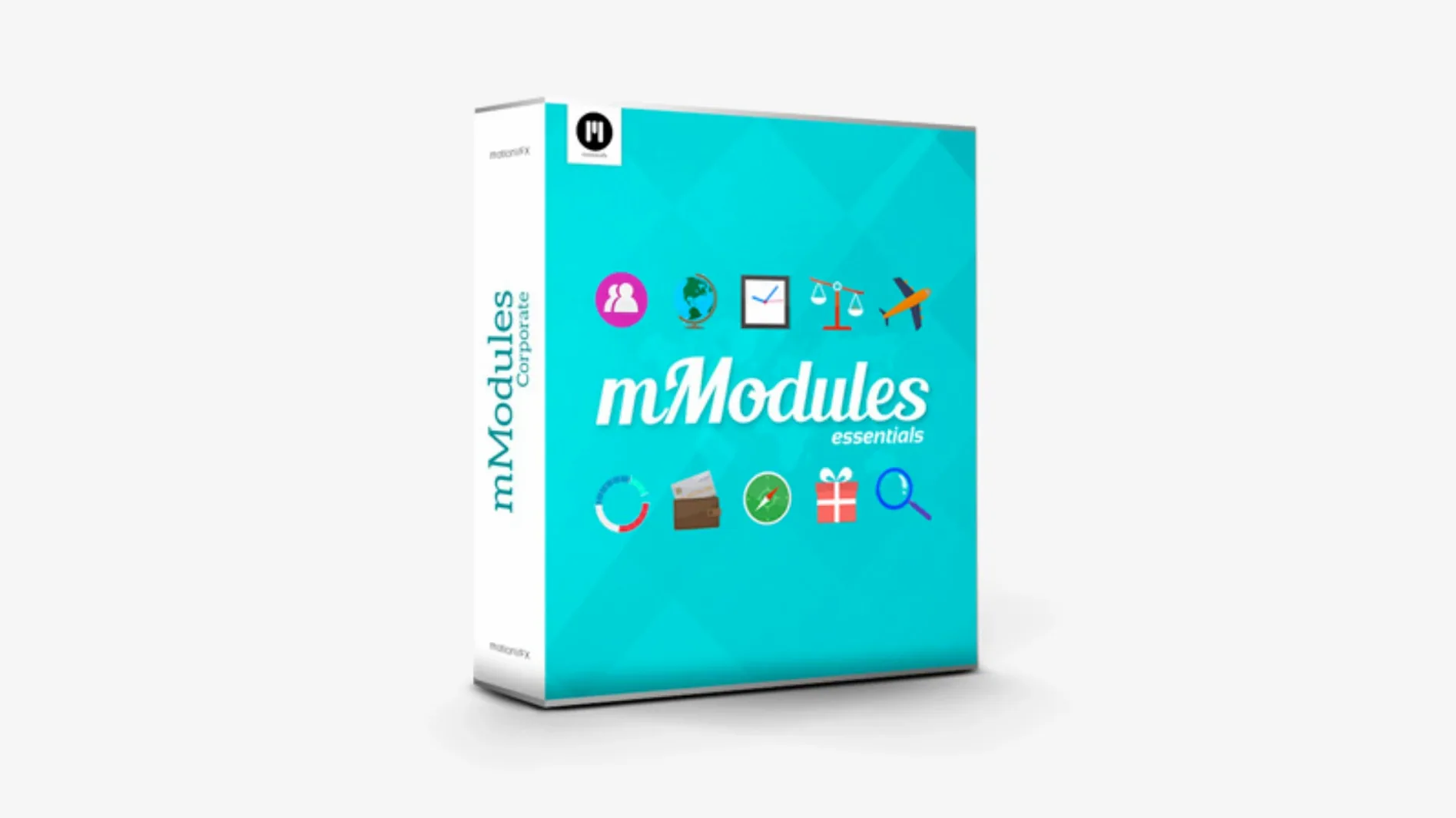
You have a talking-head clip that needs a clean lower third with a soft animated reveal. Open the Generators Browser, find the motionVFX category, and drop a pre-built element straight onto the timeline.
Generators Browser — where templates live inside Final Cut Pro, under the motionVFX category.
60 elements — lower thirds, backgrounds, transitions and design accents, all ready to drag in.
Direct use — no external app needed; everything works inside Final Cut Pro X.
Dressing eight interview clips from flat timeline to finished
Monday morning. You have a corporate video to dress up — eight interview clips, no graphics yet. Here is the step-by-step.
- Open Final Cut Pro and the project. Timeline is flat. Just talking heads and b-roll.
- Go to the Titles Browser. Scroll to the motionVFX category. Sixty elements sit in folders by type.
- Pick a lower third. Drag it above the first interview clip. It snaps to the playhead position.
- Select the template on the timeline. The Inspector panel opens. Change the name, title and colour in the published parameters — no digging into Motion.
- Hold Option and drag to duplicate it across the other seven clips. Edit each one's text in the Inspector.
- Switch to the Generators Browser. Find a subtle animated background. Drop it underneath the opening logo reveal. Trim to length.
- Add a transition element between two sections. Drag it onto the edit point. Render time: a few seconds on Apple Silicon.
- Skim the timeline. Everything animates in real time. Export a short preview for the client.
The whole session takes under twenty minutes. No rendering in a separate app. No round-tripping.
Where mModules land among Mac motion graphics tools
mModules vs. Pixel Film Studios Transitions
Pixel Film Studios offers many Final Cut Pro plugins but focuses heavily on transitions. mModules covers more ground — lower thirds, backgrounds, design elements — in one package. Pixel Film plugins sometimes need their own installer. mModules is a manual copy into the Motion Templates folder. Both run natively inside Final Cut Pro. mModules feels lighter in the browser because the set is curated, not a sprawling catalogue of hundreds.
mModules vs. Envato Elements templates
Envato Elements gives you individual template files from dozens of authors. Quality varies. You download what you need, then import into Final Cut Pro. mModules installs once and all sixty elements stay in the browser. No licence keys to manage. No separate account check. For someone who wants a consistent design language across a project, mModules wins on speed and visual matching.
mModules vs. Apple Motion templates
Apple Motion templates you build yourself give total control, but they take time to design. mModules skips the design phase. The trade-off: customisation is limited to published parameters. For editors who do not want to open Motion at all, mModules is the faster path.
Swap the default Title and Subtitle text immediately
Most templates work out of the box, but two adjustments make a noticeable difference immediately.
- Text field defaults. The first time you drop a lower third, it says "Title" and "Subtitle". Select the template, open the Inspector, and type your actual text. Save a version with your placeholder text as a Final Cut Pro effect preset if you reuse the same naming convention across projects.
- Colour controls. Many elements expose a colour picker in the Inspector. The default is often white or a brand-neutral tone. Change it to match your client's palette once, then copy and paste attributes to other instances on the timeline. This keeps the whole project visually consistent without re-editing every element.
- Duration handles. Animated elements have a built-in animation length. Drag the clip edge in the timeline to extend or shorten it. The animation curve adjusts. Test this early — some elements look best at three seconds, others at five.
Building a 15-second vertical teaser from one product shot
Task: create a fifteen-second Instagram teaser for a new product. Source material: one product shot, one logo, two short text phrases.
- Set up the project. New Final Cut Pro project, 1080x1920 vertical, 30fps. Import the product shot and logo into the browser.
- Lay in the background. Open the Generators Browser, motionVFX category. Pick a dark animated background with subtle particle movement. Drag it onto the primary storyline. Stretch to fifteen seconds.
- Position the product. Drop the product shot on a connected storyline above the background. Scale to 70 percent in the Viewer. Add a motionVFX transition at the start to fade it in with a light sweep.
- Add the first text phrase. Go to the Titles Browser. Choose a bold centred title element from mModules. Place it at the two-second mark. Type the first phrase. Set the colour to match the product's accent. Duration: four seconds.
- Add the second text phrase. Option-drag the first title to create a copy at the eight-second mark. Change the text. Shift the colour slightly for contrast.
- Close with the logo. Drop the logo at the twelve-second mark. Add a lower third element from mModules with the tagline underneath. Fade out the background element gently by keyframing its opacity in the Inspector.
- Export. Master file, H.264, ready for Instagram. Total editing time from blank timeline to export: under ten minutes.
If you search for information about how to get started, terms like motionvfx download or motionvfx plugins free download show how people look for the files. The installation is a manual folder copy, so once you unpack the archive you place everything in the correct Motion Templates directory and the elements appear inside Final Cut Pro without any activation step. No need to look for a motionvfx crack or motionvfx torrent — the package works as a straightforward plugin set.
- Final Cut Pro X
Questions the team asks
They appear in the Generators Browser under the motionVFX category once installed correctly.
The pack contains 60 ready-to-use templates for Final Cut Pro X.
mModules is developed by motionVFX, a company specialising in plugins for Final Cut Pro.








Comments 0
Sign in or create an account to add a comment.
No comments yet. They go up after moderation.