
Motionvfx - mTitle Cinematic — Mac download
Ticked
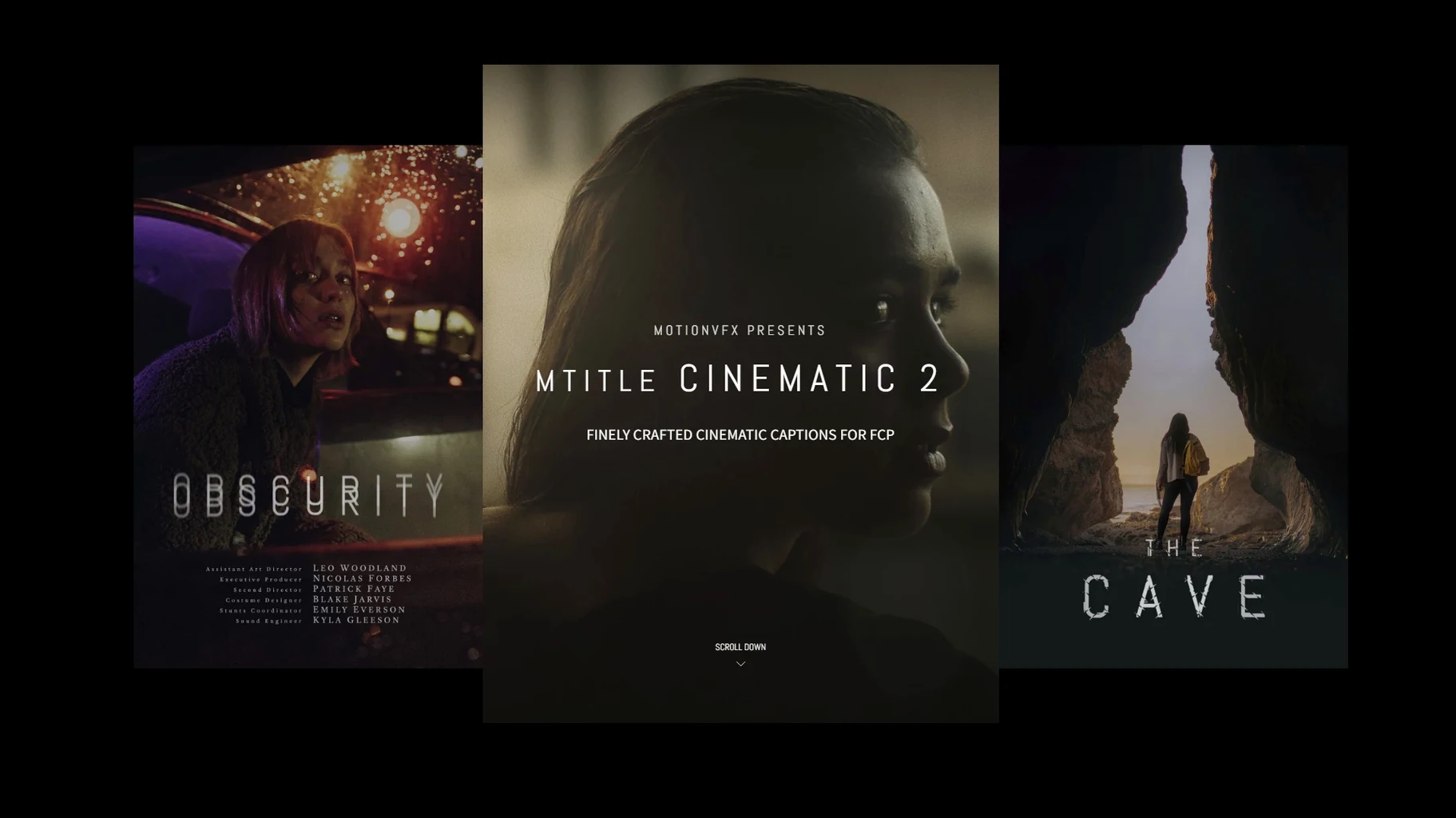
Editors cutting trailers, openers, and mood pieces reach for mTitle Cinematic when a standard title feels too light. This motionVFX plugin delivers weight and scale straight into Final Cut Pro.
What the controls give you
- Animated in/out builds that don't need keyframing
- Horizontal layouts built for widescreen timelines
- On-screen position and scale controls inside the viewer
- Text formatting, colour, and blur handled in the inspector
Horizontal weight anchors the frame without timeline stacking
The titles land with a sense of mass. Use them over dark footage or gradual reveals and the horizontal spread holds the frame. The animations are baked into the template, so you drop, type, and move on. No timeline stacking needed.
Scale slider fixes the default fixed-size mismatch
Open the inspector right after dropping a title. Three things make an immediate difference to how these templates behave in your timeline:
- Scale to timeline resolution. Many mTitle Cinematic templates default to a fixed size. Adjust the scale slider in the inspector before you judge how a title sits — what looks oversized at first often snaps into place at 80-90%.
- Blur falloff. Several titles ship with a background blur effect turned on by default. If your footage already has shallow depth of field, dial this back or switch it off entirely. The control lives under the title's effect parameters, not the standard blur filter.
- Animation duration. The in/out timing defaults to around one second. For fast cuts, pull it to 0.6–0.8 seconds. For slow dissolves over establishing shots, push it past two. The slider is labelled clearly inside each template's published parameters.
Tag four or five favourites instead of auditioning mid-edit
Spend your first session building a small library of favourites rather than browsing all 50 titles mid-edit. The templates group loosely by weight — some are light and airy, others sit heavy like end-credit blocks. Tag the four or five that match your current project's tone.
Placement matters more than animation. These titles use the full horizontal spread, so they fight against centre-framed subjects. Offset your text to the upper or lower third if your subject sits mid-frame. The on-screen controls let you drag position directly in the viewer — quicker than nudging X/Y sliders.
If you use adjustment layers for grading, drop mTitle Cinematic above them. The templates carry their own blend settings and can wash out under a heavy grade. Keeping titles on top preserves the contrast the animation relies on.
For projects that mix mTitle Cinematic with other motionvfx packs, note that the installation folder is shared. All templates land in /Users/username/Movies/Motion Templates/Titles. Organise nothing manually — Final Cut Pro reads the folder flat. Duplicate detection is automatic.
Softened ease curves now ship as the default
MotionVFX has tightened the animation curves across the set. Earlier builds of mTitle Cinematic used linear fades that needed manual easing for slower edits. Current templates now ship with softened ease-in and ease-out as the default, which saves a trip to the keyframe editor for most cuts.
Horizontal alignment behaviour has also been reworked. Older versions centred text strictly on the frame midpoint; newer titles respect the safe-zone guides visible in the Final Cut Pro viewer. If you compose with title-safe overlays switched on, the text now snaps more predictably within those boundaries.
Performance under playback has improved on Apple Silicon machines. Complex templates with multiple blur layers previously dropped frames during unrendered playback on M1 and M2 Macs. The latest build reduces that overhead noticeably — scrubbing stays smooth even with three or four active titles stacked.
- macOS 10.14.4 or later
- Motion 5.4.3 or Final Cut Pro 10.4.6
Questions the team asks
macOS 10.14.4 or later, plus Motion 5.4.3 or Final Cut Pro 10.4.6.
Copy the files into /Users/username/Movies/Motion Templates/Titles and they appear in the FCP titles browser.
The built-in animation timing is fixed, but text, colour, blur and position are all adjustable in the inspector.









Comments 0
Sign in or create an account to add a comment.
No comments yet. They go up after moderation.