

SwiftServer - Monitoring & SSH — Mac download
Download (17 MB) Earlier builds
Ticked
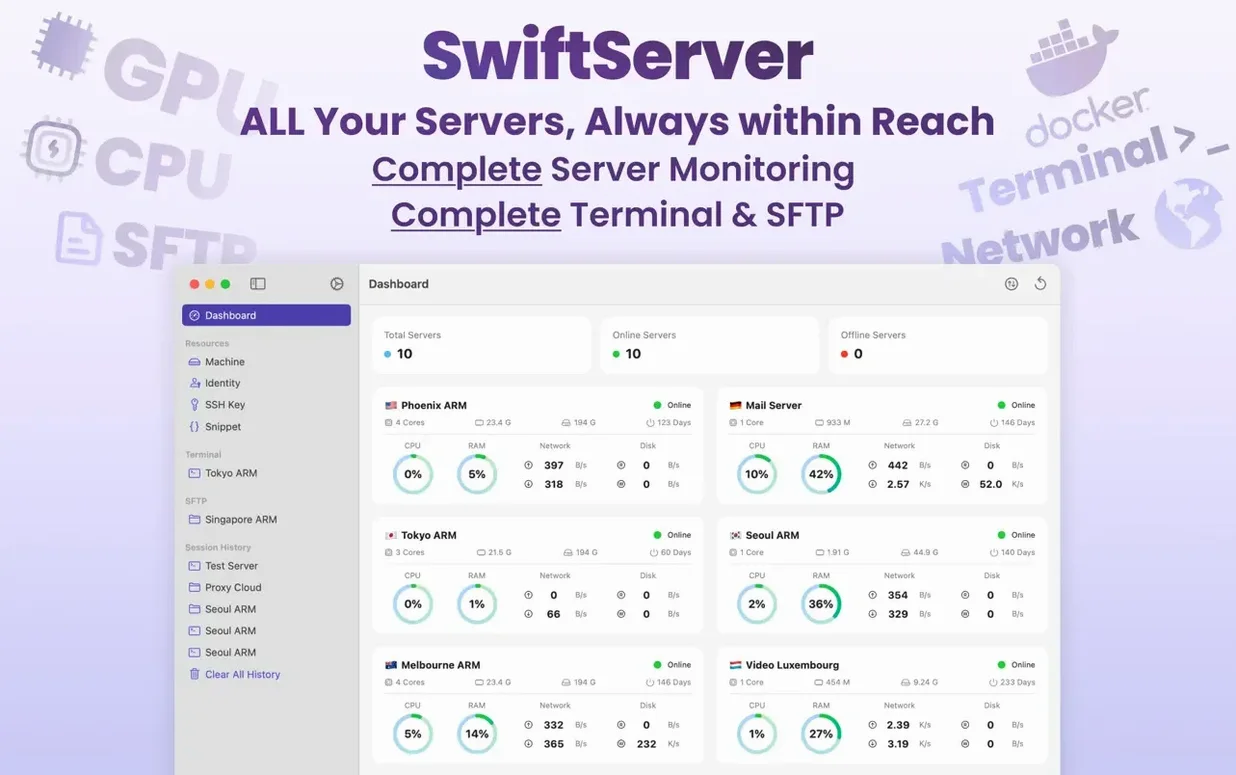
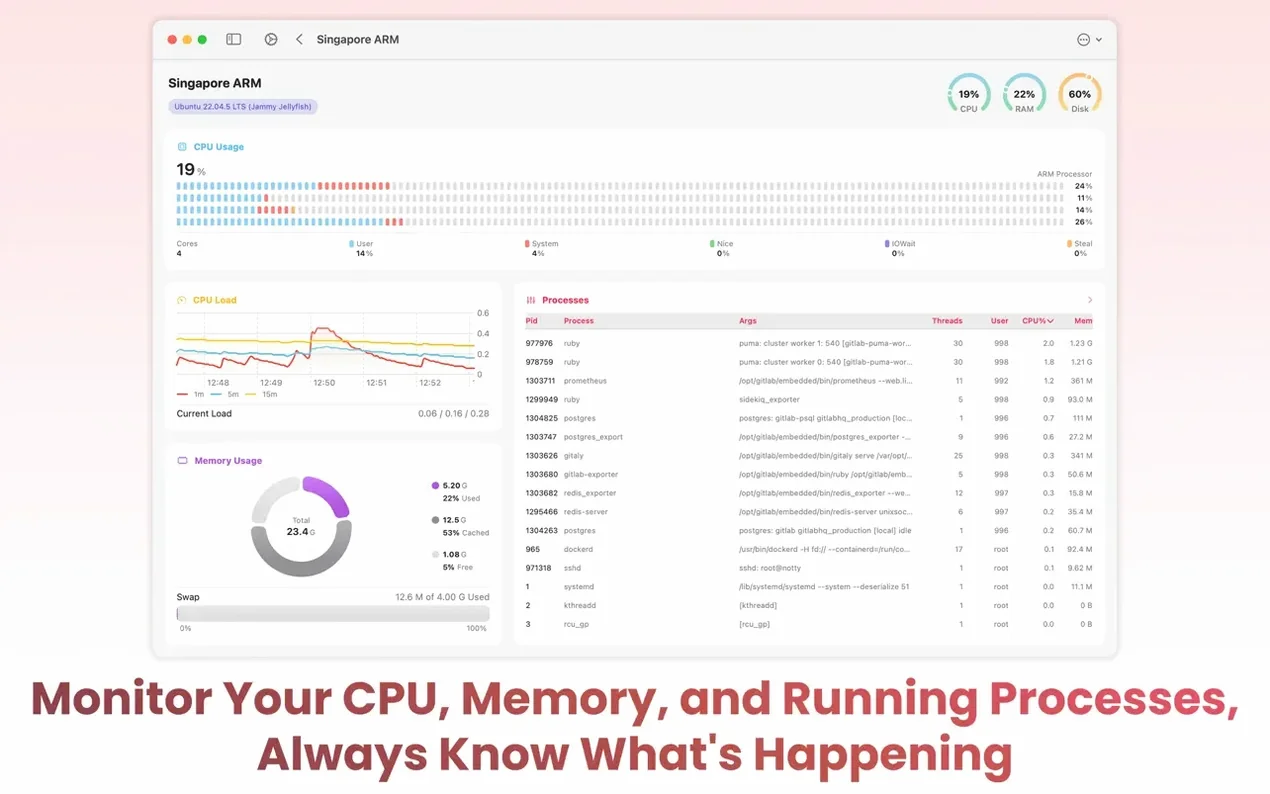
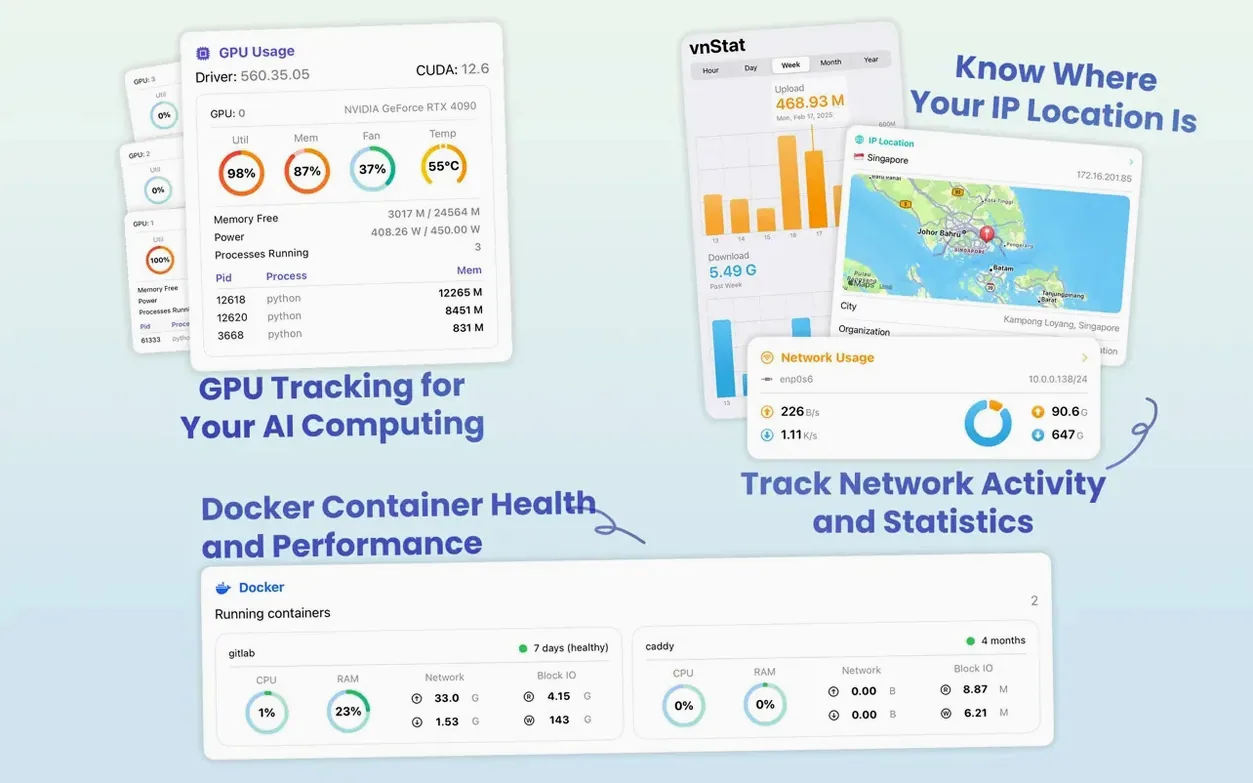
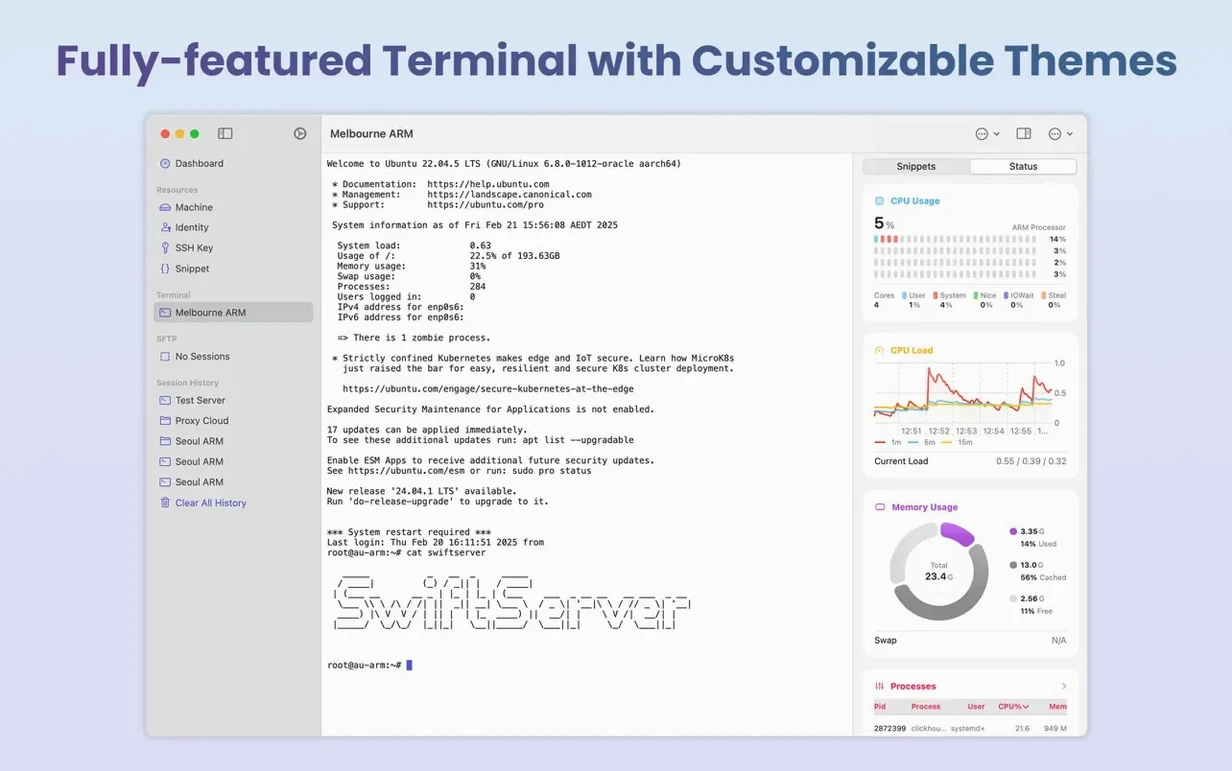
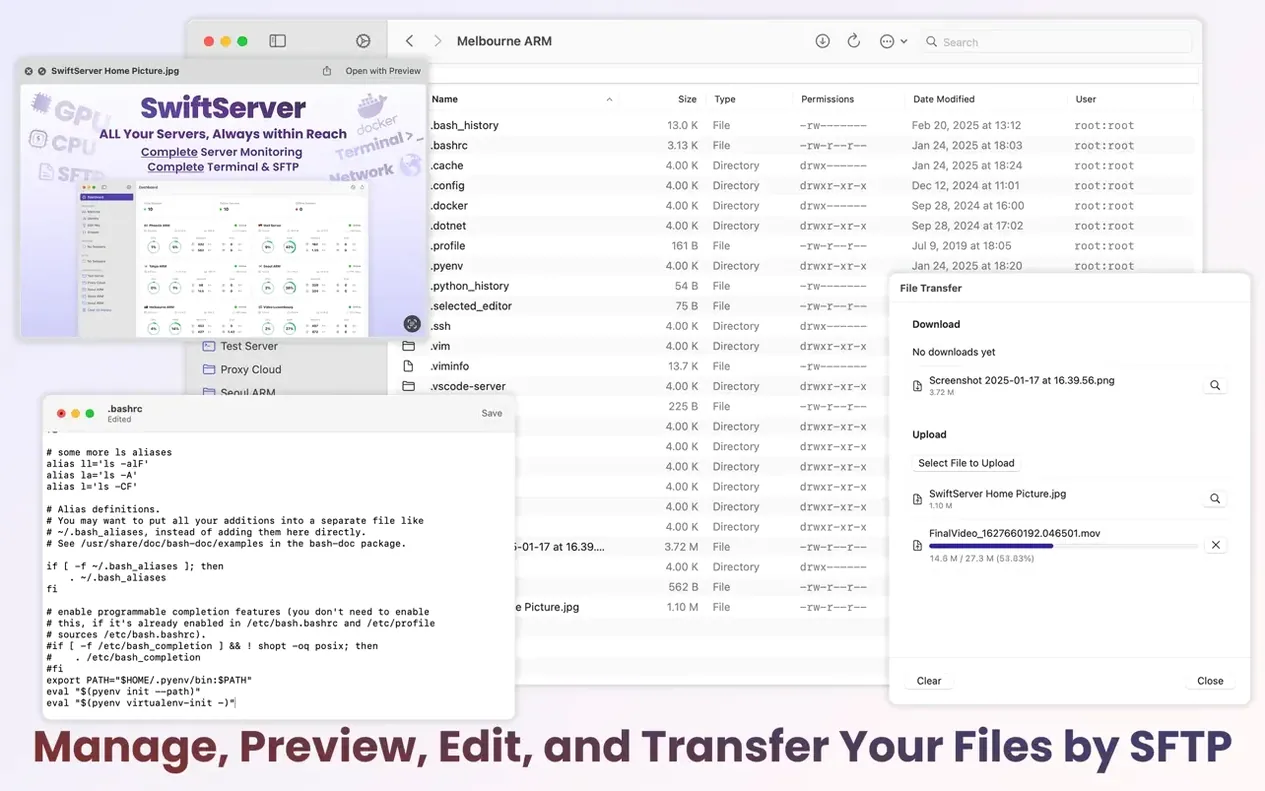
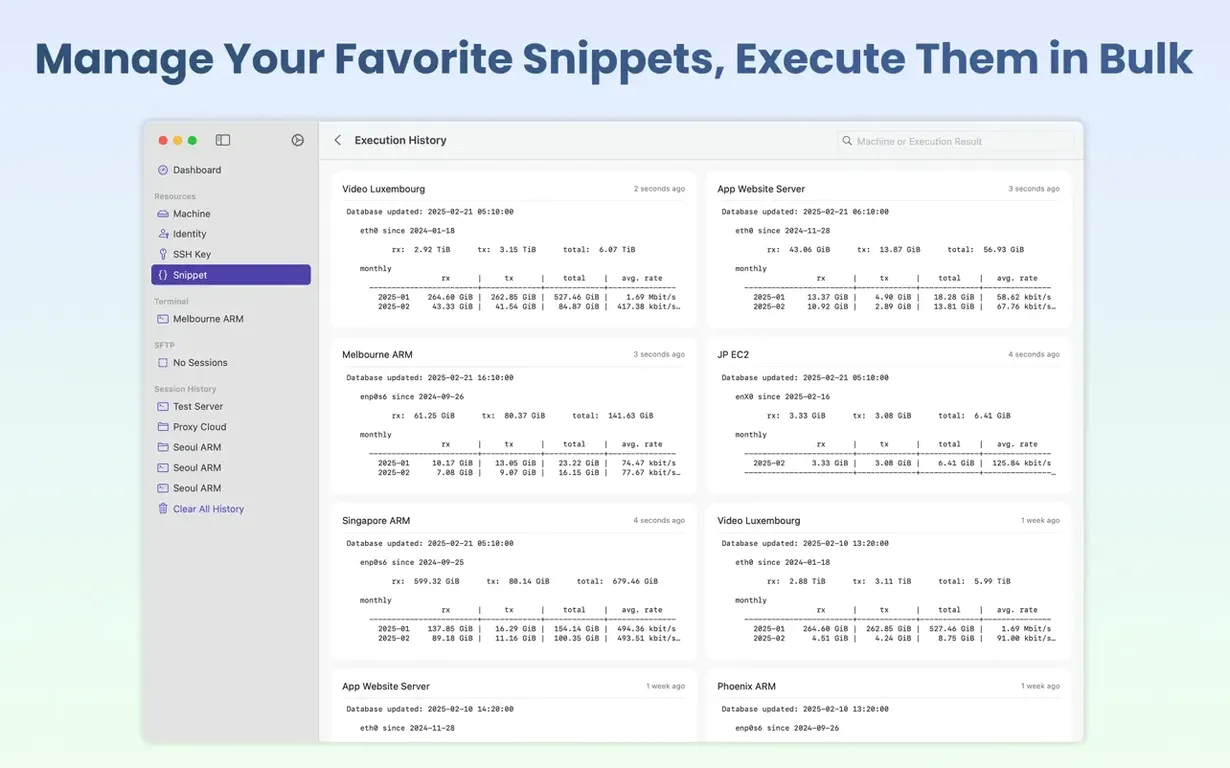
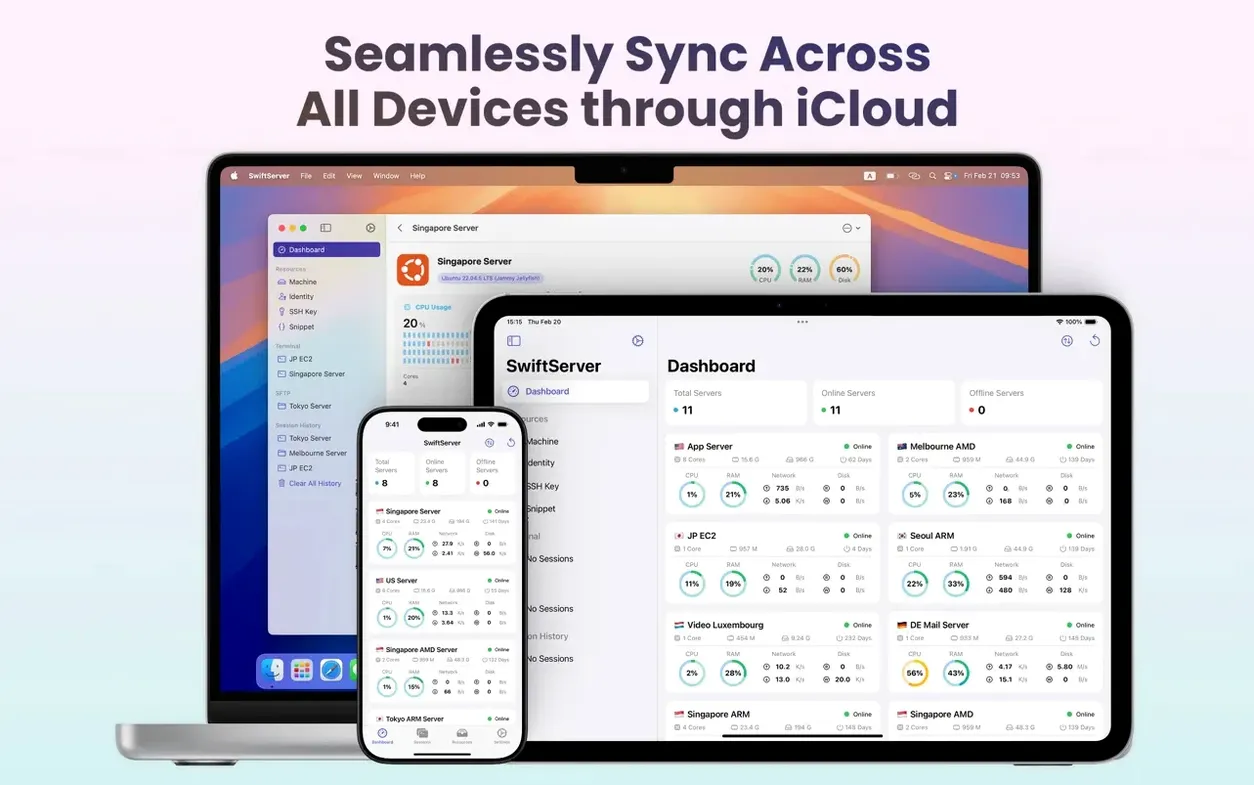
SwiftServer is an SSH client and server monitoring tool for Mac that puts live system metrics right on your screen. Before opening the disk image, check that your machine meets the base requirement—this version needs macOS 15 Sequoia or later, running on either Apple Silicon or Intel hardware.
| What | Detail |
|---|---|
| Current version | 2.2.0 |
| Developer | GitSwift LLC |
| macOS required | 15 (Sequoia) or later |
| Architecture | Apple Silicon, Intel |
If your Mac is on macOS 15, you get a local terminal for direct command-line work, plus a menu bar panel that keeps monitoring active even after you close the main window. The monitoring side covers CPU, GPU, memory, Docker container health, storage partitions, network throughput, and public IP location—all through read-only commands. SFTP file management handles upload, download, preview, and in-app editing. The app speaks English, German, Arabic, Spanish, Italian, Traditional Chinese, Simplified Chinese, French, and Japanese.
Morning check-in for a homelab owner
Picture someone running a handful of Raspberry Pi nodes and a repurposed Intel NUC in the garage. The NUC runs Docker Compose stacks for Pi-hole, Home Assistant, and a media server. Before coffee, that person opens the SwiftServer menu bar panel. Three green dots. One amber—the media server container has been chewing memory since a library scan kicked off at 3am. A tap on the container name opens a shell inside it, htop confirms the culprit, and docker restart brings things back to normal. No SSH keys fumbled, no separate terminal window needed. The whole check takes under a minute, then the panel minimises and monitoring hums along in the background.
Add servers with colour tags for instant menu bar recognition
- Set up your saved hosts straight away. Add each server by hostname or IP, assign a short label, and pick a colour tag. The colour carries across the menu bar panel, so at a glance you know which machine has triggered an alert.
- Check iCloud sync is on. If you also use SwiftServer on an iPad, your host list and terminal themes carry over automatically. Confirm the toggle in preferences before you spend time customising fonts and colours.
- Tweak the menu bar panel behaviour. Decide whether it shows CPU and memory as a combined graph or separate rings. If you monitor more than four machines, switch to the compact list view to avoid menu bar clutter.
- Pause monitoring on low-priority machines. The new pause switch in version 2.2.0 stops read-only polling for any host. Use it for dev boxes you only check during working hours—it keeps the interface cleaner and avoids unnecessary SSH connection noise.
- Try the local terminal early. Before you reach for Terminal.app, open SwiftServer's local terminal and run a few commands. Customise the font and background once; the settings apply to remote sessions too, so you get a consistent look across local and SSH tabs.
- macOS 15 or later
- Apple Silicon or Intel 64-bit









Comments 0
Sign in or create an account to add a comment.
No comments yet. They go up after moderation.