

TabTab — Mac download
Download (66 MB) Earlier builds
Ticked
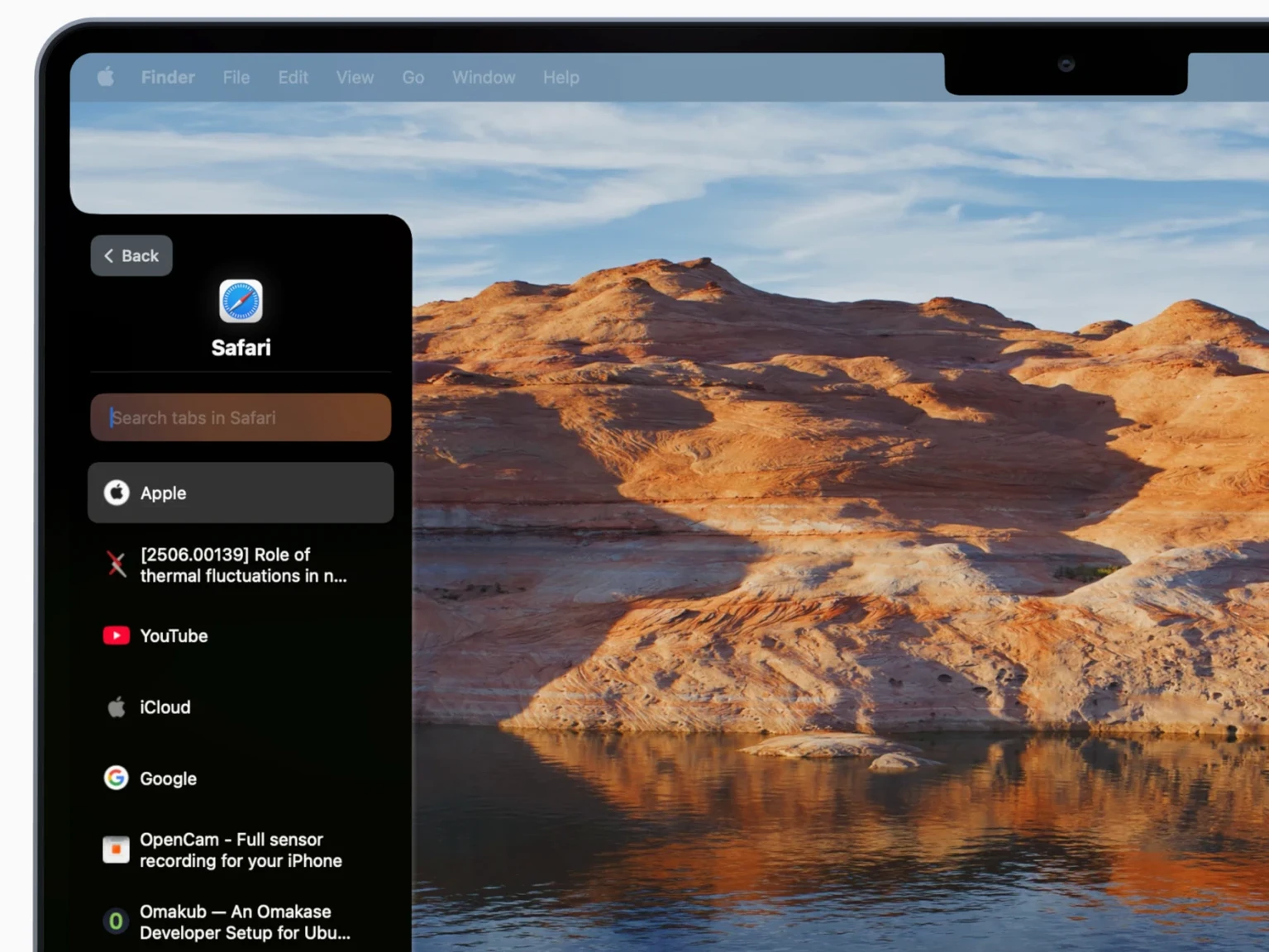
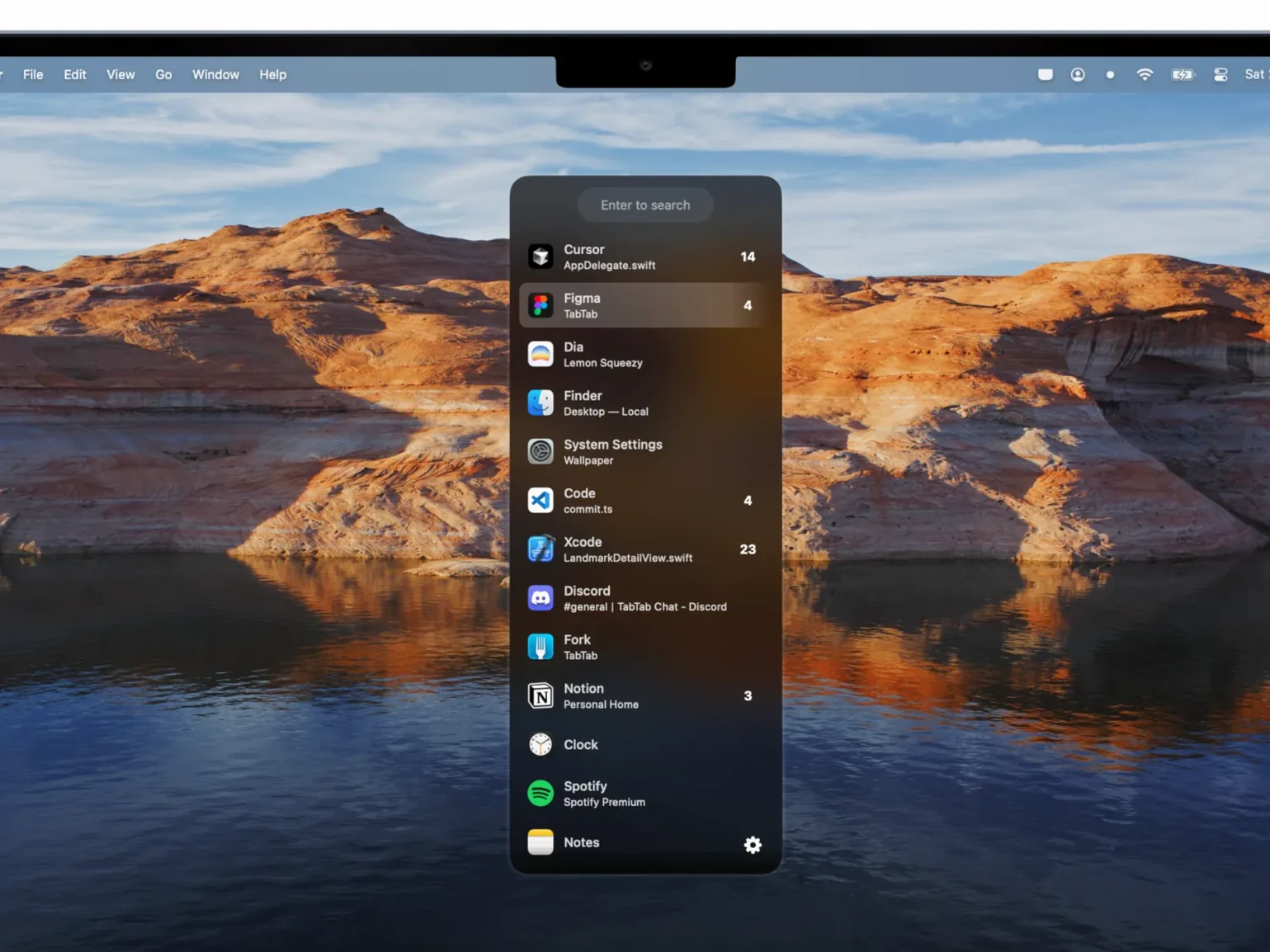
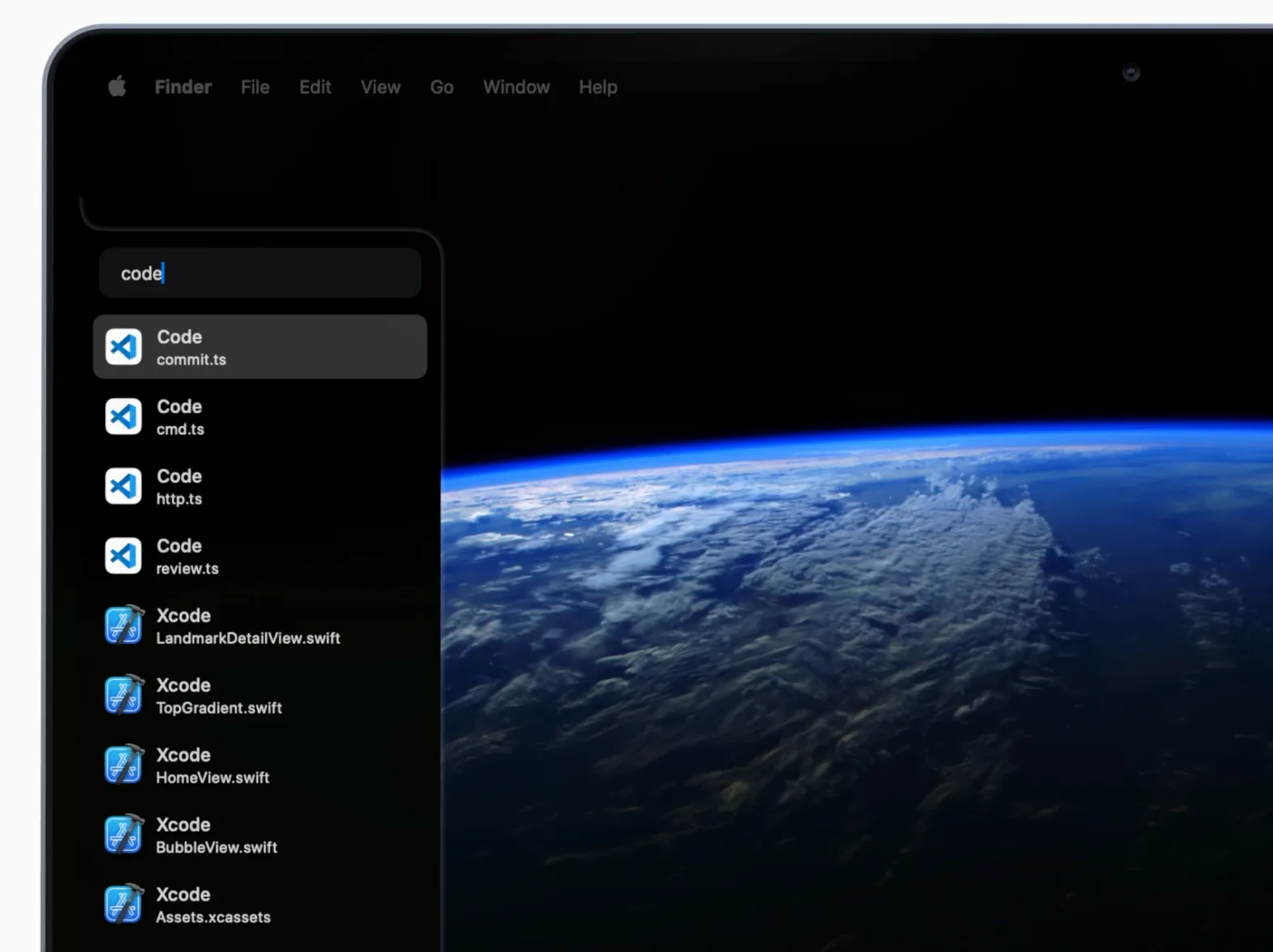
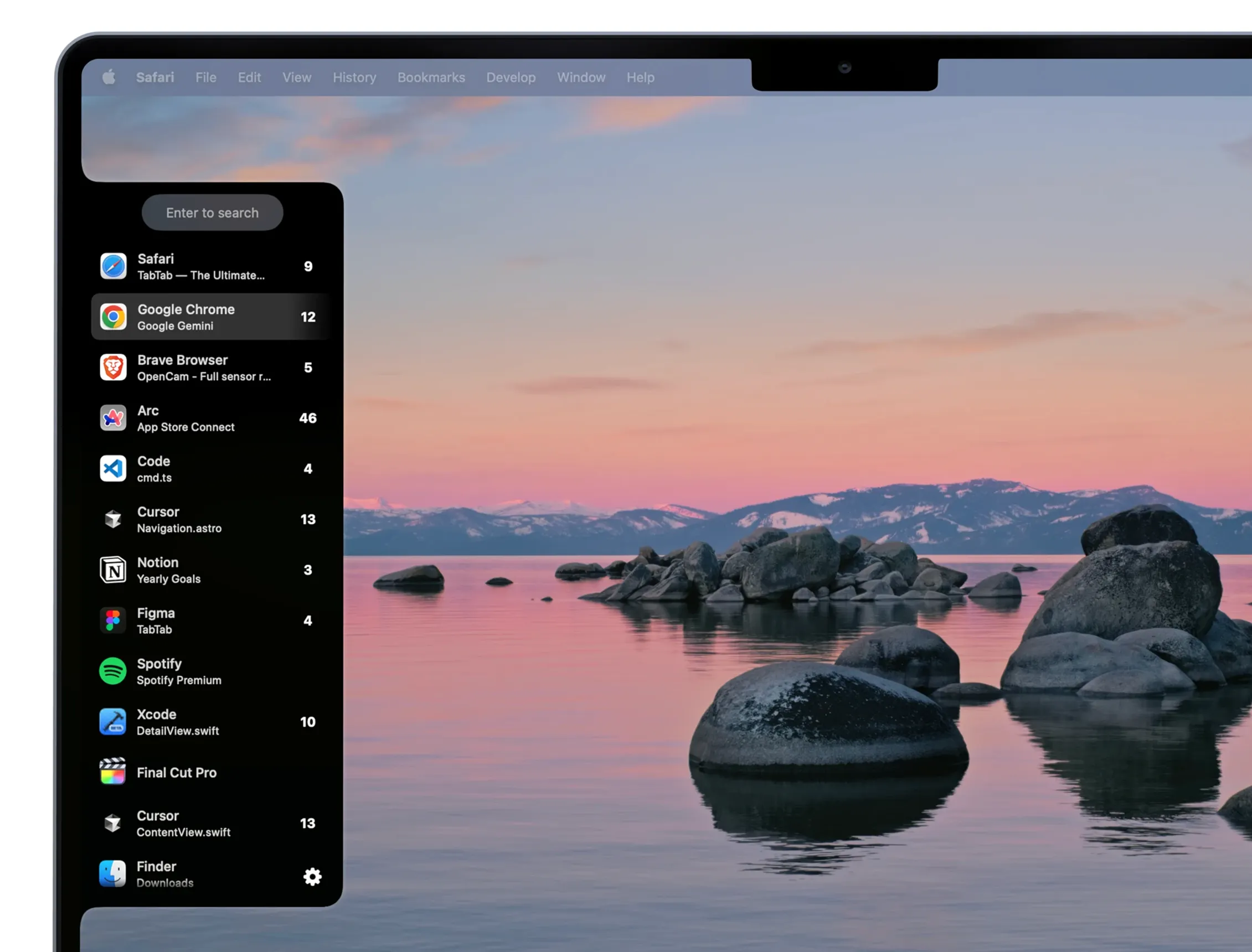
Version 2.2 continues to refine the core search engine, cutting the milliseconds between typing a window title and landing on it. The search parser now weights application name, window title and tab title together, so partial matches in any field surface the right result faster than before.
An overlooked power feature is the way TabTab understands supported app hierarchies. Type 'vsc' and you see every open Visual Studio Code window and its editor tabs. Add a space and a file name fragment to drill straight into the one tab you need, without ever touching the IDE's own tab bar. The same pattern works across Chrome profiles, Safari tab groups and Finder windows.
Configurable hotkeys sit at the centre of a repeatable workflow. Assign one shortcut to invoke the switcher globally, then use a second to cycle only within the current application. The compact floating panel stays out of the way, matching the native macOS look because it is built on AppKit and SwiftUI.
Because TabTab runs natively on both Intel and Apple Silicon Macs, the energy impact is negligible even on a machine with dozens of windows spread across multiple Spaces. The only real prerequisite is macOS 14 or later.
Split the hotkey into global and in-app shortcuts early
- Global hotkey vs. app-scoped hotkey. Out of the box, TabTab assigns a single shortcut. Split them early: one for all windows, another restricted to the frontmost app. Muscle memory forms faster when the two actions feel separate.
- Exclude noise. Visit the ignore list and add apps whose windows you never need to switch to via search—menu bar utilities, background helpers, always-on palettes. Fewer candidates means sharper results.
- Result count. The default list height suits a handful of matches. If you regularly keep 20-plus windows open, bump the visible items to 10 or 12 so you scroll less.
- Launch at login. An obvious one people skip. If TabTab is not running, the hotkey does nothing. You will forget to open it manually until the first time you need it and it is absent.
Search with 2-3 letter fragments instead of full titles
- Typing too precisely. You do not need the full window title. A two-letter fragment of the app name and a syllable from the tab title is usually enough. Over-typing slows you down more than a wrong match does.
- Ignoring the Accessibility prompt. On first launch, macOS asks for Accessibility permission. Skipping it leaves TabTab blind to window titles and tab labels. The switcher still opens, but the search box stays empty. Grant the permission immediately.
- Treating it as an app switcher only. TabTab indexes tabs inside supported apps. Searching a phrase that appears in a buried browser tab pulls it to the front without opening Chrome's tab bar. New users often search window names and stop there, missing half the utility.
- Forgetting full-screen and Split View windows. Spaces that are not visible on the current desktop still appear in results. If a window you need is not showing, search for it instead of hunting through Mission Control.
- macOS 14 or later
- Apple Silicon or Intel 64-bit Mac









Comments 0
Sign in or create an account to add a comment.
No comments yet. They go up after moderation.