

Taphouse Pro — Mac download
Ticked
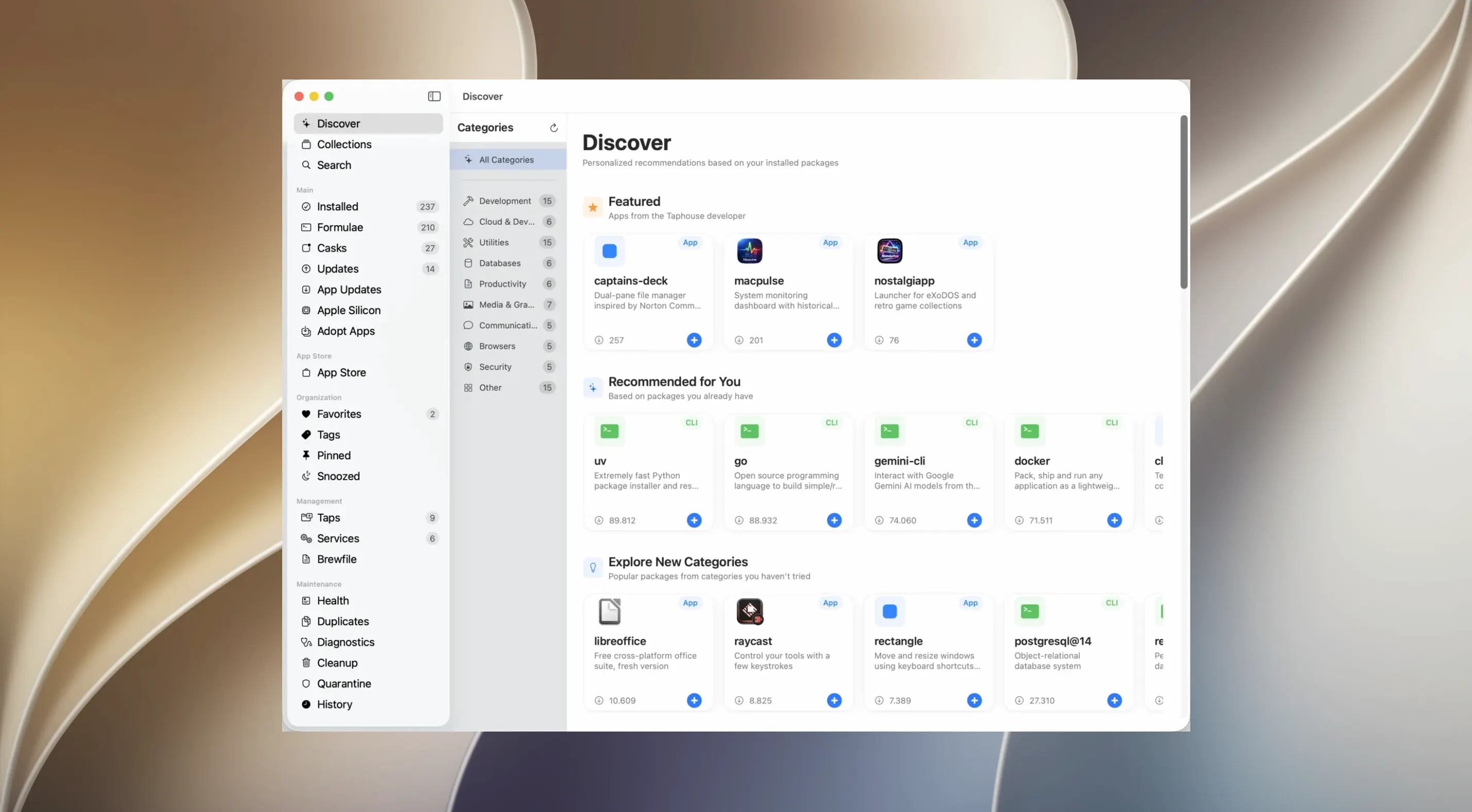
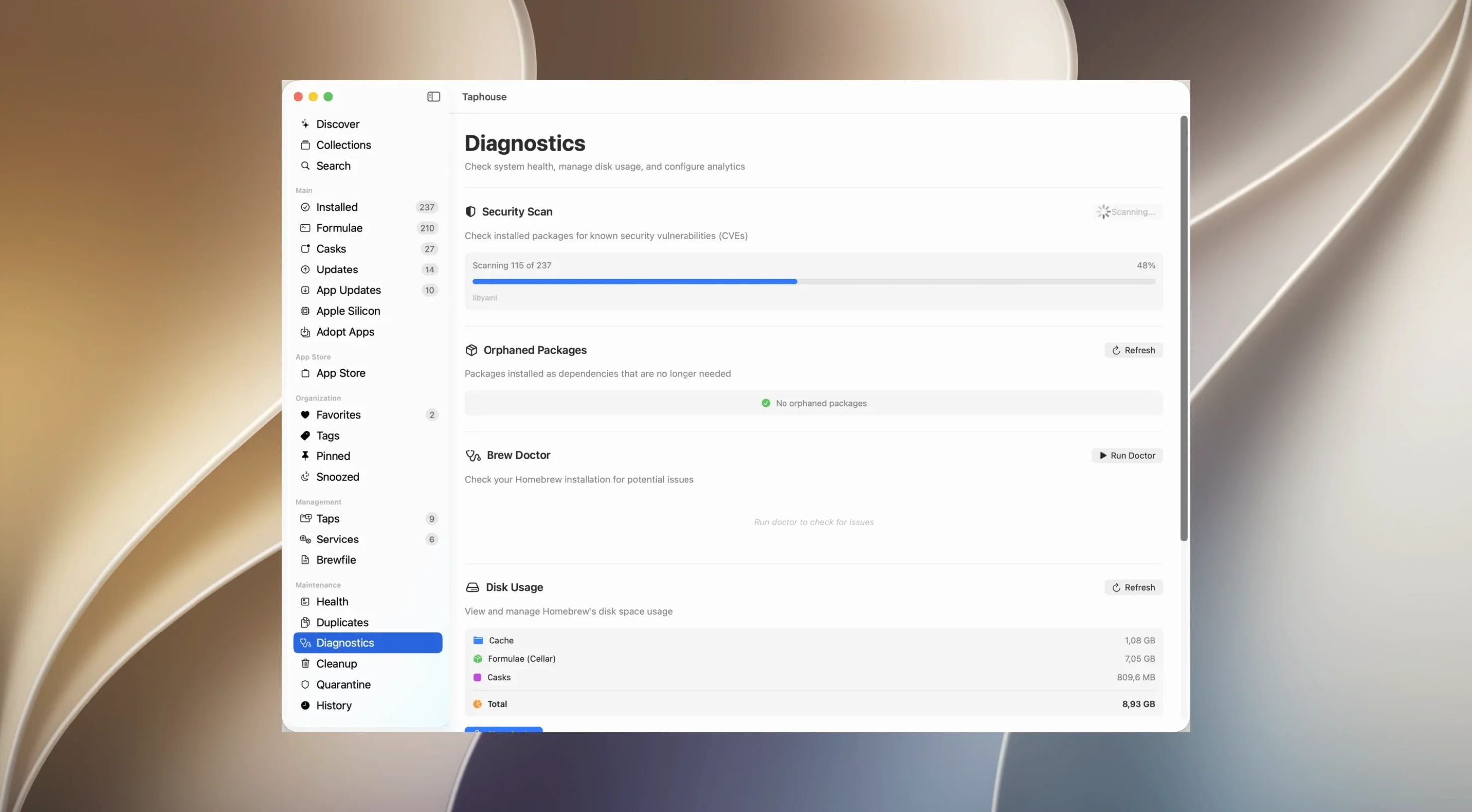
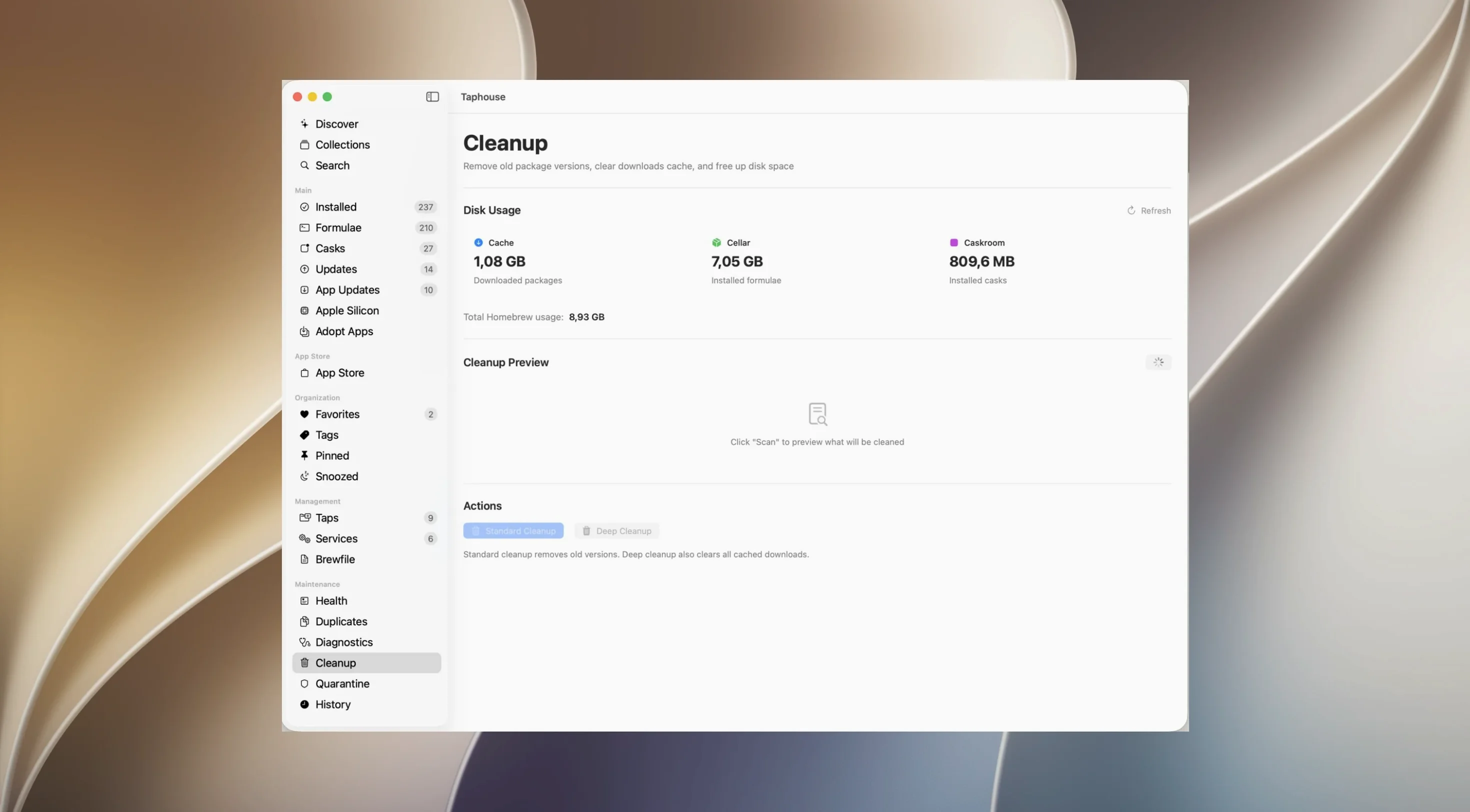
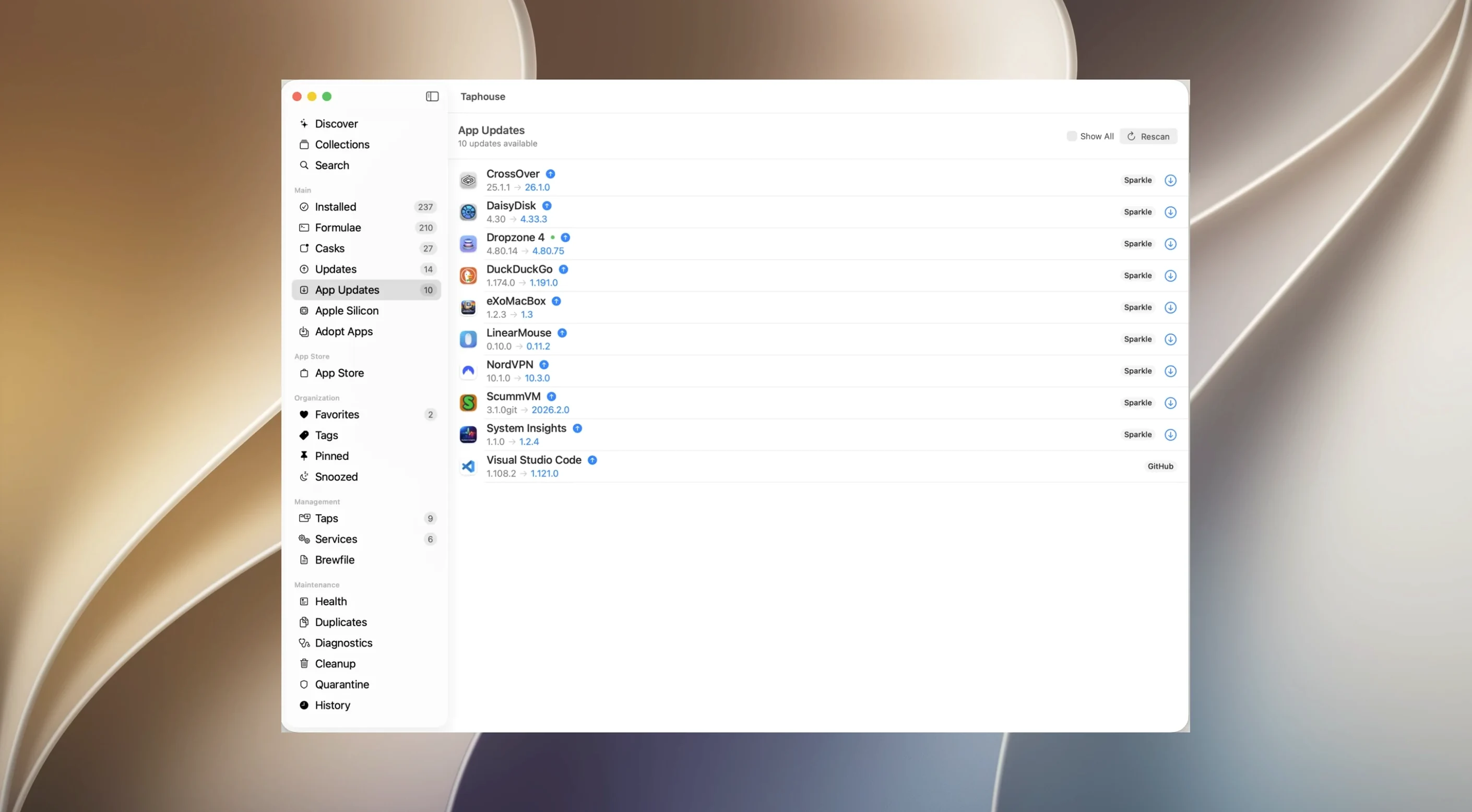
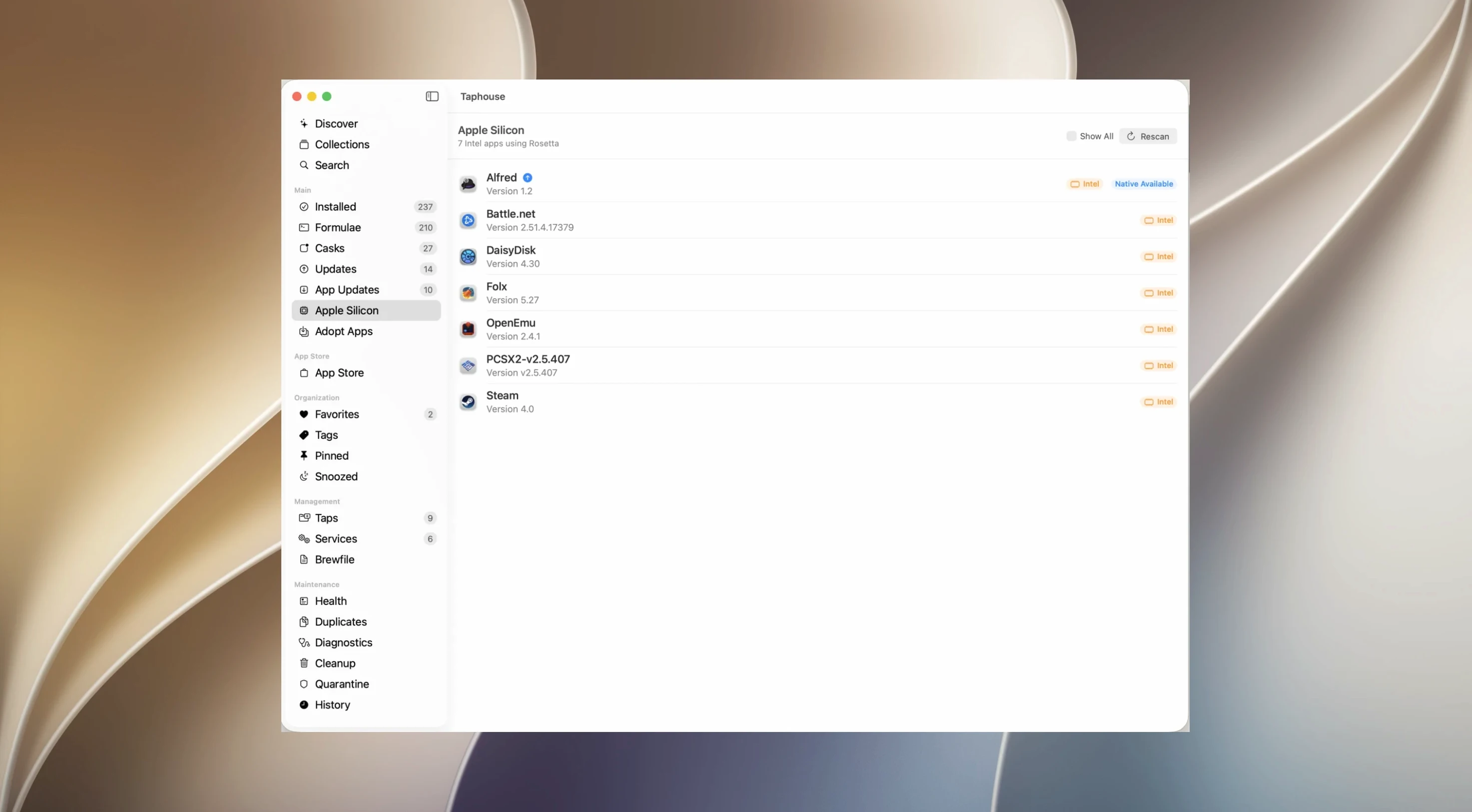
Runs on Intel and Apple Silicon, needs macOS 14 and Homebrew
Taphouse Pro is a Universal application. It runs on Intel Macs and Apple Silicon Macs. It requires macOS 14 or later. You need Homebrew already set up on your system.
One workflow: batch update third-party apps
A typical task is catching up on Firefox, Signal and Discord updates that all arrived overnight.
- Scan the service indicators. Open the app. The sidebar shows a green dot next to each running Homebrew service — nothing to restart here, so you move on.
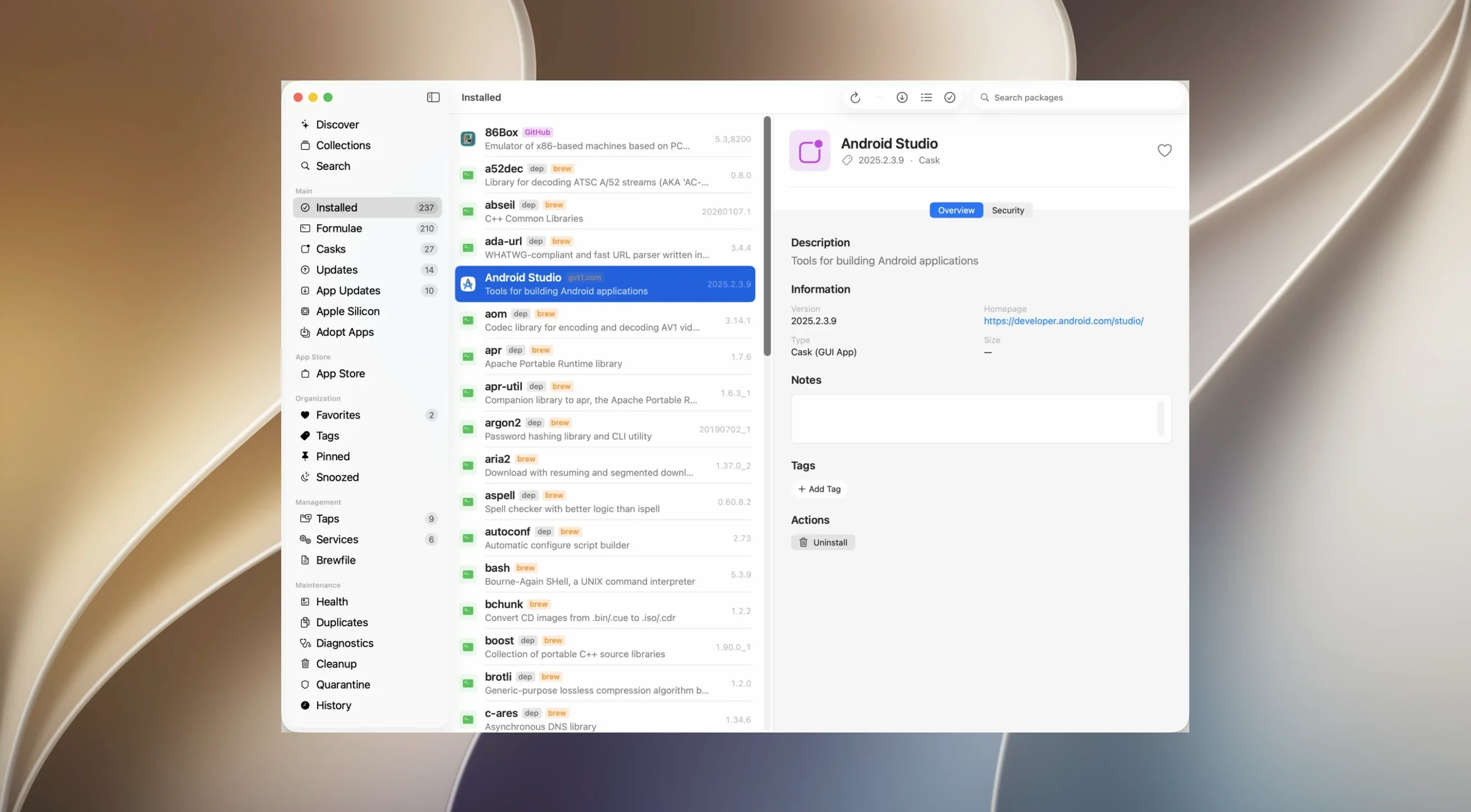
- Use search, not scrolling. Type "firefox" into the search field. The cask appears instantly in the results list from over 14,000 available items.
- Queue bulk operations. Tick the checkboxes next to Firefox, Signal and Discord. Taphouse Pro lets you select multiple items at once.
- Run with one click. Click the update button. The app triggers the upgrade for all three. No Terminal window, no typing.
- Mark favourites. Right-click each app name and add it to Favourites. Next time, your frequent updates sit in one short list, ready for a bulk action.
The whole sequence takes under a minute. You skip the command line entirely and get on with the rest of your checklist. Menu bar mode keeps the tool out of the Dock while still showing service status colours at a glance.
No uninstall needed—it reads your existing setup without resetting anything
Do I need to uninstall anything first? No. Taphouse Pro sits alongside your existing Homebrew setup. It reads your current formulae, casks and Brewfile — nothing gets moved or reset.
Will it break my Terminal workflow? No. You can switch between the GUI and the command line freely. A package installed via Terminal shows up in Taphouse Pro immediately, and vice versa.
Does it phone home? The app talks to Homebrew’s own repositories to fetch package data. It does not send your installed-list or usage data anywhere else.
Skipping the Homebrew requirement leaves the app blank
Installing before Homebrew. The most common one. Taphouse Pro is a front end — it needs brew already on your PATH. If the app opens to a blank state, you skipped that step.
Ignoring the deferred-update feature. New users often force-update a package that keeps failing. Instead, right-click it and defer the update for a week. The problem version passes, and the next one installs cleanly.
Forgetting Brewfile export. People set up a perfect set of packages and never export. A Brewfile is your restore checklist. Export one from the File menu before you need it.
Missing the menu bar mode. The Dock icon sits there by default. Switch to menu bar mode in preferences to free up Dock space and still see service status colours at a glance.
- macOS 14 or later
- Intel or Apple Silicon Mac
- Homebrew installed
Questions the team asks
Yes, you can start, stop and restart services directly in the app, with colour indicators showing the current status of each one.









Comments 0
Sign in or create an account to add a comment.
No comments yet. They go up after moderation.