
Tahoe Cache Cleaner — Mac download
Download (143 MB) Earlier builds
Ticked
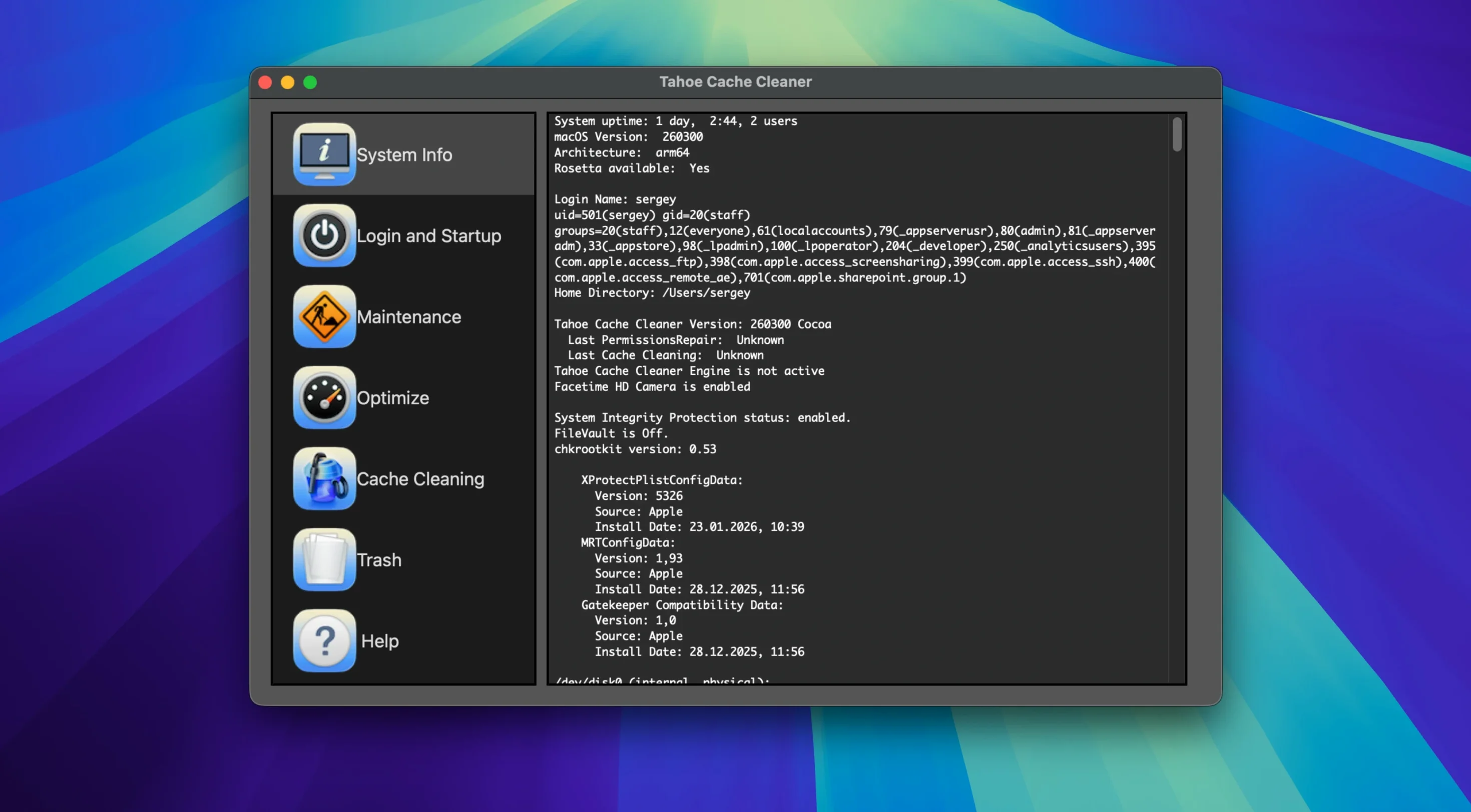
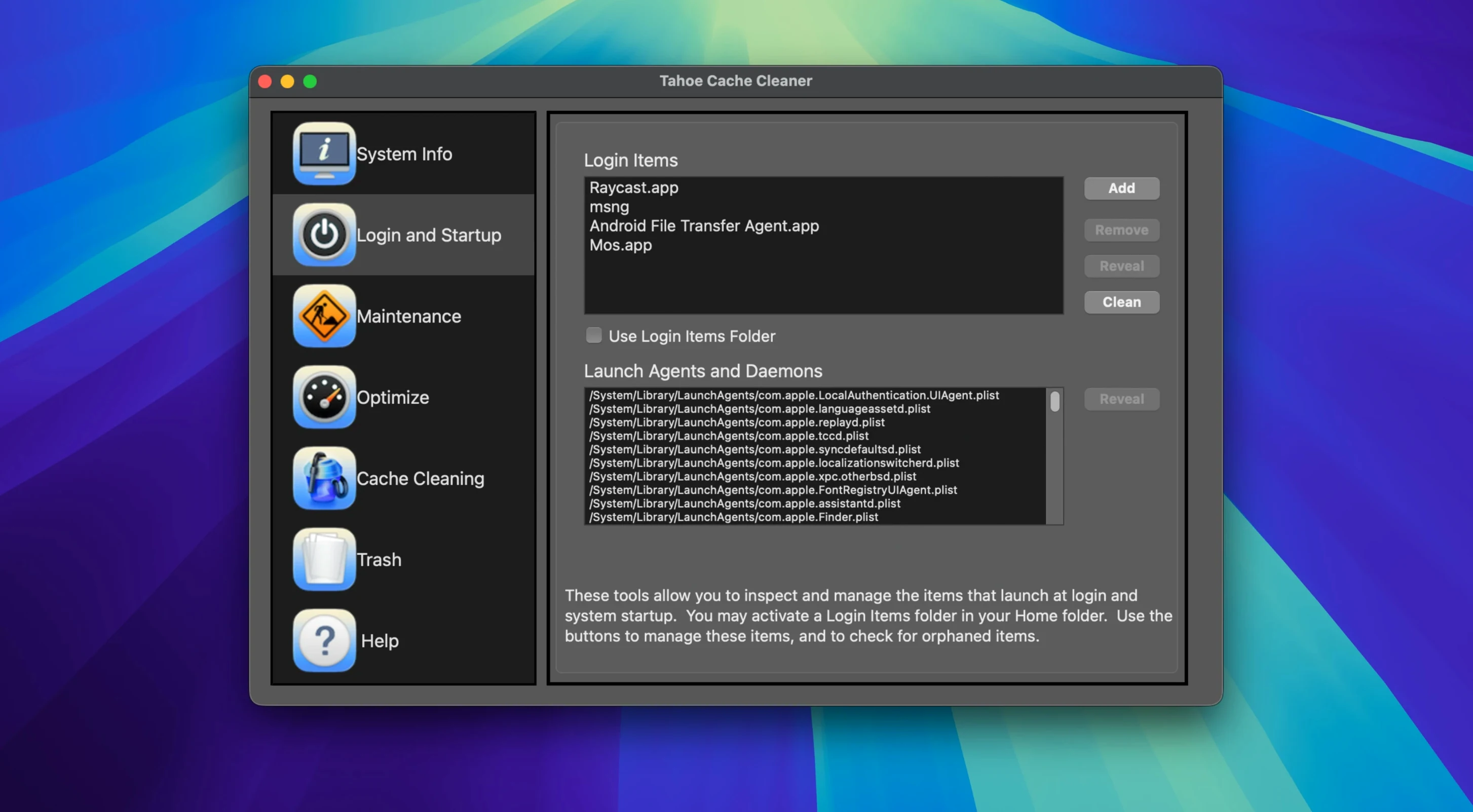
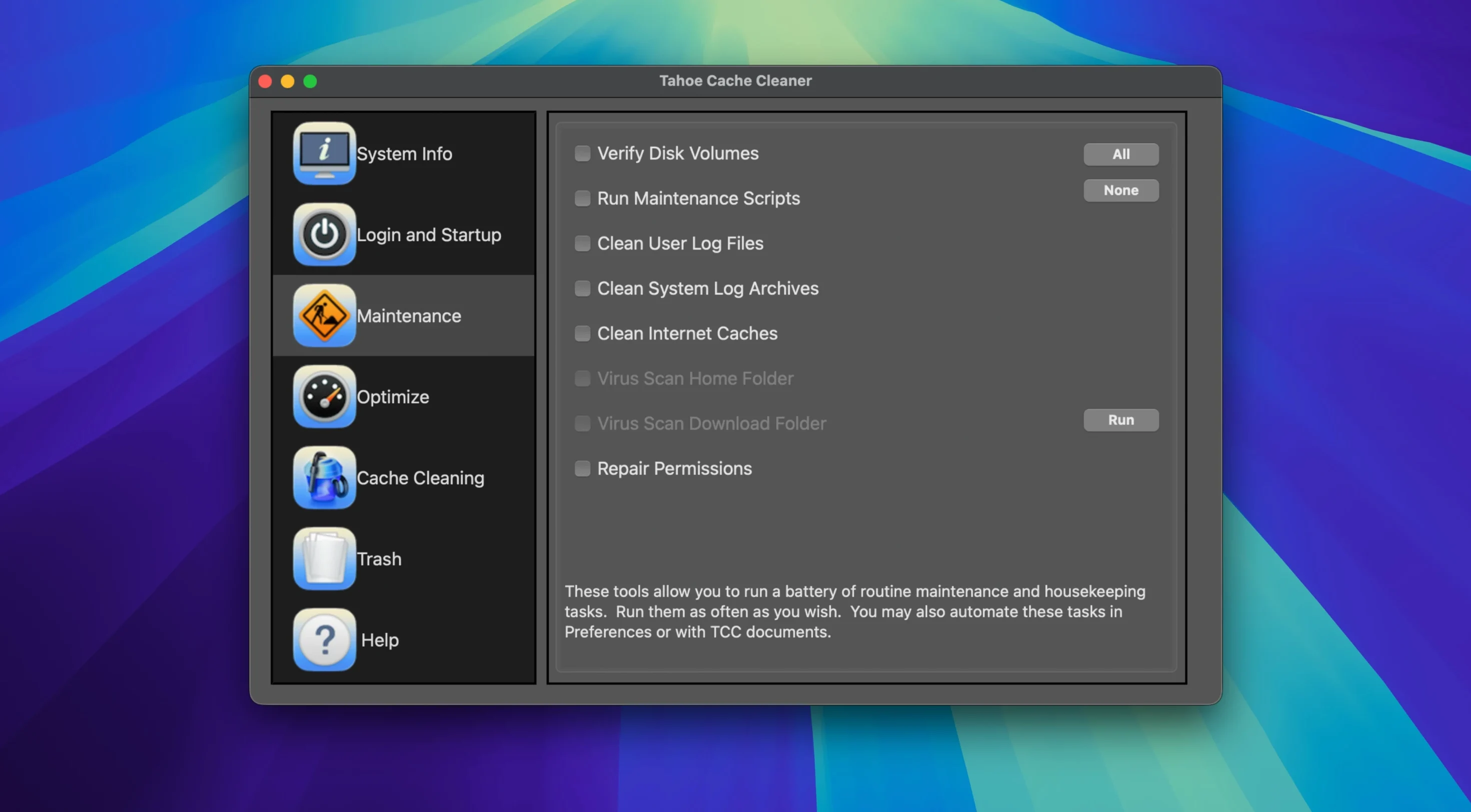
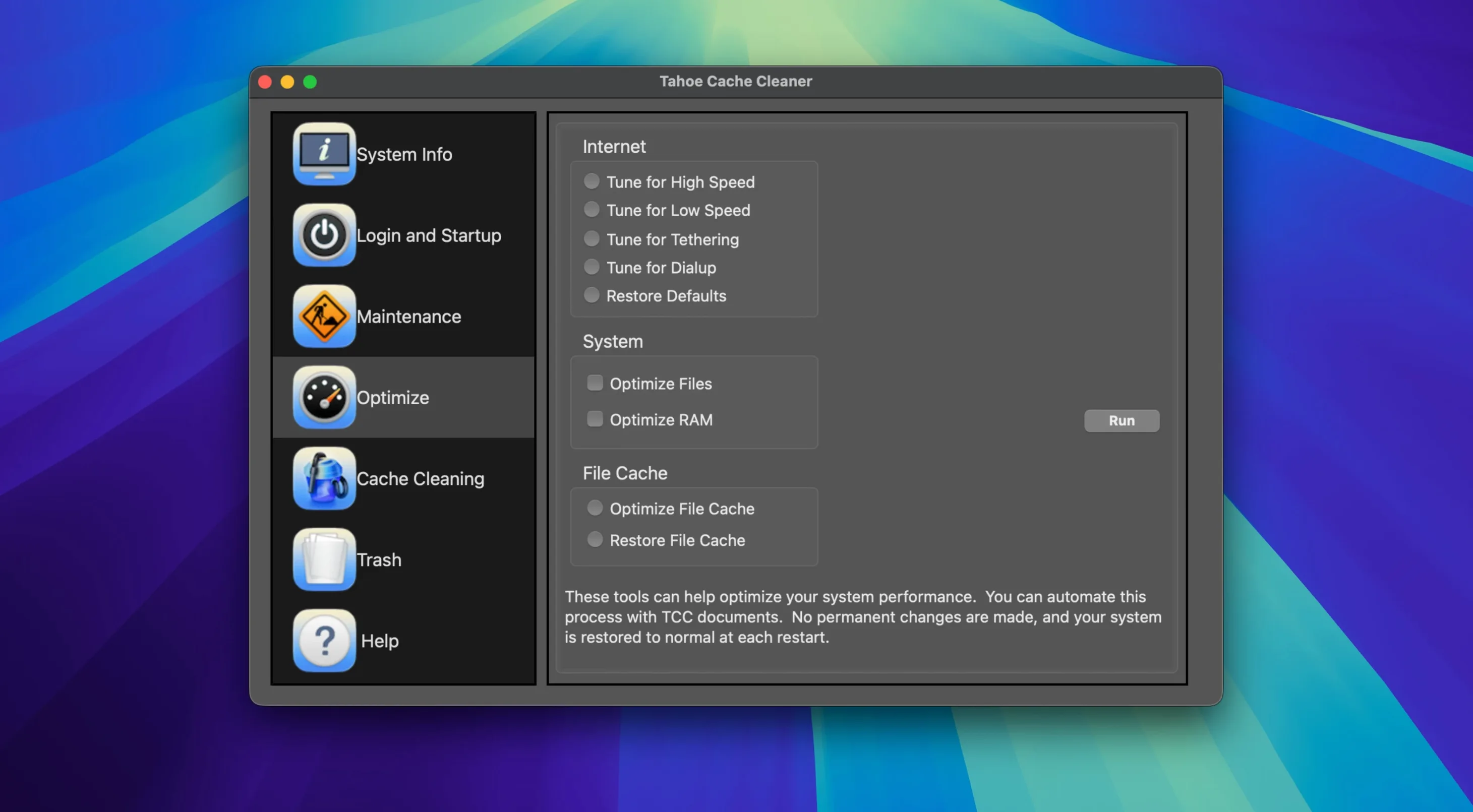
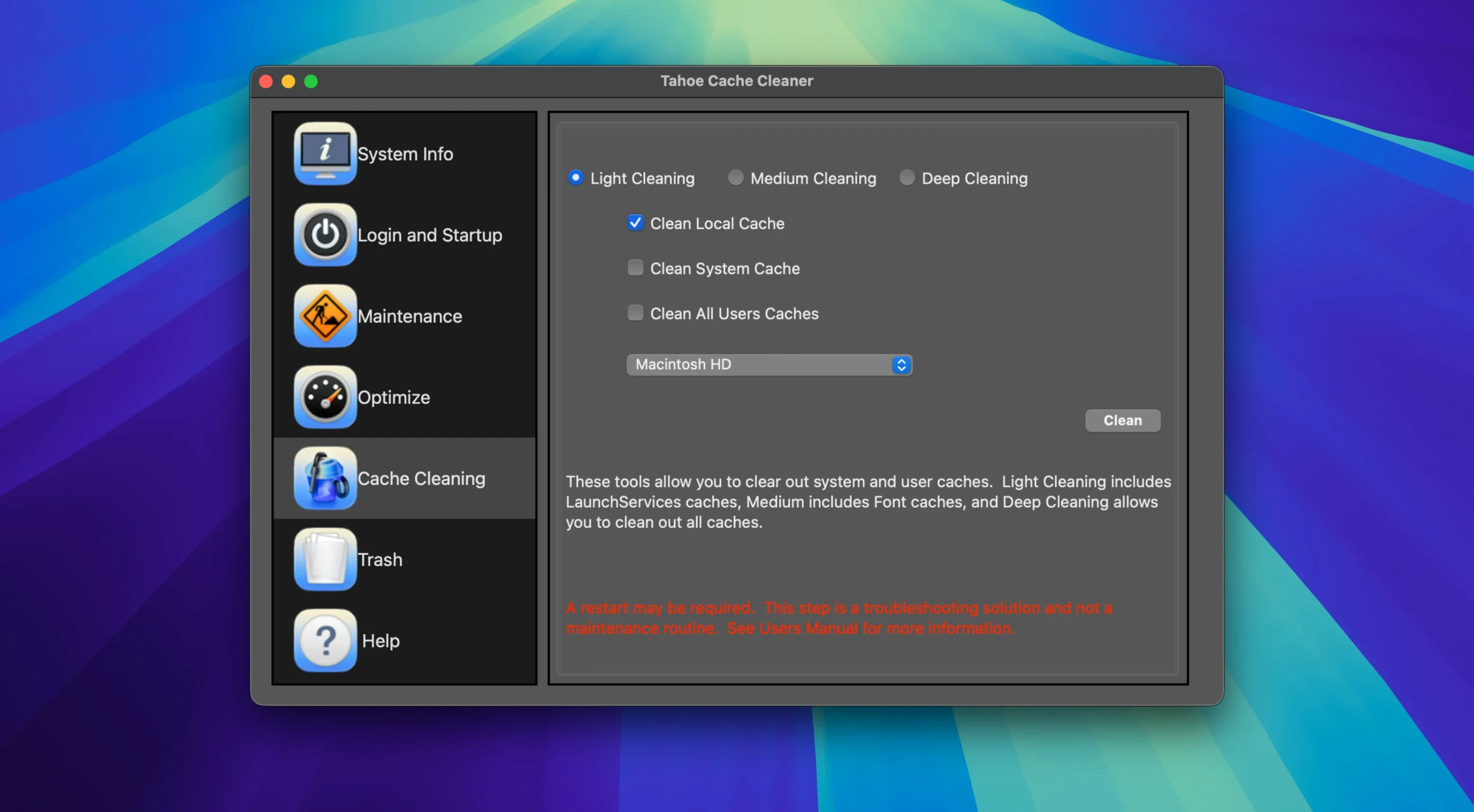
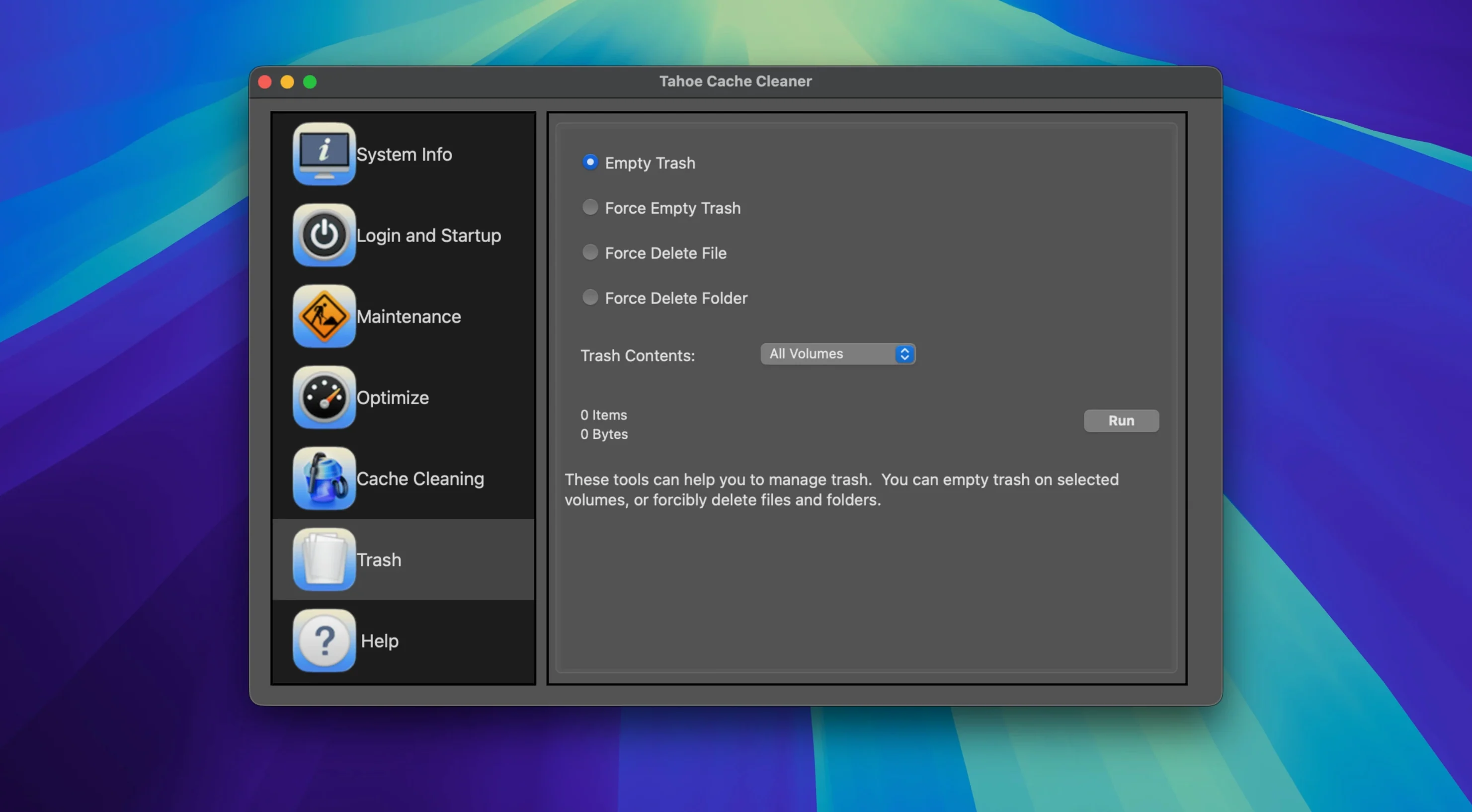
Tahoe Cache Cleaner is a general-purpose maintenance utility that handles the messy, hidden tasks macOS accumulates over time.
Reclaim space and build emergency tools
Clearing system and user caches is the core job. It digs into the folders other cleaners miss, freeing gigabytes of space without touching personal data. The app also builds bootable USB installers from a downloaded copy of macOS Sonoma, so a fresh system is always within reach. For trickier problems, it creates bootable emergency disks packed with system recovery utilities and cache-cleaning tools — a safety net that runs before the main OS loads.
Run background defences and system tweaks
A background automation engine handles routine maintenance on a schedule you set. The built-in ClamAV antivirus engine checks downloaded files in real time and scans on demand, catching threats before they spread. Power users can create RAM disks for blistering-fast temporary storage and disable Dashboard to reclaim resources. The app runs on Apple Silicon and Intel 64-bit Macs, keeping the toolset available across hardware generations.
Schedule weekly overnight scans and enable real-time ClamAV
Open Preferences before the first scan. Three options make a practical difference:
- Automation engine schedule. Set it to weekly, overnight. The background engine will handle routine cache clearing without you needing to remember.
- ClamAV real-time scanning. Enable it for the Downloads folder only. Full-system real‑time scanning is heavy; keeping it targeted catches the risky files without the performance hit.
- Cache scan depth. Switch from “Standard” to “Deep” for the initial run. This finds stale data from long‑removed applications that a quick pass leaves behind.
IT support in a secondary school
A school technician managing a lab of twenty iMacs uses Tahoe Cache Cleaner differently from a home user. The macOS Sonoma bootable USB installer feature saves hours during summer rollover. Each machine gets a clean build from a single prepared drive, no network recovery needed.
During term time, the ClamAV engine scans shared project folders that students access from their own USB sticks. The RAM disk tool creates a fast temp workspace when the technician needs to test suspicious files in isolation. Permissions repair runs after each batch of curriculum software installs, preventing the odd crashes that used to eat into lesson time.
- macOS 10.10 or later
- Apple Silicon or Intel 64-bit Mac
Questions the team asks
Yes, it has a built-in ClamAV engine that scans downloaded files in real time and can run on-demand virus checks.
It can build a bootable USB installer from a downloaded copy of macOS Sonoma, along with emergency disks that include recovery tools.








Comments 0
Sign in or create an account to add a comment.
No comments yet. They go up after moderation.