

Tenorshare UltData — Mac download
Ticked
An iPhone backup fails or a message thread vanishes. The standard restore path brings back the obvious bits—contacts, photos, messages. But the data you actually need often sits deeper: a voice memo from six months ago, a Safari history entry, an app's saved document.
Recovery beyond the camera roll
- App-specific data — Reach into app photos, app videos, app documents, and app audio files that a normal sync skips.
- Safari history — Pull back browsing history entries, useful when a research trail disappears.
- Reminders and notes — Restore checklist items and text notes that did not make it into an iCloud snapshot.
- Voice memos and music — Recover recordings and tracks stored outside the Music app library.
- iBook content — Retrieve books and PDFs that were only saved locally on the device.
What the Mac client actually scans
The 64-bit Intel app connects to an iPhone, iPad, or iPod touch and reads the device directly—not just the backup. It parses eleven interface languages, including Arabic and Japanese, and supports hardware up to the iPhone 11 Pro Max. The scanning engine pulls a flat list of what it finds, letting you pick individual items rather than restoring everything in bulk. On macOS 10.8 and later, it runs as a straightforward wired recovery terminal for iOS devices.
Recovery paths merge into a single-pane picker
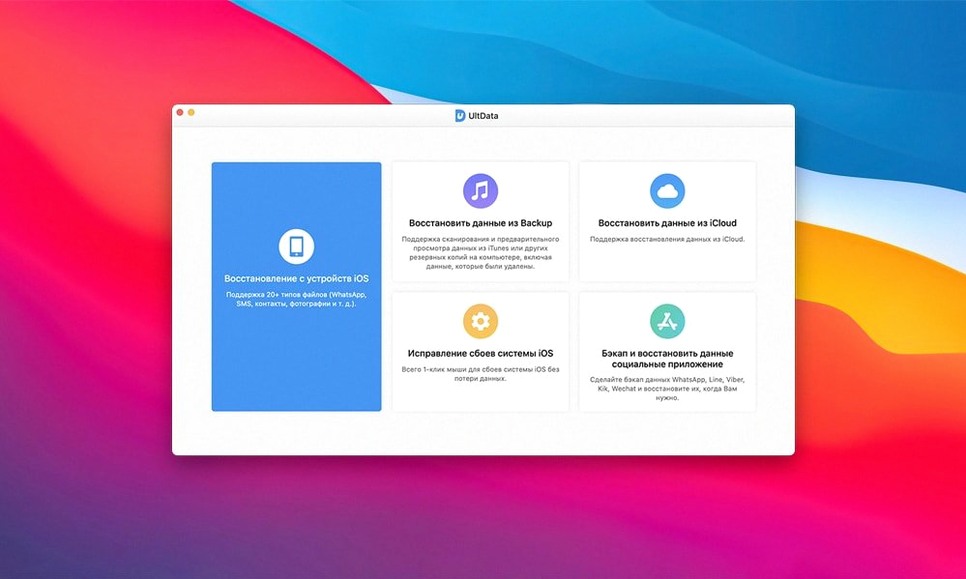
- Recovery mode switching — The three recovery paths (from device, from iTunes backup, from iCloud backup) now load as a single-pane picker instead of separate tabs. One click, one scan, no back-and-forth.
- Scan preview while running — You can browse found items before the full device scan finishes. Contacts and messages surface first; larger files like app videos fill in as the scan continues.
- LINE and Viber chat handling — Chat threads from these apps now preserve sender names and timestamps on export. Earlier versions sometimes dropped the sender label on older threads.
- macOS 10.15+ compatibility — The Gatekeeper bypass step still applies, but the disk image now carries a notarised wrapper that reduces manual Terminal work on Catalina and later.
Real-world issues and their direct solutions
Device not recognised after connecting
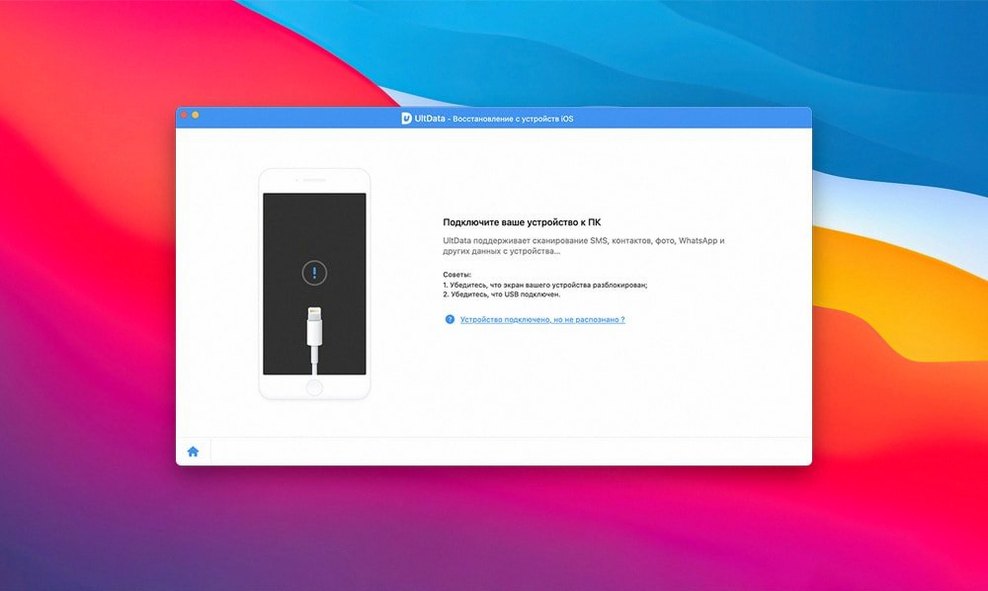
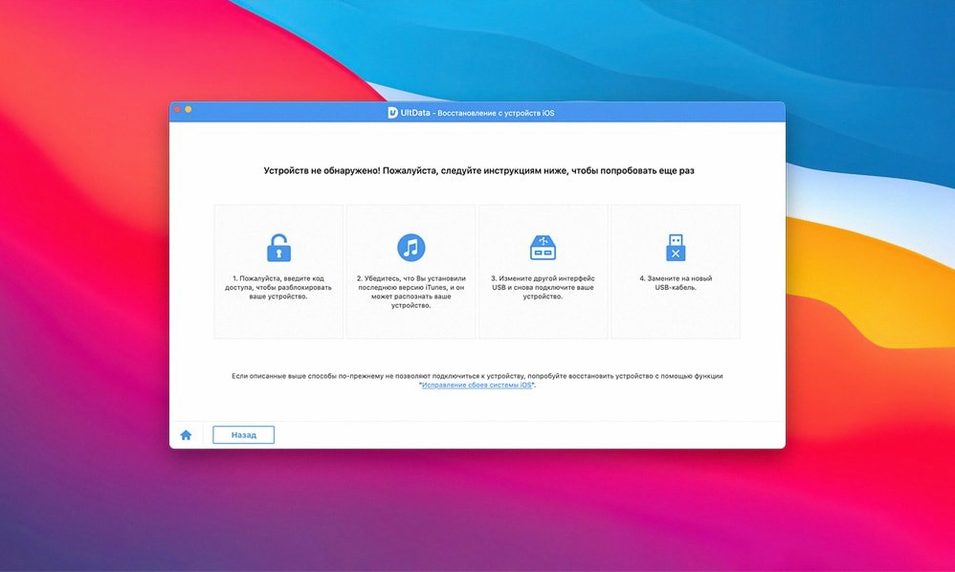
Unlock the iPhone or iPad and tap "Trust This Computer" before launching tenorshare ultdata for mac. If the prompt does not appear, disconnect the cable, restart the Mac, and reconnect. On some Intel Macs running macOS 10.14, a USB hub can confuse the handshake—plug directly into a built-in port.
Scan stalls at a certain file type
App audio and large app video files can slow the scan on devices with limited free space. Let the scan run; it has not frozen. If it sits on one category for over ten minutes, quit the app, restart the device, and run the scan with only the file types you actually need ticked in the pre-scan checklist.
Restored WhatsApp messages show as blank
This happens when the backup was encrypted and the password was entered incorrectly. Rerun the recovery from the "iTunes backup" mode and double-check the encryption password. The ultdata mac client reads encrypted backups only with the correct passphrase.
Terminal step confusion
The Gatekeeper bypass expects a single Enter press in Terminal after the command appears. Do not type anything extra. If the app still refuses to open, drag it out of the Applications folder and back in, then repeat the Terminal step from the mounted disk image.
- OS X 10.8 or later
- Intel 64-bit processor
Questions the team asks
Yes. It can recover app photos, app videos, app documents and app audio from supported third-party apps on iPhone, iPad and iPod touch.









Comments 0
Sign in or create an account to add a comment.
No comments yet. They go up after moderation.