

TablePlus — Mac download
Download (91 MB) Earlier builds
Ticked
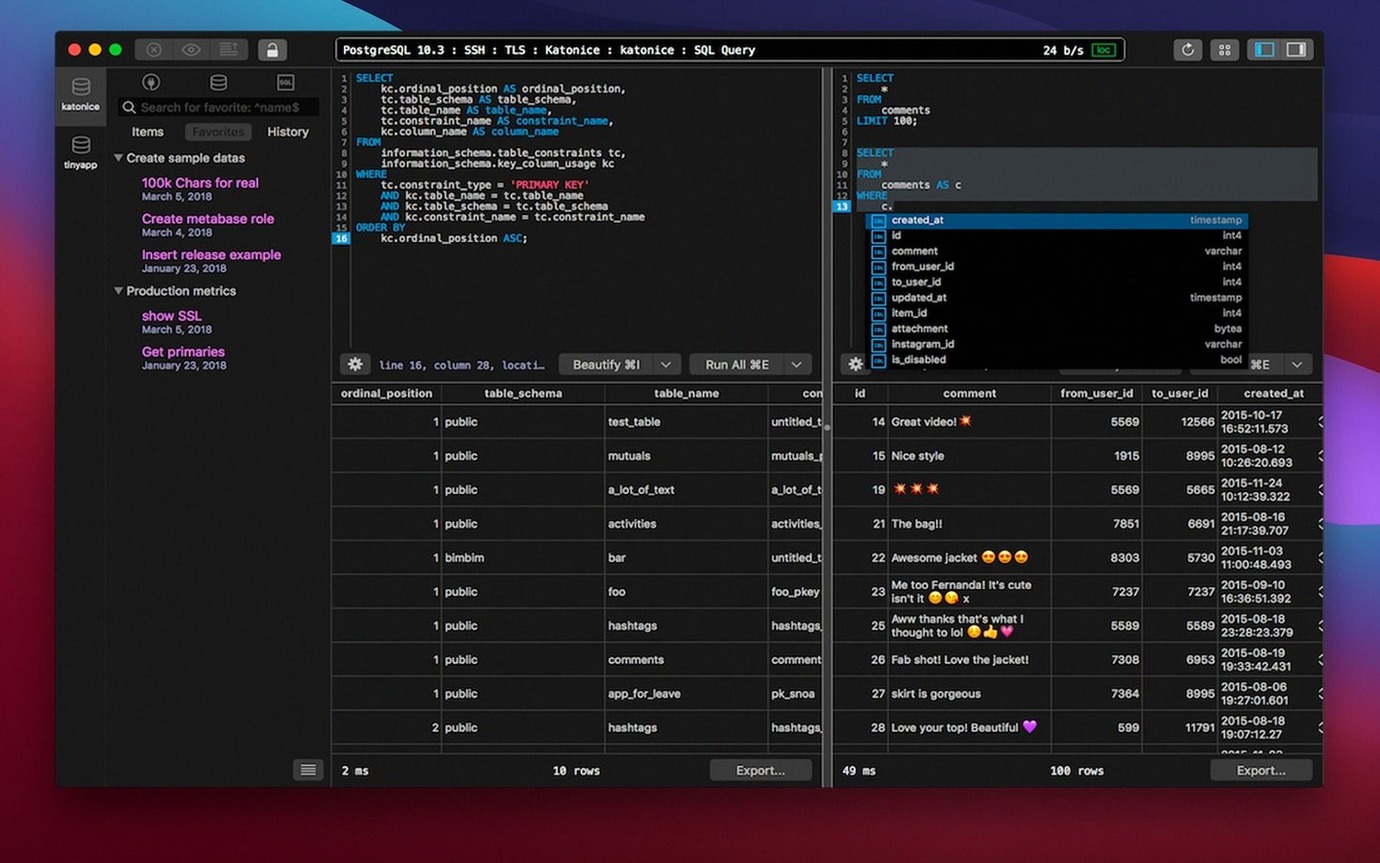
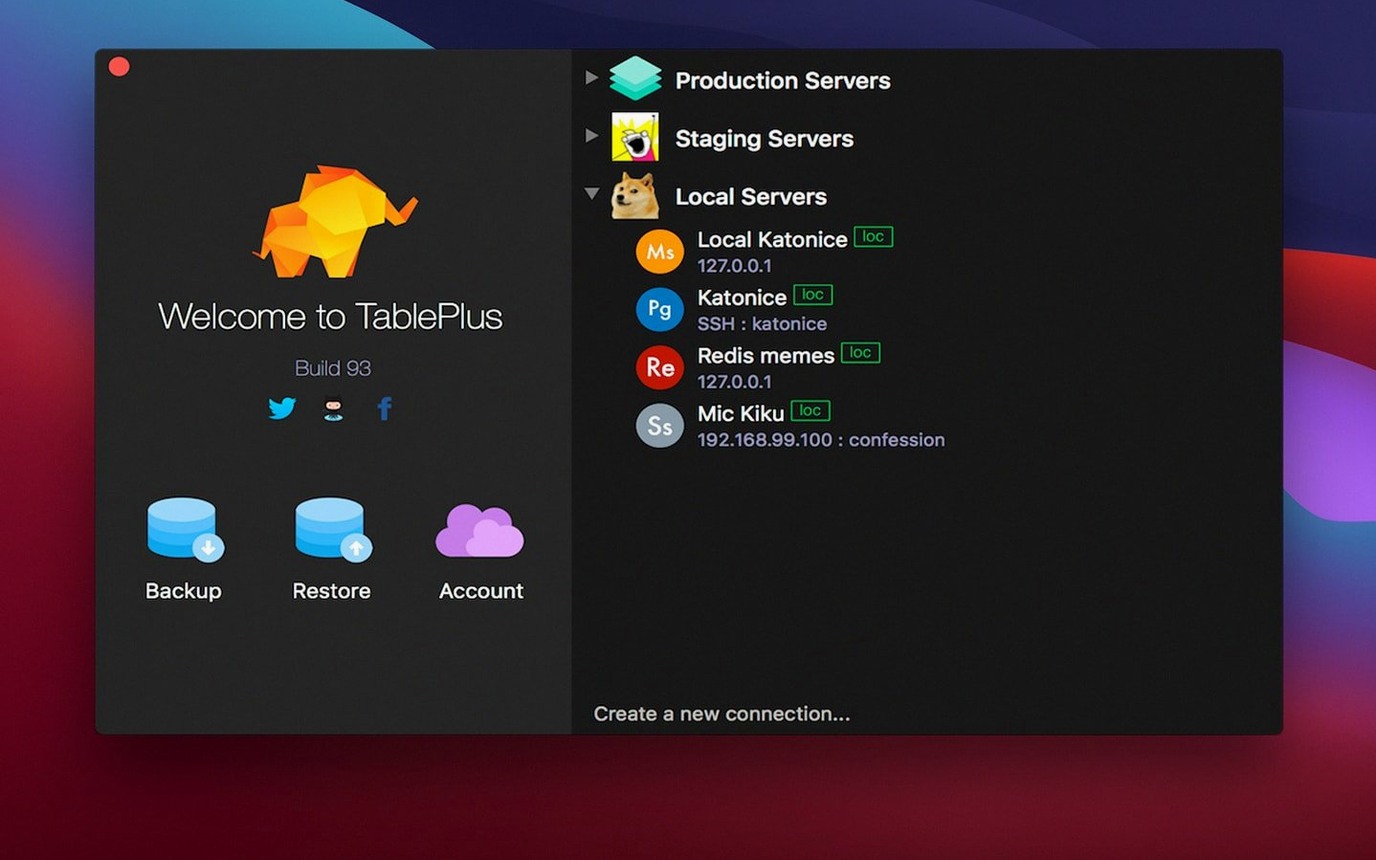
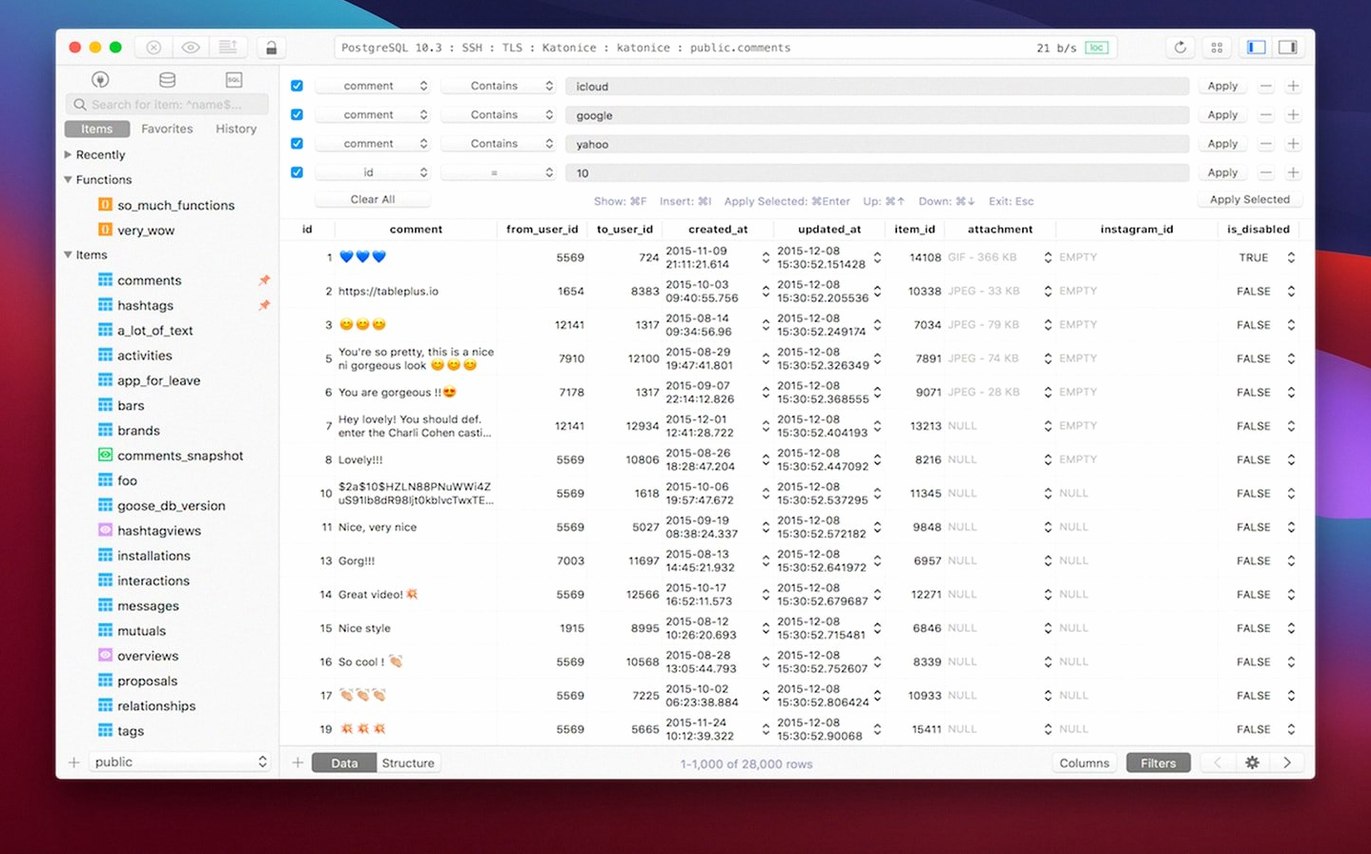
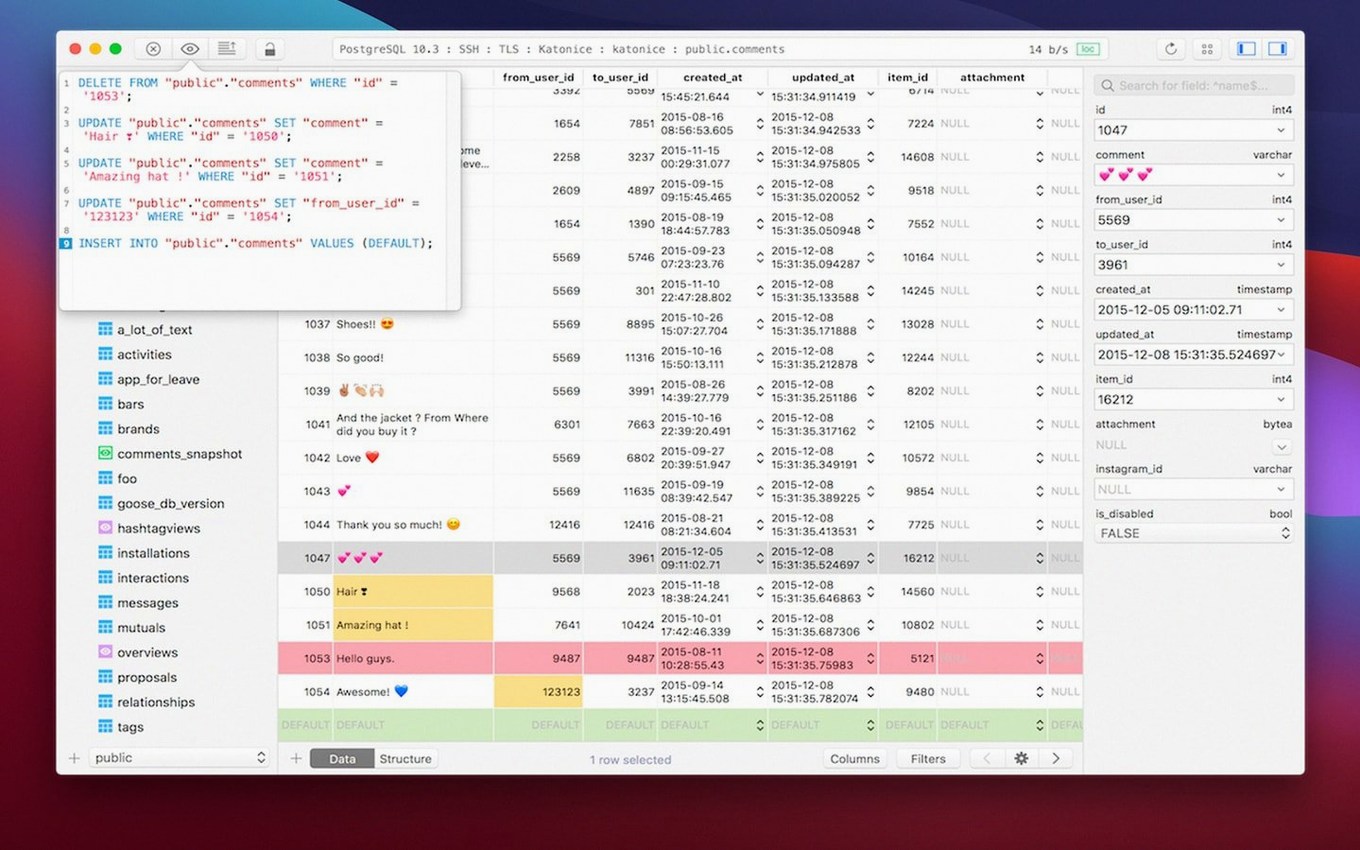
TablePlus 6.8.0 runs on macOS 10.13 and later. Apple Silicon chips are supported. It's a native database client for relational databases, with MySQL, PostgreSQL, SQLite, and Microsoft SQL Server among the documented options.
Multiple databases, dark mode, and keyboard shortcuts
- Working across several databases in multiple tabs and windows.
- Keeping your hands on the keyboard — shortcuts are built in.
- Spotting problems early: the script editor reports errors.
- Late-night sessions with optional dark mode.
GUI-only client with English interface and a 2026 build
- It's a GUI tool — you're managing databases through a visual client, not a command line.
- Interface language is English only.
- Build dated 2026-03-05; check whether that suits your update cadence.
Faster syntax flagging and snappier tab switching
Build 2026-03-05 tightened a few things that affect everyday sessions.
- The script editor got quicker at flagging syntax mistakes — less staring at a query wondering why it won't run.
- Tab switching between connections feels snappier. If you keep five or six databases open, that matters more than it sounds.
- Safe mode behaviour was adjusted. Accidental
DROPorDELETEwithout aWHEREclause now triggers a clearer confirmation, not just a generic warning. - Dark mode rendering on Apple Silicon displays was refined — fewer contrast quirks in the sidebar tree.
No headline features. Just small corrections that reduce friction when you're in the tool for hours.
Developers juggling PostgreSQL, MySQL, and SQLite backends
Not every Mac user needs a database client. Three groups tend to stick with it.
- Developers juggling multiple backends. If your morning starts with a PostgreSQL staging DB, moves to a MySQL production replica, and ends with a SQLite local cache, the multi-tab, multi-window setup saves constant app-switching.
- Database administrators who prefer a GUI over
psqlormysqlCLI sessions. The native libss and TLS encryption support means you connect to remote servers without extra tunnel configuration — useful when you're bouncing between secure environments. - Freelancers and small-team devs. One tool covering the four most common relational databases keeps your toolchain short. No separate client for each engine.
It's less suited for users who only touch a database once a month or those who live entirely in terminal-based workflows.
Fitting TablePlus into a Mac workflow
The app plays well with other tools and macOS features without much ceremony.
- Copy-as-SQL. Select rows, copy, and paste directly into a query editor or a code editor like Nova or VS Code — formatting stays intact.
- Plugins and drivers. Extend support beyond the built-in four databases. If your stack includes something less common, a community driver might already exist.
- Keyboard shortcut consistency. Many shortcuts mirror macOS conventions.
Cmd+Tfor a new tab,Cmd+Wto close one — no relearning muscle memory. - Works alongside CLI tools. You can run a migration via
pgmigratein Terminal, then refresh TablePlus to inspect the result visually. No conflict, no lock issues. - Spotlight-friendly. The app registers as a standard macOS application. Launch it from Spotlight or Alfred without digging through folders.
It doesn't try to replace your migration tools, version control, or monitoring stack — it slots in as the visual layer on top of them.
- Build dated 2026-03-05.
- macOS 12.6 or later
- Intel and Apple Silicon
Questions the team asks
The documentation lists MySQL, PostgreSQL, SQLite, and Microsoft SQL Server among supported databases.
Yes. The developer page says TablePlus supports Apple Silicon chips, and it requires macOS 10.13 or later.









Comments 0
Sign in or create an account to add a comment.
No comments yet. They go up after moderation.