

Termius — Mac download
Download (220 MB) Earlier builds
Ticked
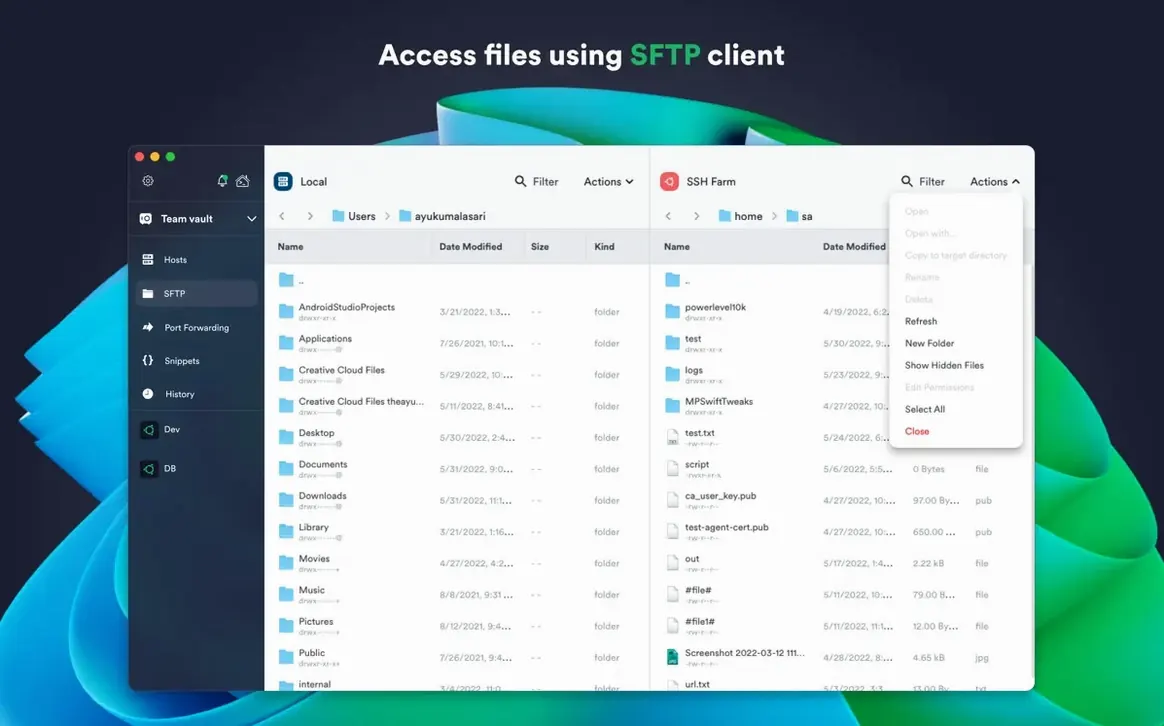
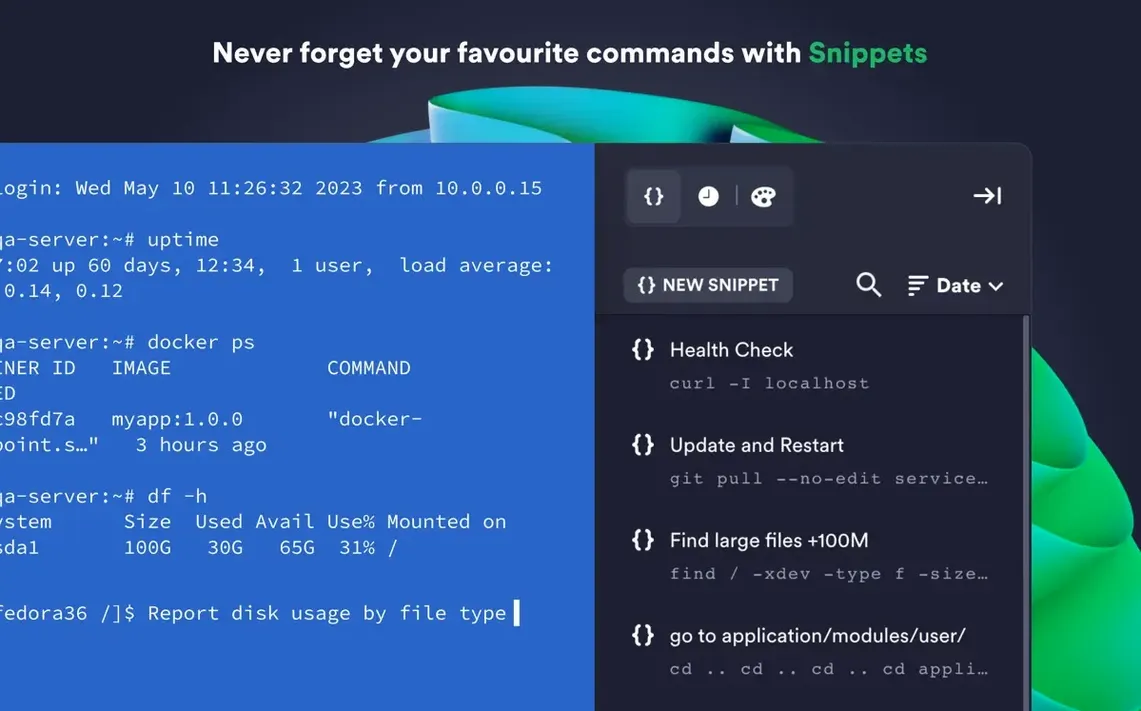
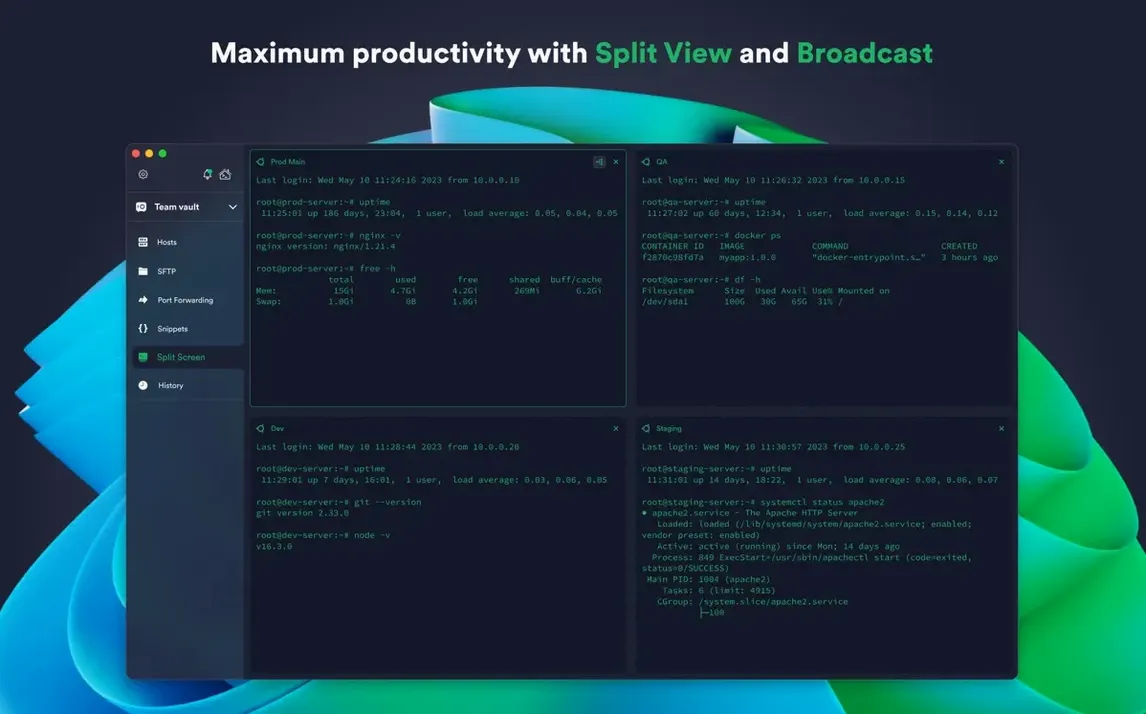
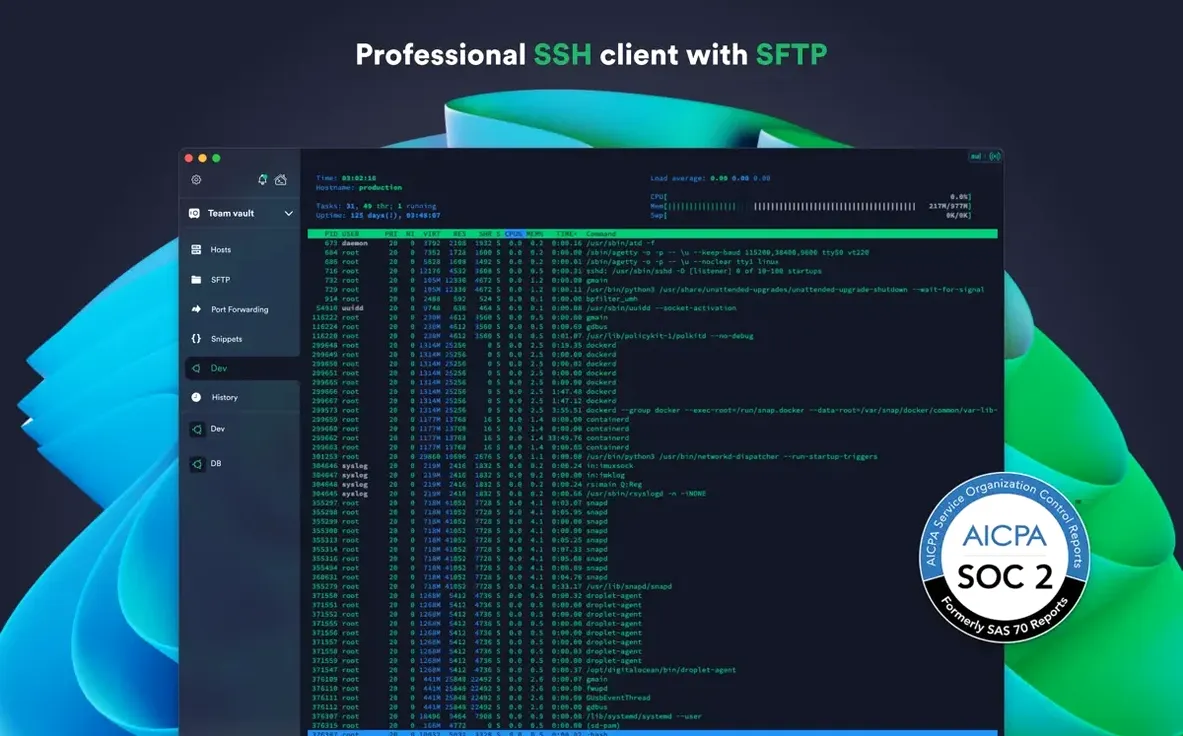
Split-view panes let you watch logs on one side while editing configs on the other. That matters when you jump between a dozen servers and can't afford a wrong keystroke. Termius is an SSH client built for that rhythm — tabs, saved hosts, and a layout you arrange once.
macOS 10.13+ and native M‑series support
Termius runs on any Mac with macOS 10.13 or later. It supports both Apple Silicon and Intel 64-bit processors natively, so there's no Rosetta translation layer on M-series machines. The interface comes in English. If you use a YubiKey or similar FIDO2 hardware token for authentication, the app recognises it directly — no workarounds needed for the desktop client.
SFTP and cross‑device sync built in
Beyond the terminal, you get SFTP file transfers built into the same window. Connection details and credentials sync through encrypted cloud storage, so a host you add on your Mac appears ready on iOS or Windows later. Per-connection themes and fonts let you colour-code production servers differently from staging. Local credential protection runs through Touch ID or Face ID where available, with optional two-factor authentication on the Termius account itself.
Host key caching after server rebuilds
Most hiccups trace back to one of three things. Here's what to check first.
- Host key mismatch after server rebuild. Termius caches keys and refuses the connection when a server's fingerprint changes. Open host settings, switch to the General tab, and clear the saved key. Reconnect to accept the new one.
- SFTP pane shows a blank directory. The sandboxed Mac App Store build blocks local file access for SFTP. Use the website download instead — it lifts that restriction and gives you full local terminal access too.
- Agent forwarding not working. Confirm
ForwardAgentis set to yes in the connection's SSH config section. Also check thatssh-agentis running locally and your key is added withssh-add -l. - Mosh connections drop on sleep. Mosh relies on UDP and handles suspend better than raw SSH, but some firewalls block its ports. If reconnection fails, fall back to SSH with keep-alive set to 60 seconds under connection options.
- Cloud sync fails silently. Sign out of the Termius account and sign back in. On macOS, also check that Keychain Access shows no expired entries for Termius under the login keychain.
If the app beachballs after a macOS update, reset the saved workspace. Close Termius, then delete ~/Library/Application Support/Termius/ — the cloud sync restores your connections on next login.
Measured against Royal TSX and Core Shell
Termius sits between barebones terminal apps and heavyweight remote desktop suites. Two alternatives worth measuring against are Royal TSX and Core Shell.
Termius vs Royal TSX
Royal TSX is a Swiss Army knife — RDP, VNC, SSH, web, and plug-ins all in one window. Its credential management is deeper, with inheritance and folder-level overrides. Termius keeps things simpler. You get SSH, Mosh, Telnet, and SFTP, plus a cloud sync that Royal TSX only matches through third-party storage. Where Termius pulls ahead is cross-device continuity: the same host list on an iPad, Android phone, and Windows machine without extra setup. Royal TSX stays on the desktop.
Termius vs Core Shell
Core Shell loads fast and feels native on macOS, with tight Keychain integration and a lightweight footprint. It lacks cloud sync entirely — hosts stay local unless you export them manually. Termius wins on any setup that moves between Macs or mixes platforms. Core Shell suits single-machine users who never touch iOS or Windows and prefer zero account overhead.
180 MB idle with three sessions on M1
Launch time sits around two seconds on an M1 Mac with a hundred saved hosts. Tab switching is instant. The app idles at roughly 180 MB of RAM with three SSH sessions open, and CPU draw stays flat during idle — no background polling spikes.
SSH throughput matches the native OpenSSH client in practical use; Mosh sessions feel snappier on high-latency connections. The electron-derived UI carries a larger memory footprint than a native Cocoa terminal, but the trade-off is the consistent cross-platform experience. On Intel Macs from 2017 onward, the same session load pushes RAM closer to 320 MB, still manageable alongside browsers and editors.
Crashes are rare on version 9.35.4 under macOS Ventura and Sonoma. The most common instability trigger is rapid switching between split-pane layouts while an SFTP transfer runs — pause transfers before rearranging panes. Termius autosaves session state, so a crash brings tabs back exactly as they were.
For those searching a termius mac client that syncs without fuss, the direct download from the developer's site avoids the sandboxing limits of the store build and keeps local terminal access intact.
- Stability improvements across the desktop client.
- macOS 10.13 or later
- Apple Silicon or Intel 64-bit processor
- English interface









Comments 0
Sign in or create an account to add a comment.
No comments yet. They go up after moderation.