

Transmit — Mac download
Download (34 MB) Earlier builds
Ticked
German rename fields get more room and better S3 errors
German File Rename text entry fields are larger, the Get Info toolbar button is active immediately after launch, and S3 error reporting is clearer when a file exceeds the upload limit. A crash when dragging files into IntelliJ is also fixed.
Can I manage keys without leaving the app?
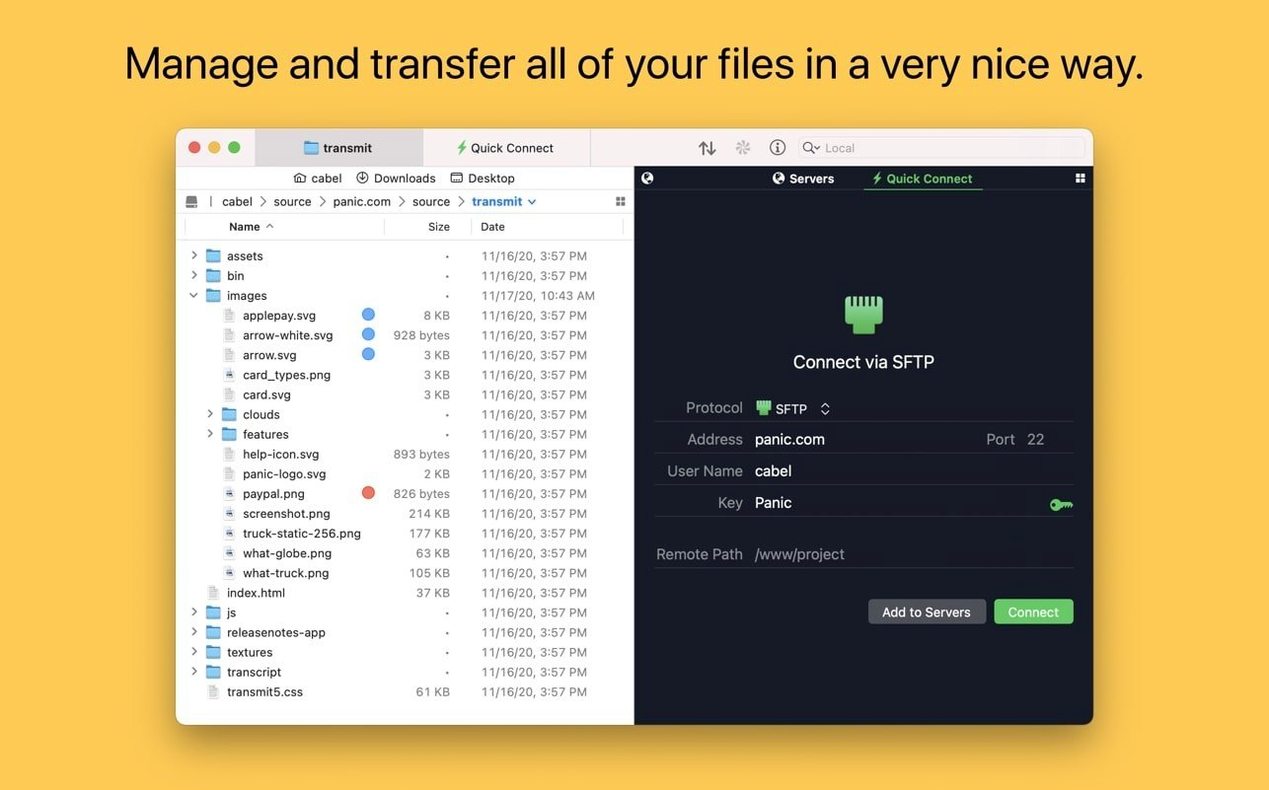
Yes. Transmit lets you generate and manage secure keys inside the app, so you skip the command line for setting up SFTP connections.
How does the sync tool handle large S3 files?
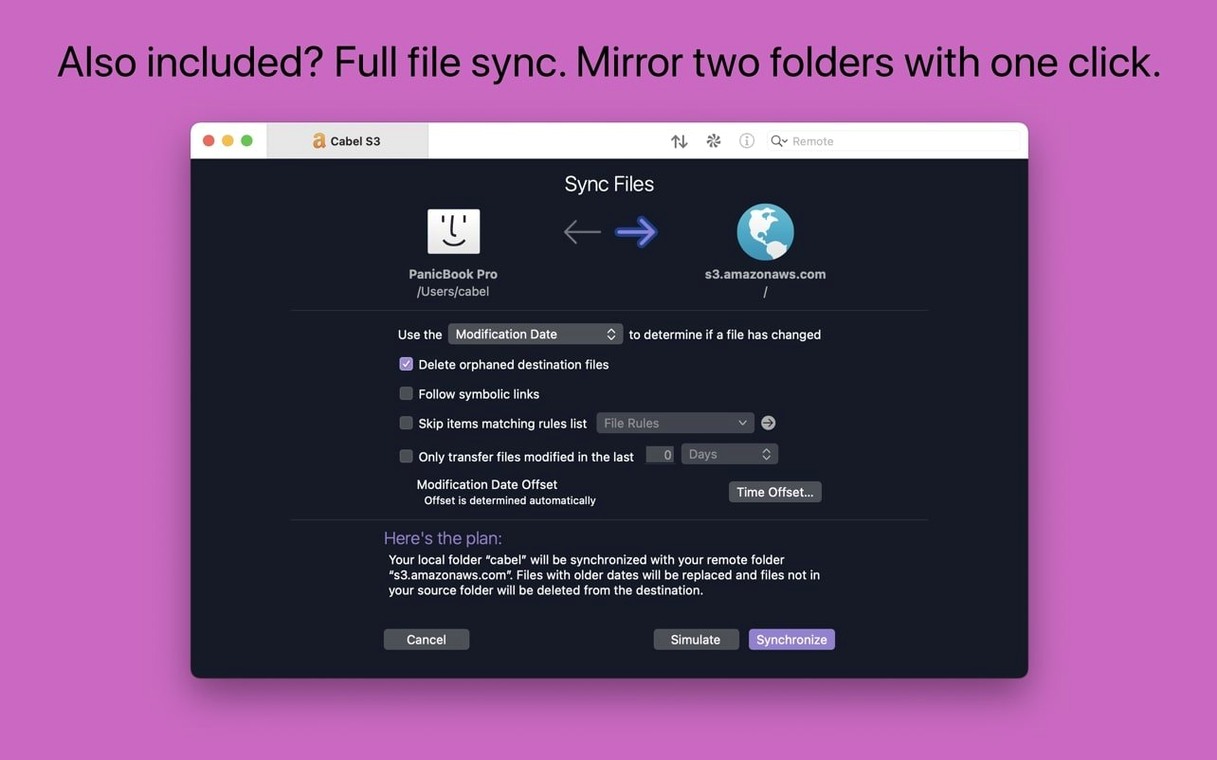
The sync feature supports very large Amazon S3 files and the latest update improves error messages when an upload fails because the file is too big.
Fastest route to previewing a file on a remote server
It imports your current server list during first launch
Does it replace my current FTP client settings? No. Transmit imports favourites from Cyberduck, FileZilla, and ForkLift during first launch, so your existing server list comes across.
Will it slow down during large transfers? The app handles multi-gigabyte files without locking up. The S3 error improvements in 5.11.6 mean you get a clear message instead of a silent timeout when a file exceeds limits.
Is two-factor login supported? Yes, across SFTP and cloud services. You enter the code once and the session stays active.
Can I use it on an older Mac? It needs macOS 13 Ventura or later. Apple Silicon and Intel are both fine.
Places Bar and colour-coded tags you can set once
The Places Bar sits at the top of every file list. Drag any local or remote folder onto it for one-click access later. Works across all your saved sites.
Tags are tucked into the sidebar. Colour-code your servers by environment — production, staging, dev — so you spot the right one at a glance.
Right-click any remote file and choose Open in Terminal. Transmit drops you straight into that directory via SSH. No navigating from your home folder.
The batch rename tool works on local and remote files. Select a group, right-click, and apply a pattern — numbering, find-and-replace, or case changes — before you upload or after you download.
Panic Sync beats Cyberduck's manual server list management
Cyberduck supports many of the same protocols and is open source. It lacks Panic Sync, so you manage server lists manually across Macs. The interface shows every connection as a separate window rather than tabs inside one window.
ForkLift acts as a dual-pane file manager as well as a transfer client. It handles local file operations better than Transmit, but its cloud service support covers fewer providers and the sync tool is less polished for large S3 workflows.
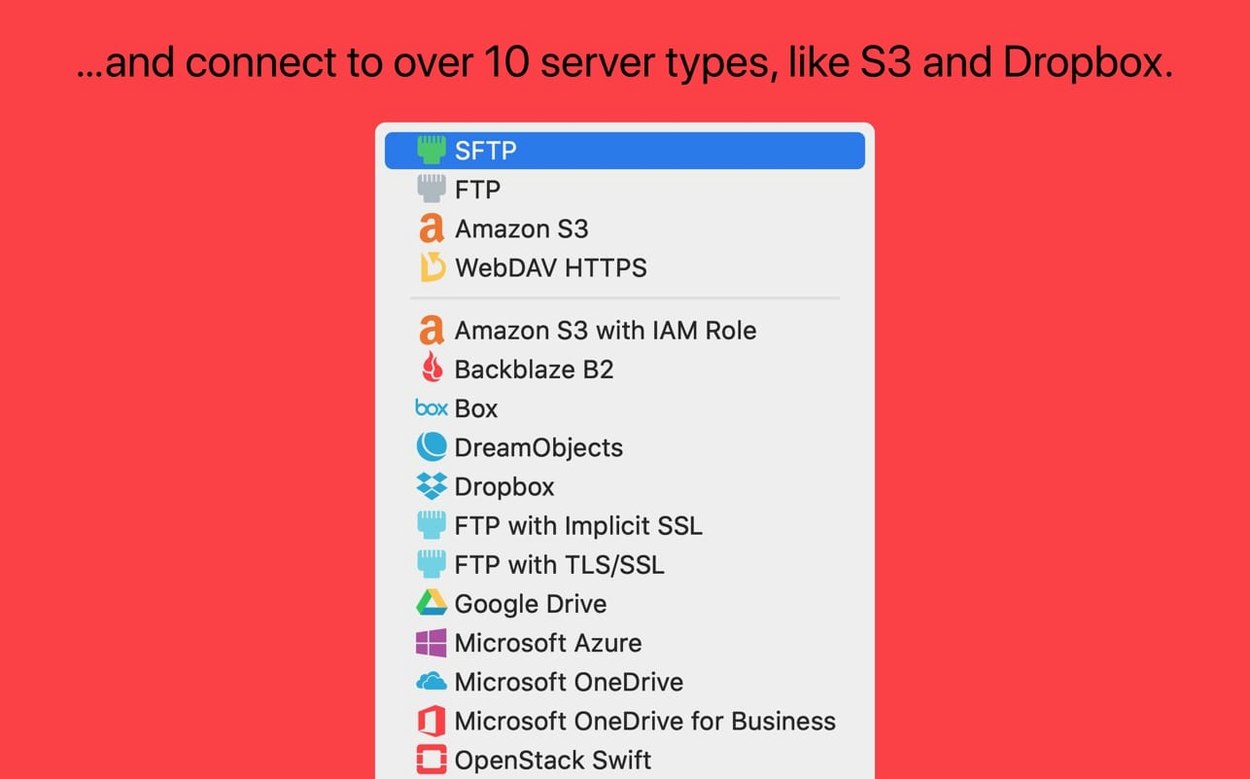
FileZilla Pro matches Transmit on protocol coverage and adds OneDrive and Google Cloud Storage. The interface feels cross-platform rather than native macOS, and key management still leans on external tools rather than in-app generation.
If your work centres on S3, SFTP, and syncing site definitions between a desktop and laptop, Transmit stays the most direct option. A transmit download mac search will surface the current disk image from Panic's site.
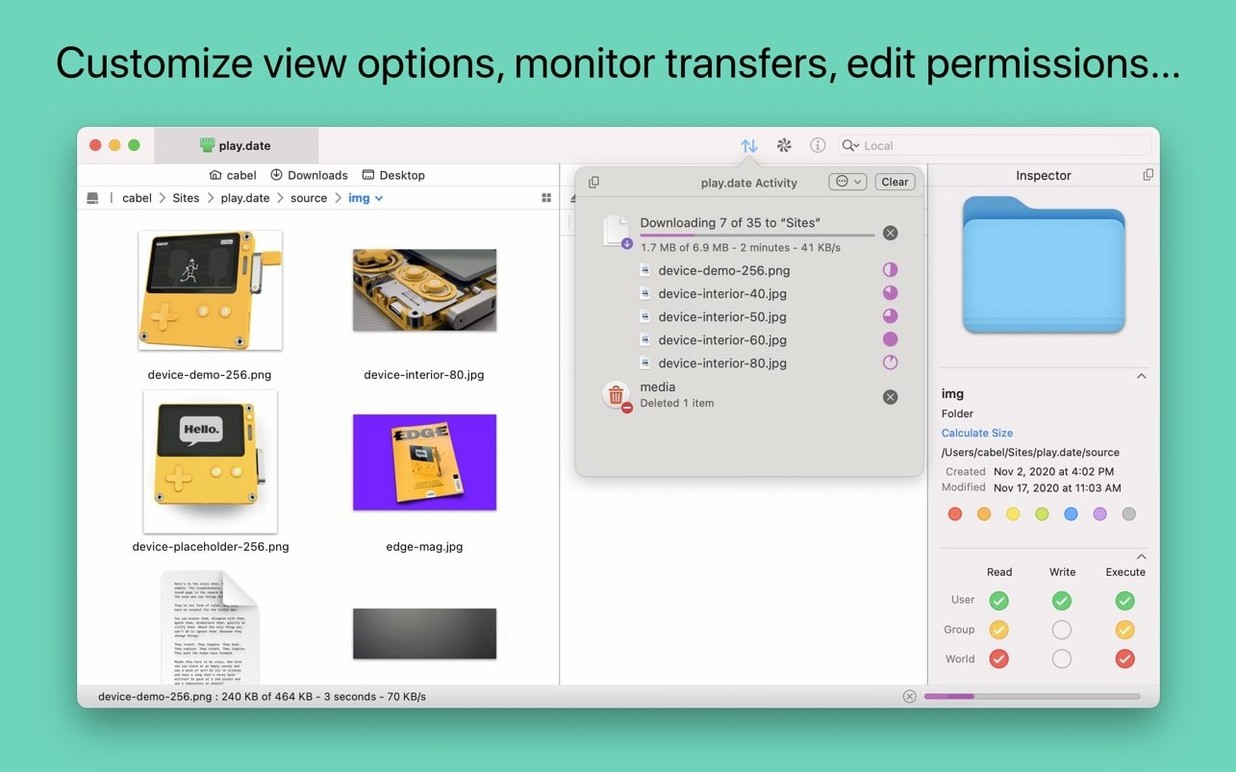
Use the information sidebar. It shows details for the selected item while you browse, no need to open extra windows or menus.
Transmit 5.11.7 rolls out the developer’s latest under-the-bonnet fixes, keeping file transfers steady and connections clean.
- macOS 13 or later
- Apple Silicon or Intel 64-bit Mac
Questions the team asks
Yes. Use the built-in command to open the current server location directly in Terminal.









Comments 0
Sign in or create an account to add a comment.
No comments yet. They go up after moderation.