

uBar — Mac download
Download (10 MB) Earlier builds
Ticked
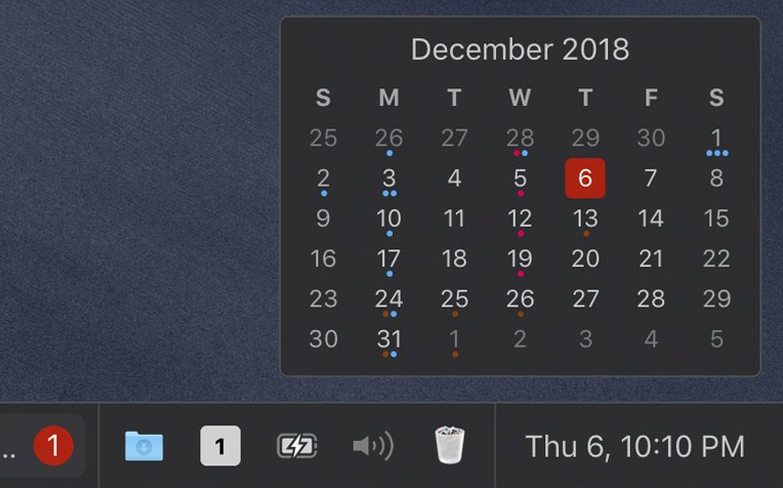
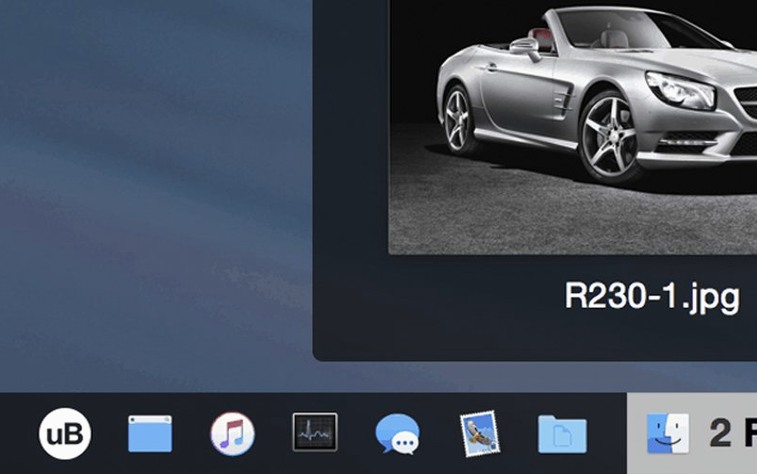
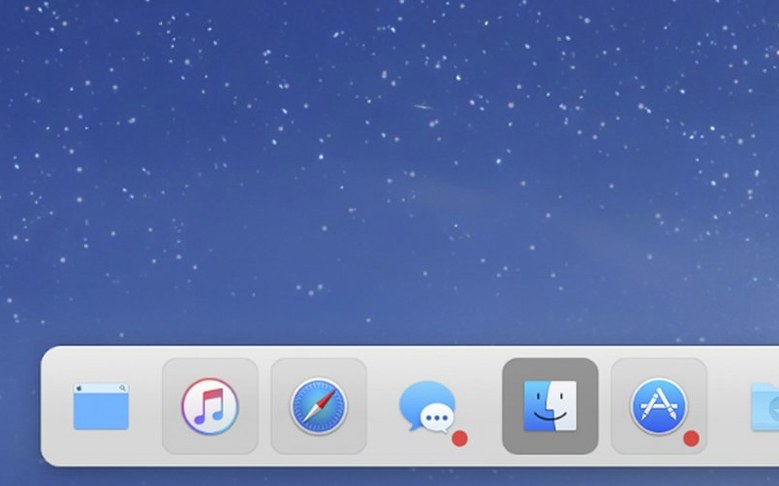
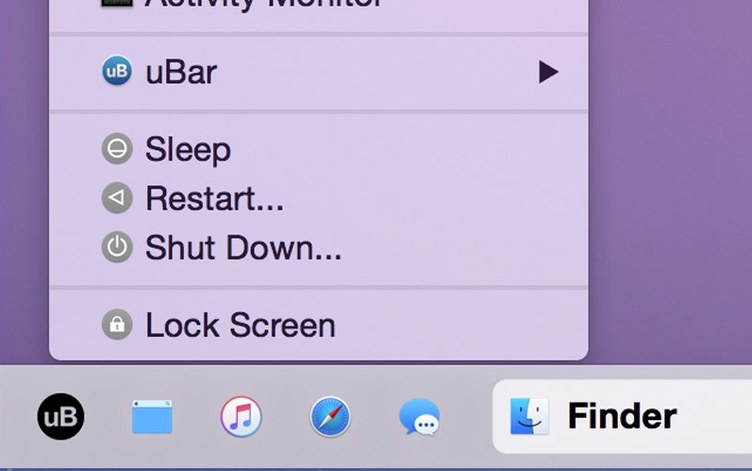
uBar is a macOS taskbar that replaces the Dock and organises open windows by app.
The setup
Term — what it means
- Taskbar — the horizontal bar at the bottom showing running apps
- Window grouping — all windows from one app sit under one entry
- Hotkeys — keyboard shortcuts for switching between grouped windows
Say you have three Safari windows and two Finder windows open. Instead of six separate Dock icons, uBar shows one Safari entry and one Finder entry. Click the Safari entry to expand its windows, or press the hotkey to cycle through them.
You can also split the bar by task: group similar windows together, or keep them separate. The choice is yours.
Bottom-edge placement and theme tweaks
After install, open Preferences. A few tweaks make uBar behave more predictably.
- Position — move the bar to the bottom edge. Left and right positions work too, but bottom mimics muscle memory from other platforms.
- Theme — switch to Dark if you use macOS in Dark Mode. The default light theme clashes.
- Height — bump it to two or three rows. Single-row mode hides too much when you have many apps open.
- Window grouping — set to "Always group by application." The default lets windows split unpredictably.
- Hotkeys — assign
⌥ Tabto cycle through apps and⌥ `to cycle through windows within an app. Familiar pattern, less friction. - Hide Dock — let uBar suppress the native Dock. A checkbox in General handles this. No conflict, no double bars.
Real-world scenario
A developer running Xcode, Terminal, Safari and Simulator on a single screen. The Dock shows eight icons — two Xcode windows, three Terminal tabs, Simulator, plus the browser. Switching means hunting.
With uBar, those four apps occupy four clean entries. Each expands on hover. Window previews appear as thumbnails. The developer presses ⌥ ` to jump between Xcode's editor and the debugger without lifting the mouse. A second monitor isn't needed — the taskbar stays visible and compact.
When the workday ends, the bar shows exactly what's still running. No hidden windows behind other windows. uBar download takes under a minute, and the setup described above takes five more.
uBar runs on both Apple Silicon and Intel Macs, from macOS 10.13 through Tahoe.
- macOS 10.13 or later
- Apple Silicon or Intel 64-bit
Questions the team asks
Yes. It is a full Dock replacement, though you can also use it to extend the Dock rather than hide it.
It supports both Apple Silicon and 64-bit Intel Macs running macOS 10.13 or newer, including Tahoe.
English, German, Danish, Hebrew, Spanish, Italian, Simplified Chinese, Korean, Dutch, Norwegian, Polish, Portuguese, Turkish, French, Swedish, and Japanese.






Comments 0
Sign in or create an account to add a comment.
No comments yet. They go up after moderation.