

Typinator — Mac download
Download (12 MB) Earlier builds
Ticked
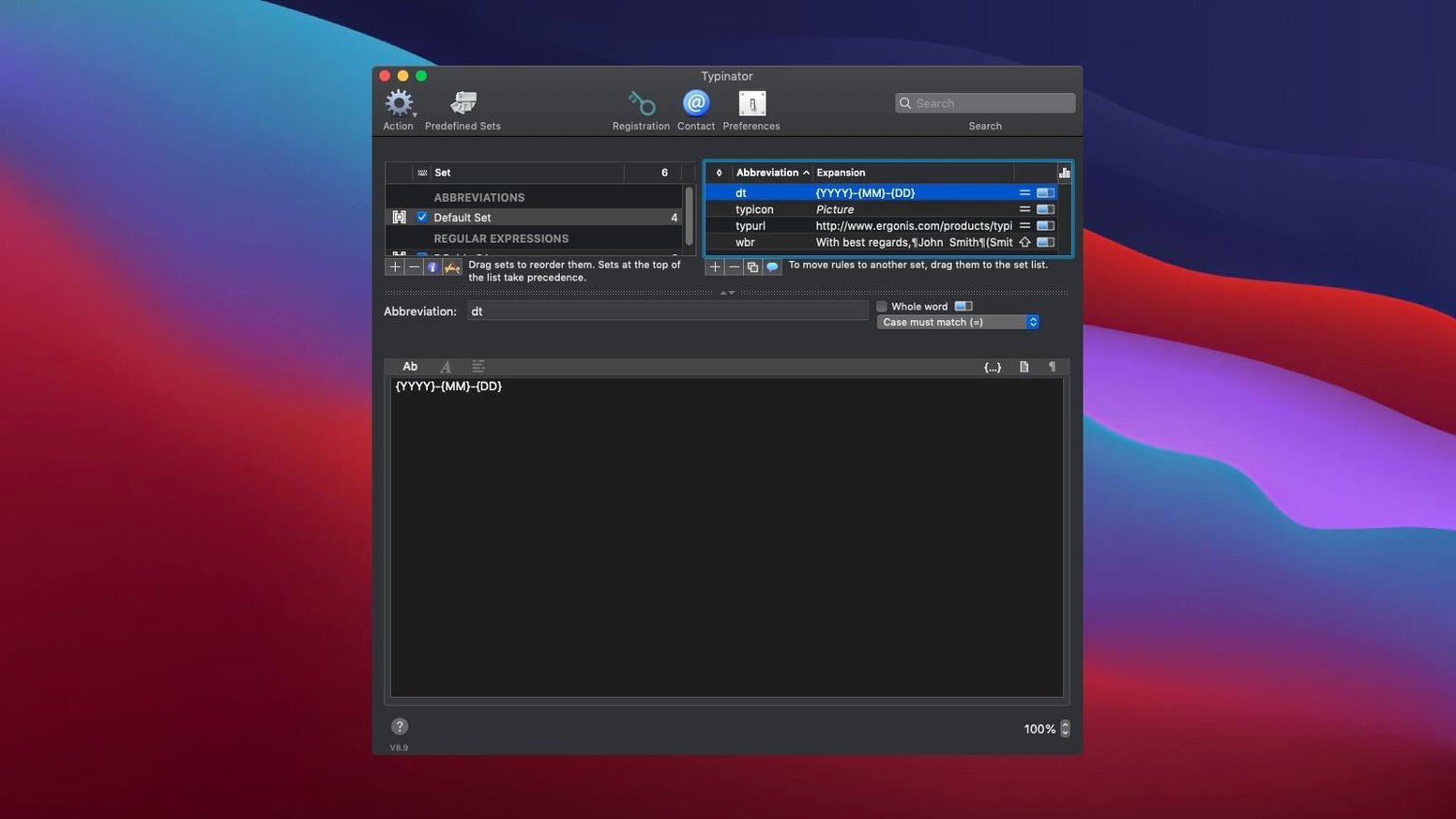
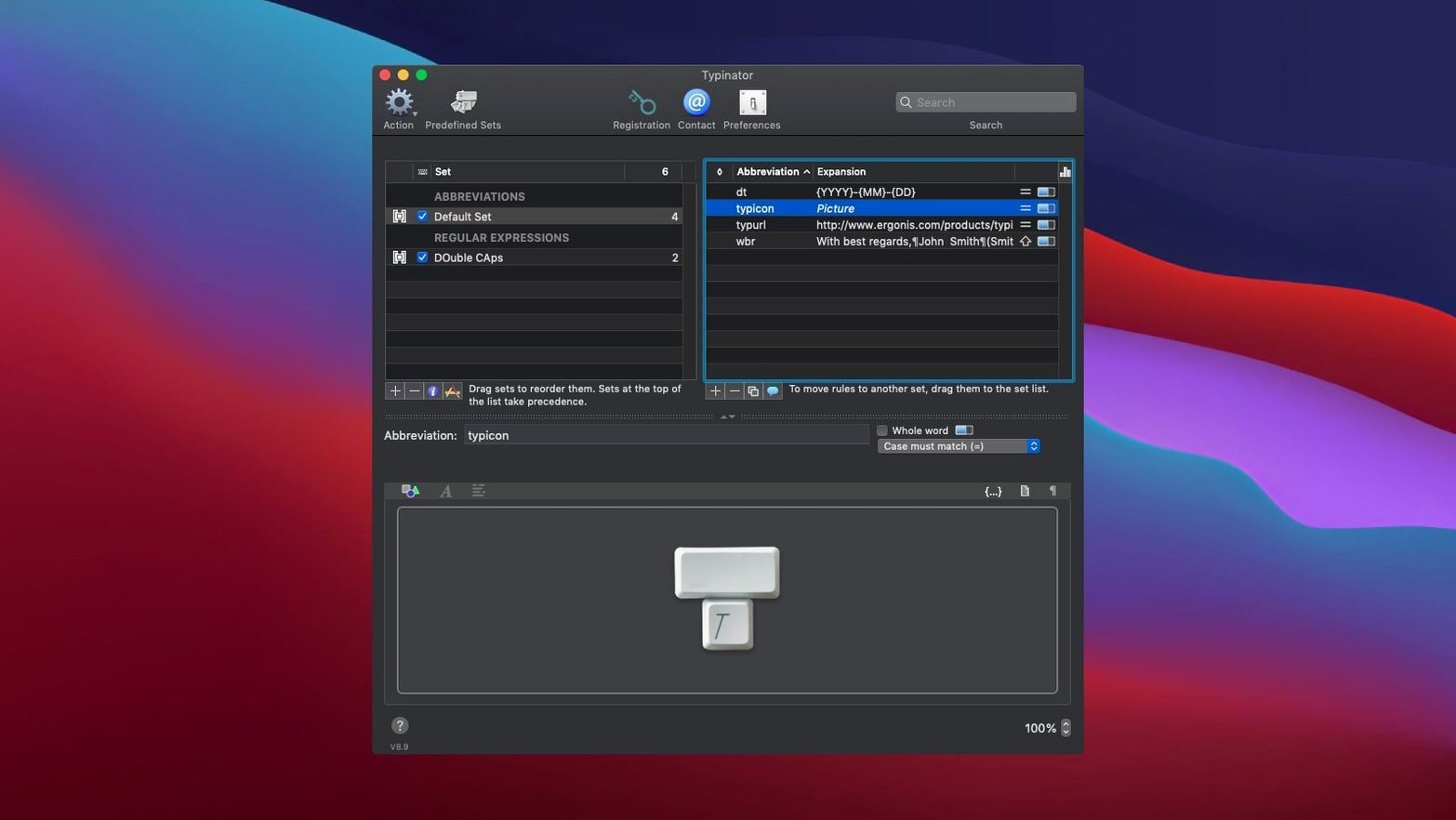
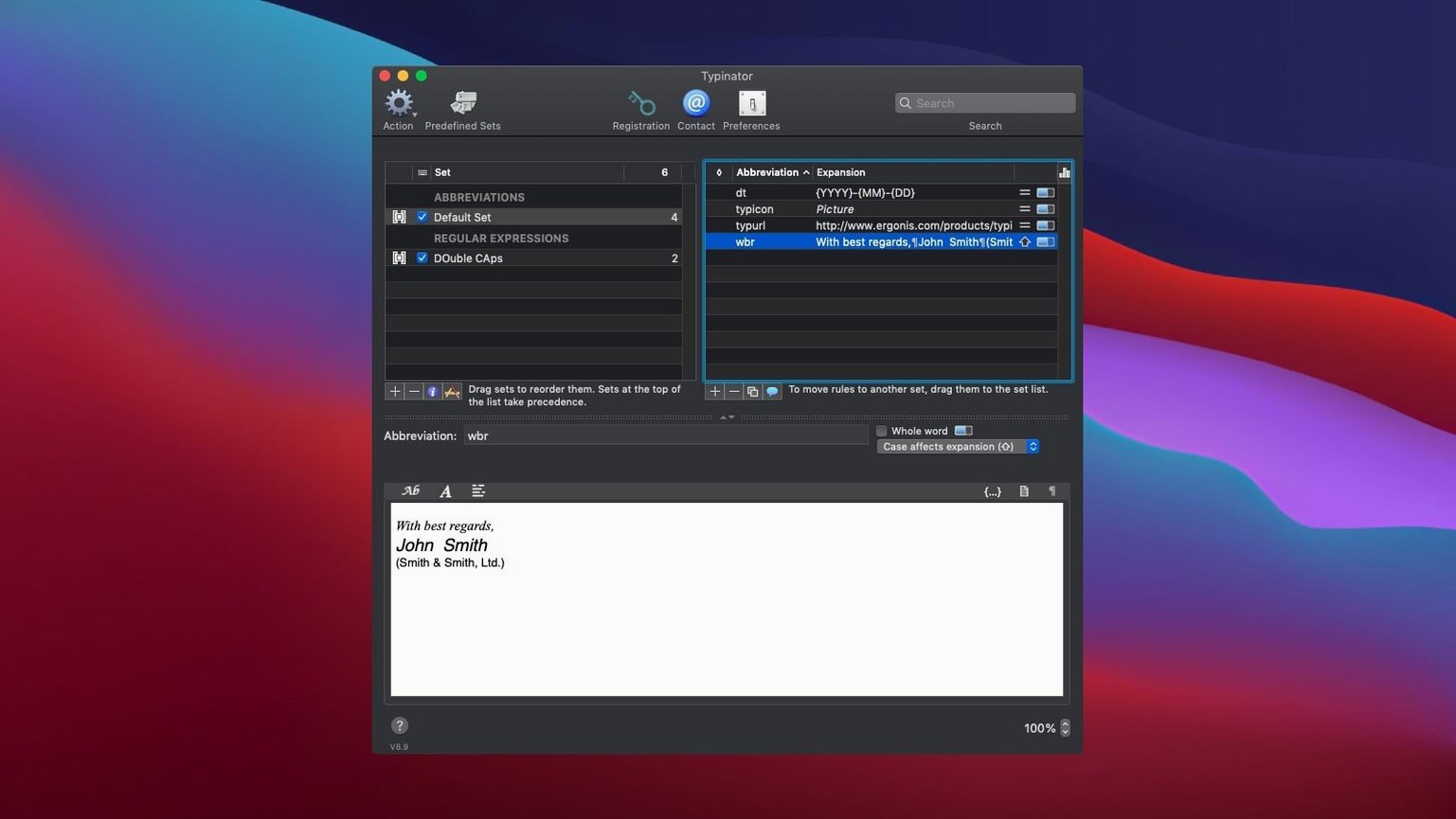
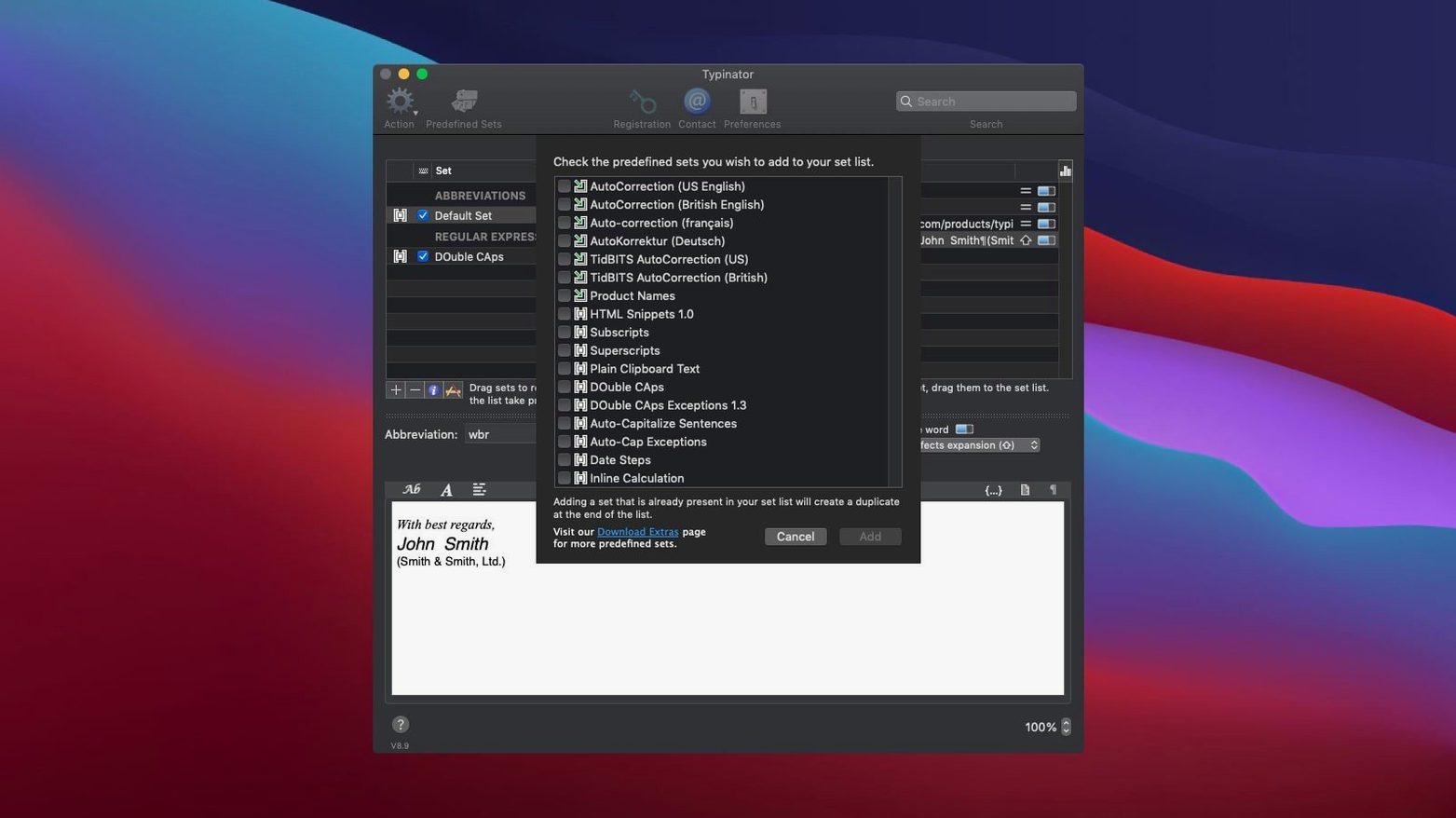
Over 100,000 abbreviations can live in a single Typinator set. The app swaps short codes for full text, images, dates, and contact details across every app on your Mac.
macOS 13 native on Intel and Apple Silicon
- Requires macOS 13 or later
- Runs natively on both Intel and Apple Silicon Macs
- Built by Ergonis Software
Abbreviations expand to snippets, dates, and contact fields
Typinator expands abbreviations into formatted text snippets, the current date and time, and contact fields like name, title, email, and phone number. It corrects common typing mistakes as you work. If you are switching tools, version 10.2 imports snippets from TextExpander, aText, Alfred, Espanso, and PhraseExpress. Quick Search handles very large collections without lag, and Quick Define remembers the abbreviation set you last used so you can pick up where you left off.
Silence in password fields is expected, not a bug
- Expansion doesn't fire in a password field. Typinator 10.2 improves secure-input detection. If it still stays silent, the text field has likely locked the input. Type the text manually — that's expected behaviour, not a bug.
- Sync between two Macs goes stale. Dropbox or iCloud can lag. Place the abbreviation file in the cloud folder, then open Typinator > Settings > Storage and point both copies to the same file. Version 10.2 tightened error reporting, so a conflict alert now shows which machine last touched the file.
- Quick Search feels slow after importing a large TextExpander library. Restart the app once the import finishes. The internal index rebuilds on launch and the 10.2 performance tweaks kick in fully after a fresh start.
- An abbreviation expands when you don't want it to. Use a double-comma or semicolon prefix for obscure snippets — something you'd never type by accident. Quick Define (the globe icon in the menu bar) lets you toggle a single expansion off without deleting it.
System-wide input layer with emoji and inline images
Typinator slots in as a system-wide input layer. It works in Mail, Pages, Safari, Slack, Terminal, and anywhere else the cursor blinks. Because it taps the macOS text-handling engine, you get emoji, formatted text, and inline images without a browser extension or a separate macro app.
If you already use a clipboard manager, the two play separate roles. The clipboard manager handles what you copied; Typinator handles what you type repeatedly. They run side-by-side without stepping on each other.
For developers who keep code snippets, a download typinator for mac gives you a single shortcut library that works in Xcode, VS Code, and the Terminal. Unix commands get the same abbreviation treatment as email signatures — type the short code and the full command line appears. When you pair typinator mac with Alfred or Raycast, you can use the launcher for actions and keep Typinator purely for text expansion. No conflicts, no double expansions.
Typinator 10.2 fix has landed. The list of changes lives on the developer's site.
- macOS 13 or later
- Apple Silicon or Intel 64-bit
Questions the team asks
Yes, version 10.2 imports from TextExpander, aText, Alfred, Espanso, PhraseExpress, Textpander, and TypeIt4Me.









Comments 0
Sign in or create an account to add a comment.
No comments yet. They go up after moderation.