

VideoProc Converter — Mac download
Download (86 MB) Earlier builds
Ticked
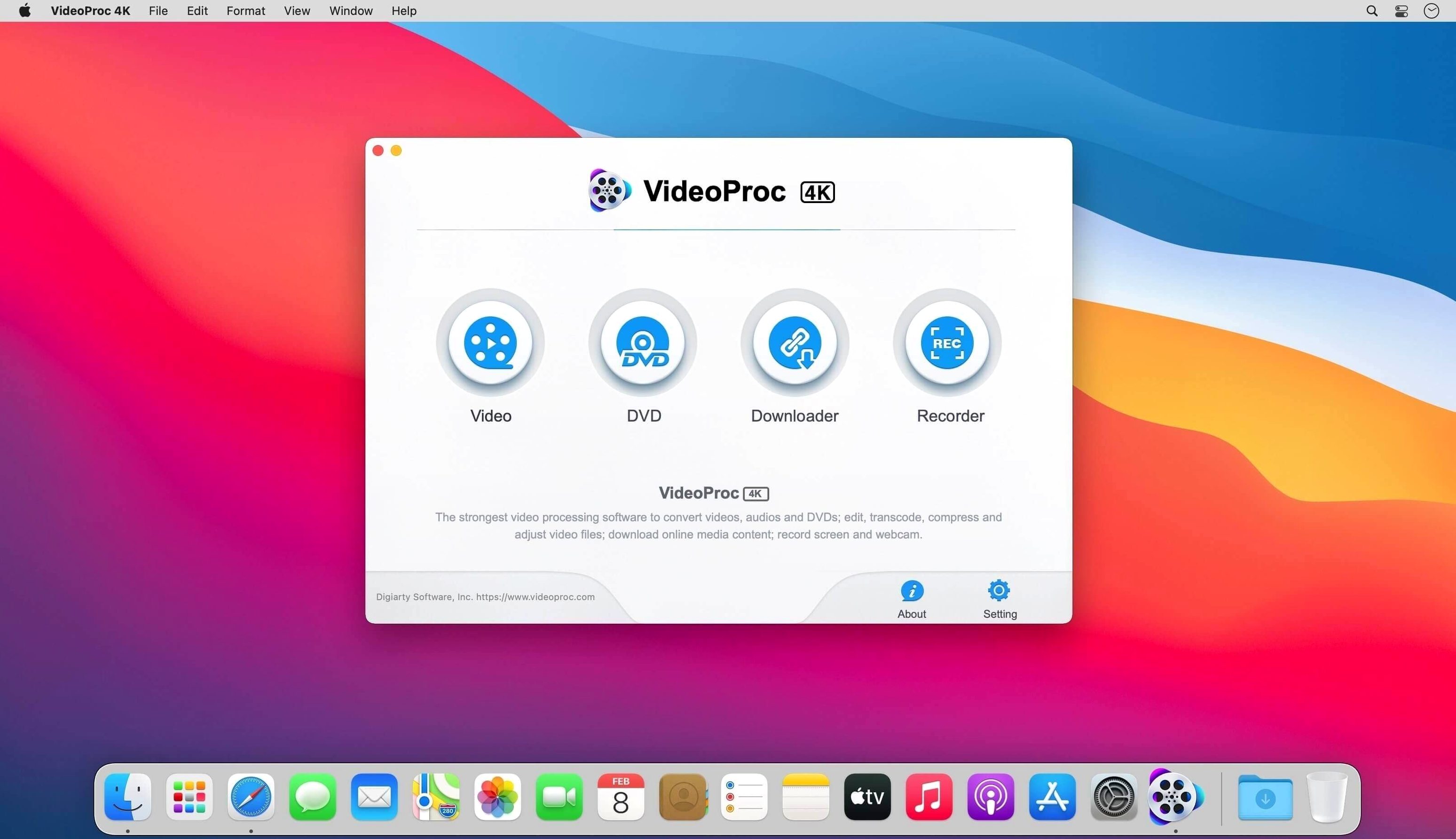
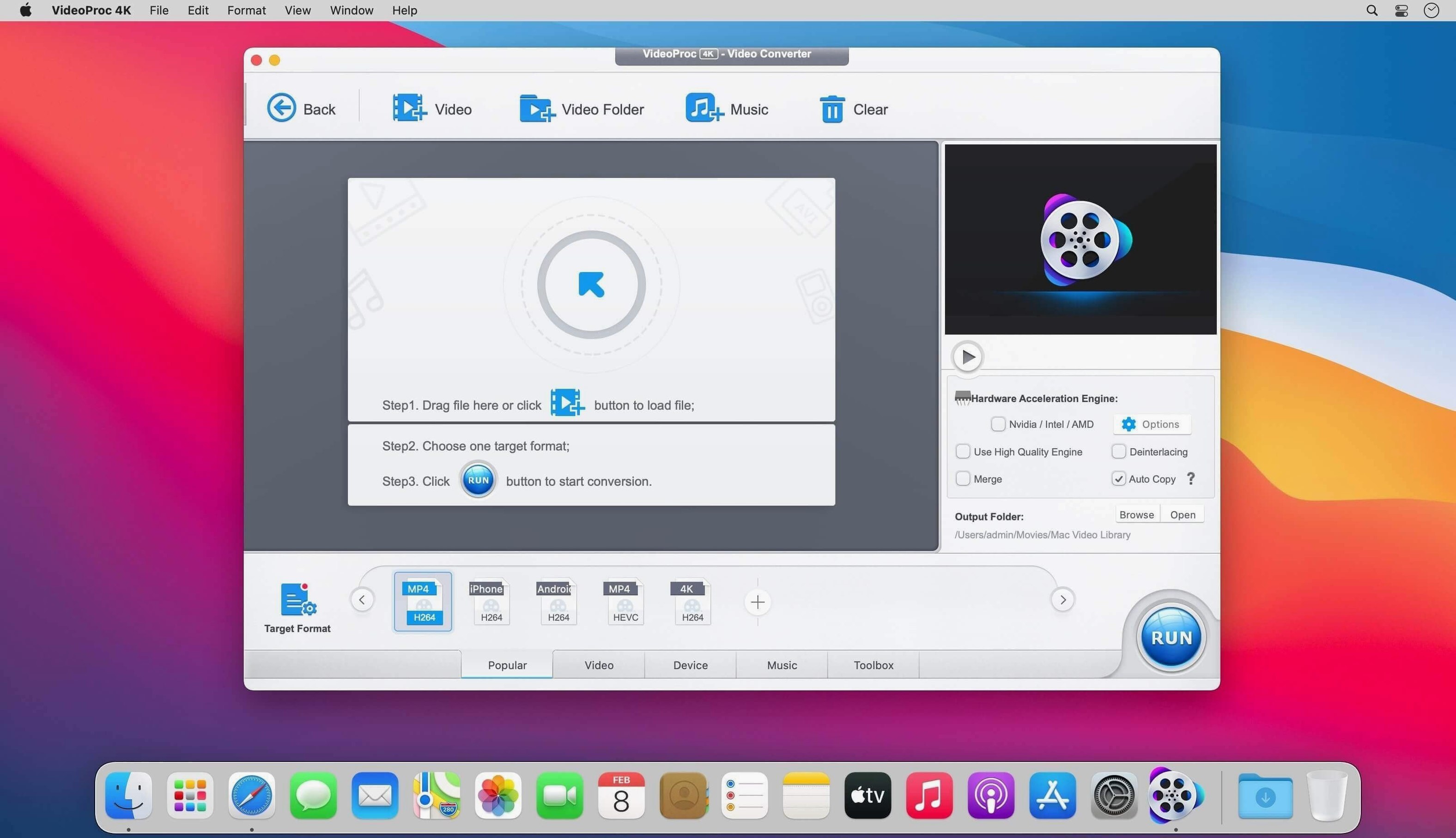
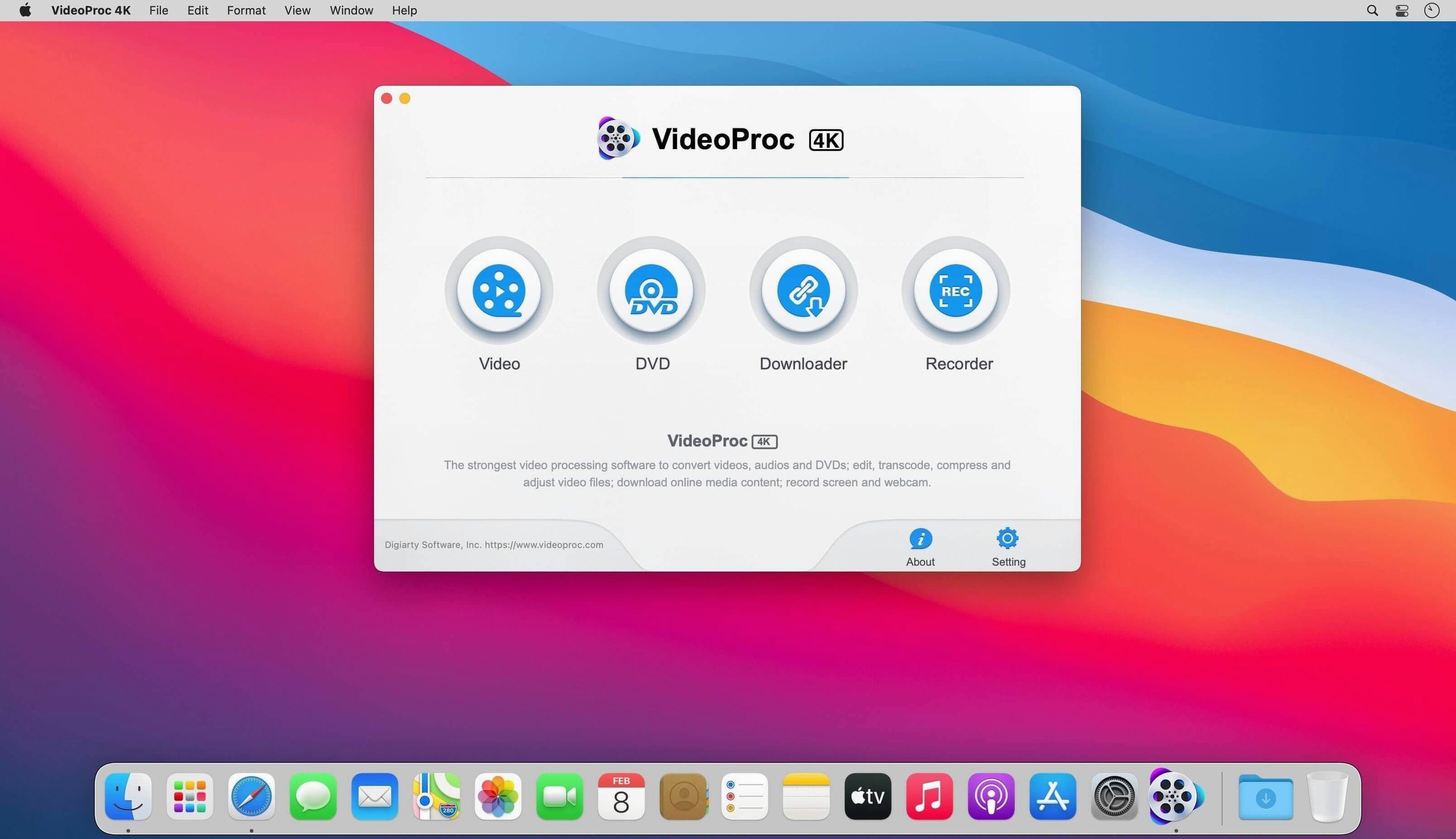
Dragging a folder of mixed video files into a converter and watching half of them fail is a familiar frustration. VideoProc Converter handles that folder quietly, pulling from a library of 370 codecs so the output matches what your device actually needs.
Batch convert a messy folder
Throw a mix of MKV, AVI, and phone footage at it. Pick an output preset, tick the GPU acceleration box, and let it run through the queue without babysitting.
Upscale an old clip with AI
Dig out a low-res recording and run it through Video Super Resolution. The app uses the Neural Engine on M1–M4 chips, so a short clip sharpens up while you make coffee.
Grab a playlist for offline viewing
Paste a playlist URL and select the quality you need. The batch downloader pulls UHD or HD video, audio, and subtitles in one go, ready for a commute with no signal.
Trim and export drone footage for sharing
Connect a card reader with clips from a GoPro or DJI drone. The app parses the file tree without fuss.
- Load the clips into the timeline and set in/out points on each one.
- Apply a subtle crop to remove propeller shadows that crept into the frame.
- Choose Hardware Encoder and an HEVC preset to keep the file small.
- Press Run — the queue processes while you pack your kit away.
What lands in the output folder is a clean, compressed MP4 ready for a group chat or a quick upload. No editor project file, no timeline lag, just the trimmed clip.
Hardware-accelerated middle ground between free and pro tools
Plenty of Mac video tools promise conversion, but they split along two lines: the slim freebies and the heavyweight professional suites. VideoProc Converter sits in the middle, leaning on hardware acceleration to do the heavy lifting.
- HandBrake — Open-source, deep codec control, and zero hardware acceleration for encoding. Fine for a single file when you want granular settings, but it drags on a batch of 4K clips. No downloader, no AI upscaling, no trimming tools.
- MacX Video Converter Pro — A similar feature set on paper: conversion, compression, and a downloader. The interface feels busier, and GPU acceleration support is narrower. videoproc converter mac builds tend to push frames through the hardware encoder more consistently on Apple Silicon.
- Adobe Media Encoder — The professional pick with format support that covers broadcast specs. It ties into Premiere and After Effects, which is overkill if you just need to convert a folder of phone videos. It also leans harder on the CPU unless you configure it carefully.
If you regularly search for a VideoProc Converter torrent to test the tool on a stack of mixed footage, the difference becomes obvious once the queue starts running: hardware encoding keeps the fans quiet while HandBrake and Media Encoder spin them up. For one-click compression and quick social-media cuts, the Digiarty app avoids the complexity the heavier tools demand.
- macOS 10.13 or later
- Intel 64-bit or Apple Silicon (M1–M4)
Questions the team asks
Yes, the Mac build is optimized for Apple Silicon and runs natively on M1, M2, M3, and M4 chips.
macOS 10.13 or later is required for the classic conversion and processing features.
Yes, it supports batch downloading of UHD and HD video, audio, and playlists.







Comments 0
Sign in or create an account to add a comment.
No comments yet. They go up after moderation.