
WidgetWall — Mac download
Download (396 MB) Earlier builds
Ticked
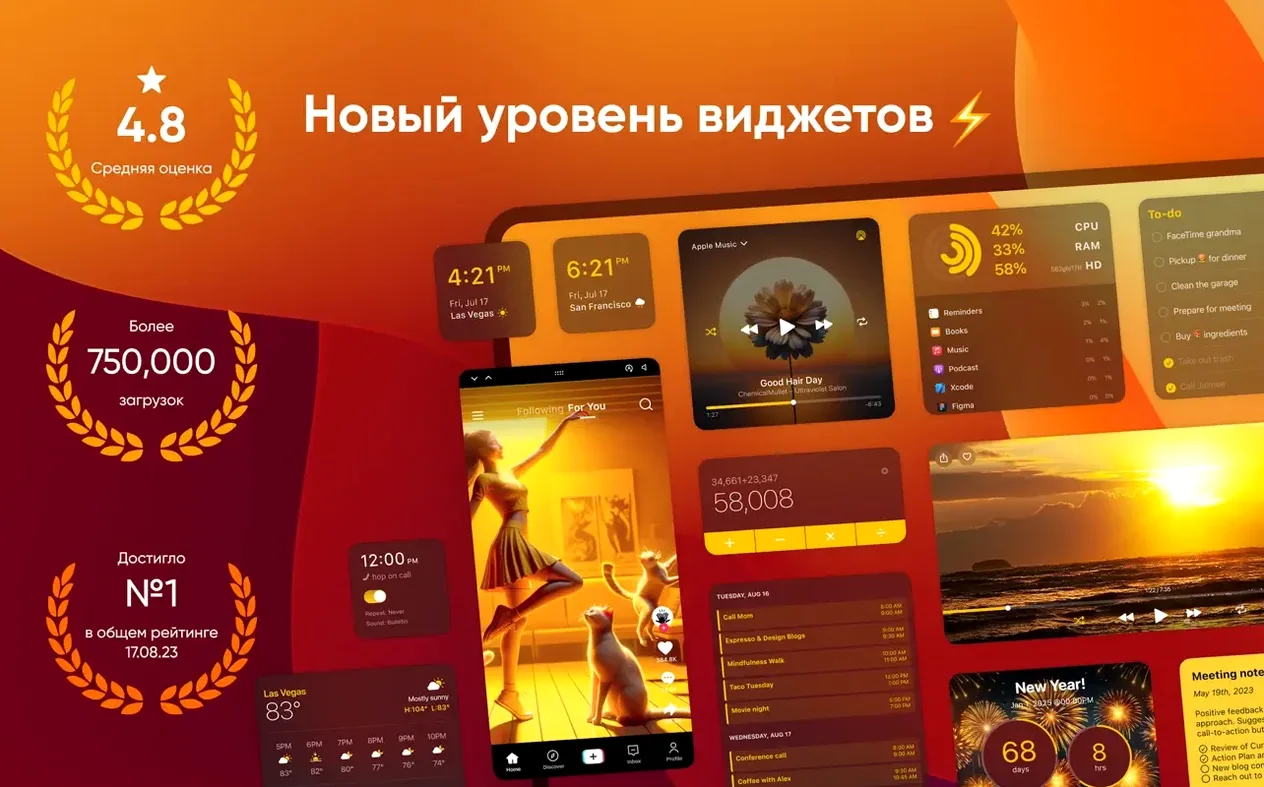
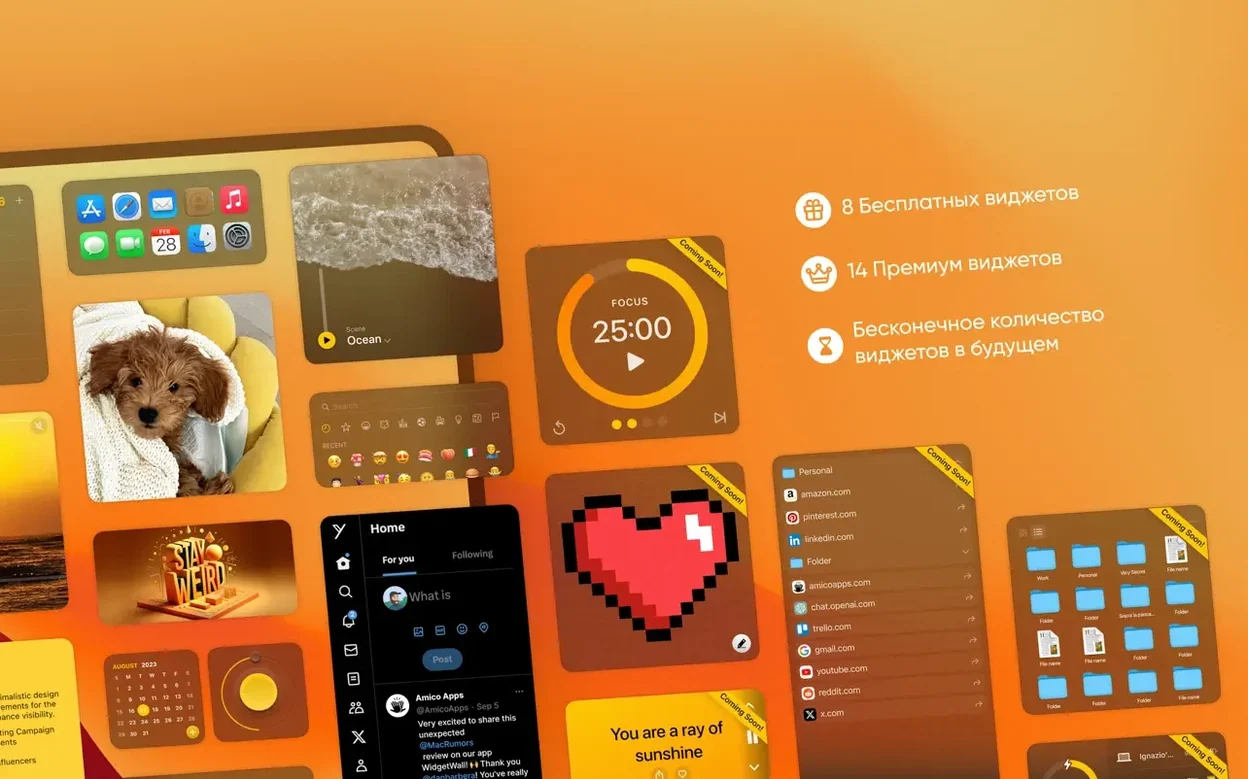
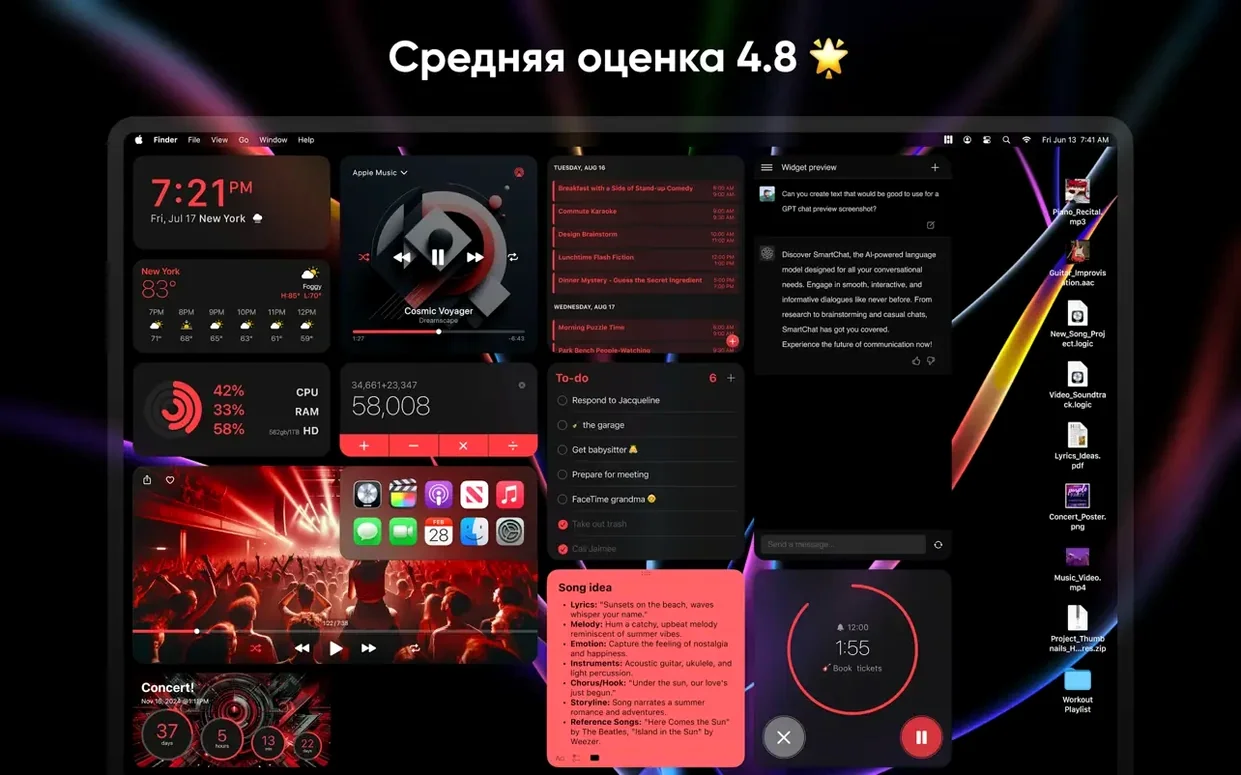
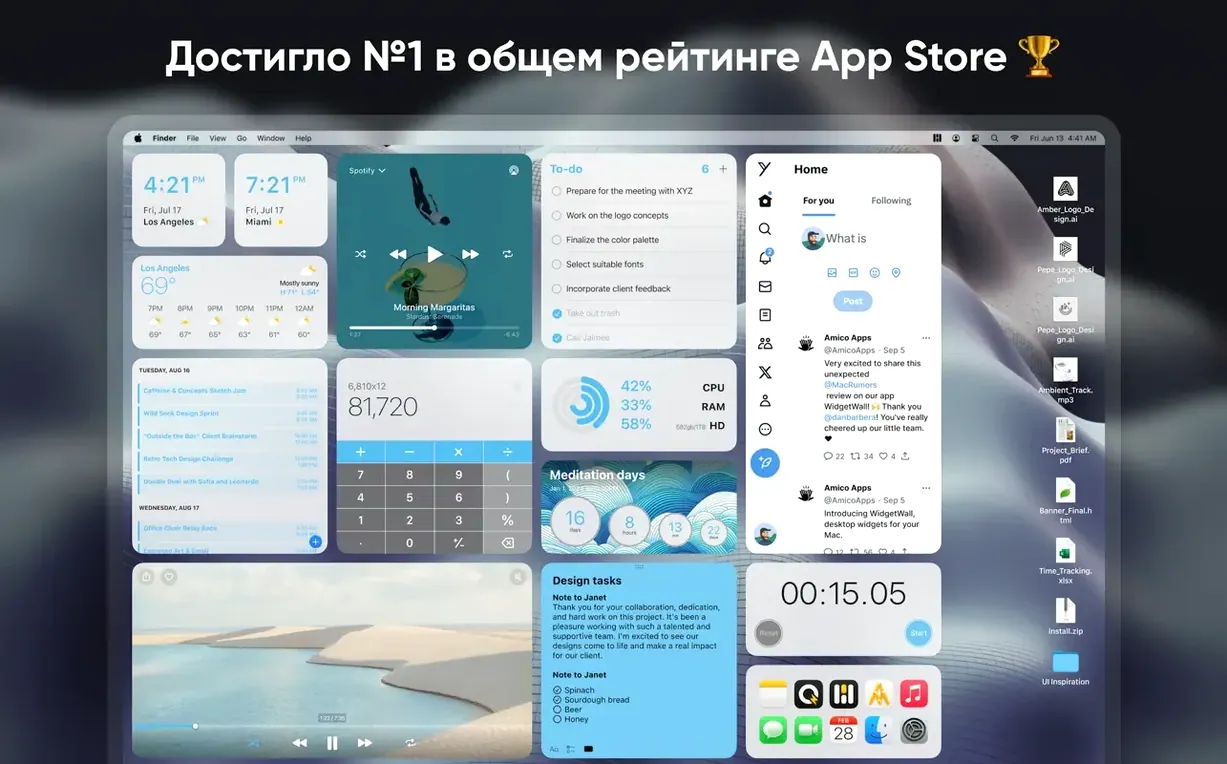
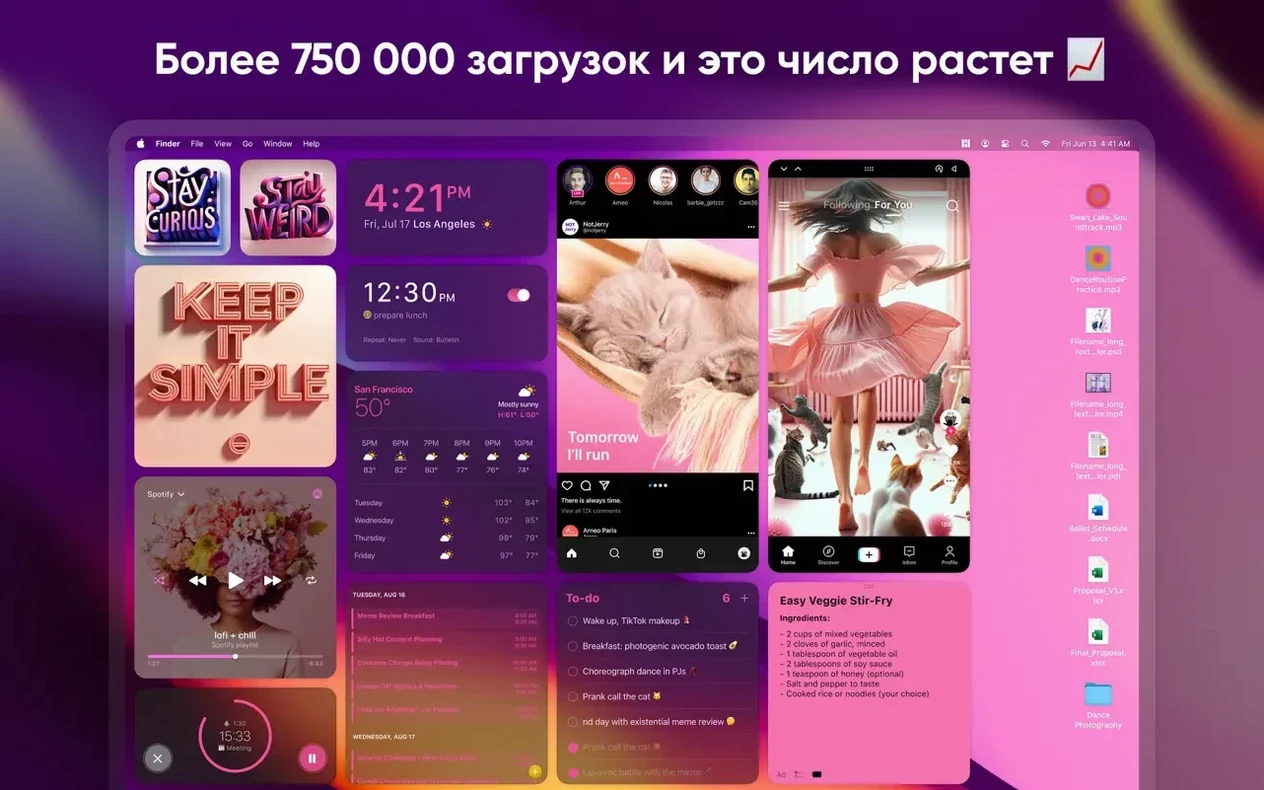
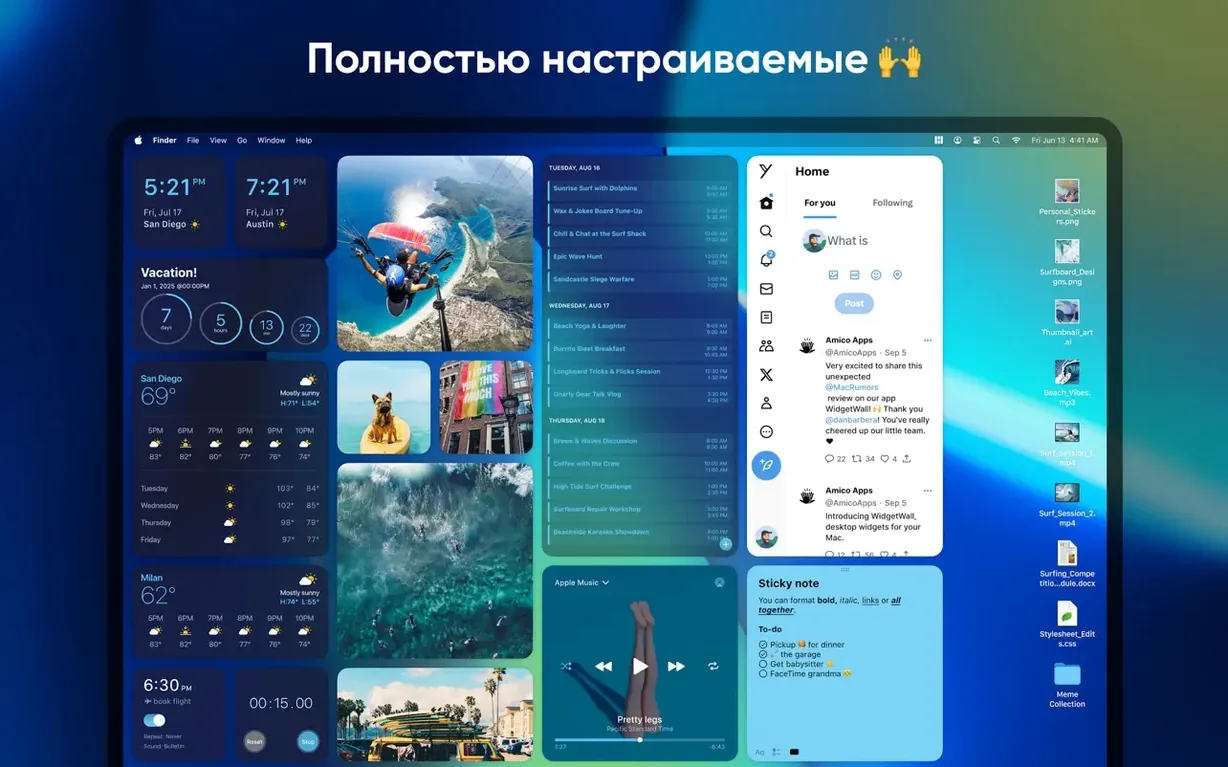
WidgetWall runs on any Mac with Apple Silicon or an Intel 64-bit processor, provided you have macOS 12 or later installed.
Glanceable desktop info that stays visible
- People who want glanceable information pinned directly to the desktop, not tucked behind Notification Centre.
- Keeping a visual checklist, calendar, or clock always visible while working.
- Users who prefer a clean, widget-only workspace without a full dashboard app.
Interface languages and a static-widget default
- The interface uses localised text for Russian, English, Spanish, Traditional Chinese, and French.
- Amico Apps recommends updating to the latest version of WidgetWall for the full feature set.
- Desktop widgets remain static unless you set them to refresh; pinned items sit above all other windows.
Hovers around 180–220 MB with a dozen widgets
On both Apple Silicon and Intel Macs, WidgetWall settles in quietly. Memory use hovers between 180 and 220 MB with a dozen medium widgets active — clock, weather, calendar, Pomodoro timer, and a few app shortcuts. CPU draw stays near zero when widgets are idle. The only time fans spin up is during a video widget playback or a rapid confetti burst, and even then the spike is brief.
Stability holds up well. Through a full workday of switching Spaces, entering full‑screen apps, and locking the screen, widgets stay pinned and don't drift. No crashes on wake from sleep in version 3.15.2. The app respects macOS energy settings; on a MacBook Air, battery drain registers as negligible in Activity Monitor over a three‑hour stretch with the weather and clock widgets updating every 30 minutes.
Widgets stay clickable instead of fading away
macOS Sonoma's built‑in desktop widgets are the most obvious point of comparison. Apple's widgets live in a separate layer — they fade when you click the wallpaper and can't be interacted with directly. WidgetWall keeps everything clickable: you tap the calculator and it works, you scrub the music widget and playback responds. For anyone who needs widgets as tools rather than decorations, that interactivity makes a practical difference.
Übersicht offers deep customisation through JavaScript and CoffeeScript, but demands comfort with code. WidgetWall installs ready‑made widgets in seconds and skips the terminal entirely. GeekTool, another veteran, hasn't seen updates for Apple Silicon and feels abandoned. WidgetWall download and setup takes under a minute, with no scripting required — it's a plug‑and‑play widget wall for Mac that fits a project manager's checklist mindset.
Right-click to resize or Option-drag to duplicate
- Right‑click a widget to switch between small, medium, and large sizes without opening a settings panel.
- Hold Option while dragging a widget to duplicate it instantly — handy for placing a second clock in a different time zone.
- The Emoji Browser widget doubles as a clipboard tool: click any emoji and it copies to your clipboard with no extra dialogue.
- White Noise widget plays even when the app loses focus, so you can layer rain sounds while working in another app.
- Pomodoro Timer sends a subtle haptic tap on MacBooks when a session ends — easy to miss if you have notifications muted.
- App Shortcuts widget accepts drag‑and‑drop from Finder; you aren't limited to the preset list in the widget gallery.
- macOS 12 or later
- Apple Silicon or Intel 64-bit Mac






Comments 0
Sign in or create an account to add a comment.
No comments yet. They go up after moderation.