

WiFiSpoof — Mac download
Download (8 MB) Earlier builds
Ticked
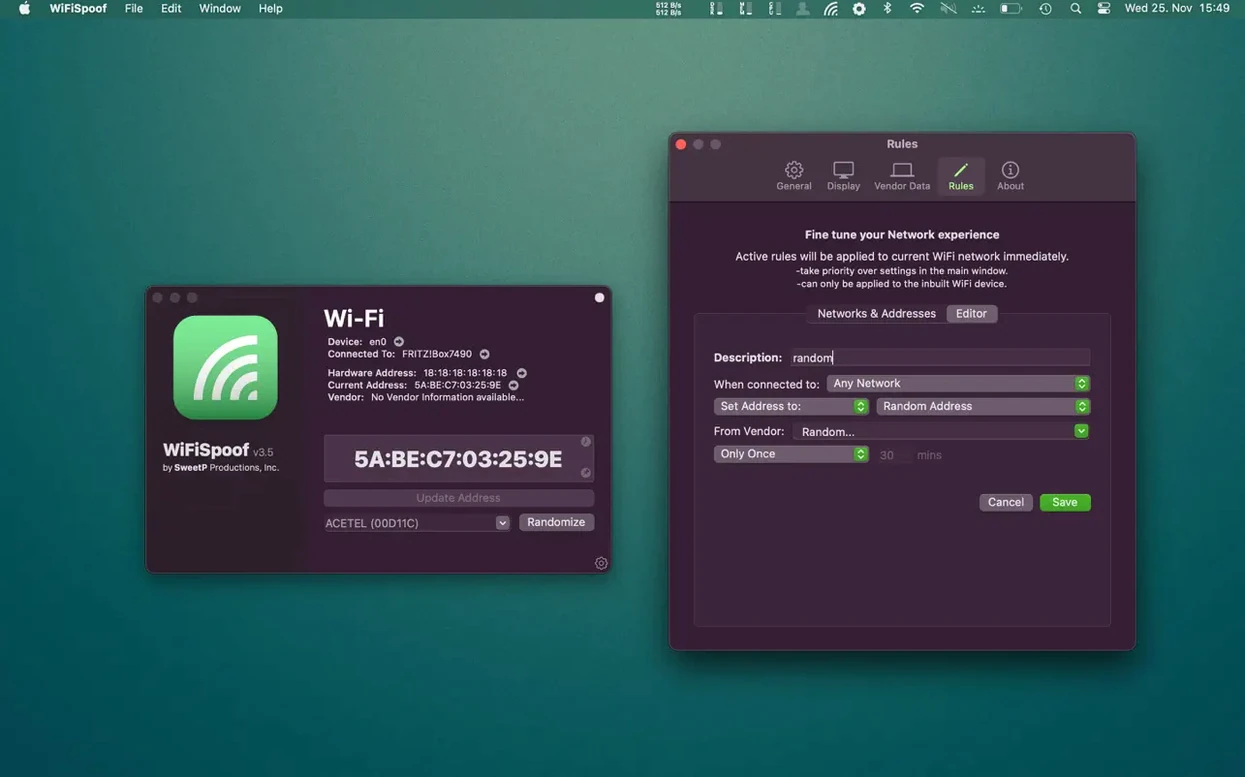
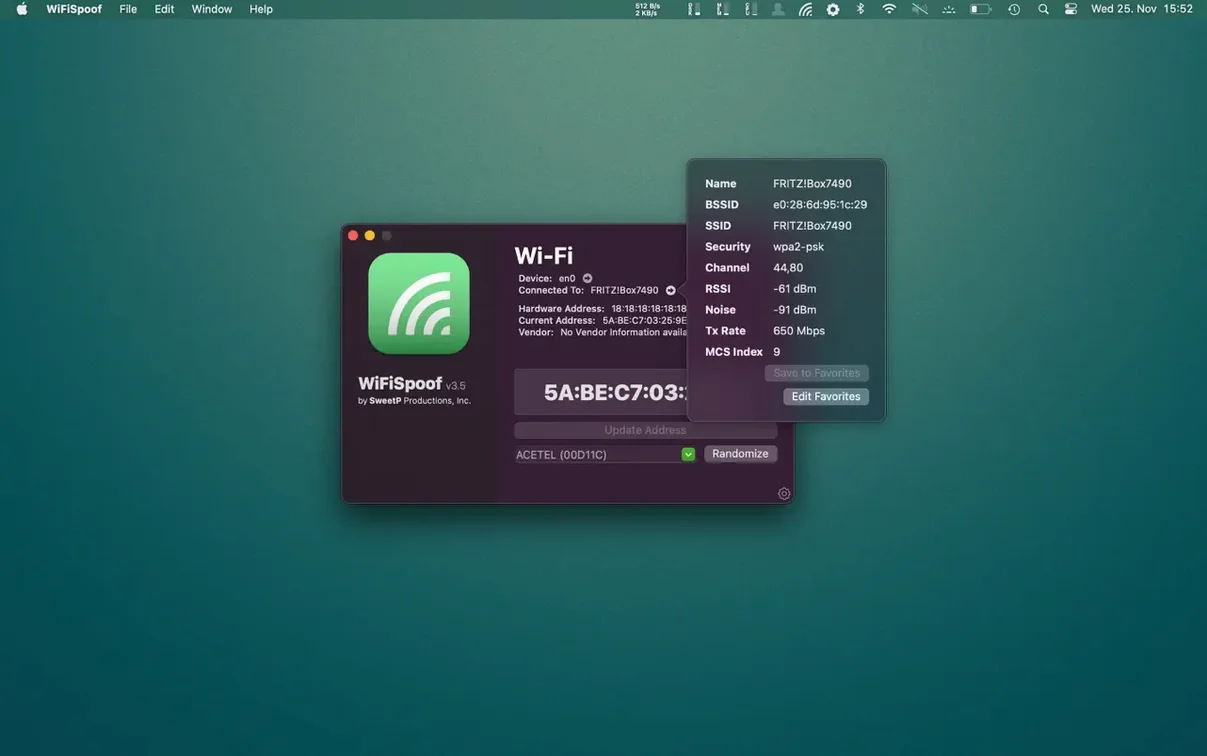
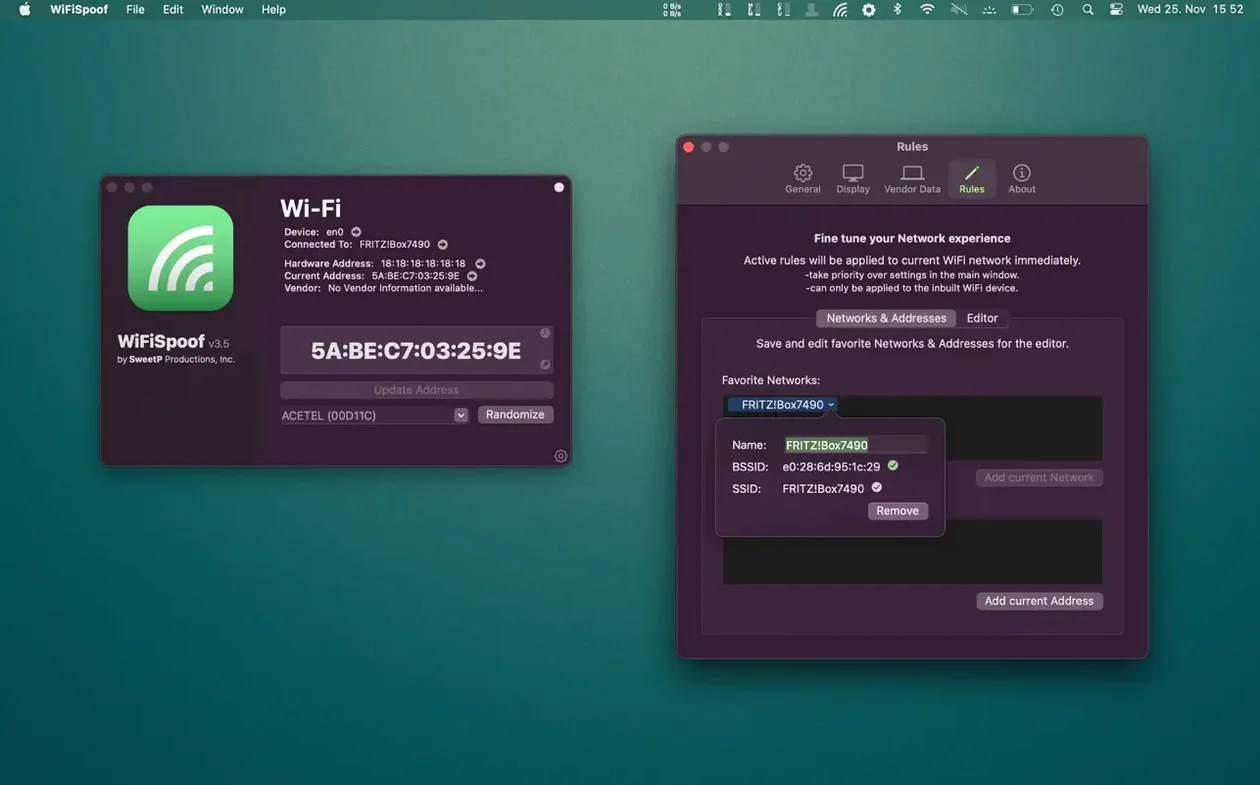
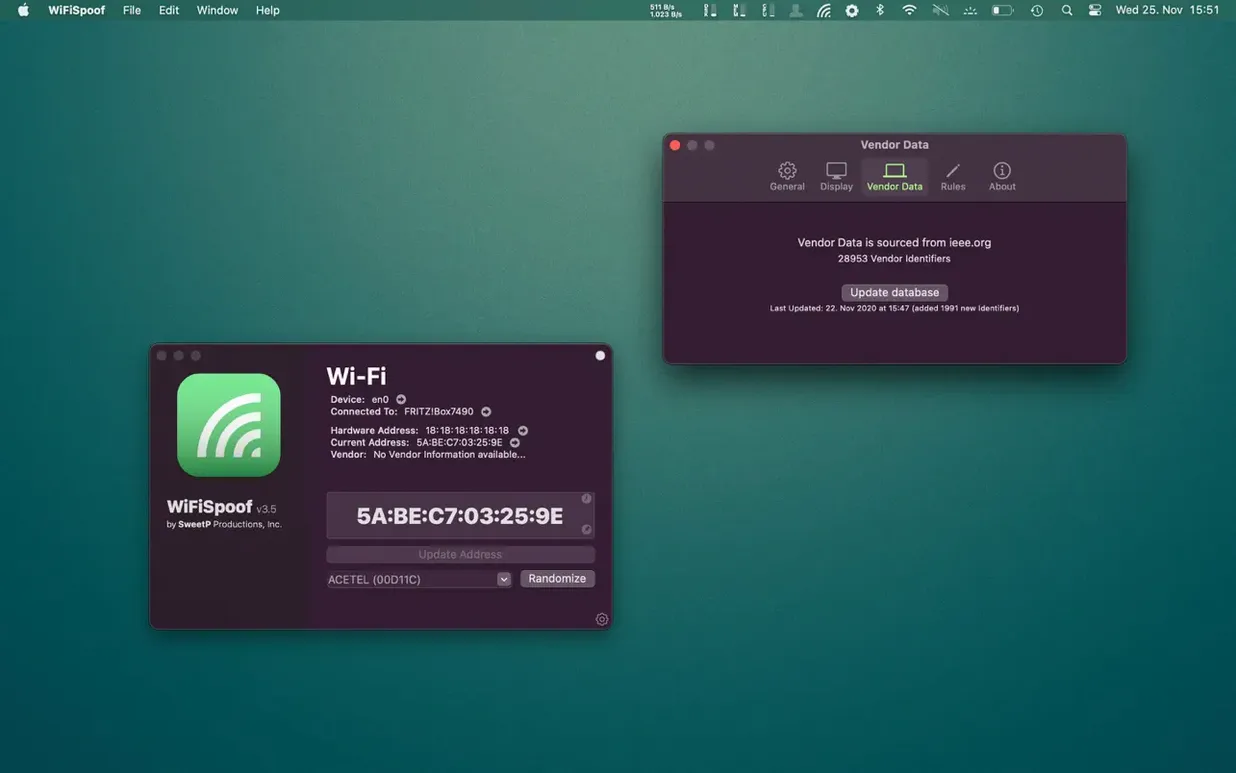
Network engineers and developers who test MAC-based access controls reach for WiFiSpoof. It’s a straightforward tool for inspecting Wi-Fi environments and overriding your adapter’s hardware address.
Check your BSSID, channel, RSSI and Tx rate at a glance
- Quickly viewing the detailed state of your current connection: BSSID, SSID, security type, channel, RSSI, noise, Tx rate and MCS index.
- Checking the system hardware MAC address and the vendor behind your Wi-Fi card.
- Spoofing your MAC address — generate a random one or set a specific value.
- Applying custom MAC address rules that trigger automatically for selected networks.
Sees all Mac network devices and needs macOS 14
- The tool shows the current state of all network devices on your Mac, not just Wi-Fi.
- As a successor in the WiFiSpoof 4 line, it requires macOS 14.
- Interface is in English.
No section text provided
WiFiSpoof vs. LinkLiar
LinkLiar is a free, open-source menu bar tool for MAC spoofing. It covers the basics — randomising addresses and setting custom ones per interface. WiFiSpoof goes further: built-in OUI lookup, vendor-specific generation, wi-fi diagnostics (RSSI, noise, Tx rate, MCS index), and custom rules tied to specific networks. If you only need a random MAC on login, LinkLiar works. If you want connection data and granular control, WiFiSpoof fits better.
WiFiSpoof vs. Spoof
Spoof is a minimal utility from the App Store. It randomises your MAC with a click but shows no vendor info, no signal stats, no BSSID, no custom rules. WiFiSpoof replaces the guesswork with a full inspection panel and rule engine. For a quick flip, Spoof is fine. For understanding what’s around you while you spoof, it’s no contest.
WiFiSpoof vs. Terminal
The command line gives you full control, but you have to remember interface names (en0, en1) and the exact syntax. One typo and nothing changes — or worse, you break connectivity temporarily. WiFiSpoof wraps every step in a visual list: pick an interface, see the current and hardware MAC, generate a random or OUI-specific address, apply it. No memorisation, no Terminal window.
Real-world scenario
A penetration tester arrives at a client’s office to assess the guest wi-fi portal. The portal remembers devices by MAC address; after the first hour, it blocks repeat connections. She opens WiFiSpoof, checks the BSSID and channel of the target access point to confirm she’s on the right network, then generates a random vendor-specific MAC from the built-in database. She applies it, reconnects, and the portal treats her laptop as a new device. She repeats this three times in an afternoon — each switch takes under ten seconds. Between rounds, she glances at the RSSI and noise readings to verify the test stays on the same AP. No Terminal, no reboot, no guesswork.
- macOS 14 or later
- Intel and Apple Silicon Macs









Comments 0
Sign in or create an account to add a comment.
No comments yet. They go up after moderation.