

Wipr — Mac download
Download (7 MB) Earlier builds
Ticked
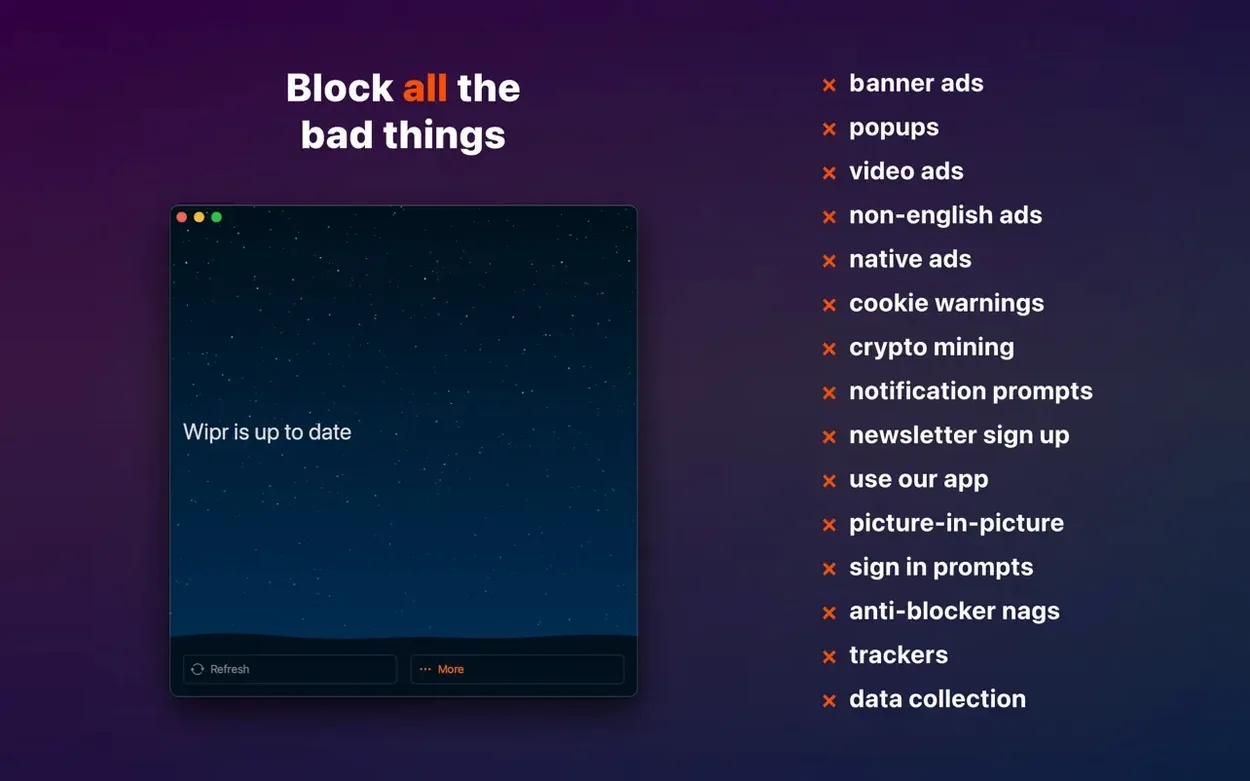
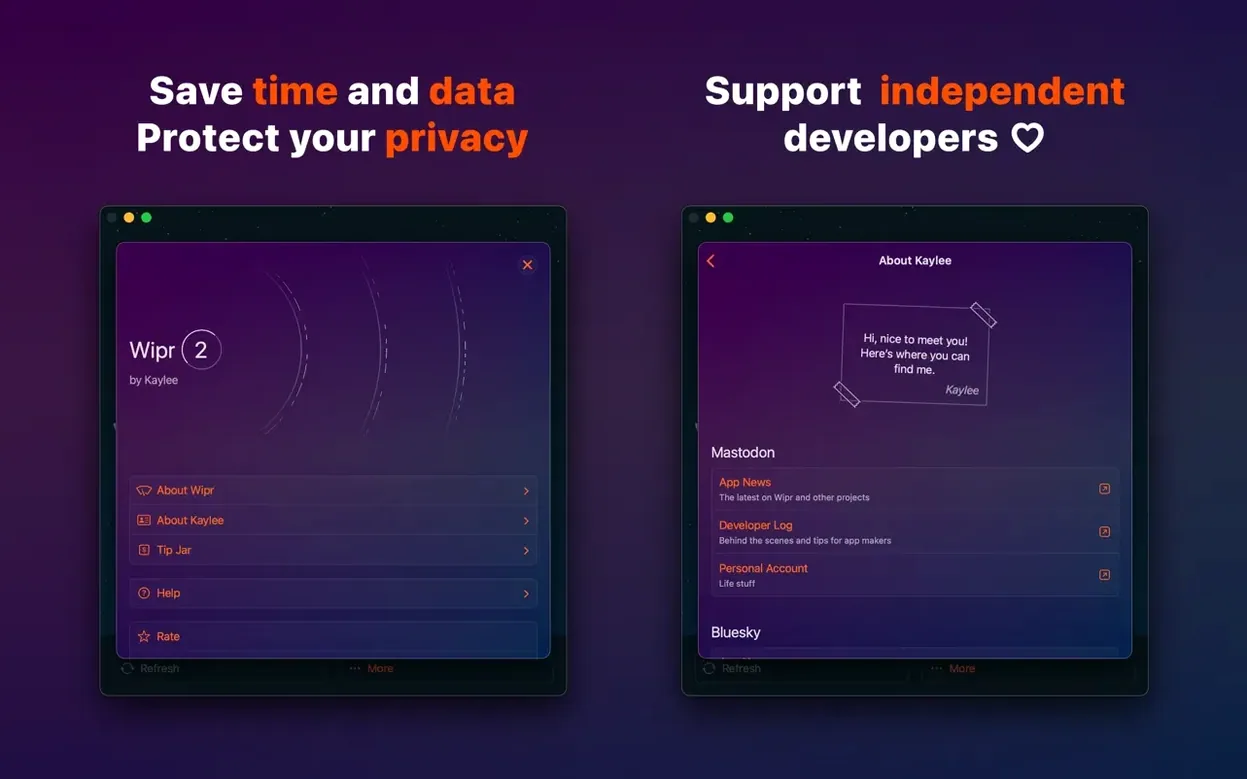
Wipr is a Safari content blocker that removes ads, popups, trackers, and cookie warnings without any configuration.
Compatibility comes first. Wipr 2 runs on macOS 10.13 or later, on both Intel and Apple Silicon Macs. If your Mac can run a recent Safari, it can almost certainly run Wipr. The same app installs on iPhone, iPad, and Vision Pro.
What you get: a background extension that quietly filters web annoyances. No lists to manage, no whitelist menus to maintain. Cookie notices disappear. Trackers stop phoning home. Version 2.38 adds Wipr Extra improvements across many websites, plus accessibility fixes.
One system requirement to note: installing Wipr means disabling SIP. This is a macOS security setting, and Wipr needs it off to do its job properly.
How Wipr fits with your other tools
Wipr works as a Safari extension, so it sits alongside your other extensions without conflict. If you use a password manager like 1Password or the built-in iCloud Keychain, Wipr does not interfere with login fields or autofill prompts. It targets only the junk.
On macOS, Wipr integrates with Safari's content-blocking API. That means no standalone background process, no menu-bar icon eating resources. You set it once in Safari's Extensions preferences, then forget about it. The twice-weekly blocklist updates happen silently through the app.
Privacy-conscious setups often pair Wipr with a VPN or Apple's Private Relay. The two do different jobs — Wipr stops in-page trackers, Private Relay hides your IP from network observers — and they complement each other well. No double-filtering, no slowdown from overlapping rules.
Test a heavy news site first
After dragging the app to Applications and launching it, open Safari's Preferences and enable the Wipr extension. That is the only step most users need. But a few things make early days smoother.
- Test a heavy news site first. Load something like a local newspaper's homepage with and without Wipr enabled. Compare the clutter. This gives you a quick sanity check that the blocker is active.
- Check Safari's extension settings. Make sure Wipr has permission for all websites, not just the current tab. The default is often per-website, and you want blanket coverage.
- If a site breaks, use the Wipr button in Safari's toolbar. You can temporarily pause blocking on that domain. No permanent whitelist — just a one-off reload without filters.
- Restart Safari after enabling. Some content-blocking changes only take effect after the browser restarts. A quick quit-and-relaunch avoids confusion.
- Expect cookie-popup-free browsing. The cookie-notice blocking is aggressive and effective. If you encounter a stubborn popup, it will likely vanish after the next blocklist update.
How Wipr compares to alternatives
Wipr sits at the set-and-forget end of the content-blocker spectrum. Other Mac apps take different approaches.
AdGuard for Safari offers far more granular control — custom filter lists, per-site rules, a DNS-level blocking option outside Safari. It suits users who enjoy tuning their filters. Wipr deliberately gives you none of that. The trade-off is simplicity versus configurability. AdGuard also runs a background network extension, while Wipr uses only Safari's native API.
1Blocker is closer in philosophy. It blocks ads, trackers, and cookie notices through Safari extensions, with a clean Mac interface. Where it differs is in its category-based toggles: you can switch off just cookie-blocking, for instance. Wipr offers no such toggles. 1Blocker also includes custom rules and whitelisting. Wipr's approach is smaller, quieter, and asks fewer questions.
Ghostery provides tracker analytics alongside blocking — it shows which trackers were blocked and who runs them. Wipr shows you nothing. Ghostery's transparency appeals to users who want evidence of what is being blocked. Wipr assumes you just want the blockers working and out of sight.
- Wipr Extra improvements on many websites.
- Accessibility improvements.
- macOS 10.13 or later
- Intel and Apple Silicon
- English interface
Questions the team asks
No. Wipr 2 is a paid upgrade to the legacy Wipr app.
Yes. It requires macOS 10.13 or later and runs on both Intel and Apple Silicon Macs.







Comments 0
Sign in or create an account to add a comment.
No comments yet. They go up after moderation.