
WinZip Mac Pro — Mac download
Download (36 MB) Earlier builds
Ticked
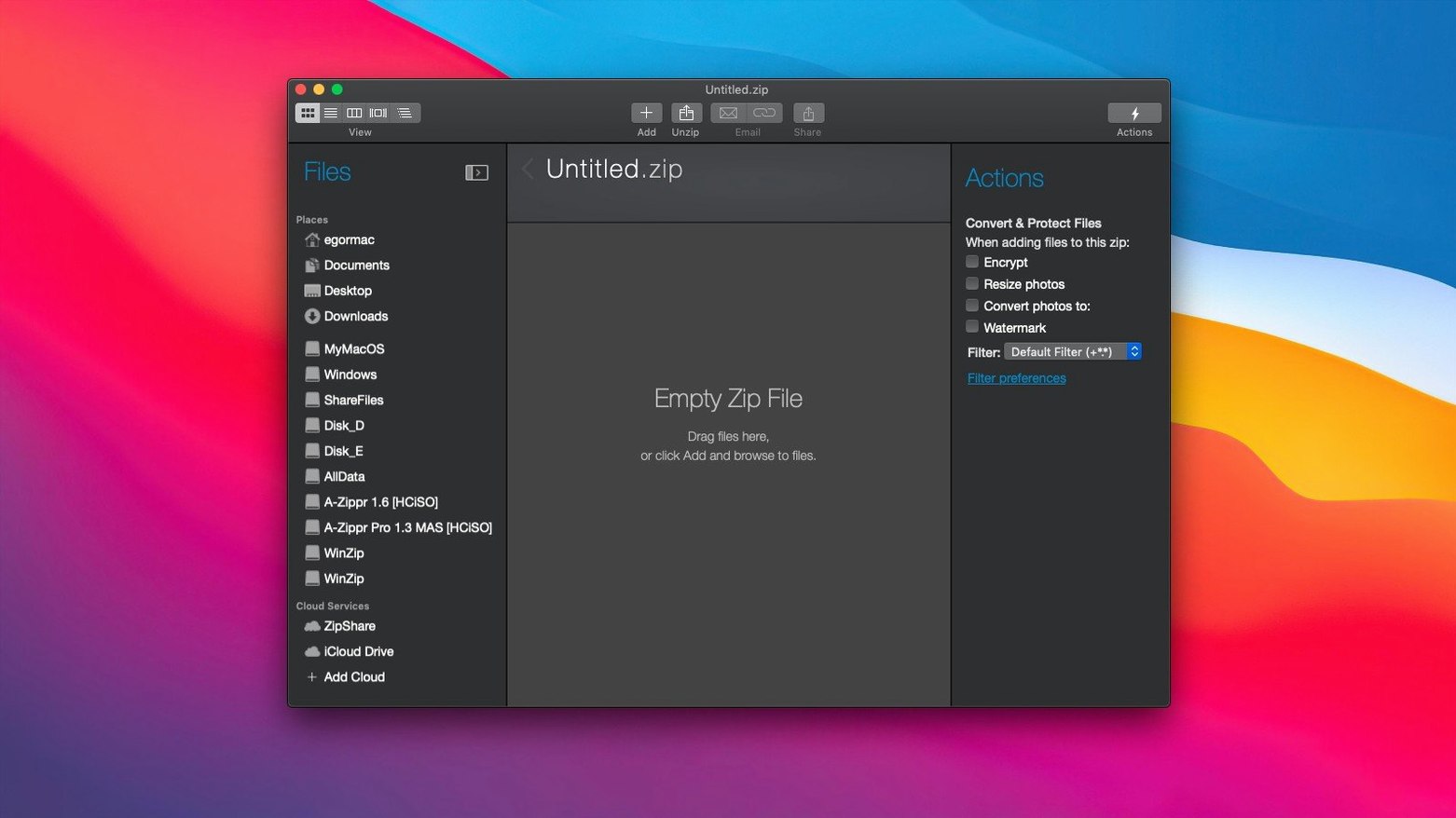
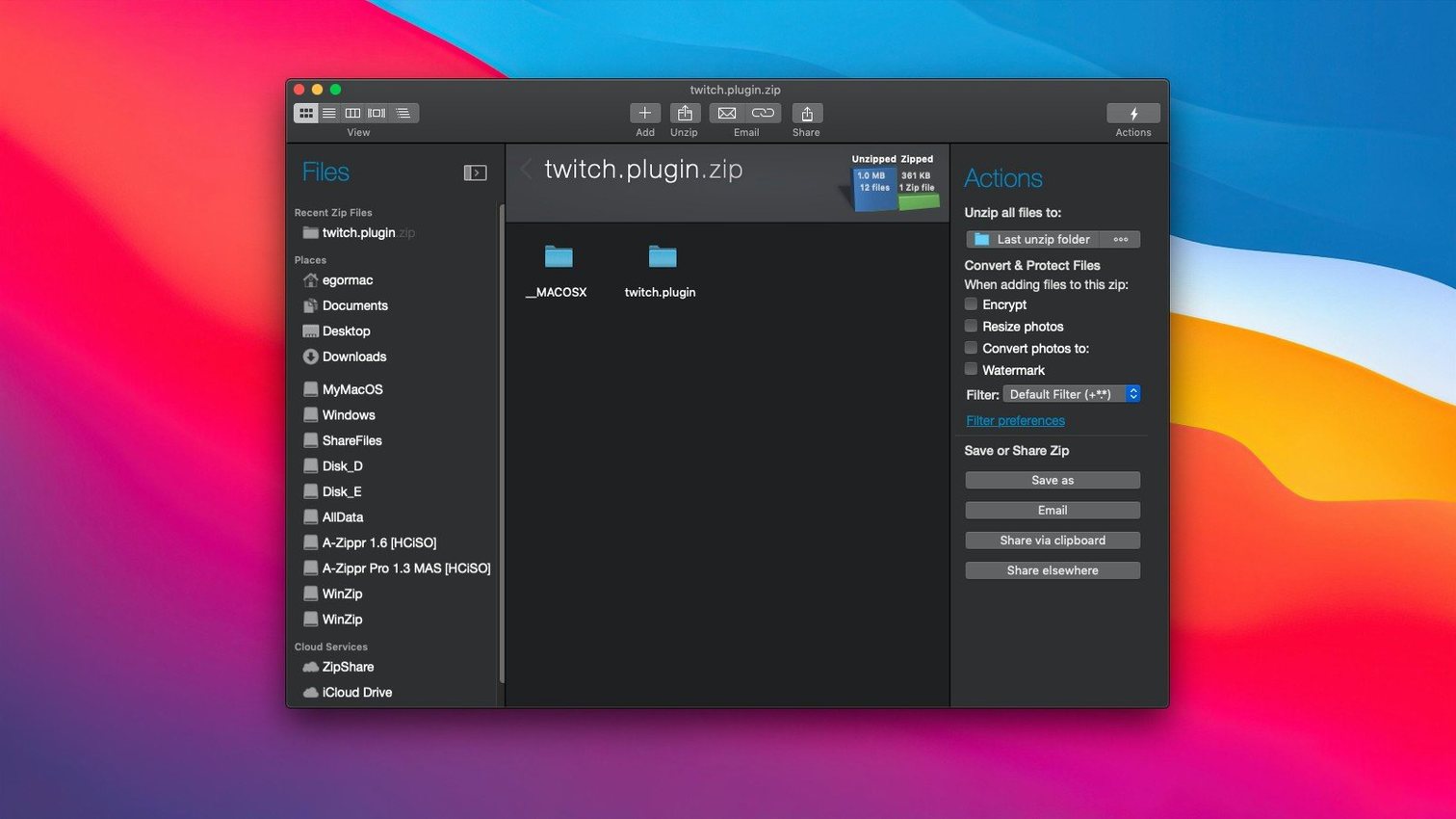
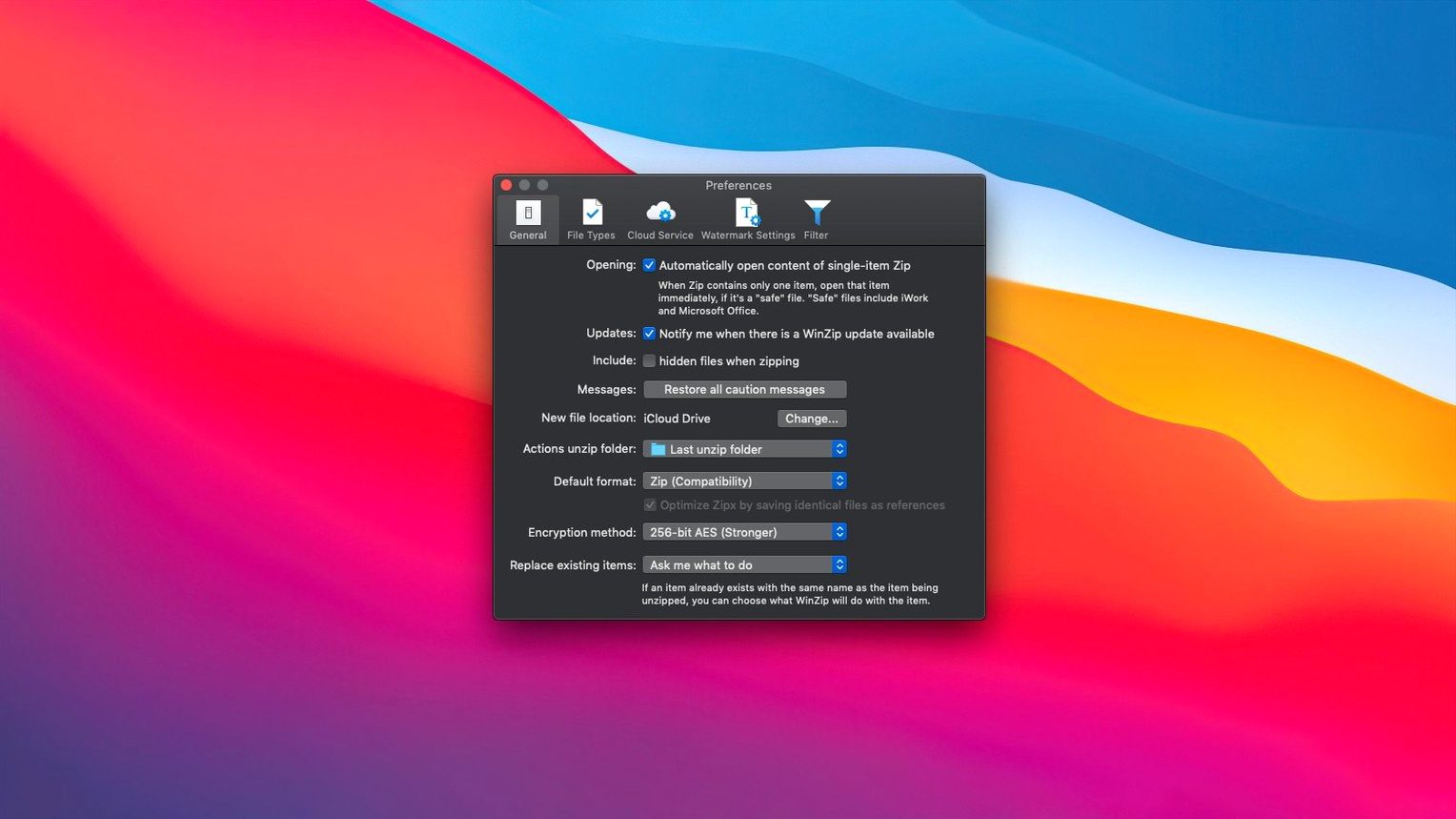
You drag a folder of old RAR and 7Z archives onto the dock icon. Seconds later, every file sits in a clean Zip archive, ready to email. That is the core job WinZip Mac Pro handles, but only if your machine meets the spec.
- Runs on macOS 10.15 or later, with native support for both Intel and Apple Silicon processors.
- Converts LZH, RAR, 7Z, TAR, GZ, BZ, XZ and other formats into Zip or ZipX instantly.
- Includes Mac clipboard support: copy a file, paste it straight into a Zip or Zipx archive.
- The current interface gives you a single window for compression, conversion and sharing.
- Reduces disk space taken up by large file collections before archiving or sending.
- Packages installation and activation instructions inside the download.
Check your macOS version first. An older winzip torrent claiming to patch compatibility gaps works best when your system meets the 10.15 minimum. For a clean setup, match the official spec and work from there.
Grabs, locks, and sends files between Finder and the cloud
WinZip Mac Pro is not a Finder replacement and it is not a cloud sync tool. It sits between those two—grabbing files from local folders or cloud storage, compressing and locking them, then sending the result wherever you point it.
Mac integration points that matter:
- Finder — drag a folder onto the dock icon and a Zip appears in the same location. No extra window needed.
- Clipboard — copy any file in Finder, switch to WinZip, paste. The file lands inside the open archive without intermediate steps.
- iCloud Drive, Dropbox, Google Drive — the app connects directly. You can pull a 7Z from Dropbox, convert to ZipX, and save it back without downloading to the desktop first.
- Mail and Messages — a right-click share shortcut sends the freshly compressed archive straight into a new message. Attachment size warnings drop because the file already shrank.
- Spotlight — Zip and ZipX files remain searchable. Encrypted archives do not expose their contents to Spotlight, which is the correct behaviour.
If your workflow involves winzip for mac alongside cloud services, the direct connectors save the most time. You skip the download-compress-reupload loop entirely.
Three archivers that overlap with its compression-plus-encryption niche
WinZip Mac Pro vs The Unarchiver
The Unarchiver extracts dozens of formats for free and asks nothing in return. But it does not compress, does not encrypt, does not convert between formats, and does not connect to cloud storage. Think of it as a one-way door: archives come in, plain files go out. WinZip Mac Pro is a two-way workshop—compress, convert, encrypt, share.
WinZip Mac Pro vs Keka
Keka handles compression and extraction across many formats, including 7Z creation. Its interface is a single window with a drop zone. WinZip Mac Pro adds clipboard paste, direct cloud connectors, and bulk format conversion. Keka suits single-task compression sessions. WinZip Mac Pro suits project managers who run six compression-conversion-sharing chains in an afternoon and want each step tracked.
WinZip Mac Pro vs BetterZip
BetterZip lets you edit archives without extracting them—add files, delete entries, rename items inside a Zip. WinZip Mac Pro does not offer in-archive editing but counters with broader conversion support and tighter cloud integration. If you need to tweak archive contents often, BetterZip edges ahead. If you need to receive RAR bundles from a client, convert them to ZipX, encrypt with a password, and push them to Google Drive in one flow, WinZip Mac Pro fits better.
Converting, encrypting, and uploading three client archives before stand-up
Monday morning. Three client folders arrived overnight—one RAR, one 7Z, one GZ. Each needs conversion, encryption, and upload to a shared Dropbox folder before the stand-up call.
- Select all three archives in Finder. Drag them onto the WinZip Mac Pro dock icon. The app opens with all three loaded in separate tabs.
- Click the first tab. Choose Convert from the toolbar, pick ZipX as the output format, tick the encrypt checkbox, and type a password. Hit Convert. Repeat for the other two tabs.
- Three encrypted ZipX files now sit on the desktop. Select them, open the Share menu, pick Dropbox, and navigate to the client folder. Confirm upload.
- Open Mail. Start a new message to the client. Drag the three ZipX files from Dropbox into the attachment area—no local copy needed because the cloud path resolves directly.
- Send. Close WinZip Mac Pro. Stand-up starts in two minutes.
That session took four drags and three clicks. The conversion step handled LZH variant detection inside the RAR automatically. Duplicate file detection flagged one repeated PDF across two archives, which saved uploading redundant data. If you search for a winzip mac torrent to test older builds, you miss the direct cloud connectors—those appeared in later versions and they change the pace of the work.
The same flow with separate extraction and compression tools would mean seven Finder windows, two password prompts, and a manual upload. For a project manager who tracks every step on a checklist, removing those extra moves matters.
- macOS 10.15 or later
- Intel 64-bit or Apple Silicon processor
- Interface: English









Comments 0
Sign in or create an account to add a comment.
No comments yet. They go up after moderation.