

Wondershare Filmora — Mac download
Download (924 MB) Earlier builds
Ticked
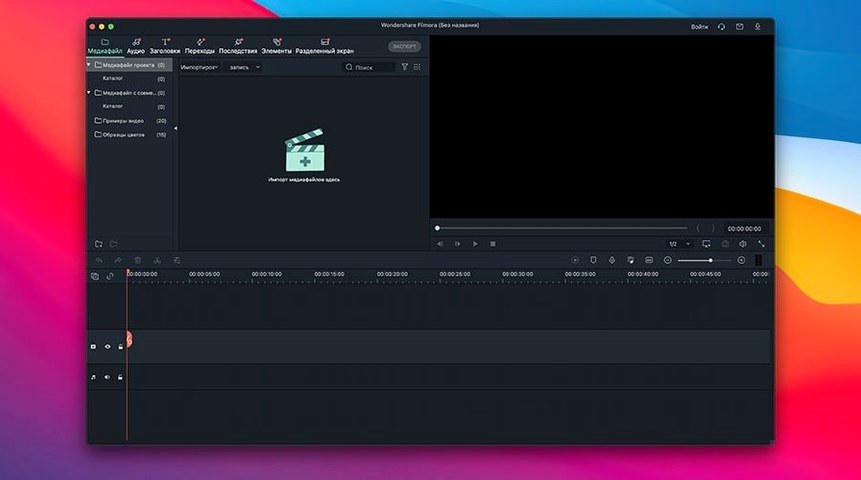
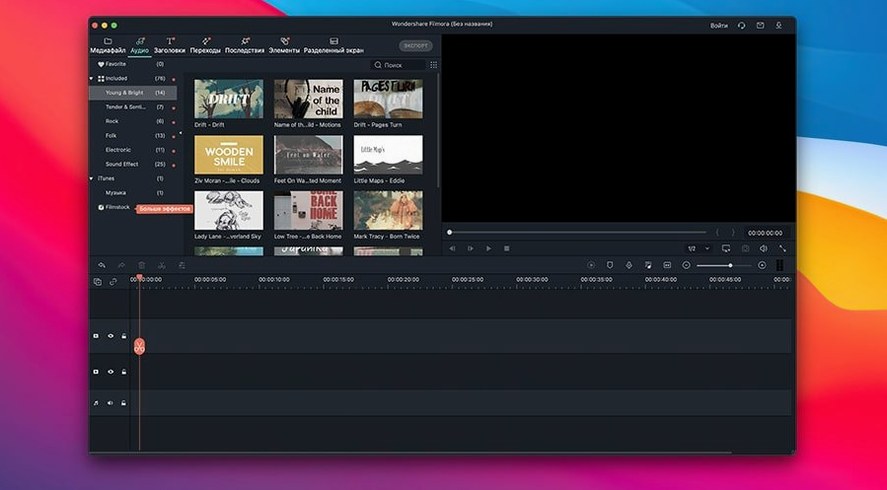
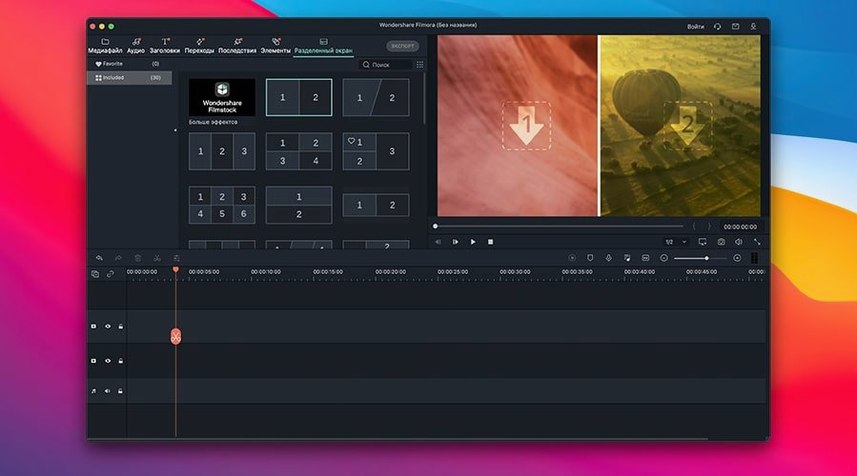
HD video files can be unforgiving. One shaky shot and you need a quick way to split out the wobble. Filmora 14 handles this without fuss.
One task: split, title, export
- Drag your clip onto the timeline and scrub to the frame where the shake begins.
- Click the split tool. The clip divides into two separate pieces.
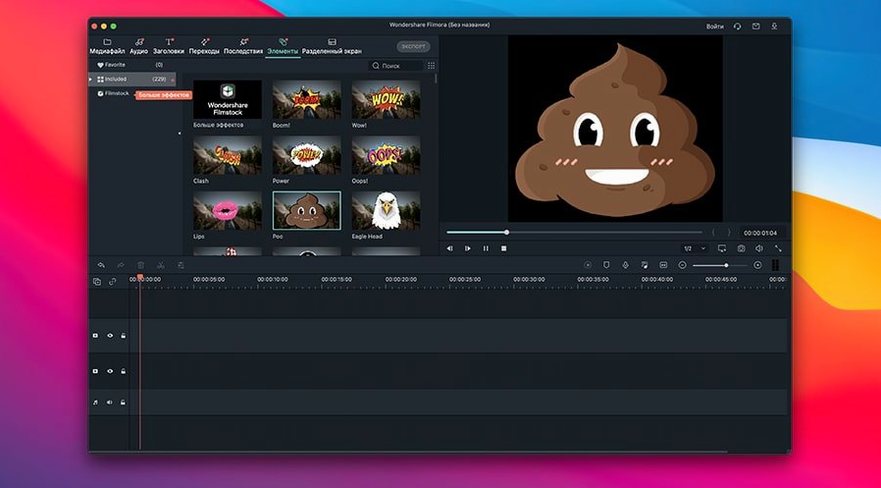
- Delete the bad section. Drag a title card from the built-in library onto the track above the cut point.
- Adjust the text in the preview window. Change the font, size or colour directly.
- Rotate any portrait phone footage from the crop panel if the angle is wrong.
- Pick an export format from the list and save the finished file to your Mac.
What the tool handles
Filmora is a straightforward multimedia editor built for people who want results, not complexity. It runs on macOS 10.14 or later and supports Apple M1 through M4 chips. The effects panel includes transitions, filters and overlays you can drop between clips. Adding subtitles works the same way as titles—type directly into the text box and set the duration. It exports to multiple formats without extra configuration.
Hold Option for ripple trim, reveal files in Finder
- Hold Option while dragging a clip edge to perform a ripple trim. Adjacent clips slide into place instead of leaving a gap.
- Right-click any media file in the timeline and choose Reveal in Finder. Saves hunting through folders later.
- Press C to toggle the razor tool without moving the mouse to the toolbar. Press V to return to the selection arrow.
- Double-click the preview window to toggle full-screen playback. Useful on smaller MacBook screens when checking fine details.
- Dragging a transition between two clips while holding Shift applies it to every cut on that track in one go.
- The project autosave folder sits inside
~/Movies/Filmora. If the app closes unexpectedly, your timeline is usually recoverable from there. - You can rename clips directly on the timeline: click the clip name once, pause, then click again to edit the label.
4K scrubs smoothly on Apple Silicon via hardware decoding
Does it handle 4K footage smoothly on Apple Silicon? Yes. Filmora detects M1 through M4 chips and routes playback through hardware decoding. Scrubbing through 4K H.264 and HEVC files stays responsive even with multiple tracks stacked. Intel Macs with a dedicated GPU handle the same workloads, though integrated graphics on older machines will drop preview frames above 1080p.
Can I keep my existing project files if I move from an older Filmora version? Project files from version 12 and 13 open in Filmora 14 without conversion. The app prompts you to save a copy in the new format on first open. Media links remain intact as long as the source files stay in their original locations.
Does it work with external drives for media storage? Yes. You can keep source footage on an external SSD or hard drive and point Filmora to those folders. The timeline references the files by path. Export times increase slightly over USB 3 connections compared to internal storage, but the editing experience stays smooth.
What if I need a filmora download for mac that supports older macOS? The current version requires macOS 10.14 Mojave or later. It runs on both Intel and Apple Silicon Macs. Some users look for a filmora download torrent to bypass compatibility checks on unsupported systems, though the build itself determines what the OS allows.
Accepts QuickTime screen captures without frame-rate fuss
Filmora sits comfortably in a Mac workflow that includes QuickTime screen recordings and Photos library exports. Drag a .mov screen capture straight from the desktop onto the timeline. The app reads the variable frame rate files QuickTime produces without needing a handbrake pass first.
For audio cleanup, you can round-trip: export a WAV from Filmora, process it in Audacity or GarageBand, and drag the result back onto a new audio track. The waveform syncs visually against the original so alignment takes seconds.
Finder tags applied to video files appear in Filmora's media import panel. If you tag a batch of clips with "draft one" in Finder, the tag shows up in the project bin search bar. The media library also respects macOS colour labels for quick visual grouping.
Third-party plug-ins that ship as FCPX or Motion templates are not compatible directly. Filmora uses its own effects format, though the built-in NewBlueFX pack (included in recent builds) covers most common stylised looks. Titles export cleanly as SRT sidecar files, which other editors and platforms read without conversion.
Some editors pair a filmora 14 mac download with DaVinci Resolve for colour grading. The workflow: rough cut and assemble in Filmora, export a ProRes master, then grade in Resolve. The two apps coexist without library conflicts on the same machine.
AI Denoise keeps face texture while cleaning phone footage
Version 14.8.10 brought AI Denoise improvements that made a practical difference when cleaning up low-light phone footage. The filter now preserves more texture in faces while reducing grain in flat colour areas. NewBlueFX optimisation in the same release cut the lag when previewing complex title animations by roughly half on M2 and M3 machines.
Earlier in the 14 cycle, the export panel gained a queue system. You can stack multiple export jobs with different settings and let them run overnight. Each job can target a different format, resolution or destination folder. The queue survives sleep on MacBooks, picking up where it left off when the lid opens.
Keyboard shortcut customisation arrived quietly in 14.7. You can remap almost every command from the preferences panel. People switching from Premiere or Final Cut often set J-K-L for reverse, pause and forward playback, then map the blade tool to B. Muscle memory transfers without friction.
The proxy workflow has been streamlined. Right-click a 4K clip in the media bin and choose "Create Proxy". Filmora generates a lower-resolution version in the background while you continue editing. Toggle between proxy and original in the preview window with a single button. This makes older Intel Macs usable for 4K projects that would otherwise stutter.
- macOS 10.14 or later
- Intel and Apple Silicon Macs
Questions the team asks
Yes, it can export finished videos in multiple formats directly to your computer.
The official product page confirms support for Apple M1 to M4 chips.









Comments 0
Sign in or create an account to add a comment.
No comments yet. They go up after moderation.