

Wing Pro — Mac download
Download (149 MB) Earlier builds
Ticked
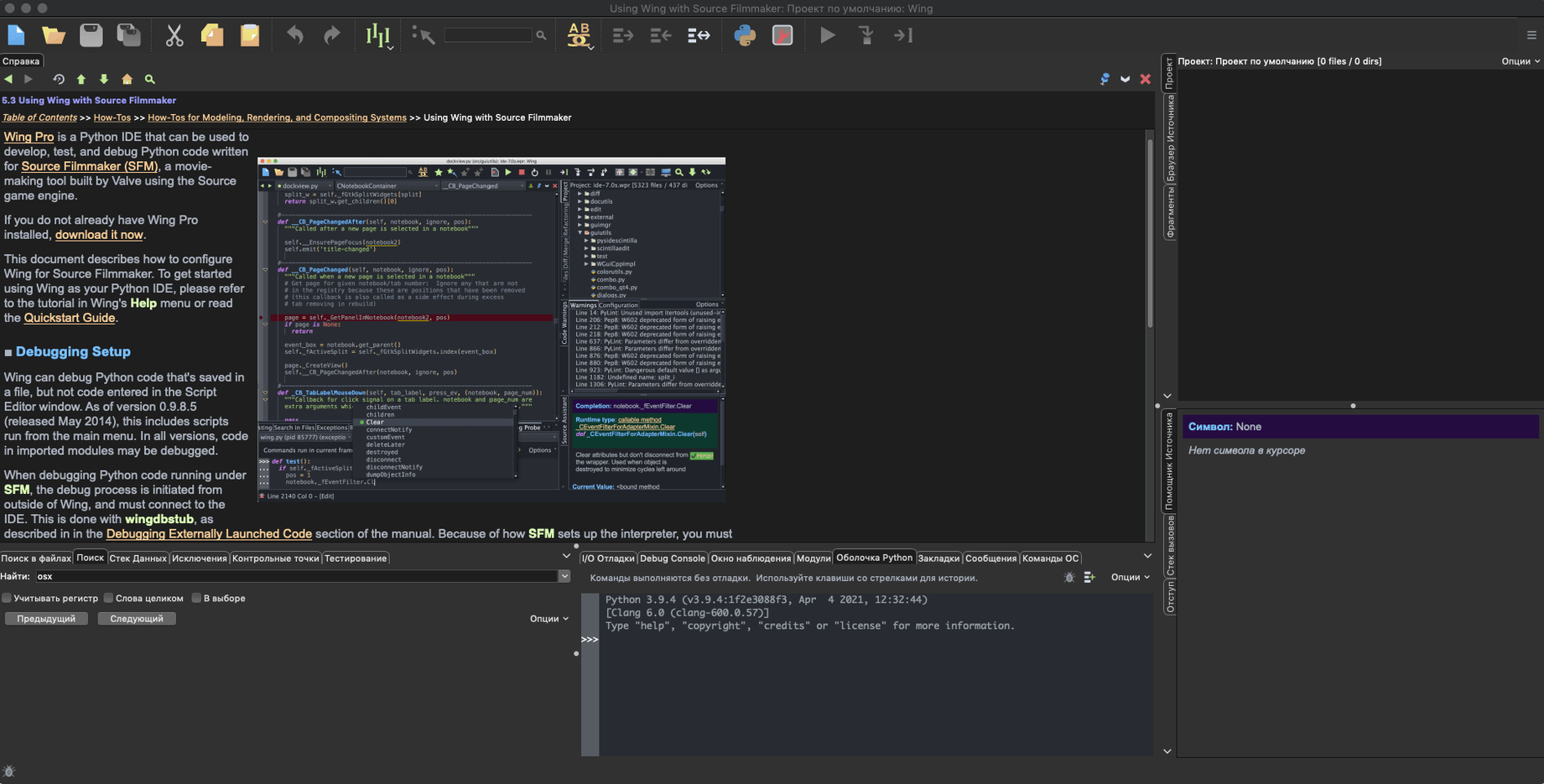
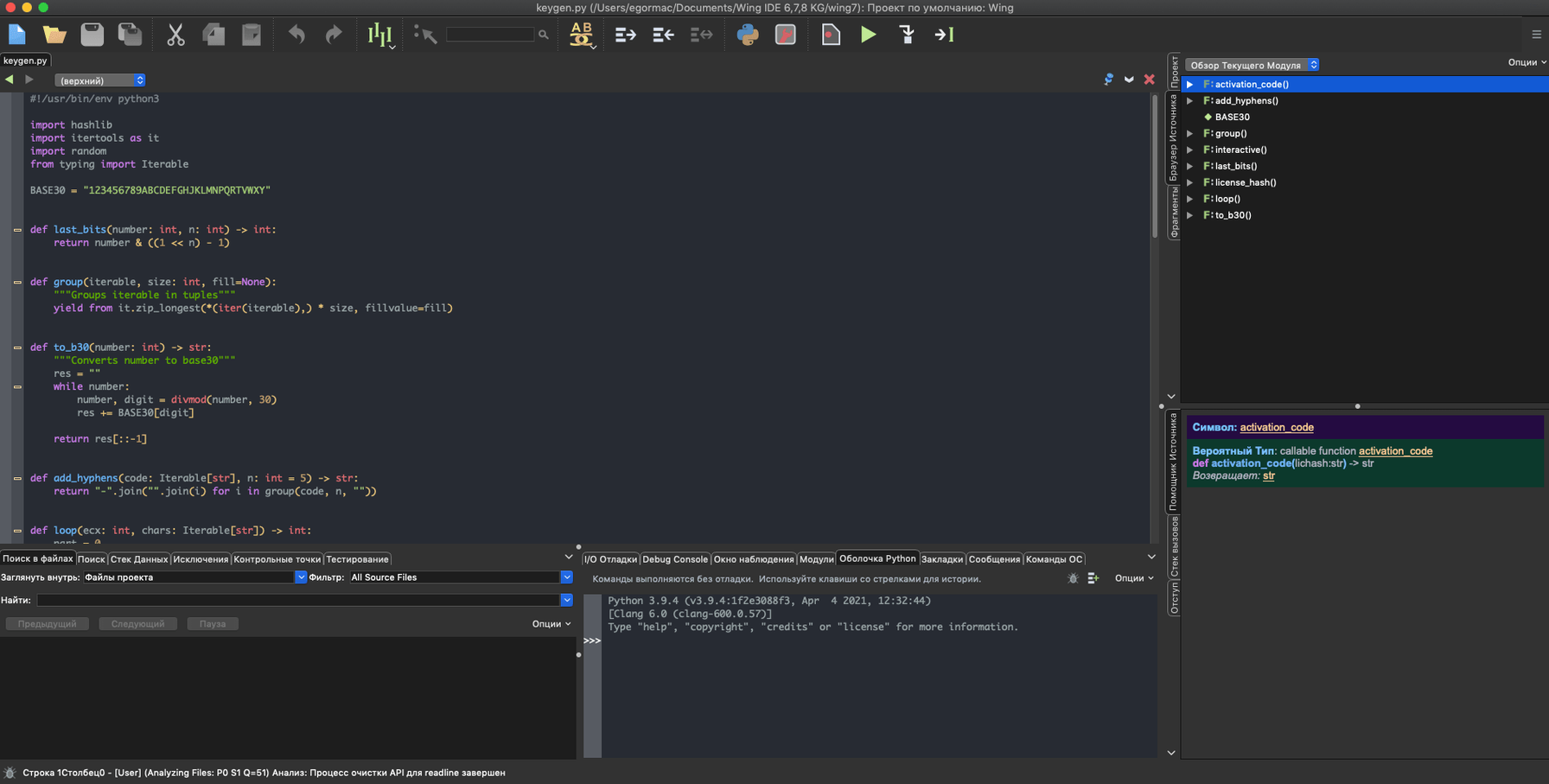
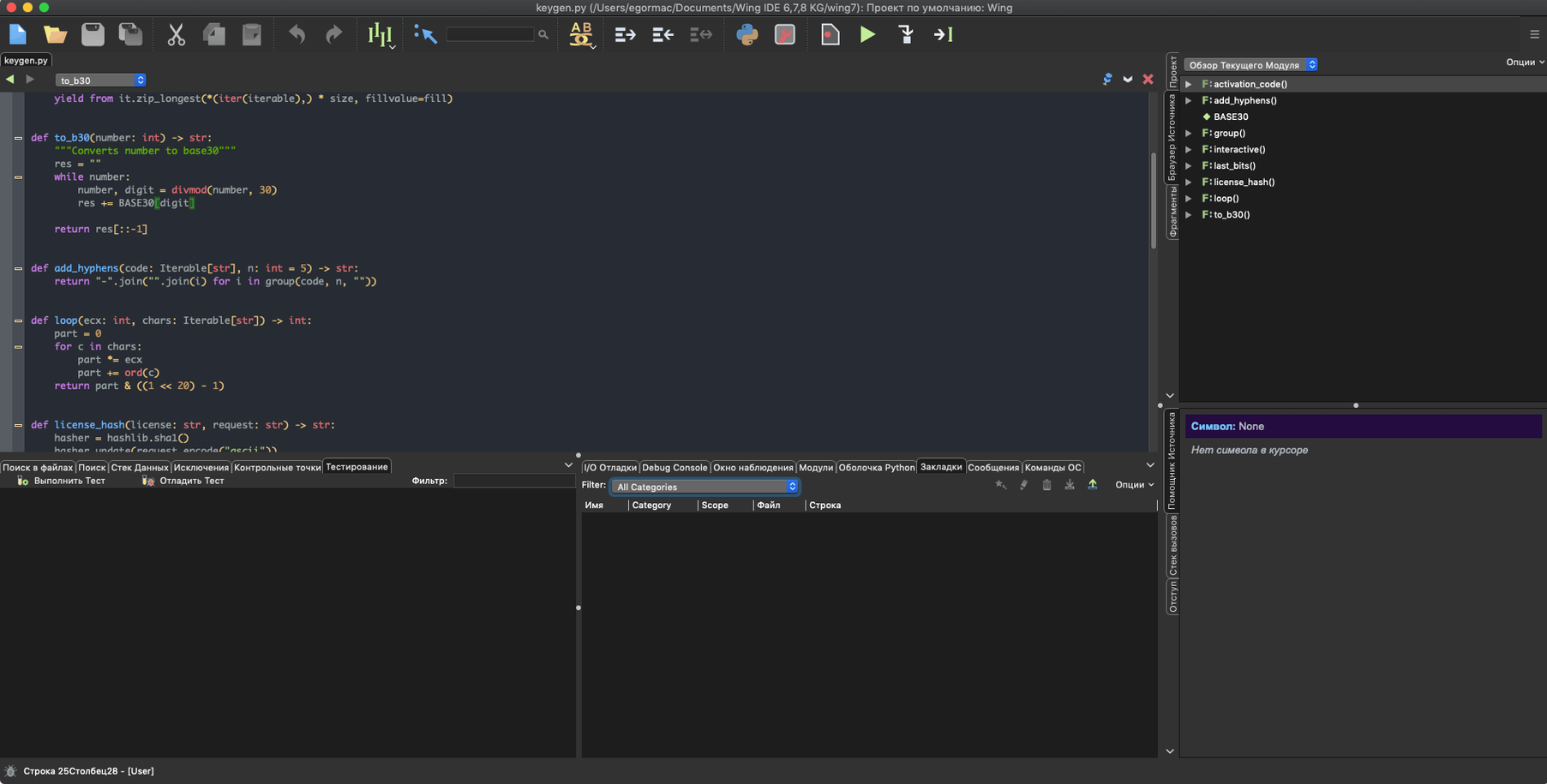
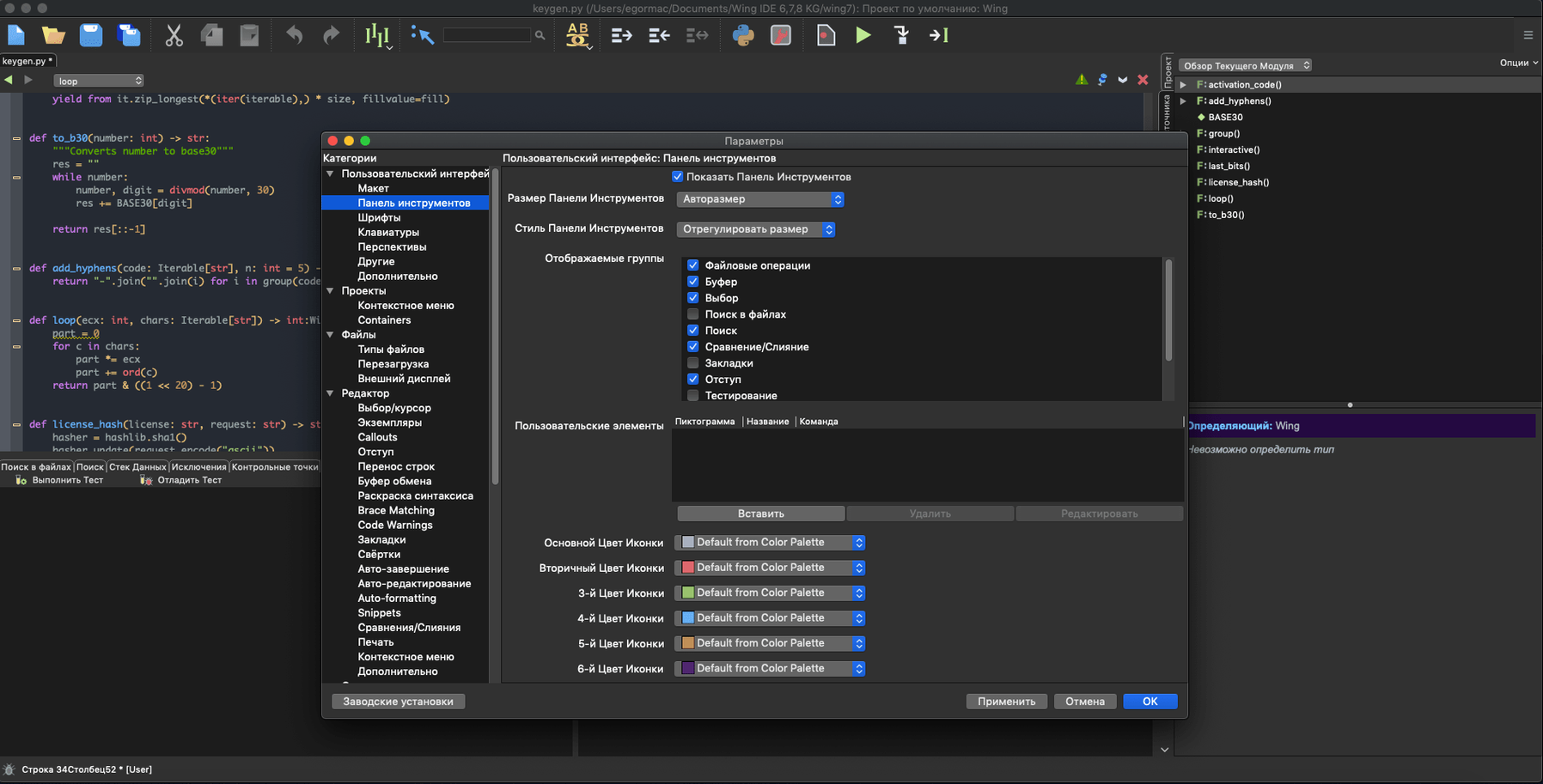
Version 11.1.0.0 settles in with fixes and reliability improvements across remote workflows, code analysis, and the debugger. No flashy new features, just a steadier platform.
Where to begin
Edit and debug code on a remote host over SSH
Point Wing Pro at a host, VM, or container via SSH. The IDE handles the connection and lets you edit, run, and debug code as if it were local.
Which test framework should I hook up first?
Pick the one your project already uses. Wing Pro recognises unittest, doctest, nose, pytest, and Django test workflows. Set the test file, configure the runner, and watch results land in the dedicated tool panel.
Can I debug threaded code straight away?
Yes. The debugger steps through multithreaded and multiprocess Python without extra plug-ins. Breakpoints hold across threads, and the call stack stays readable.
What about code intelligence features?
Open a file and start typing. Code completion, call tracking, and context help are active by default. For refactoring, right-click a symbol to rename, extract, or move it safely.
Under four seconds to launch, 280 MB of RAM
Wing Pro opens without fuss. On an M1 Mac, cold launch takes under four seconds. Memory sits around 280 MB with a mid-sized project loaded—light for a full IDE. Scrolling through large files and jumping between symbols stays fluid. No beachballs during autocompletion.
Remote sessions over SSH feel close to local work. Latency is visible on slow connections, but the editor never blocks while the remote interpreter thinks. CPU spikes are brief and tied to code analysis passes, which you can throttle in preferences.
Fix a rejected connection or a debugger that won’t attach
- Remote host key changes. If the target machine’s fingerprint shifts, Wing Pro refuses the connection. Clear the old key from
~/.ssh/known_hostsand reconnect. - Debugger won’t attach to a container. Check that the container’s Python has the debug listener port open. Wing Pro’s remote setup assistant can walk you through the config, but firewall rules on the host still need manual attention.
- Autocompletion goes quiet. Usually means the Python environment hasn’t been scanned yet. Open the Source Assistant, trigger a manual analysis of the project’s root, and give it a moment.
- Dark mode inconsistencies. On some macOS setups, switching to dark mode mid-session leaves a few panel borders in light theme. Restarting the IDE sorts it. The team is aware and a fix is in the pipeline.
Quick fixes worth knowing
If you’re after a clean wing pro for mac free download, the installer from this page gives you the Pro build. A reset of preferences—delete ~/.wingpro11/ while the IDE is closed—clears most odd behaviour without touching your project files. For slower remote machines, turn off real-time code warnings in Editor > Code Warnings to cut analysis overhead.
- macOS 12 or later
- Apple Silicon or Intel 64-bit Mac









Comments 0
Sign in or create an account to add a comment.
No comments yet. They go up after moderation.