
WiFi Explorer Pro 3 — Mac download
Download (16 MB) Earlier builds
Ticked
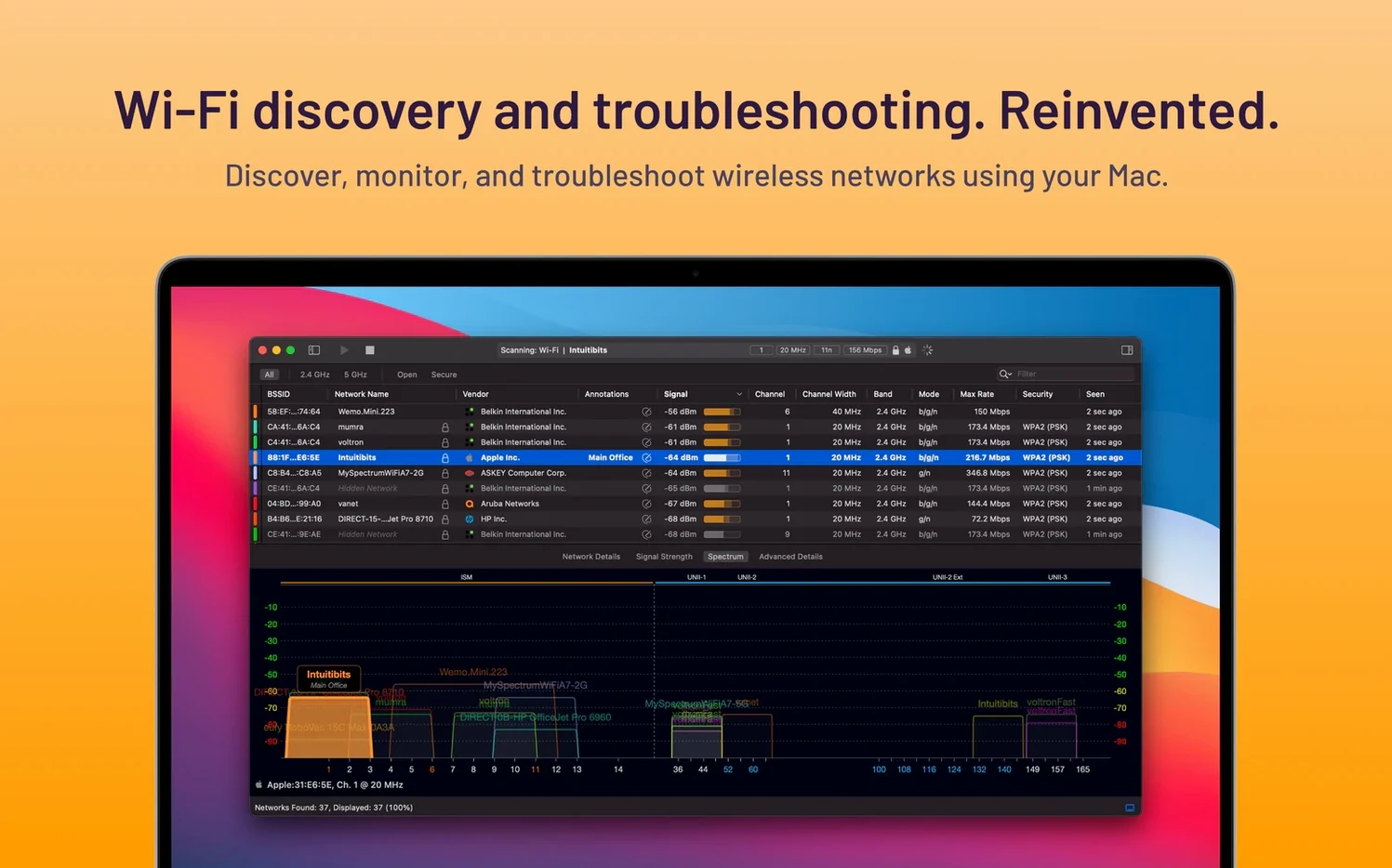
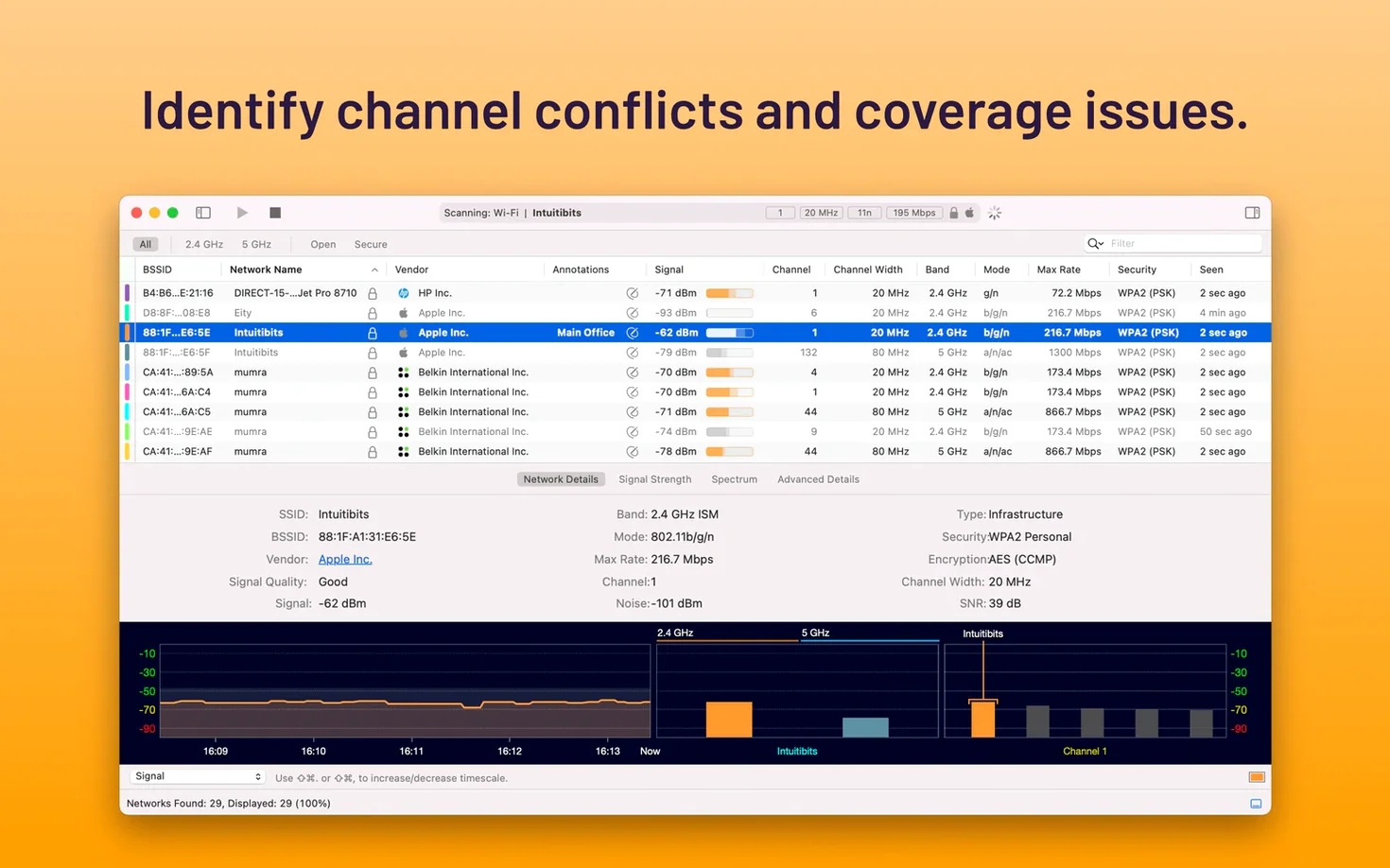
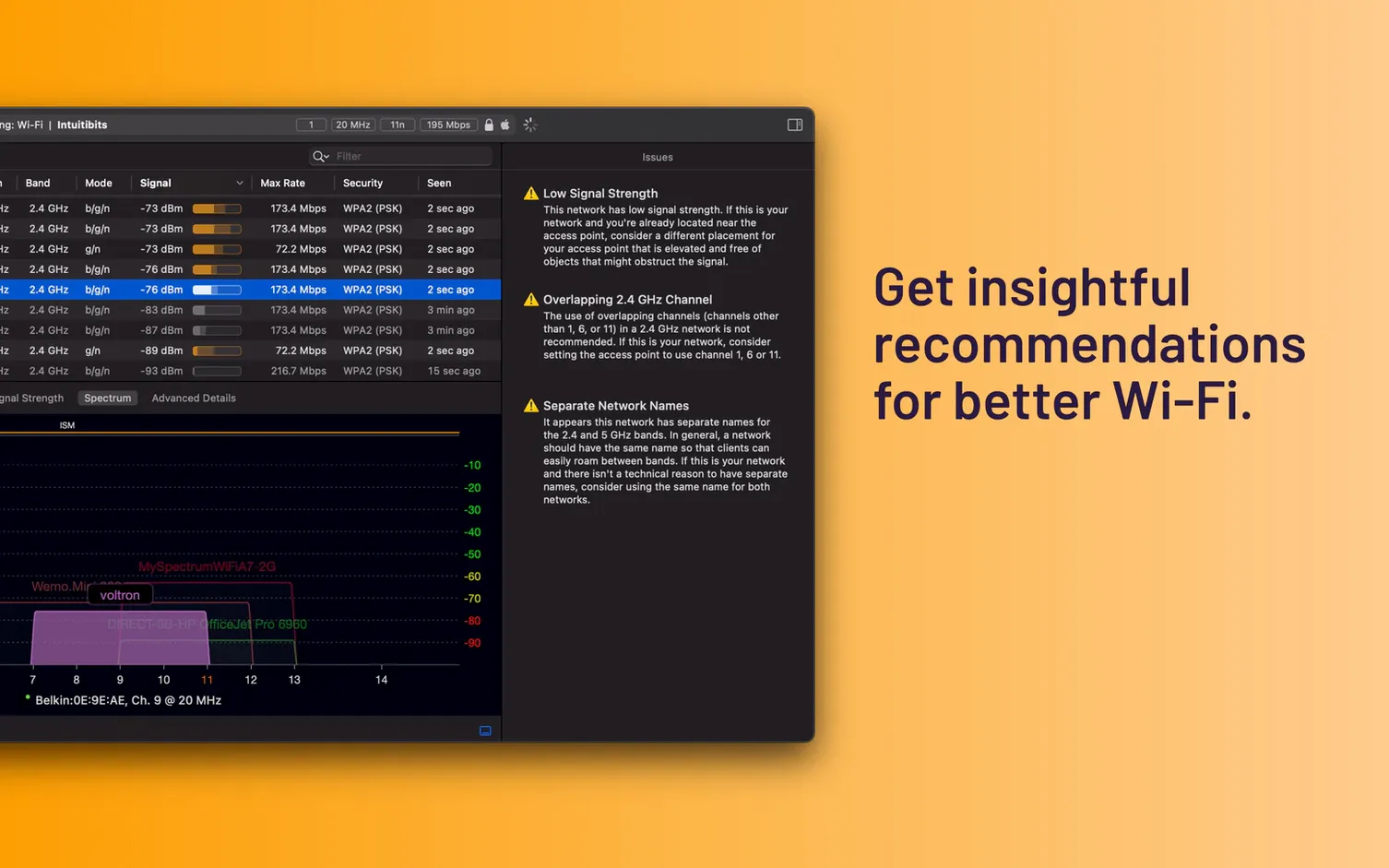
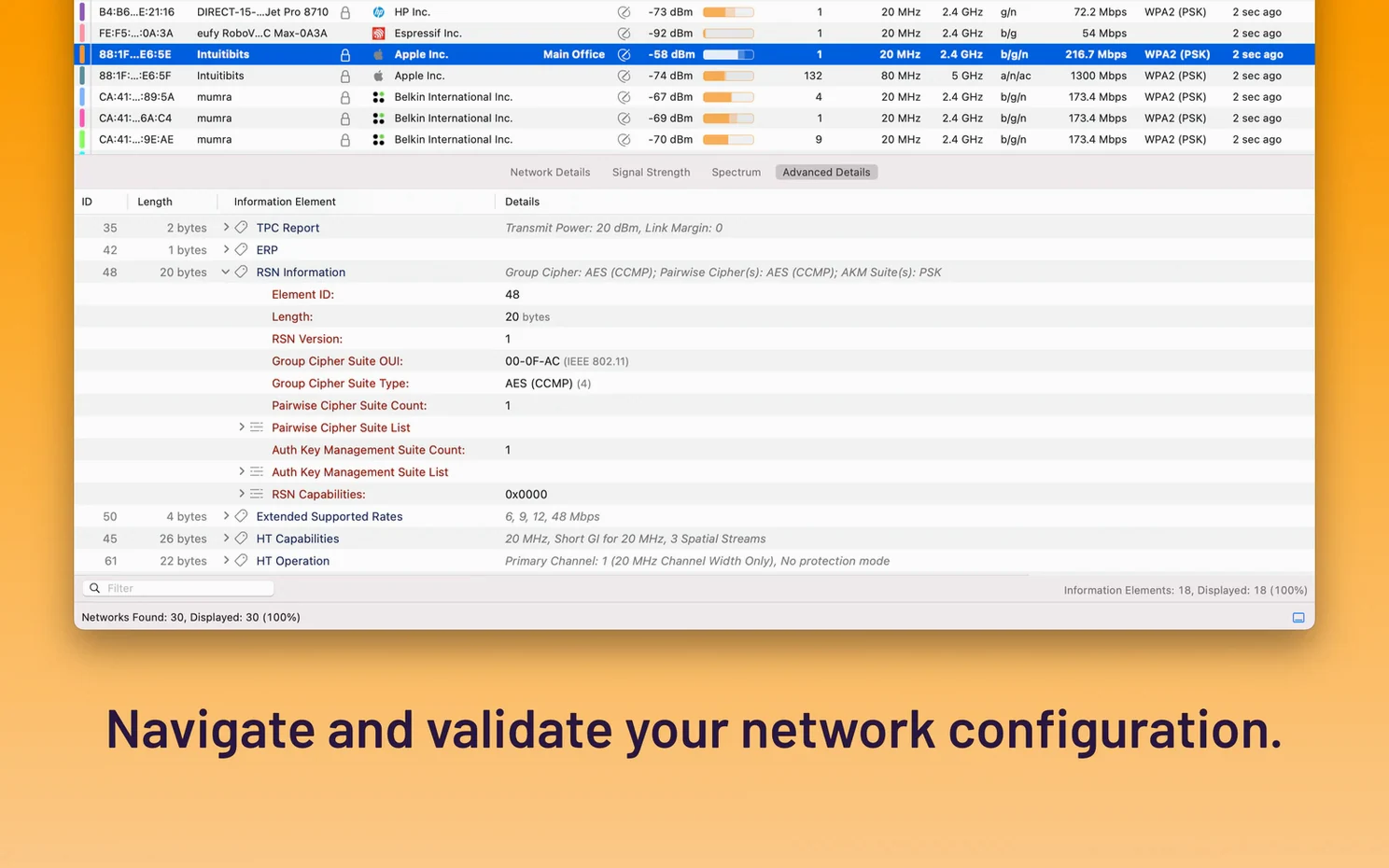
A slow corner of the office. A video call that freezes at 2pm every day. Guessing why a network drops is a waste of an afternoon. WiFi Explorer Pro 3 gives you the facts, laid out in a visual scan of every nearby network.
Validate network performance and spot channel overlap
- Validating wireless network performance after setup or changes
- Spotting channel overlap and interference from neighbouring access points
- Checking signal range and quality across a floor plan
- Designing networks with a clear view of 20, 40, 80, and 160 MHz channels
- Quick security checks — see at a glance which networks are open or using weak encryption
- Working through a built-in troubleshooting guide for common problems
Professional analyzer, not a one-click fix
- This is a professional analyzer, not a one-click fix-it tool
- The visual graph rewards a bit of Wi-Fi know-how to interpret fully
- Requires macOS 10.14.6 or later
Pair with a site survey app for full coverage
WiFi Explorer Pro 3 sits alongside a handful of tools you likely already use. Its data stays local — no cloud sync, no accounts — so pairing it with a site survey app or a heat mapper covers the full picture. Export a scan, pull it into a report, or share a screenshot with a colleague who needs to see the channel layout.
On the Mac itself, it works with what the system gives it. The app reads the same Wi-Fi interface your Mac uses every day, but presents it in a way the built-in Wireless Diagnostics tool never does. You can run it while holding down the Option key and clicking the menu bar Wi‑Fi icon — the two views complement each other. One gives you a live RSSI number for your current network. The other shows every network in range, their signal-to-noise ratios, and how they overlap.
A few practical pairings:
- Wireless Diagnostics — grab the raw connection stats; use Pro 3 for the wider radio picture
- AirPort Utility — scan from an iOS device while Pro 3 covers the Mac perspective
- Any note-taking app — drop a CSV export of scan results into project notes for a site visit record
- Terminal — pipe exported data into scripts for recurring checks across floors or buildings
If someone on the team asks you to download wifi explorer pro 3 for mac, it is usually because they want the remote sensor capability that the standard WiFi Explorer lacks. That remote scanning ties into a distributed workflow — one Mac runs the scan, another person views it.
Channel width display now reports 160 MHz correctly
Version 3.10.5 tidied up several things that made daily scanning a little sharper. The channel width display now correctly reports 160 MHz and 80+80 MHz networks that use Extended NSS BW signaling. Before the fix, you might have misread a wide channel as something narrower — not a detail you want to get wrong when validating a deployment.
Decoding support for the Extended BSS Load element arrived in the same update. In practice, that means more information about how busy an access point is, straight from the beacon frames. Useful when you are picking a target AP to roam to, or diagnosing why clients keep crowding onto one radio.
One quiet fix that mattered: some non-Apple access points were wrongly tagged as Apple hardware. That is corrected now. If you rely on the vendor column to spot a rogue device or just to make sense of a scan at a glance, the labels are accurate again.
Spanish localization also improved. If your team switches the app to Spanish, the interface reads more naturally. For everyone else, a handful of minor fixes keep the scan smooth.
- Added decoding support for the Extended BSS Load element
- Fixed the channel width shown for 160 MHz and 80+80 MHz networks that use Extended NSS BW signaling
- Fixed some non-Apple access points being reported as Apple
- Improved Spanish localization
- Other minor fixes and improvements
- macOS 10.14.6 or later
- Apple Silicon and Intel Macs









Comments 0
Sign in or create an account to add a comment.
No comments yet. They go up after moderation.