
Winclone Pro — Mac download
Download (21 MB) Earlier builds
Ticked
Create an image with sound alerts
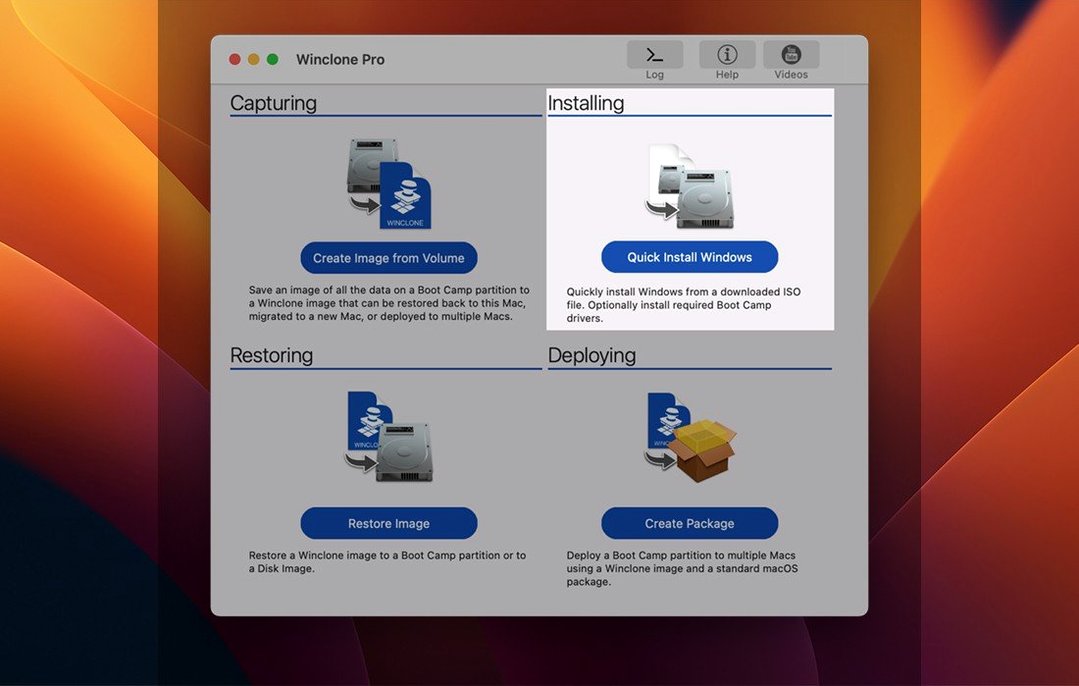
Start with a full clone. Open Winclone, select your Boot Camp volume and hit Create Image. Tick the option to play a sound for success or failure — you will know a backup finished without watching the screen. The progress estimate and completion percentage tell you exactly how long you have.
Check the partition table
Before migrating, run a quick health check. Winclone detects inconsistent GPT and MBR boot records. A mismatch here can stop Windows booting after a restore. Catch it early.
Set your storage target
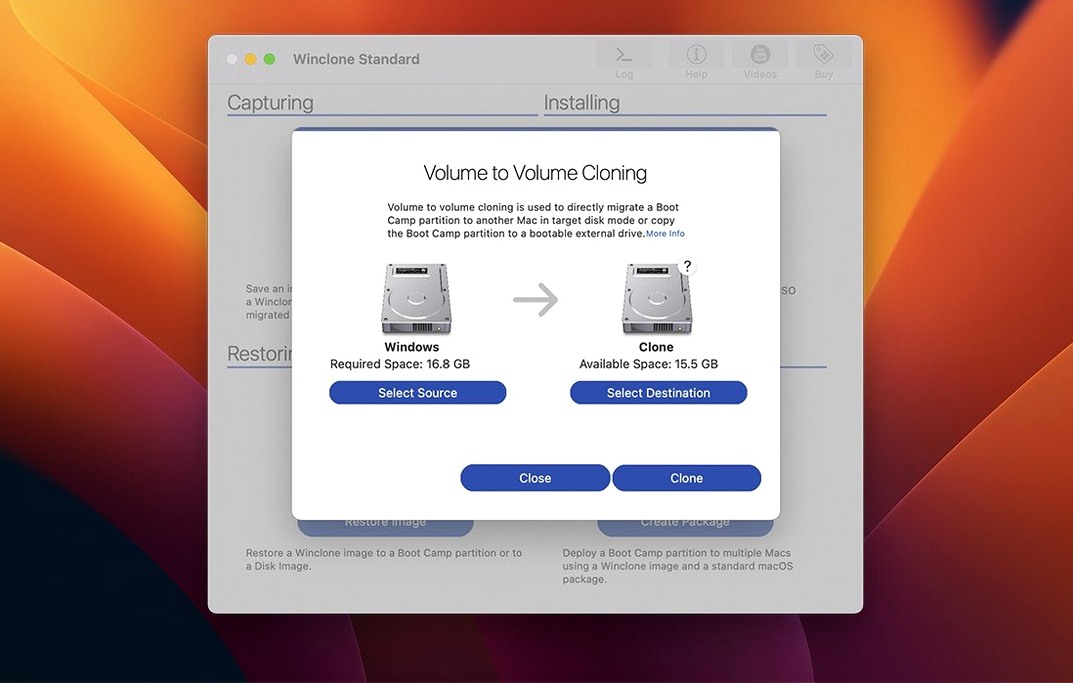
Save images to external or network storage, not the Mac’s internal drive. Pick an NTFS, ExFAT, or DOS-FAT32 volume. The app restores to all three.
Shrink the file system
If your Boot Camp partition is oversized, shrink it from inside Winclone before imaging. Smaller image, faster restore. The same tool can expand the partition when you restore to a larger drive.
Make an incremental backup
How Winclone Pro fits with other apps and macOS
Winclone Pro does not run in a vacuum. Pair it with Disk Utility when you need to verify a volume before imaging. Run a First Aid pass on the target, then switch to Winclone for the clone.
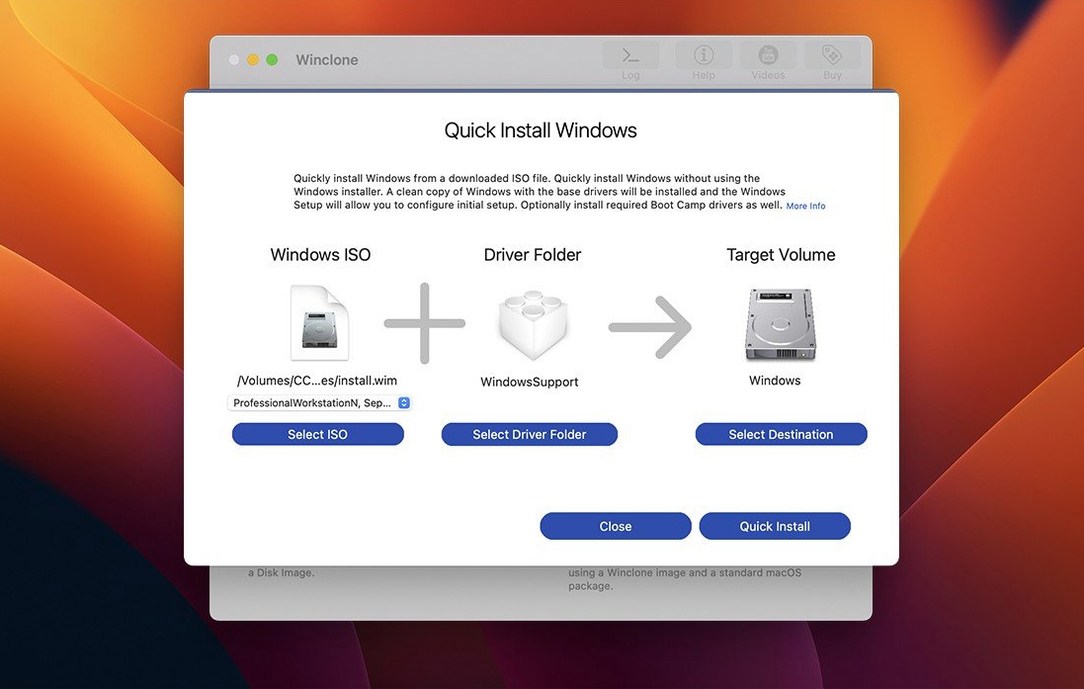
For deployment workflows, the package installer output slots into your existing MDT or SCCM setup. Build the image once, package it, then push it across machines. No need to sit at each Mac with a USB drive.
macOS integration is straightforward. Winclone reads Boot Camp partitions directly, so you do not export from Windows first. The app respects macOS file permissions and storage frameworks. Save images to a network share mounted in Finder, and Winclone sees it as a destination.
If you use winclone 8 workflows from older deployments, the Pro edition reads those images without conversion. That matters when you have an archive of legacy clones and no time to rebuild them.
Chime on completion and drag-and-drop restores
- Sound alerts — toggle them once and forget. A chime on completion means you work on something else while the clone runs.
- Drag-and-drop restore — drop a Winclone image file onto the app icon to start a restore immediately. No menu navigation.
- Progress in the Dock — the app icon shows a percentage bar. Glance at it from any desktop space.
- In-app support links — the help menu points directly to Twocanoes knowledge base articles, not a generic homepage.
- Legacy and EFI toggles — one checkbox switches between making a legacy-bootable clone and an EFI-bootable one for Windows 7 and later. No separate tool required.
Cloning without checking GPT or MBR first
Skipping the GPT/MBR check. A clone completes fine, but Windows will not boot. Run the detection tool before you trust the image.
Saving images to the Mac's internal drive. Boot Camp partitions are large. Fill your Mac's SSD and macOS has no room to breathe. Always target external or network storage.
Ignoring SIP requirements. Winclone Pro needs System Integrity Protection disabled during install. Leave SIP on and the app cannot access the partition table properly. Re-enable it after setup.
Assuming a single full image is enough. Without incremental backups, you lose weeks of Windows changes. Schedule incrementals after the first full clone.
Some users search for a winclone 10 license key or a winclone crack after losing their activation. Others grab a winclone torrent or a winclone cracked build and then wonder why partition detection fails. A clean install avoids those headaches.
After the full image, switch to incremental. Only changed blocks get saved. Quick to run, easy to stack.
- Updated OS requirements
- Verified Tahoe compatibility
- macOS 10.15 or later
- Intel Mac
Questions the team asks
Yes. You can create a package installer that sets up a Boot Camp partition and restores the Winclone image onto it, which suits business and education deployments.
It restores images to DOS-FAT32, ExFAT, and NTFS volumes.





Comments 0
Sign in or create an account to add a comment.
No comments yet. They go up after moderation.