

Wirecast Pro — Mac download
Download (820 MB) Earlier builds
Ticked
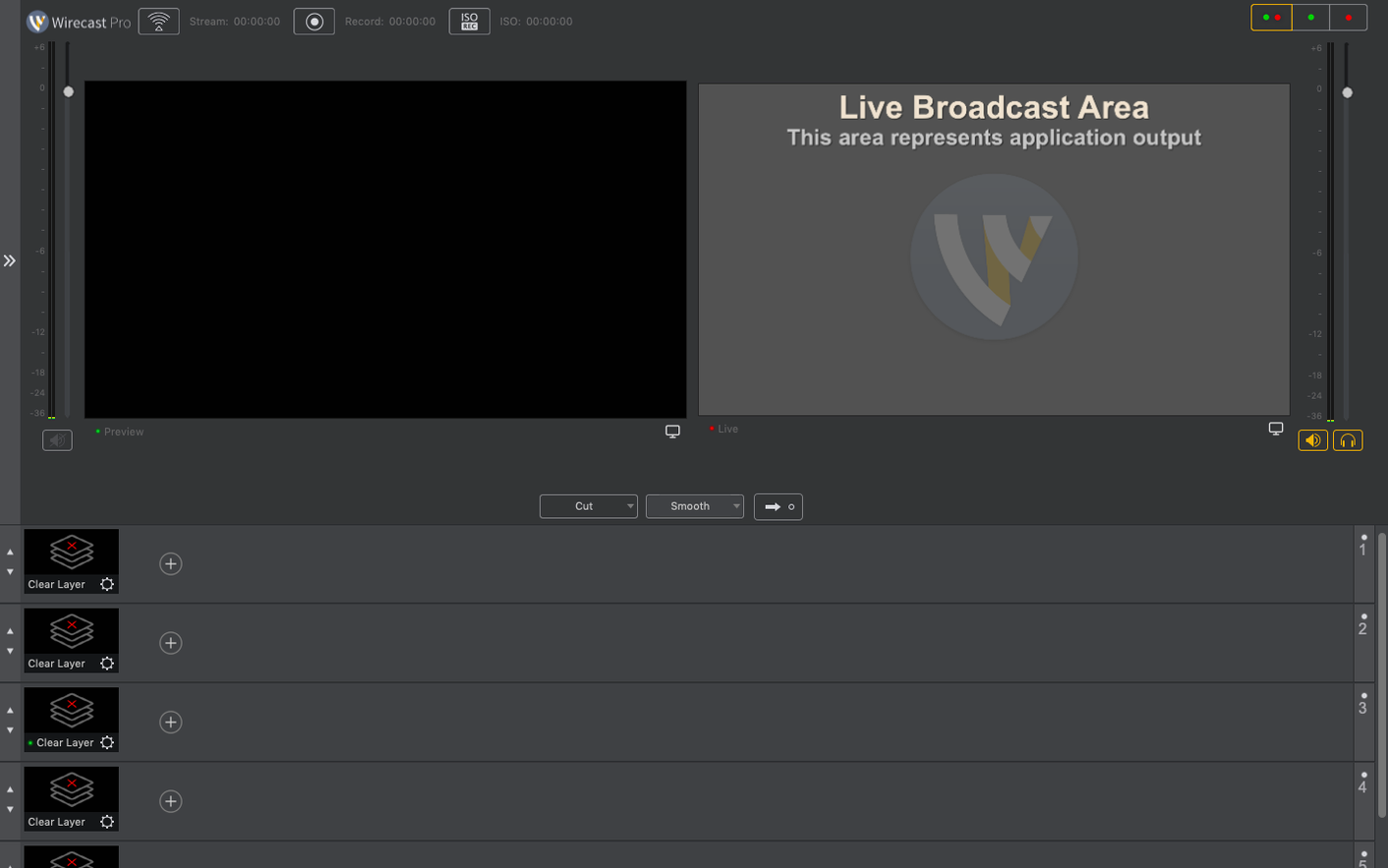
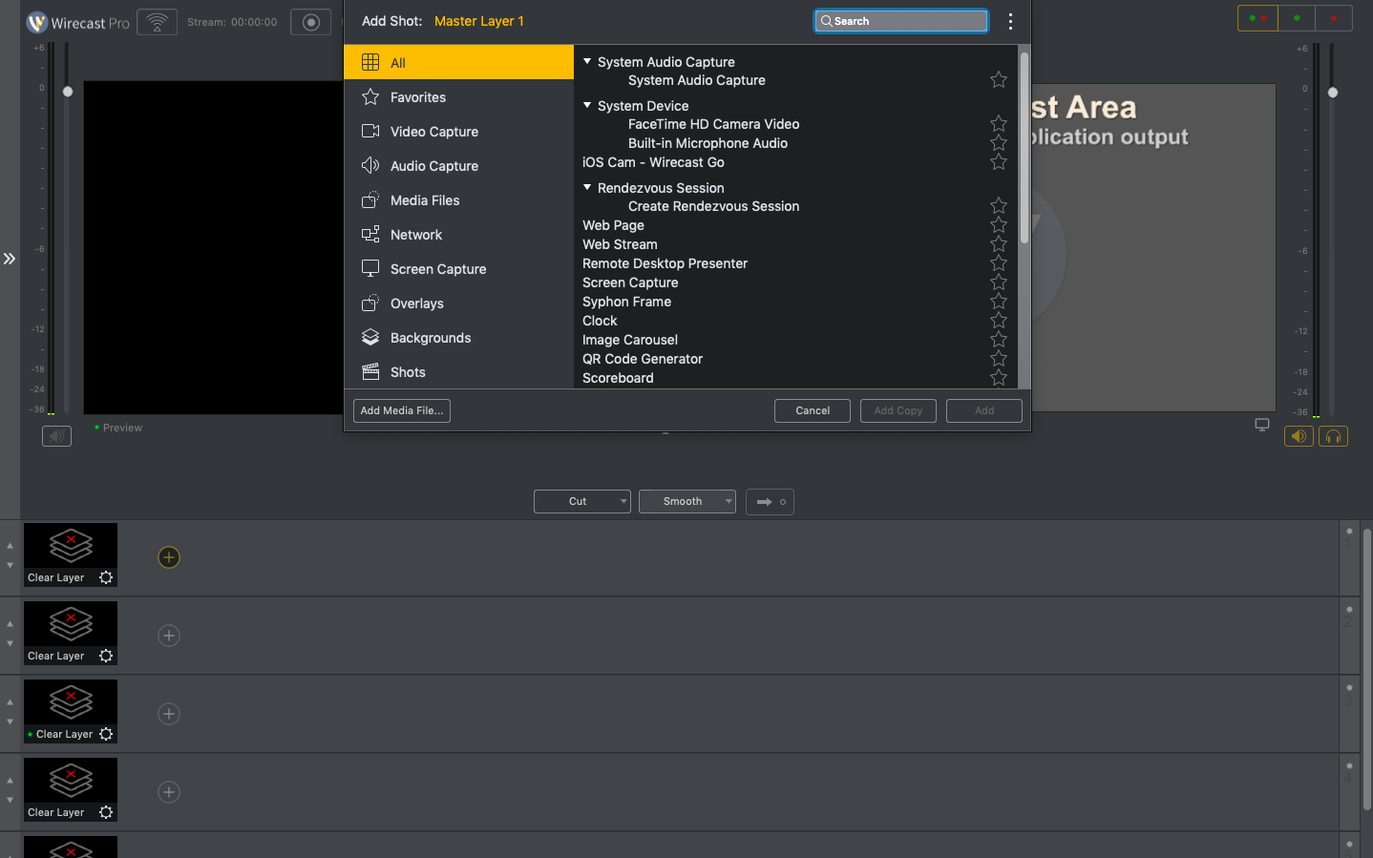
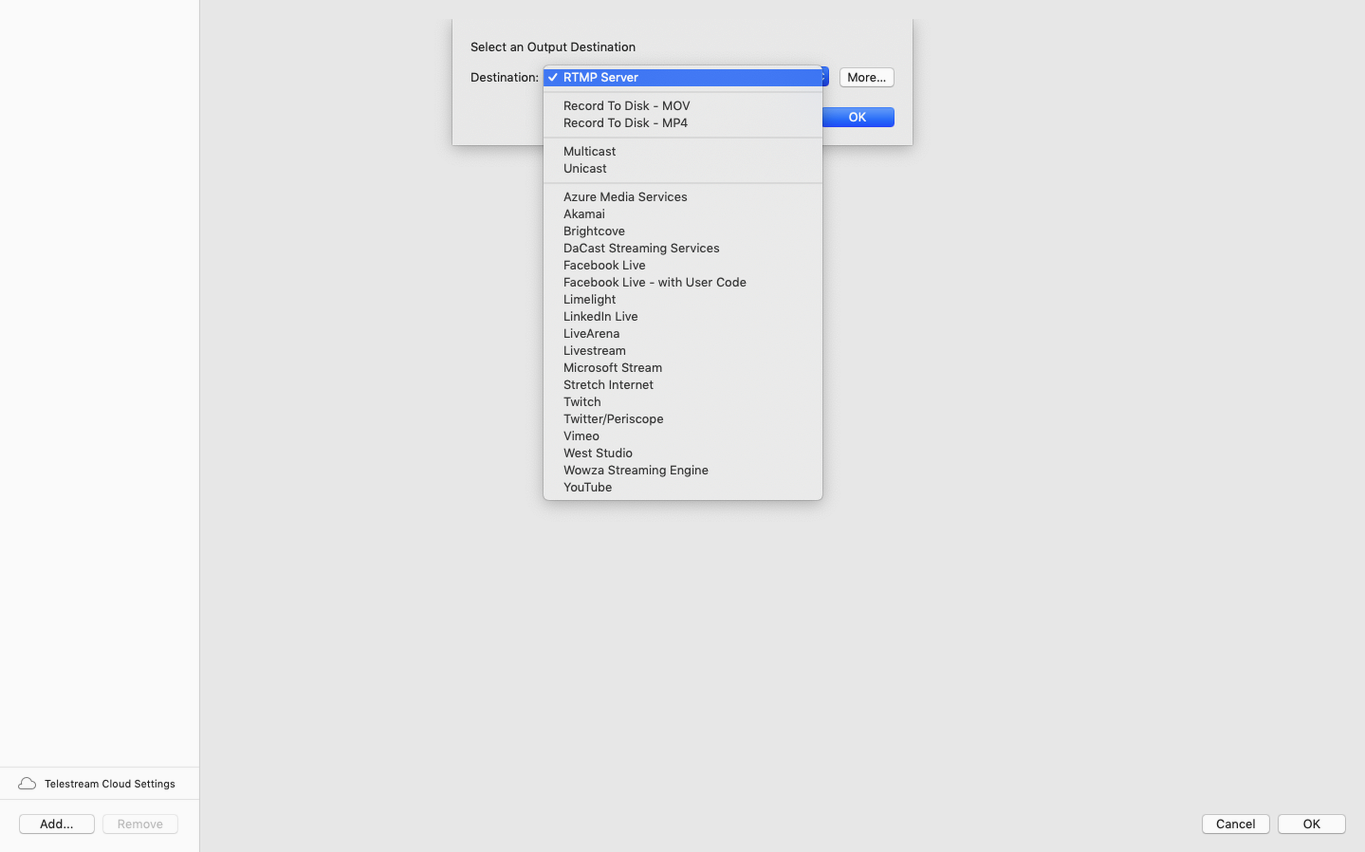
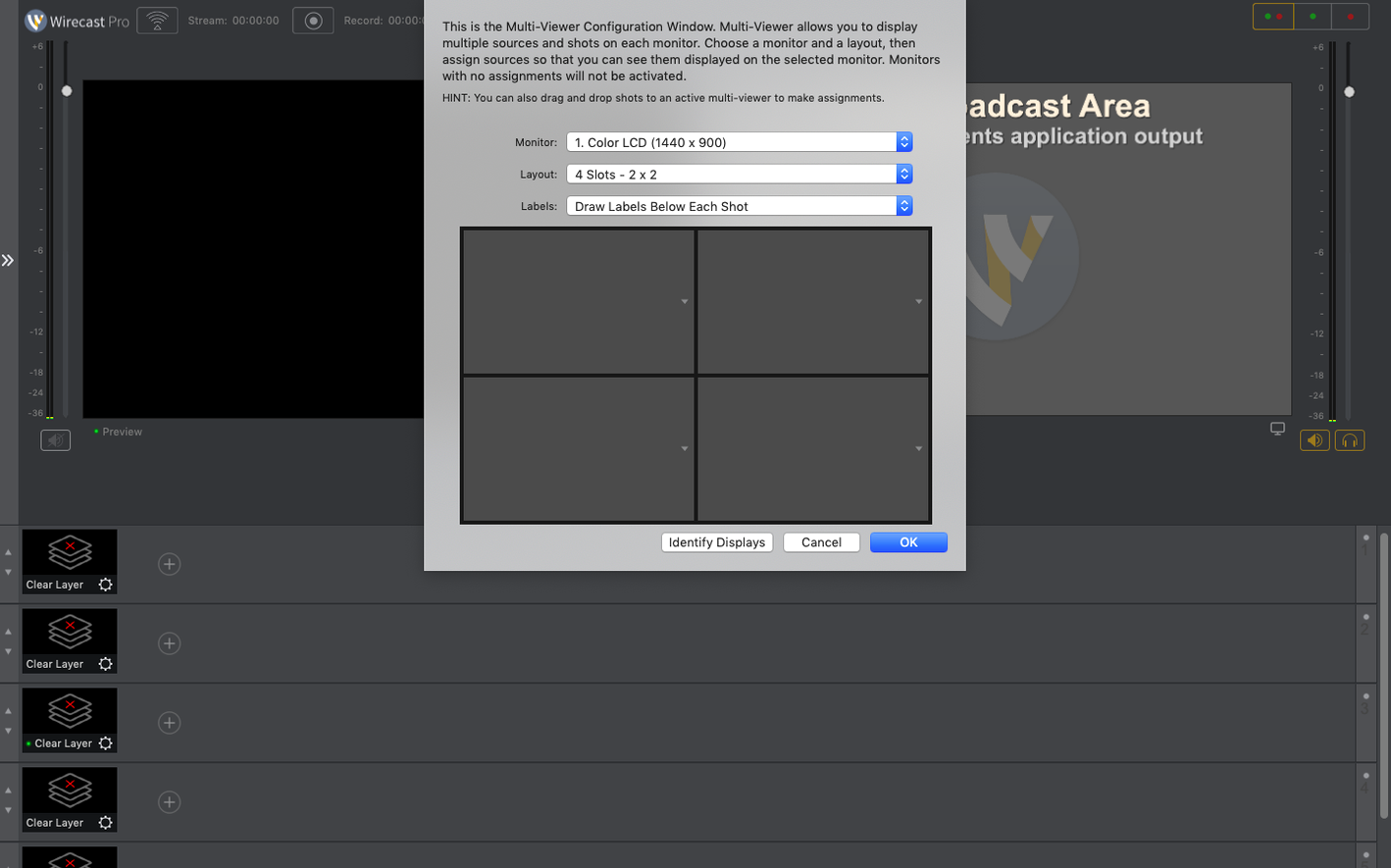
Version 16.5.4 is a maintenance build. It fixes detection for certain PTZ NDI cameras on macOS. It also sorts virtual camera use when a corporate IT policy blocks the virtual microphone driver, and adds a discontinuous-frame flag for NDI sources.
Build a broadcast
This is a live video streaming and recording tool. Think of it as a small TV studio on a Mac. You pull in feeds from cameras, screens, and NDI sources. You layer titles, overlays, and sports score templates over the top. It records interviews, music videos, conferences, and full shows while streaming them out. Production teams use it for sports events, ceremonies, and concerts.
Package the output
Wirecast Pro creates the stream and captures a master recording at the same time. You set up your scenes, switch between angles, and the software handles the encoding. The resulting file is ready for post-production or archive. It fits into small TV and production studios that need a single tool to manage both the live feed and the recorded asset.
Multi-camera crews with three or more inputs
A few camps get more mileage out of Wirecast Pro than most.
Multi-camera live event crews. If you run three or more inputs — physical cameras, NDI feeds, screen shares — the shot-switching and scene management pay off quickly. Sports producers lean on the built-in scoreboard overlays. Conference teams switch between presenter slides, room mics, and remote callers without patching extra hardware.
Broadcasters who need a master recording. Recording while streaming saves running a separate capture box. The master file lands exactly as it went out, titles and all. Post-production teams get a clean file to edit later. Church services, concert streams, and town hall meetings all fit this pattern.
Small studios building a fixed setup. Once you configure your cameras, NDI sources, and graphic templates, you save the layout. Recurring shows open the same project and start broadcasting in minutes. The 30 built-in title styles cover most needs without a designer on call.
Quick facts
Runs natively on Intel and Apple Silicon
Yes. The app is a universal binary. It runs natively on both Intel and Apple Silicon machines. macOS 11 or later is the only requirement.
Will my PTZ cameras work with version 16.5.4?
The 16.5.4 update specifically addresses detection issues with certain PTZ NDI cameras on macOS. If you had trouble with a camera not showing up in earlier builds, this release is worth trying. A quick search for wirecast 16.5 often brings up threads about PTZ fixes.
What happens if my workplace blocks the virtual microphone driver?
Previous versions fell over when corporate IT policies blocked that driver. The virtual camera would fail too. This build decouples them. The virtual camera works even when the mic driver is locked down — a practical fix for anyone on a managed Mac.
Sharing cameras with OBS or Zoom
You can, but plan your device access. Both apps will want the same camera or microphone if you are not careful. Sending Wirecast output via the virtual camera to Zoom is a common setup. That lets you use Wirecast's graphics engine as the front end for any video call platform.
How it fits the Mac ecosystem
Wirecast Pro does not live in a bubble. It slots into a toolkit.
NDI and local networks. The NDI support means you can feed other Mac apps — or hardware switchers — over a local network without capture cards. A Mac running a presentation deck can send its screen as an NDI source. Wirecast picks it up and treats it like any other camera feed.
macOS virtual camera. Once enabled, any app that sees a webcam sees Wirecast's program output. Drop it into Teams, Zoom, or a browser-based call. The 16.5.4 fix for blocked microphone drivers makes this route more reliable on managed Macs. Some users grab a wirecast pro download specifically to unlock this workflow.
Post-production handoff. The master recording lands as a standard video file. Drop it into Final Cut Pro or DaVinci Resolve. No transcoding step, no extra capture hardware. The recording matches the stream — every title, every graphic, every camera cut.
Logos and brand assets. Place a logo on the outgoing signal once, and it stays on every scene. No per-scene tweaking. For recurring shows, this is one less thing to check before going live.
- macOS 11 or later
- Apple Silicon, Intel 64-bit
Questions the team asks
It is built for live streams and recordings of sports, ceremonies, conferences, concerts, and small television programmes.







Comments 0
Sign in or create an account to add a comment.
No comments yet. They go up after moderation.