

Wondershare Recoverit — Mac download
Download (212 MB) Earlier builds
Ticked
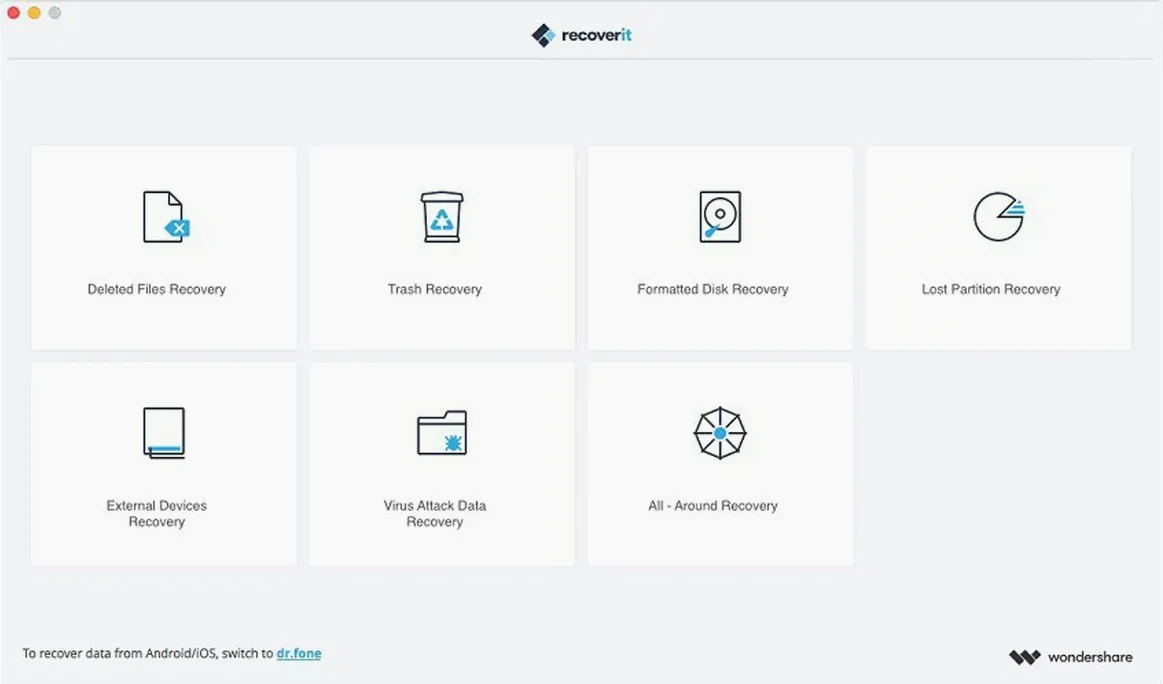
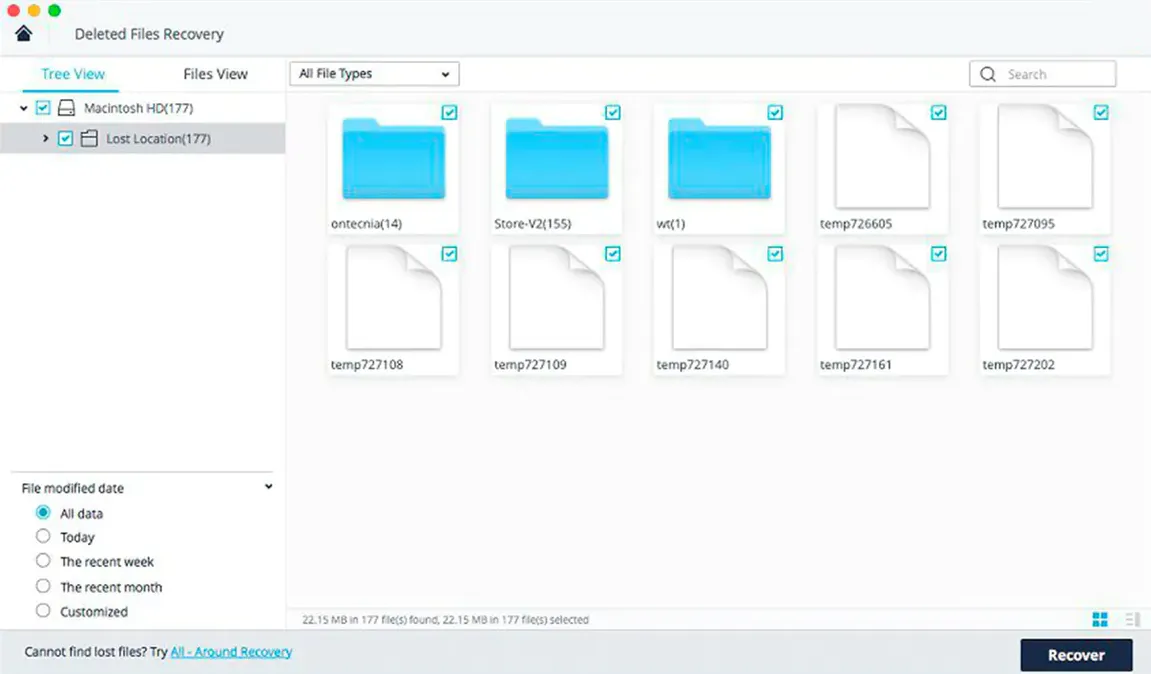
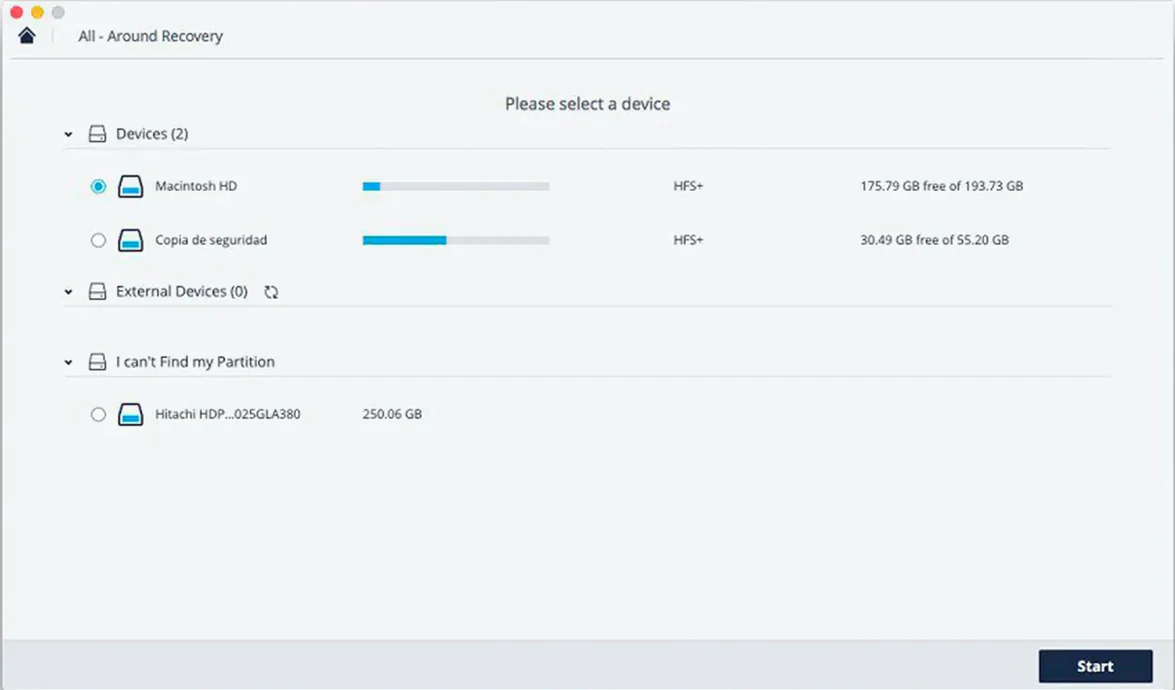
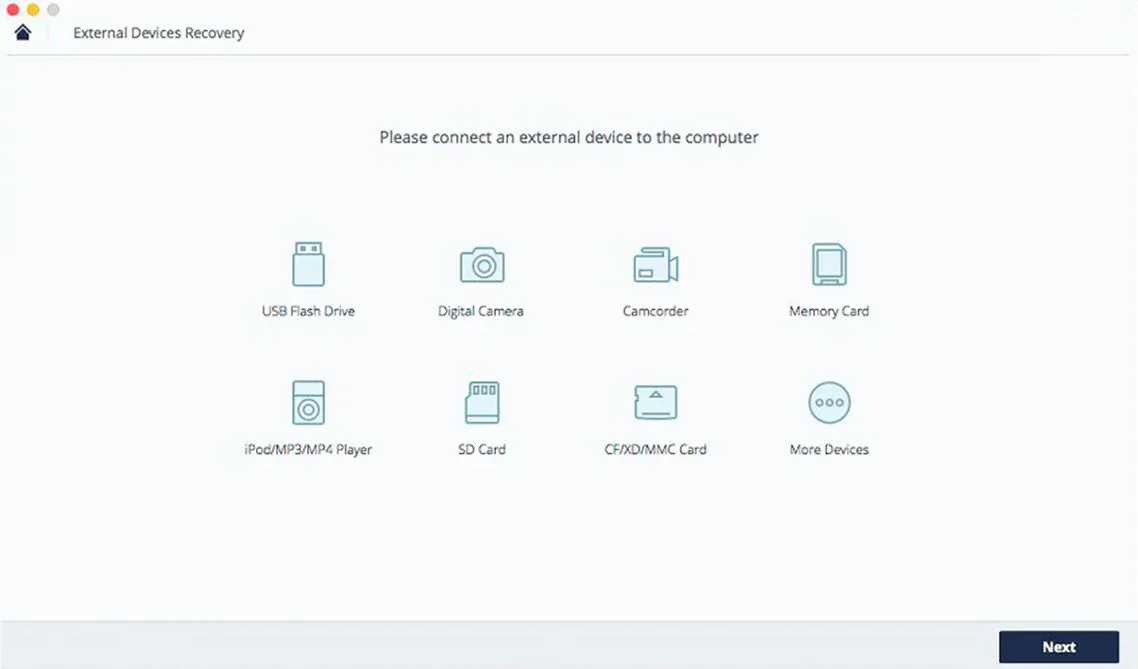
Recoverit is a Mac data recovery app for pulling back files you thought were gone.
- Select a location. Pick the internal disk, external drive, USB stick, or SD card where the files used to live.
- Scan the device. The app searches for recoverable photos, documents, videos, and other file types.
- Preview the results. Check which files are intact before you commit to a recovery.
- Recover what you need. Restore selected files to a safe location—never back to the same drive you're recovering from.
Pause a two-hour scan without losing progress
Recoverit packs a few shortcuts that stay invisible until you need them. The pause and resume toggle during a deep scan saves you from restarting a two-hour search because the battery dipped below 5%. Click pause, plug in, click resume. The scan index stays intact.
A filter bar sits above the file list after any scan. Type a file name fragment or pick a file-type tab—images, documents, video, audio—and the results collapse instantly. No scrolling through 40,000 items hoping to spot a single PDF.
The file status indicator uses a small coloured dot next to each preview thumbnail. Green means the file is intact and recoverable. Orange warns of partial corruption—recovery might work but the file could open with glitches. Red means the file header is too damaged. You learn which icons to ignore after two scans.
Right-clicking any result row reveals “Recover to” with a folder picker. No need to change a global output setting first. Useful when you want media files on an external drive and documents in your home folder, all from the same scan session.
The hex preview pane is tucked behind a small icon in the preview window. Nobody mentions it during setup. If you recognise file signatures, you can verify a file's integrity before spending time on recovery. Most users never open it. Forensic-minded Mac users live in it.
Raw and video recovery from formatted SD cards
Photographers and videographers working from SD cards and external SSDs. Recoverit handles RAW formats and video containers that cheaper tools skip. A formatted card from a shoot day stops being a disaster when the deep scan pulls back CR2 files and MOV clips with previews intact.
Mac users with a single internal drive and no Time Machine habit. The app scans the startup volume directly. Recovery requires a second destination drive—an external disk or a network location—so the write action doesn't overwrite the very data you're trying to save. The interface warns you once and then remembers.
Anyone dealing with an old external HDD that suddenly mounts as uninitialised. Recoverit reads the raw block data without needing a mounted volume. If the drive spins up, the app can usually pull a file tree from it.
IT support staff who keep a copy on a bootable USB stick. The portable version runs without a full install, so you can scan a colleague's Mac without touching their Applications folder. Combine with the pause-resume feature and you can triage a drive in stages across a workday.
Zero files on a 64GB stick after three weeks of fieldwork
A field researcher returns from three weeks of site visits with a 64GB USB stick holding interview recordings, site photos, and a single DOCX spreadsheet tracking sample IDs. The stick mounts on her MacBook, shows zero files, and Finder suggests formatting it. She does not format it. She opens Recoverit.
Select the USB stick. The app lists it by brand name even though Finder shows no volume label. She starts a scan at 9:12am. The quick scan finishes in four minutes and returns nothing useful—the file table is wiped. She switches to deep scan mode and lets it run while answering emails.
At 10:47am the scan completes. The filter bar shows 1,842 audio files, 940 images, and one document. She types sample into the file name filter. The DOCX appears with a green dot. She previews it—all 340 rows intact. She recovers it to her desktop, then filters by .wav and recovers twelve interview files to an external drive. The site photos come last, dragged in three batches by date modified. By 11:15am she has everything. The USB stick goes into a drawer as a backup artefact. She reformats it next week.
Faster video previews but no S.M.A.R.T. monitoring
Recoverit vs Disk Drill. Disk Drill offers byte-level backups and S.M.A.R.T. disk monitoring, features Recoverit skips entirely. Recoverit counters with a simpler scan setup and faster preview generation on video files. Disk Drill feels built for technicians who want health dashboards. Recoverit feels built for one job: scan, preview, recover, done.
Recoverit vs PhotoRec. PhotoRec is command-line, open-source, and recovers an enormous range of file signatures without a graphical interface. It runs on anything. Recoverit wraps that same raw recovery logic in a preview-driven UI. The trade-off is control versus speed of decision-making. If you already know file signatures by hex, PhotoRec does the job. If you want to see a thumbnail and click recover, Recoverit is the faster path.
Recoverit vs EaseUS Data Recovery Wizard for Mac. Both apps aim for the same workflow. Recoverit's previews load faster on large video files in side-by-side use. EaseUS includes a bootable media builder for Macs that won't start, which Recoverit doesn't offer natively. Users searching phrases like Recoverit crack Mac or Wondershare Recoverit Mac torrent often weigh these two side by side because they target identical data-loss scenarios. The feature sets overlap heavily. The decision usually comes down to which interface feels quicker during a stressful recovery window.
The workflow targets common data-loss events: accidental deletion, formatted storage, and partition problems. The current version keeps the same feature set as the previous release.
- macOS 10.14 or later
- Intel processor








Comments 0
Sign in or create an account to add a comment.
No comments yet. They go up after moderation.