
WALTR PRO — Mac download
Download (29 MB) Earlier builds
Ticked
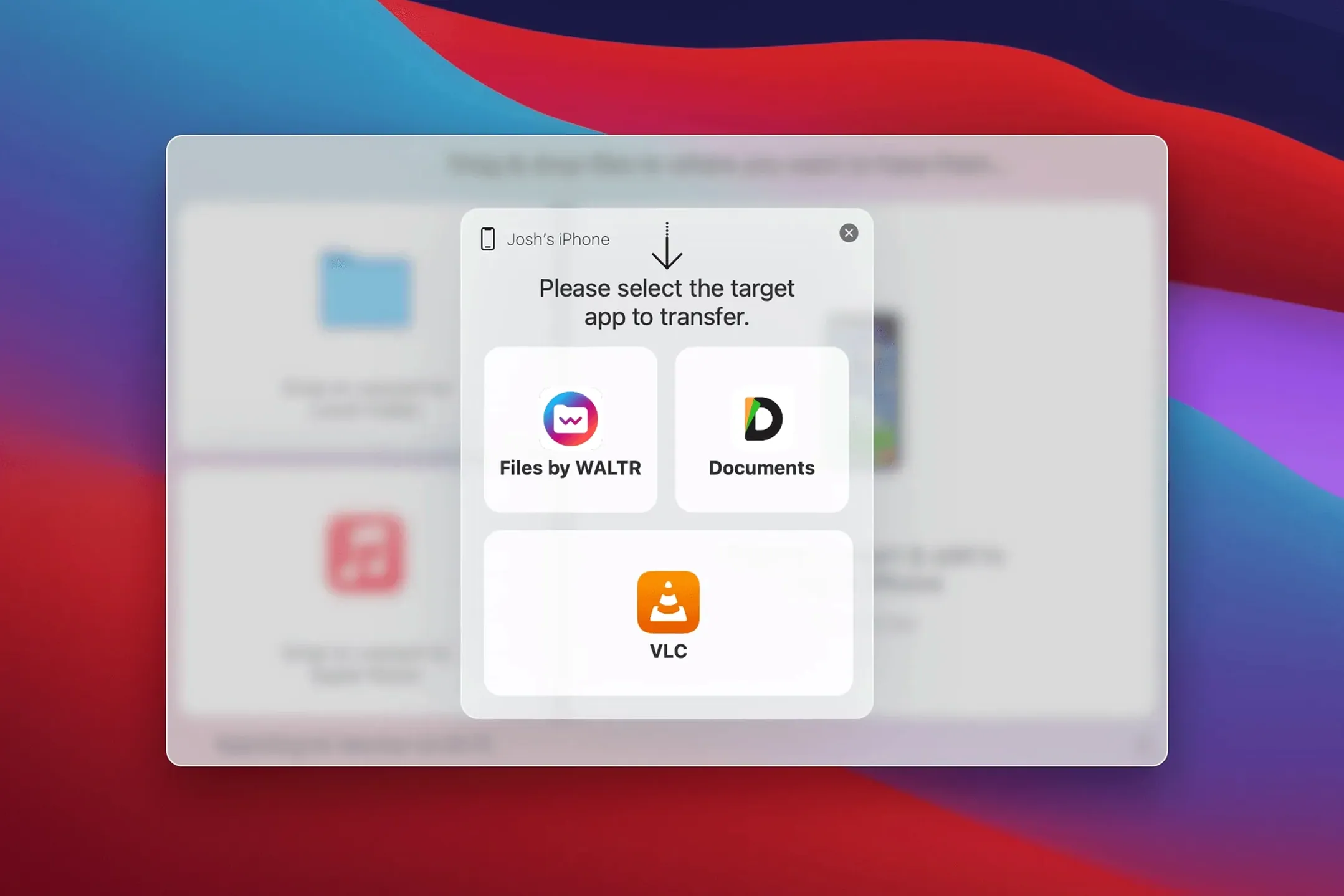
Skip the sync
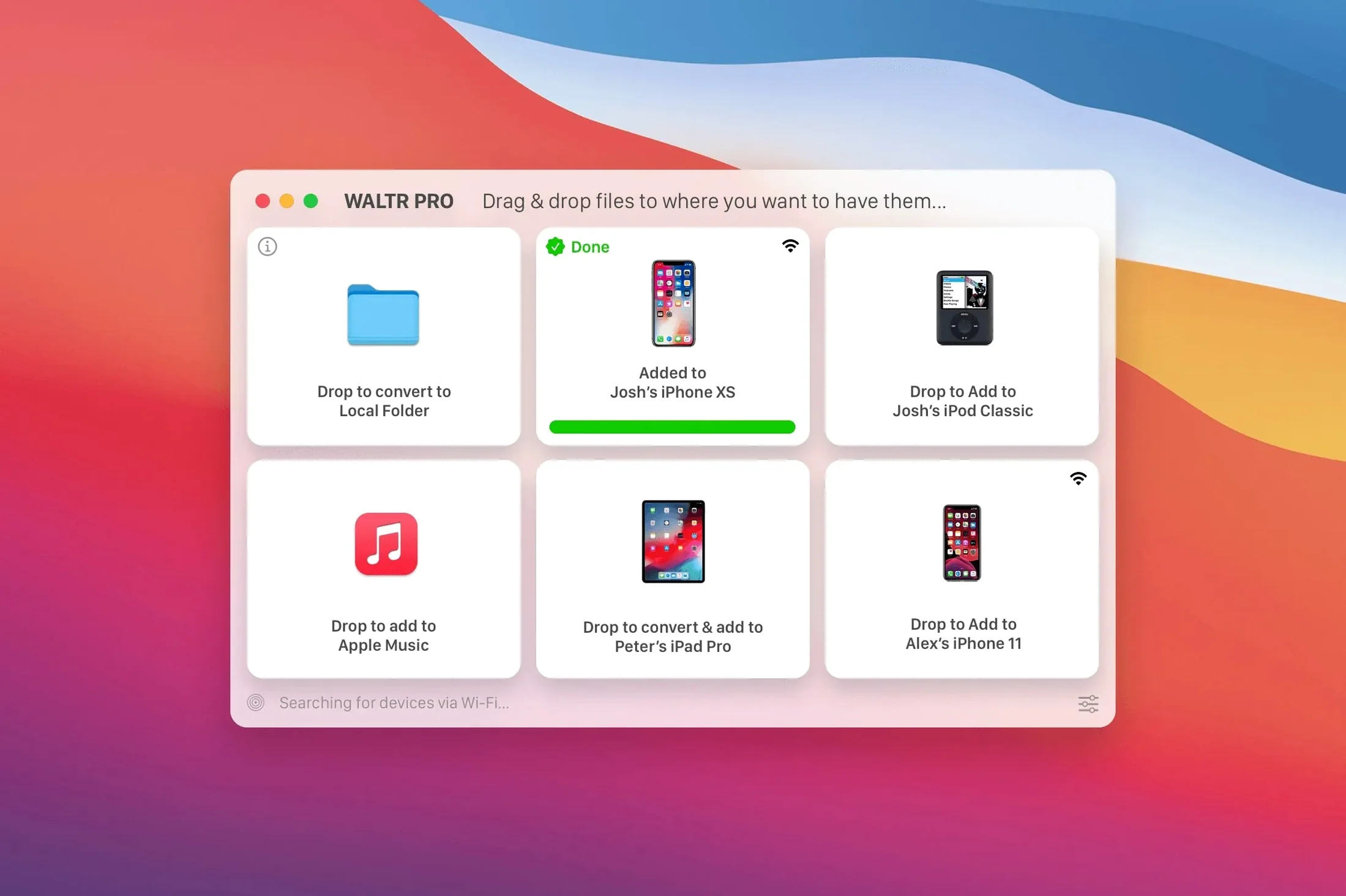
You already use Finder or Music to manage your iPhone. WALTR PRO replaces that step when you just want a video or album on your device — no sync, no library matching.
Check file support
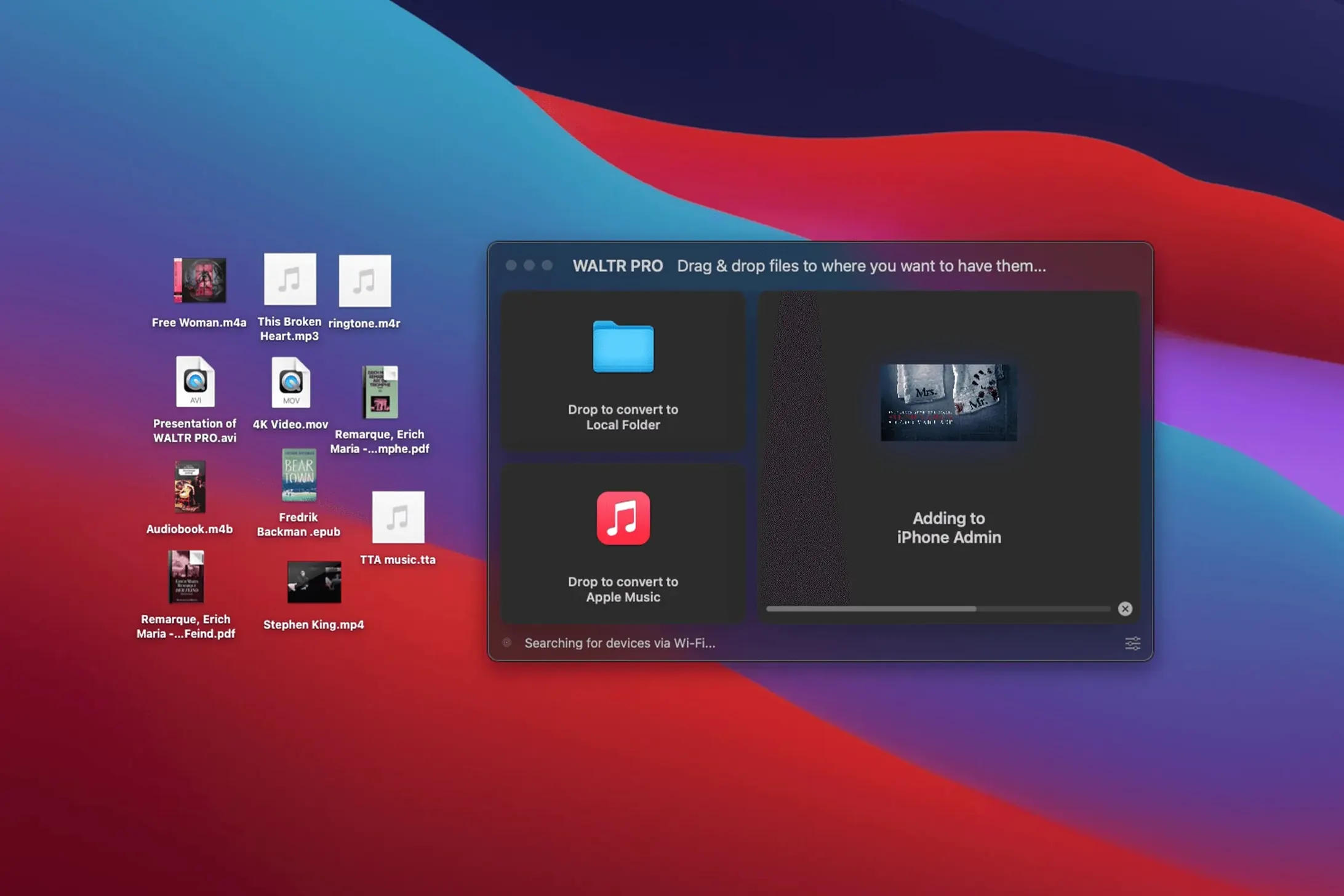
Drag in an MKV, FLAC or CUE file and the app converts it on the spot for playback in the iOS Music or Movies app.
Confirm device fit
Skip the device picker via remembered drop zones
WALTR PRO works best when you treat it like a shelf, not a manager. A few habits worth knowing:
- Drop zones remembered. If you always send video to an iPad, the app defaults to the last-connected device. Skip the device picker.
- Wi-Fi auto-connect. Once a device is recognised, the app links to it over Wi-Fi without re-pairing. No cable needed for repeat transfers.
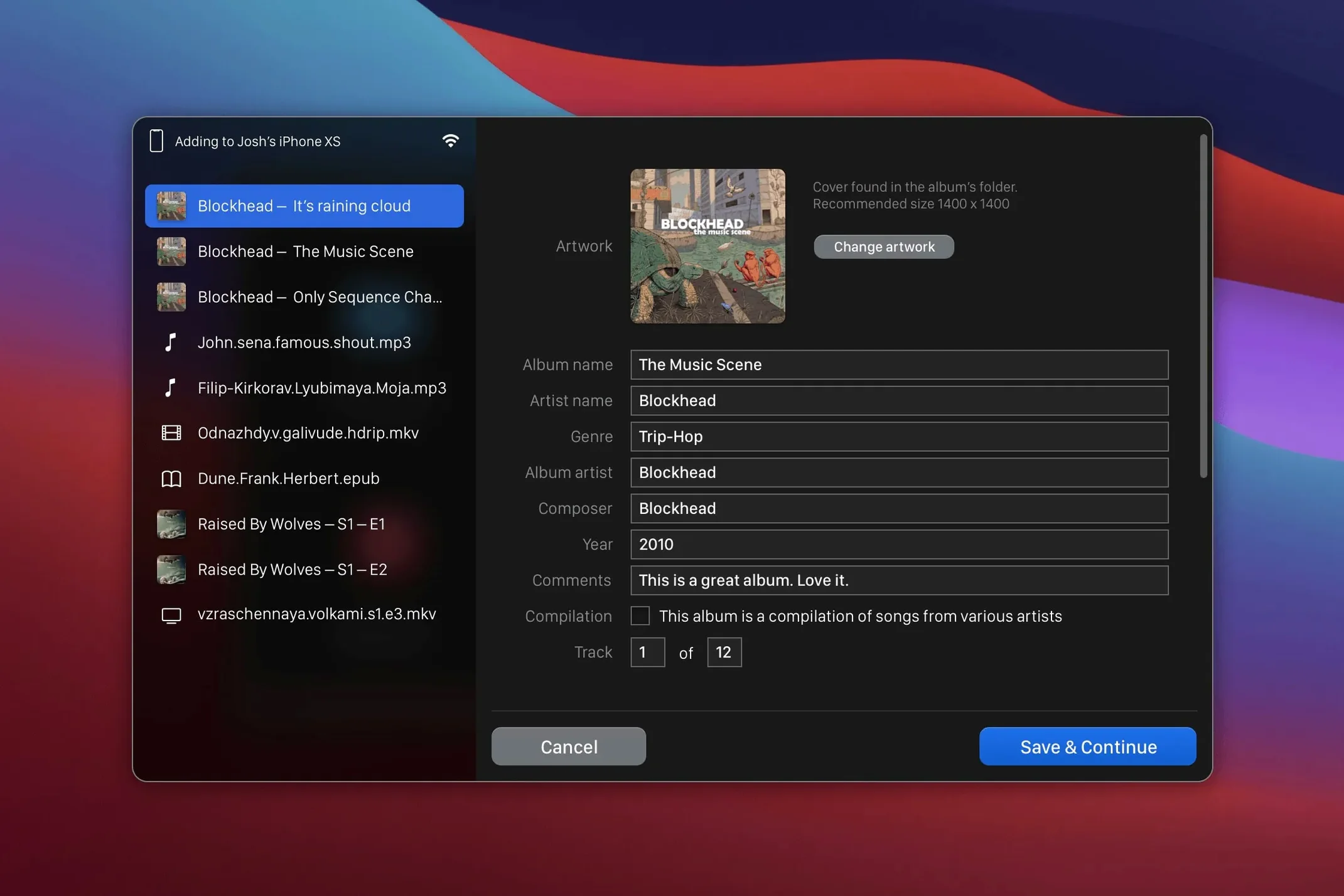
- Automatic artwork. Drop a folder of FLACs and the app pulls metadata and cover art for the Music app. No manual tagging.
- CUE sheet handling. Drag a single CUE file and WALTR PRO splits the image into individual tracks on the device. No extra tool needed.
- M4R ringtone detection. Throw in an M4R file and it lands directly in the ringtones list, not in music.
- Background operation. Close the window or switch to another app — the transfer continues. Only a small menu bar icon stays active.
No direct comparison in this edition
WALTR PRO vs AnyTrans
AnyTrans offers a full device manager: messages, contacts, photos, media. WALTR PRO does one thing — get media files playing in Apple's apps. For a project manager moving daily video clips or music cues, WALTR PRO feels lighter. AnyTrans can feel like Finder with extra tabs.
WALTR PRO vs iMazing
iMazing is a full backup and restore tool with media transfer on the side. WALTR PRO skips the backup layer entirely. If your checklist says "get this .mkv onto the iPad before the meeting," WALTR PRO is fewer clicks. iMazing suits IT workflows; WALTR PRO suits a person holding a USB stick and a deadline.
WALTR PRO vs AirDrop
AirDrop is free and built-in, but refuses files iOS cannot play. WALTR PRO converts silently and places the result in the correct app. No extra step of opening VLC or a third-party player. If the brief is "playable in the native Movies app," AirDrop cannot compete.
A 2 GB MKV lands on iPad in 90 seconds flat
Transfers rely on Wi-Fi, so speed follows your network. A 2 GB MKV hits an iPad in about 90 seconds on a decent 5 GHz connection. Conversion adds time for odd formats — a FLAC album wraps up in under 20 seconds. No beachballing during conversion on an M1 Mac, and memory use hovers around 180 MB while active.
The app has not crashed once across a week of daily use with a mix of AVI, MKV and FLAC files. When a transfer fails — usually because the device moved out of range — it pauses cleanly and offers a retry, no force quit needed. CPU spikes briefly during the conversion pass, then drops back to idle.
For a tool that sits open all day, its footprint stays small. No background daemons, no launch agents left behind. If you keep a waltr pro mac setup on a shared office machine, it behaves well alongside other heavy apps like Final Cut or Xcode.
Works with every iPhone, iPad and iPod — from the original iPod Classic to the latest model, on Intel Macs running macOS 10.13 and up.
- macOS 10.13 or later
- Intel processor
Questions the team asks
It supports MP3, MP4, AVI, CUE, WMA, M4R, AAC, M4V, M4A, FLAC, ALAC and MKV files, converting them as needed for native playback on Apple devices.








Comments 0
Sign in or create an account to add a comment.
No comments yet. They go up after moderation.