

YouTube Converter PRO — Mac download
Ticked
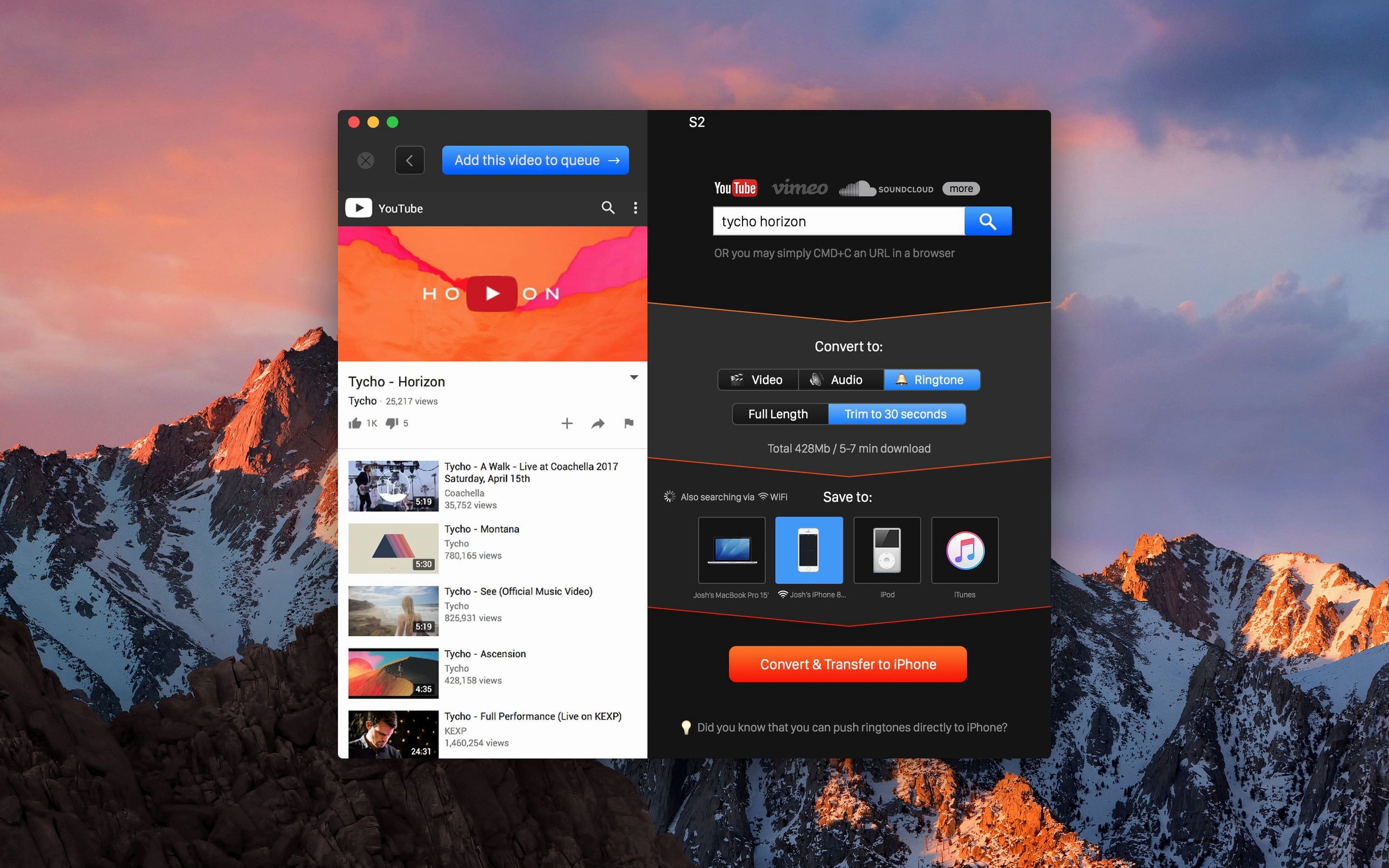
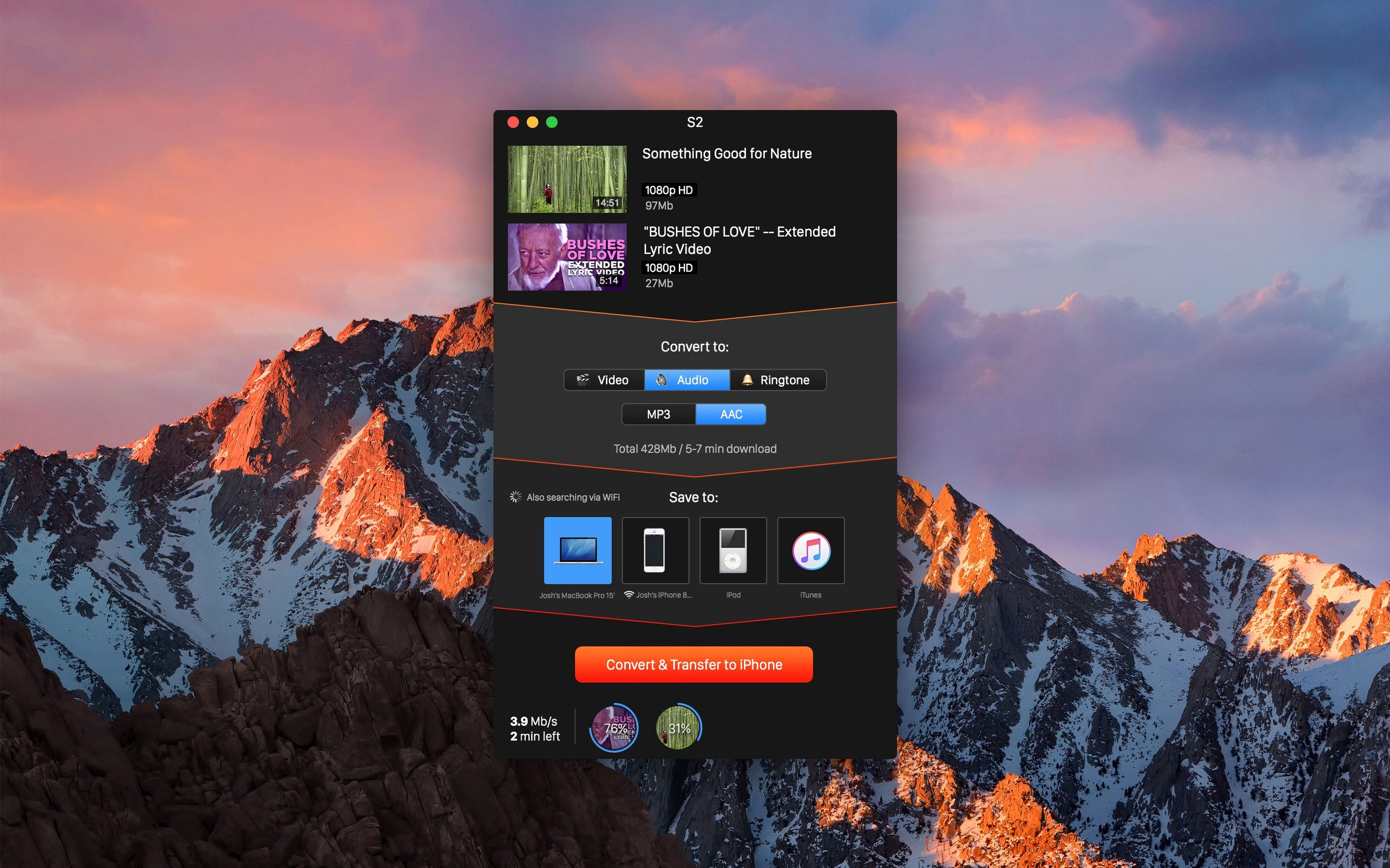
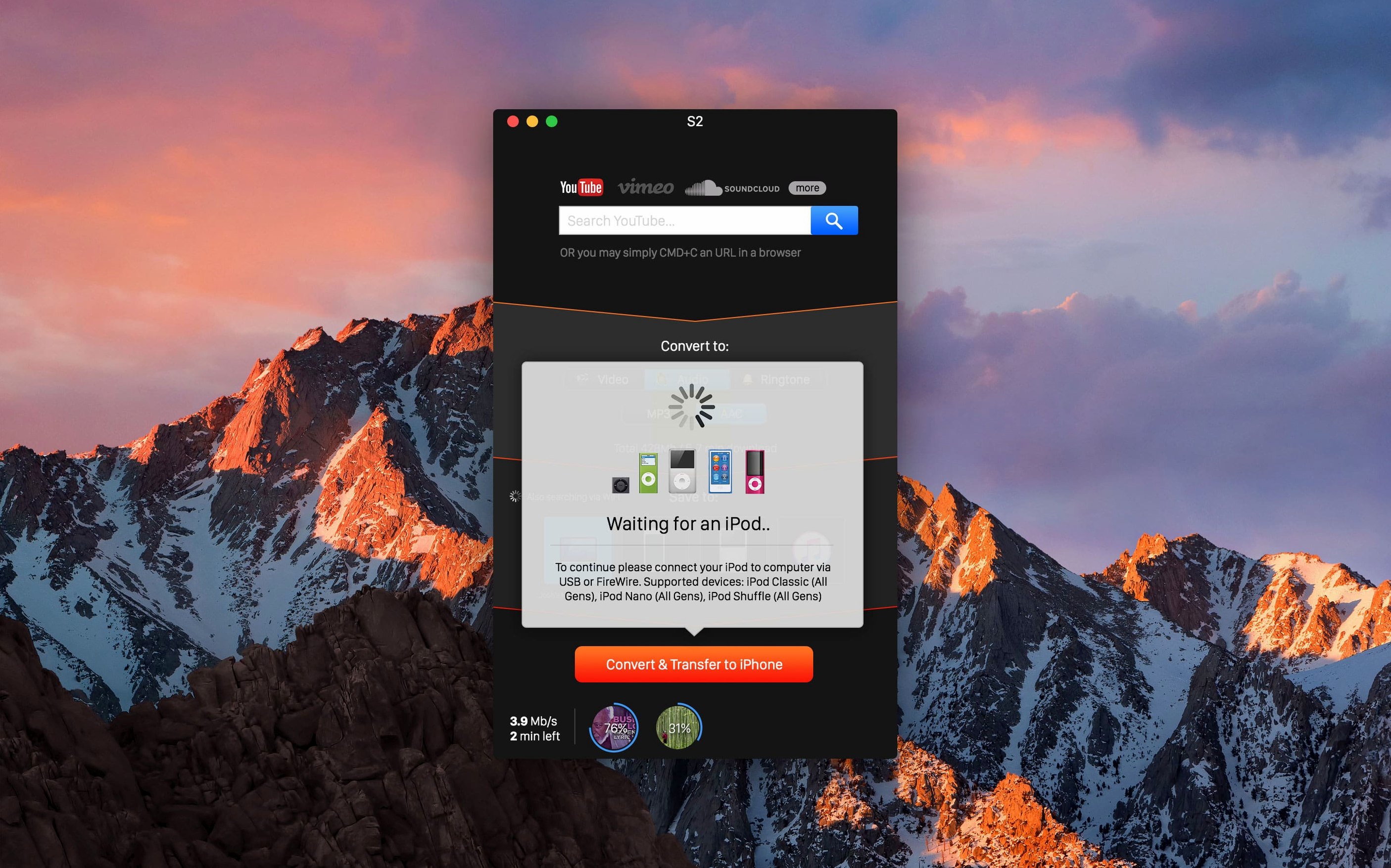
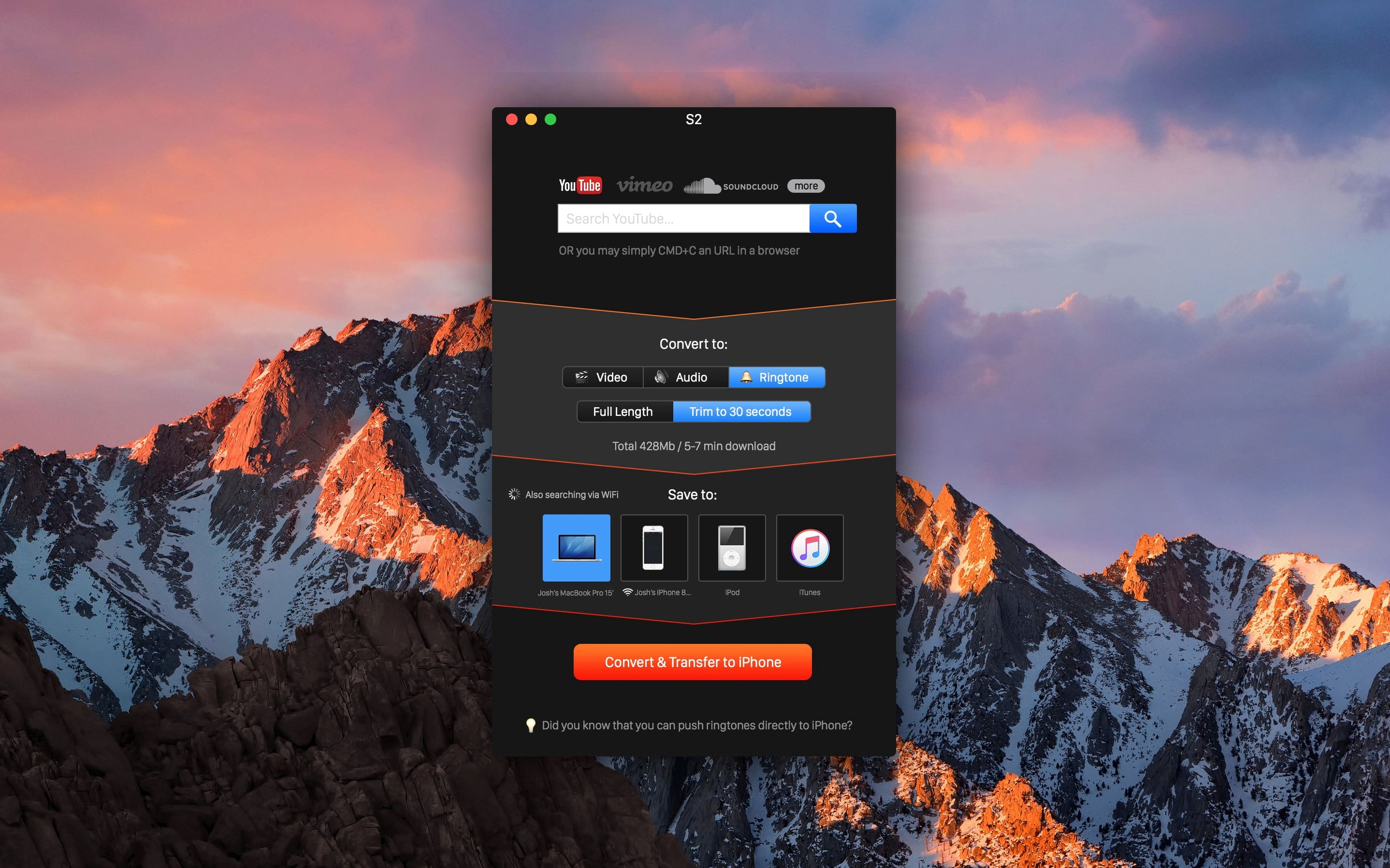
Clipboard detection is the feature to reach for on day one. Copy a video link, and the app grabs it without any paste command. That single step sets the tone for the rest of the tool.
Five things to try straight away
- Pick a quality and stick to it. Set the output to 4K, 1080p, 720p, 480p, or 360p before you download. Changing it later means re-fetching the file.
- Save to a fixed folder. Point the app at a dedicated downloads directory. Searching the Mac for scattered MP4s gets old fast.
- Pull audio only. Switch output to MP3 or AAC. Good for grabbing a talk or set from SoundCloud or Vimeo without the video bulk.
- Test wireless iOS transfer. Turn on iTunes Wi‑Fi sync once, and converted videos land on an iPhone or iPad with no cable.
- Work through the supported sites. YouTube, Vimeo, Dailymotion, VK, and SoundCloud all behave the same way. Try a short clip from each to learn where format detection trips up.
What the clipboard shortcut unlocks
Once link detection is working, the whole flow becomes muscle memory. Copy a URL, glance at the quality indicator, and hit save. The app respects the output folder you chose earlier, so a session can be a dozen clips without a single Finder detour.
When clipboard detection ignores your link
Clipboard detection sometimes ignores a copied link. Paste the URL into Safari's address bar, re-copy it, then switch back to the app. That refreshes the recognition.
Wireless iOS transfer falls over when the Mac and iPhone are on different Wi‑Fi bands. Check both devices are on the same network and that iTunes Wi‑Fi sync is toggled on in Finder.
Why “auto” quality can leave you with low-res files
- Leaving quality on "auto" every time. The app picks a default and sticks with it. Set 1080p or 4K manually before a batch run, or you end up with low-res files.
- Grabbing the first audio format shown. MP3 works everywhere, but AAC gives better results at the same file size for Apple device playback.
- Assuming ringtone mode trims correctly. The ringtone output creates an M4R file but does not let you set start and end points. Trim the clip in another tool first if you want a specific snippet.
- Dragging files out of the app folder. When a YouTube Converter PRO Mac torrent build is used offline, some users move the app instead of the output folder. The downloads live where you pointed the save location, not inside the app bundle.
- macOS 10.15 or later
- Intel 64‑bit Mac









Comments 0
Sign in or create an account to add a comment.
No comments yet. They go up after moderation.