

YT Saver — Mac download
Download (115 MB) Earlier builds
Ticked
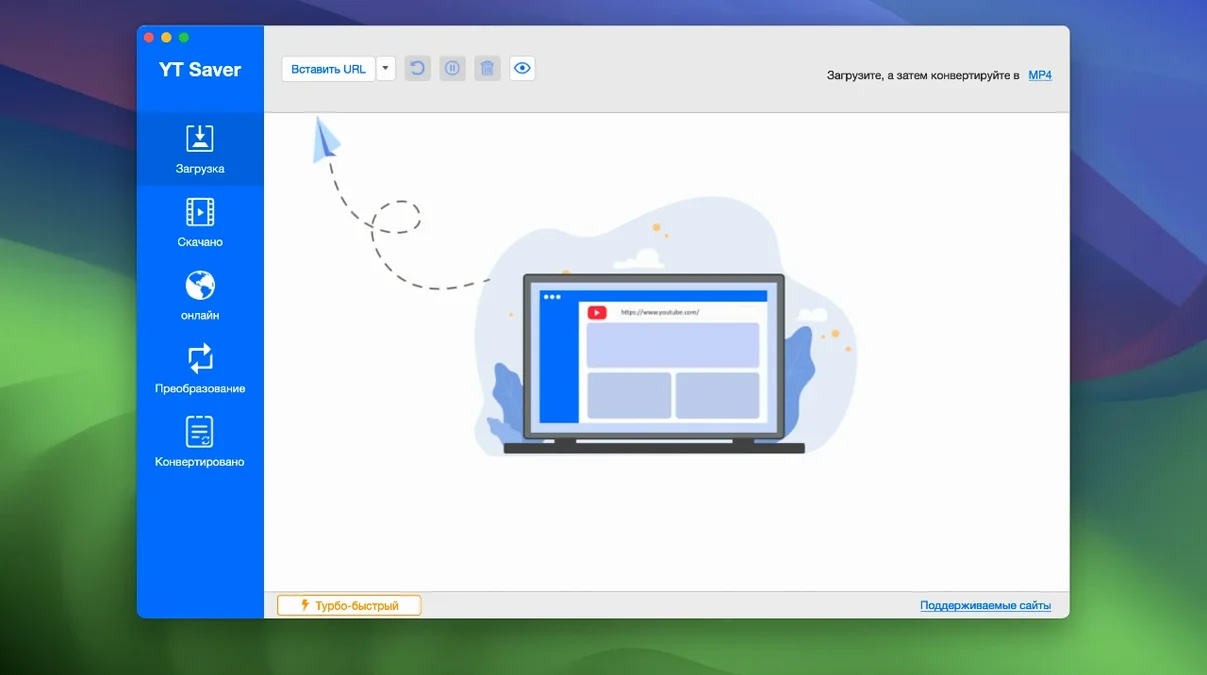
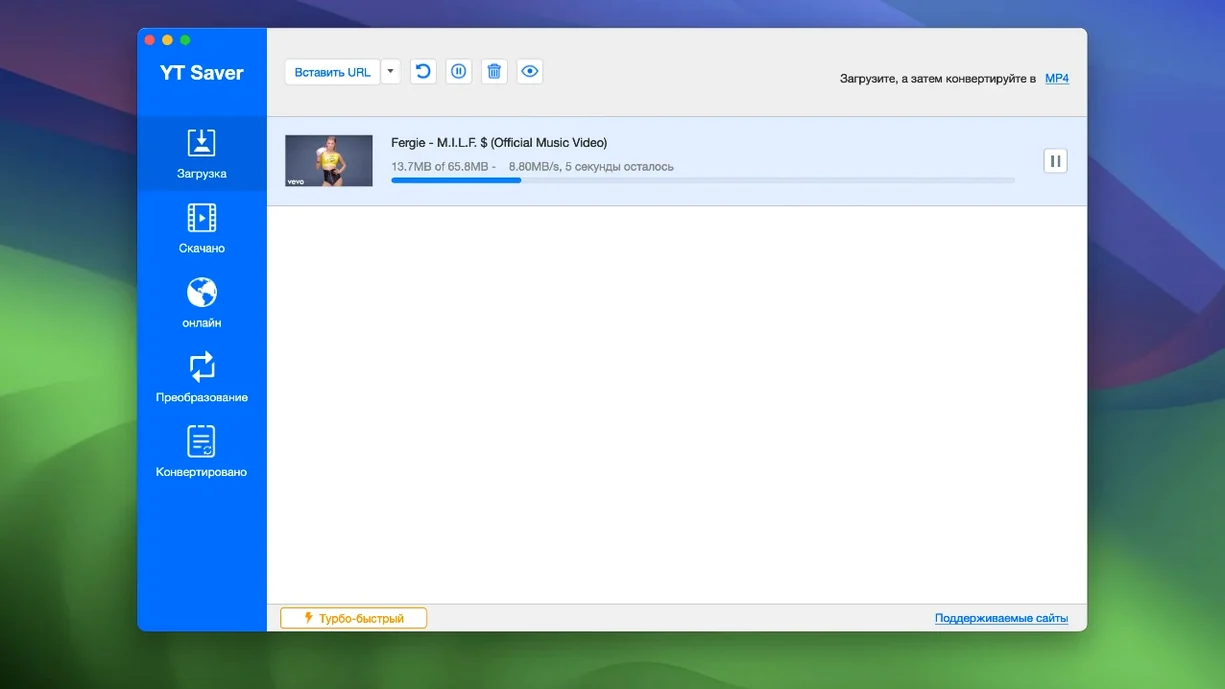
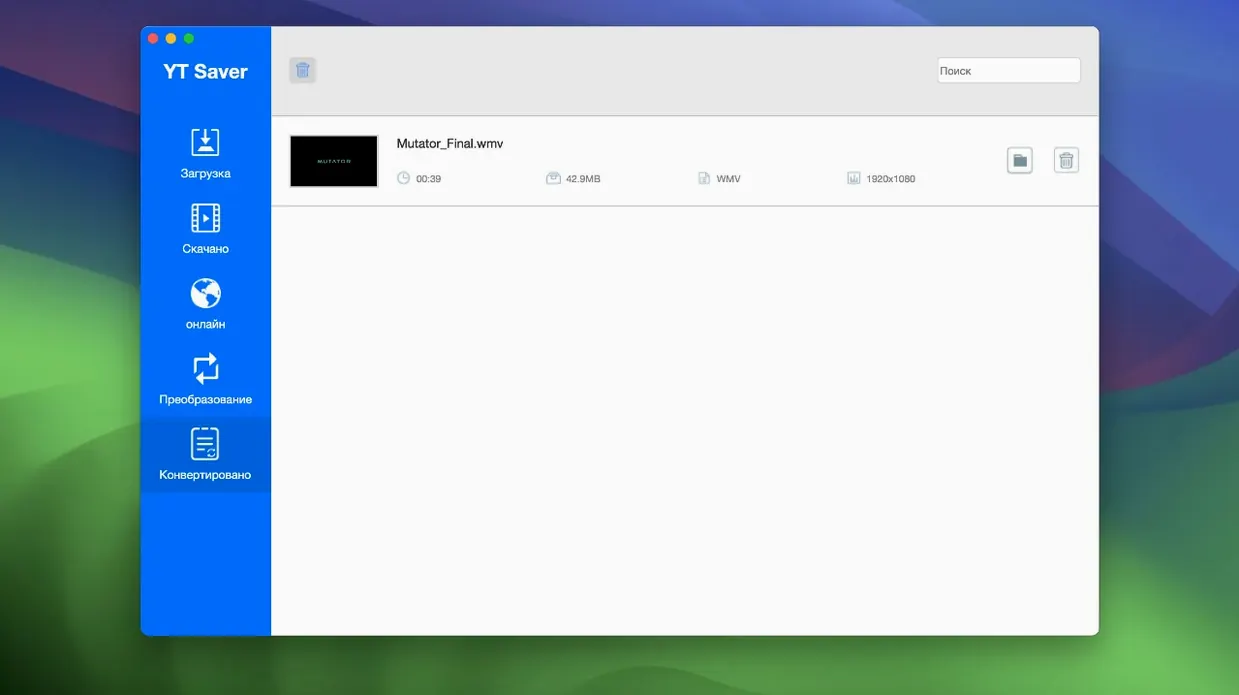
People with slow connections, commuters stocking up a tablet, and anyone who wants offline copies of tutorials use YT Saver. It grabs video and audio from the web and converts it on the spot.
Grab playlists, extract audio & lock downloads behind a password
- Grabbing full playlists in one go with simultaneous downloads.
- Extracting audio only — saves as M4A, FLAC, WAV and more.
- Keeping downloads private with a password-protected folder.
Intel-only app needs OS X 10.10 or newer
- Intel Macs only. Does not run natively on Apple Silicon.
- Requires OS X 10.10, so older machines are fine but modern systems need a check.
Travelers who preload playlists and convert for iPad or Android
Three groups, mostly.
Commuters and frequent flyers. Grab a playlist before a flight, convert everything to an iPad-friendly format, and you are sorted. No streaming, no buffering, no data charges. The built-in conversion presets for iPad and Android tablets cut out guesswork.
Language learners. Download a channel's worth of videos, strip the audio to M4A or WAV, and load it into a spaced-repetition app. Offline listening means you practise anywhere. The private folder keeps study materials separate from the family media library.
Trainers and workshop hosts. Venues with patchy Wi-Fi are common. Keep every demo video as a local MP4. The simultaneous download queue handles a whole course playlist while you set up the room.
Set your output folder, enable a private password, then test one short video
- Set the output folder before downloading anything. Pick a location with plenty of space.
- Enable a private folder password in preferences if you share the Mac.
- Test one short video first to confirm the format and quality settings.
- Queue three or four downloads at once to check how your connection handles simultaneous fetching.
- Try the built-in browser for a site you use often — it can be faster than copying URLs across.
- Create a preset folder structure:
Video/MKV,Audio/FLAC,iPad. Point the converter at the right one per batch.
Twenty minutes before a train: paste a channel URL and hit download
You have twenty minutes before a train. You need four tutorial videos and their audio tracks.
- Open YT Saver. The built-in browser loads your default page. Paste the first channel URL.
- Click the download button next to each video. The queue panel shows all four, lined up.
- Pick MP4 for the video batch. Set the destination to
~/Desktop/Offline/Videos. - Add the same four URLs again — this time choose M4A audio-only. Point output to
~/Desktop/Offline/Audio. - Hit start. The progress bar jumps as simultaneous downloads chew through the list.
- While the queue runs, you open the private folder and drag last week's downloads into a password-protected archive. The Mac is still tidy.
- Downloads finish. You unplug the Mac, grab your headphones, and leave. Every file is named, converted, and sitting exactly where you expect.
- OS X 10.10 or later
- Intel processor
Questions the team asks
It exports audio as M4A, MKA, WAV, AAC, FLAC, AIFF and OGG.
No, the current version uses x86 64-bit architecture and requires an Intel processor.









Comments 0
Sign in or create an account to add a comment.
No comments yet. They go up after moderation.