

YTD Video Downloader PRO — Mac download
Ticked
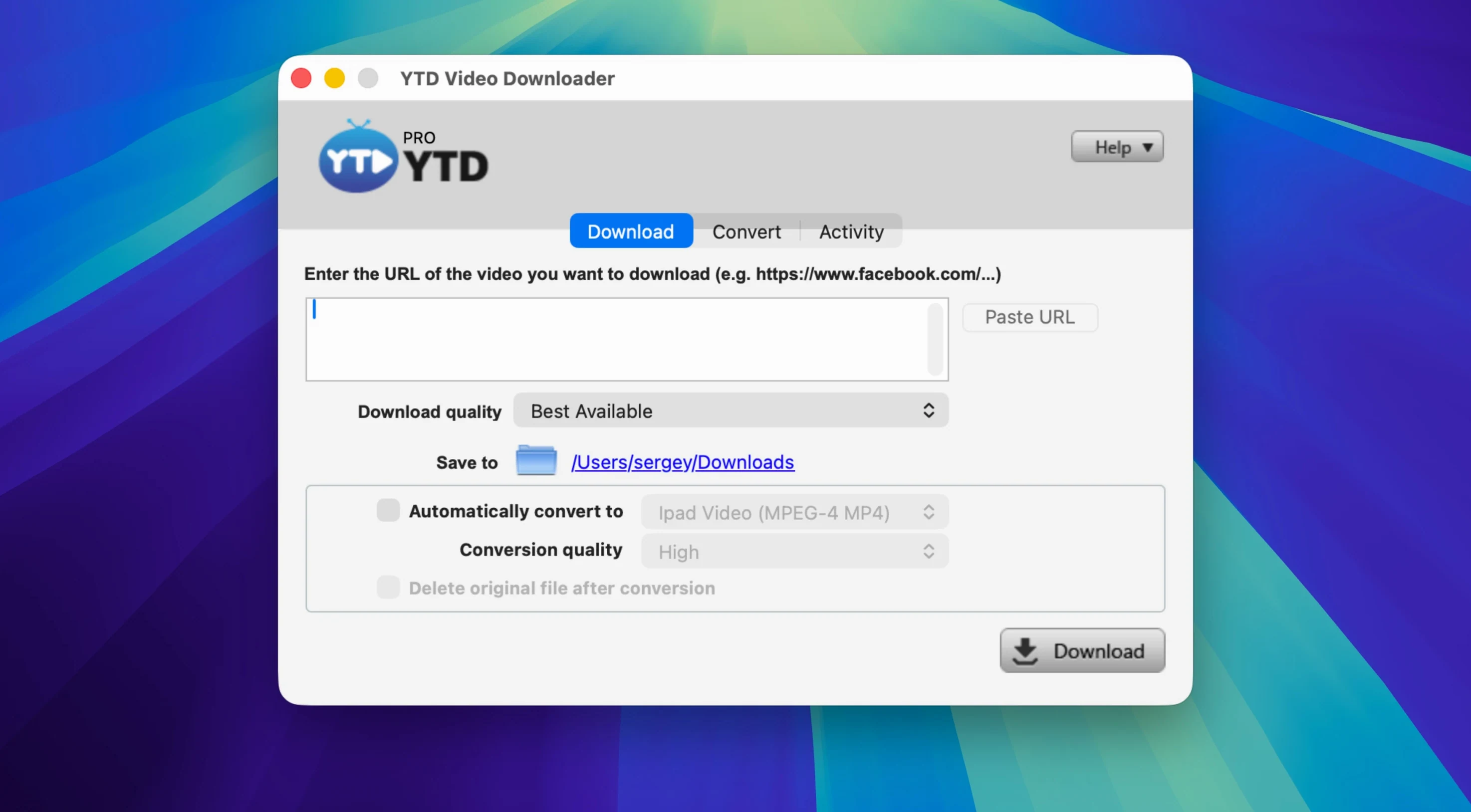
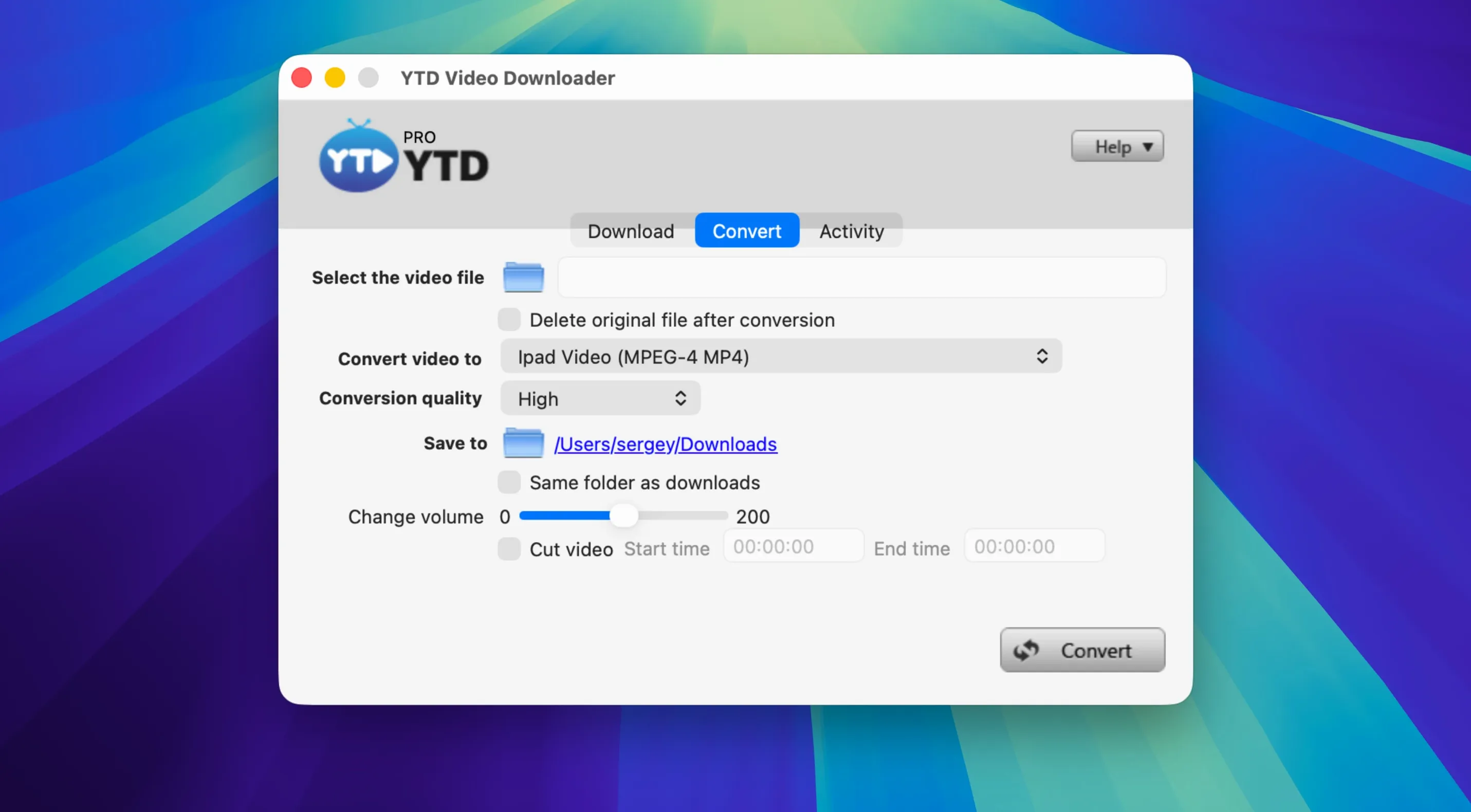
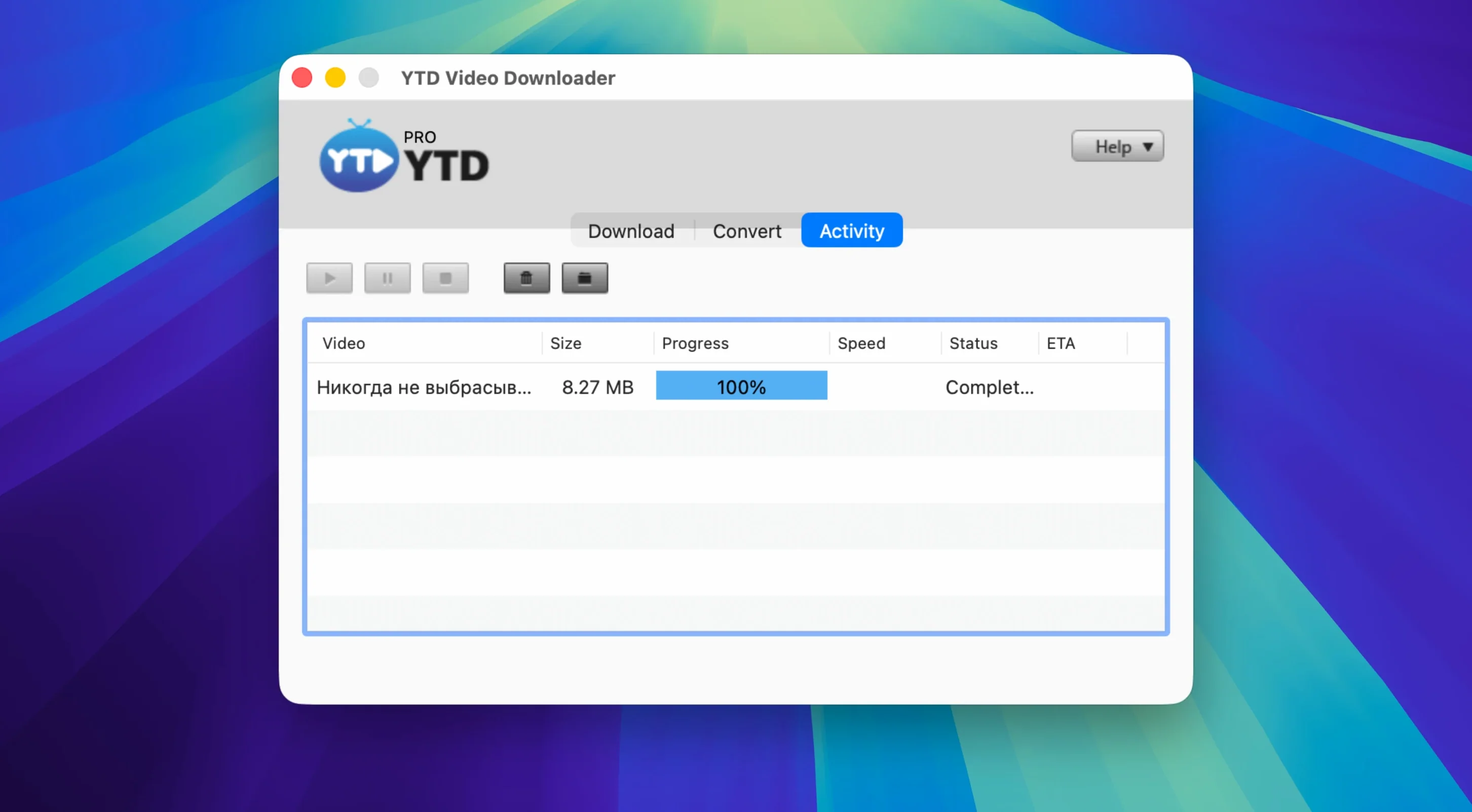
YTD Video Downloader is a desktop utility for pulling video from the web straight onto your Mac drive, then converting it to the format you actually need.
Jobs it does well
- Grabs from everywhere. Works with YouTube, Vimeo, Dailymotion, Youku and Yahoo Video, plus social feeds like TikTok, Instagram, Facebook, Twitter/X and LinkedIn.
- Reads the clipboard. Copy a video link and the app detects it automatically — no pasting required.
- Pauses and resumes. Large files or patchy Wi‑Fi aren't a problem. Stop mid‑download and pick up where you left off.
- Converts to what you need. The built‑in converter outputs .mp4, .mov, .wmv, .avi, .mp3, .3gp and .flv. Feed it downloaded files or other clips you already have.
- Keeps quiet. The app doesn't log activity or maintain a download history.
Built for offline clip libraries, not everyday streaming
This is a single‑purpose tool for people who collect reference footage, grab clips for offline viewing, or pull audio from a video without hunting for a separate converter. The interface sticks to English and the system requirements are modest — it runs on Intel Macs back to OS X 10.10.
A playlist-to-MP3 workflow, end to end
- Copy the playlist URL from your browser.
- Open YTD. The link appears in the input field within a second or two — no need to paste.
- Set the output format dropdown to MP3 before you click download. The app remembers this for the whole queue.
- Hit Download. YTD grabs every video in the list sequentially, extracts the audio, and writes numbered .mp3 files to your chosen folder.
- Check the Downloads tab. Each item shows a progress bar; paused items stay greyed out until you resume them.
If the connection drops mid-queue, the automatic retry kicks in without prompting. Resumed files pick up exactly where the byte stream stopped, so you never end up with truncated audio tracks.
When downloads stall or audio drifts out of sync
Clipboard detection stops working
Quit and relaunch the app. If that doesn't fix it, toggle the clipboard monitor off and on from the Preferences pane — it sometimes loses its hook after a system sleep/wake cycle on older Intel builds.
Download fails on a site that's supposedly supported
Platforms change their delivery methods often. First, try the same link with a different output format — the site might serve an adaptive stream that doesn't pair well with your chosen container. If it still fails, copy a fresh link from the same page; cached tokens expire quickly on social platforms like TikTok and Twitter/X.
The app asks for permission on every launch
This is a Gatekeeper quirk on macOS 10.10 to 10.13. Run the Gatekeeper-friendly installer again, but this time drag the app from the disk image before closing the Terminal window. The exception only sticks once the binary sits in /Applications.
Playlist download grabs only the first item
Make sure you copied the playlist URL, not the URL of the first video. The address bar should contain /playlist?list= or the platform's equivalent. If you're on a paginated page, scroll to the bottom so all entries load before you copy the link.
- OS X 10.10 or later
- Intel (x86 64‑bit) processor
Questions the team asks
It handles YouTube, Vimeo, Dailymotion, Youku and Yahoo Video, plus social platforms such as TikTok, Instagram, Facebook, Twitter/X and LinkedIn.
No. YTD Video Downloader PRO does not log activity or store a download history.









Comments 0
Sign in or create an account to add a comment.
No comments yet. They go up after moderation.