Color UI — Mac download
Ticked
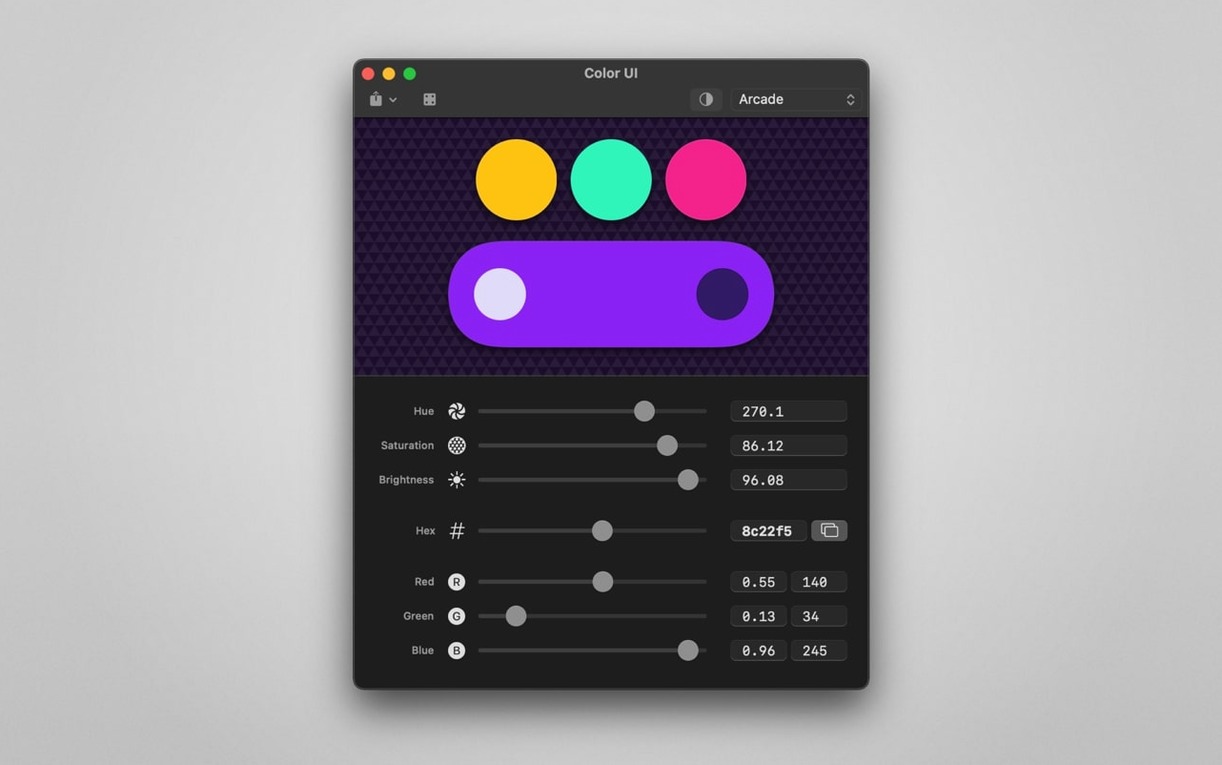
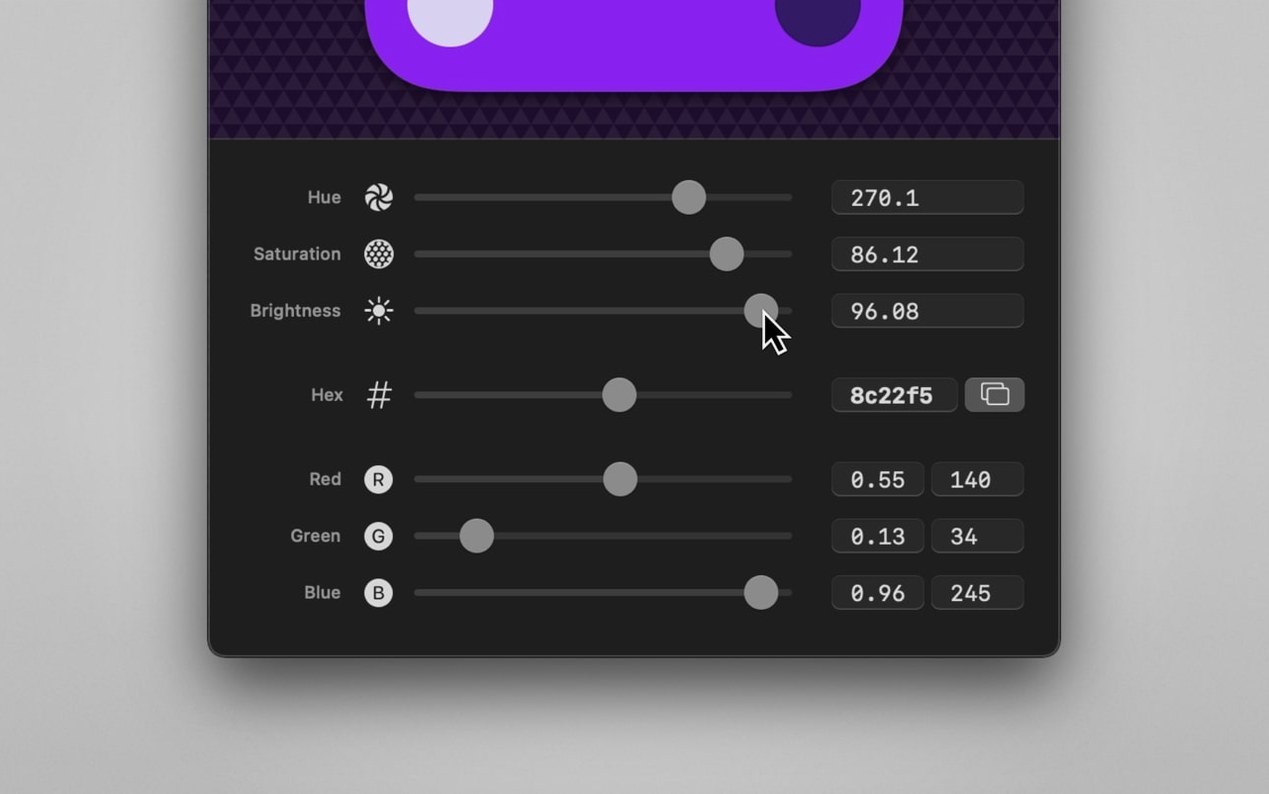
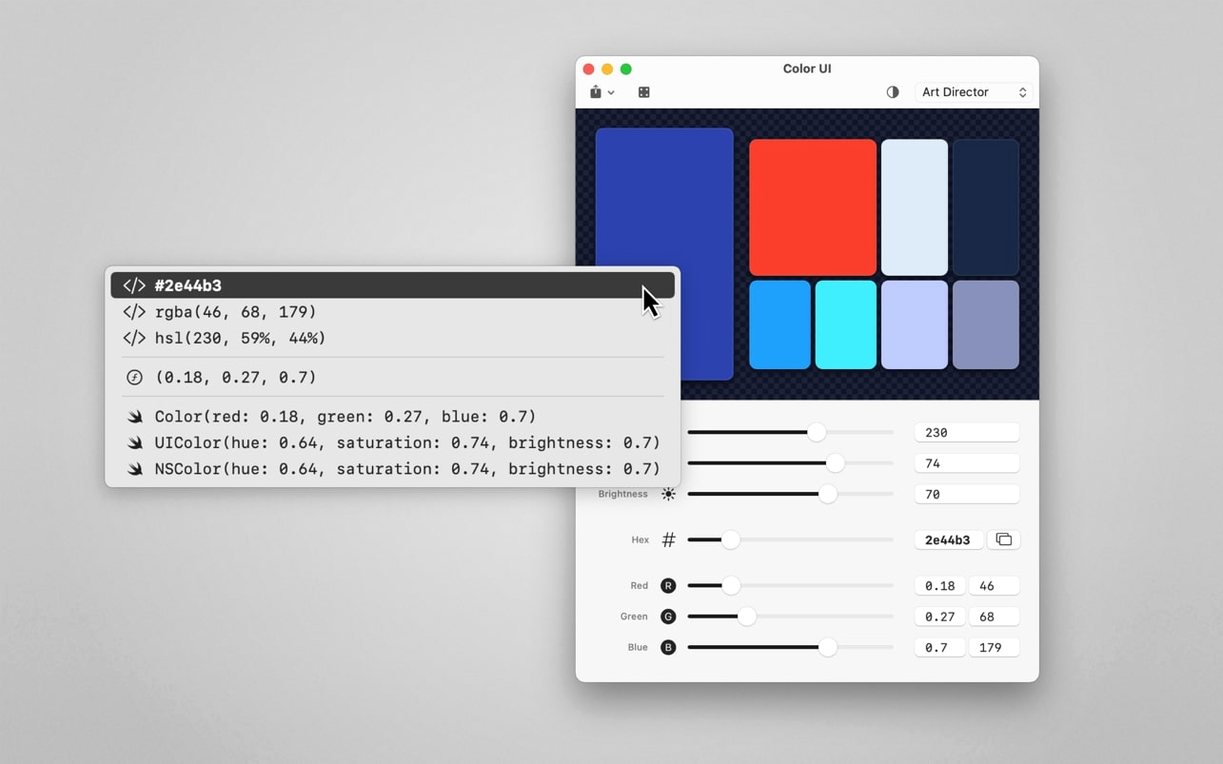
You are building a palette for a client project. You need to grab a hex code from a screenshot, convert it to HSB, and export the list for your team. Color UI 2.3 does that in a few clicks.
Runs on macOS 11 or later and Intel & Apple Silicon
Color UI requires macOS 11 or later and runs on both Intel and Apple Silicon Macs. App ahead GmbH designed it for designers and developers who work with vivid colours daily. The app speaks English, German, Spanish, Italian, and French.
On-screen color picker with live HEX, RGB, HSB conversion
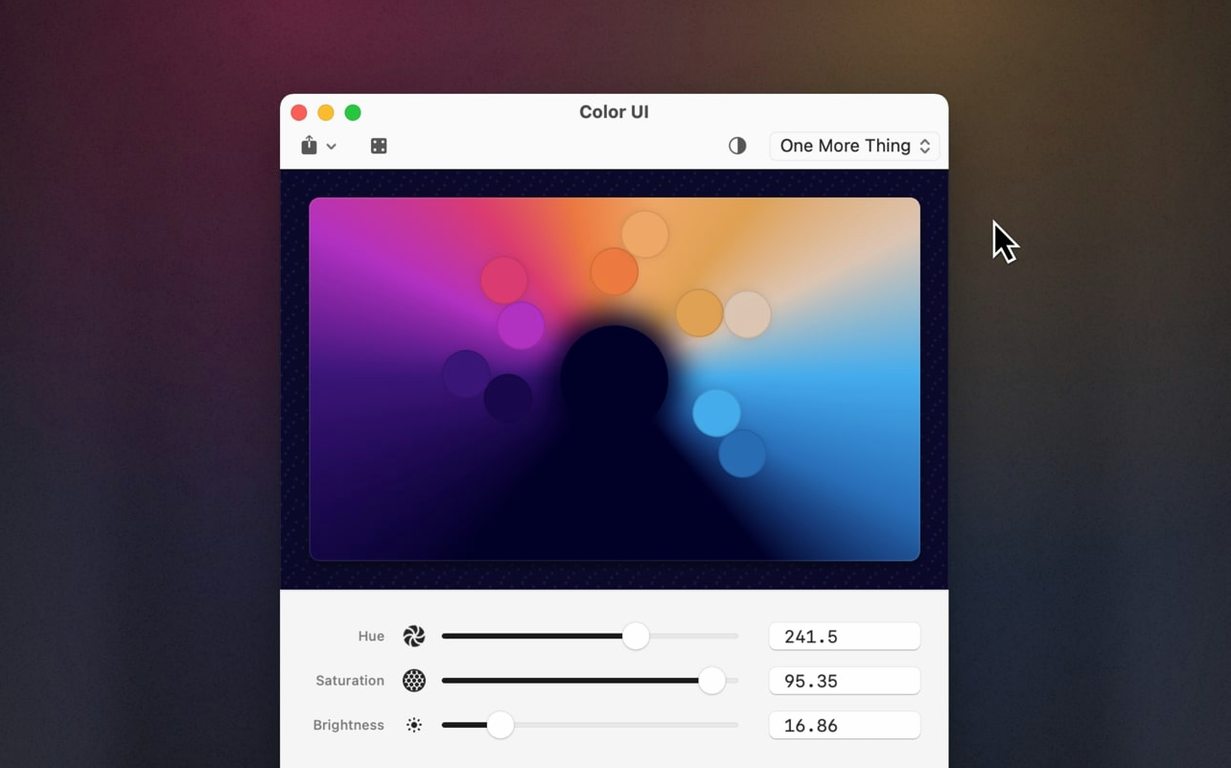
The built-in colour picker grabs any colour on screen. You see hue, saturation, and brightness values side by side. Convert between formats instantly and export your final swatches.
Front-end devs and UI designers who match brand guidelines
Front-end developers who match CSS hex values from mockups save time jumping between tabs. UI designers juggling brand guidelines across HEX, RGB and HSB find the live conversion panel a solid second screen tool. Print-adjacent folks — who think in CMYK but check digital colours — will appreciate having a single native app rather than a browser bookmark.
Anyone who switches between multiple colour spaces during a single work session gets the real payoff. If your day involves picking from a photograph, checking saturation for accessibility contrast, and dropping a hex code into a style sheet, Color UI keeps you inside one window rather than three.
No headings provided for section 4
Gatekeeper blocks the first launch
If macOS refuses to open the app after you drag it to the Applications folder, you probably skipped the Gatekeeper bypass. Mount the disk image first, run the Open Gatekeeper friendly step, then press Enter in Terminal when prompted. After that, drag to Applications and launch normally.
Colour picker won't sample the screen
Some Mac users report the eyedropper stops working on virtual desktops or full-screen apps. Click once on the Color UI window to re-focus it, then try the picker again. If it still hangs, quit and relaunch — the picker reconnects to the display driver on restart.
Export seems to miss recent swatches
The export feature pulls from the current session's list. If you cleared the palette mid-work, old values are gone. Keep a second app tab open for long-running projects, or export in batches as you go.
First-days tips
- Use the picker on a few everyday screenshots first — a website header, a logo, a photo — to get a feel for how HSB sliders respond to real colours.
- Pin the app to your dock. Colour work is frequent and short; you will not want to hunt through Finder each time.
- Set your default export format early. Switching between HEX and RGB later means re-copying every swatch.
- Keep the app open on a second monitor if you have one. It works as a live reference while you edit in Figma, Sketch or VS Code.
- Run through the colour set once in the app's native German or French interface to verify your own language's labels match — helpful if you work in a multilingual team.
- macOS 11 or later
- Intel or Apple Silicon
Questions the team asks
Yes, Color UI is compatible with both Intel and Apple Silicon architectures. It requires macOS 11 or later.







Comments 0
Sign in or create an account to add a comment.
No comments yet. They go up after moderation.