

Sketch — Mac download
Download (103 MB) Earlier builds
Ticked
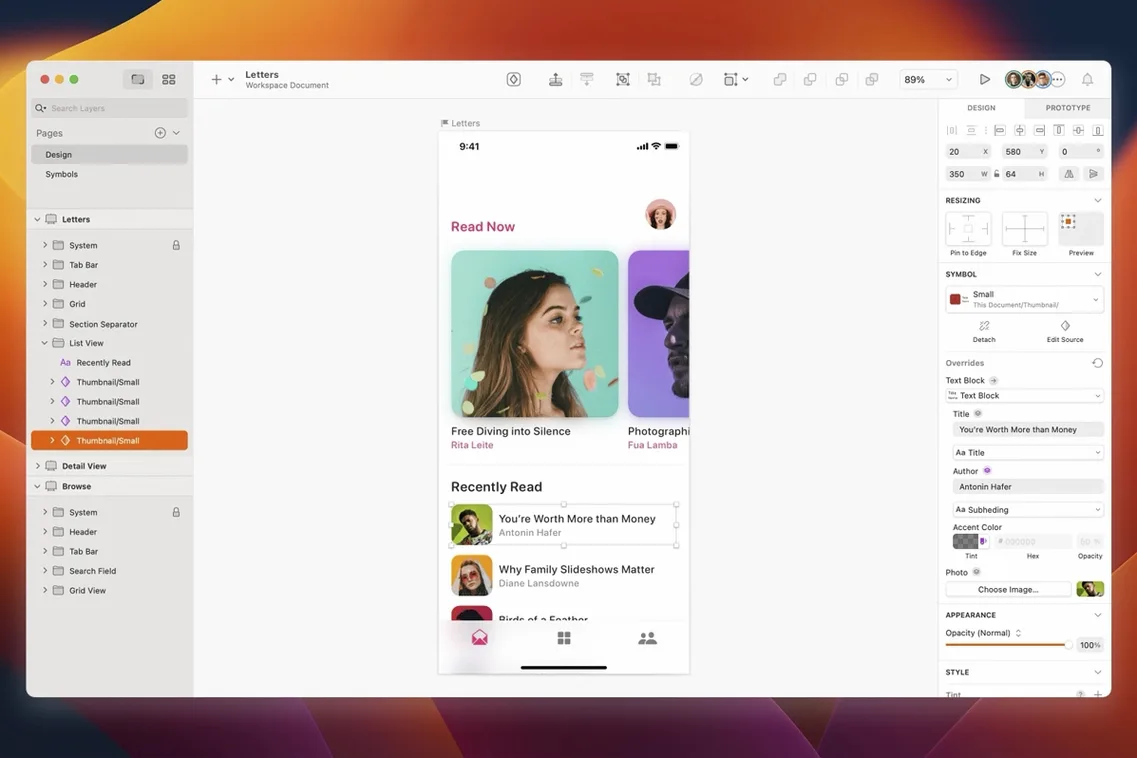
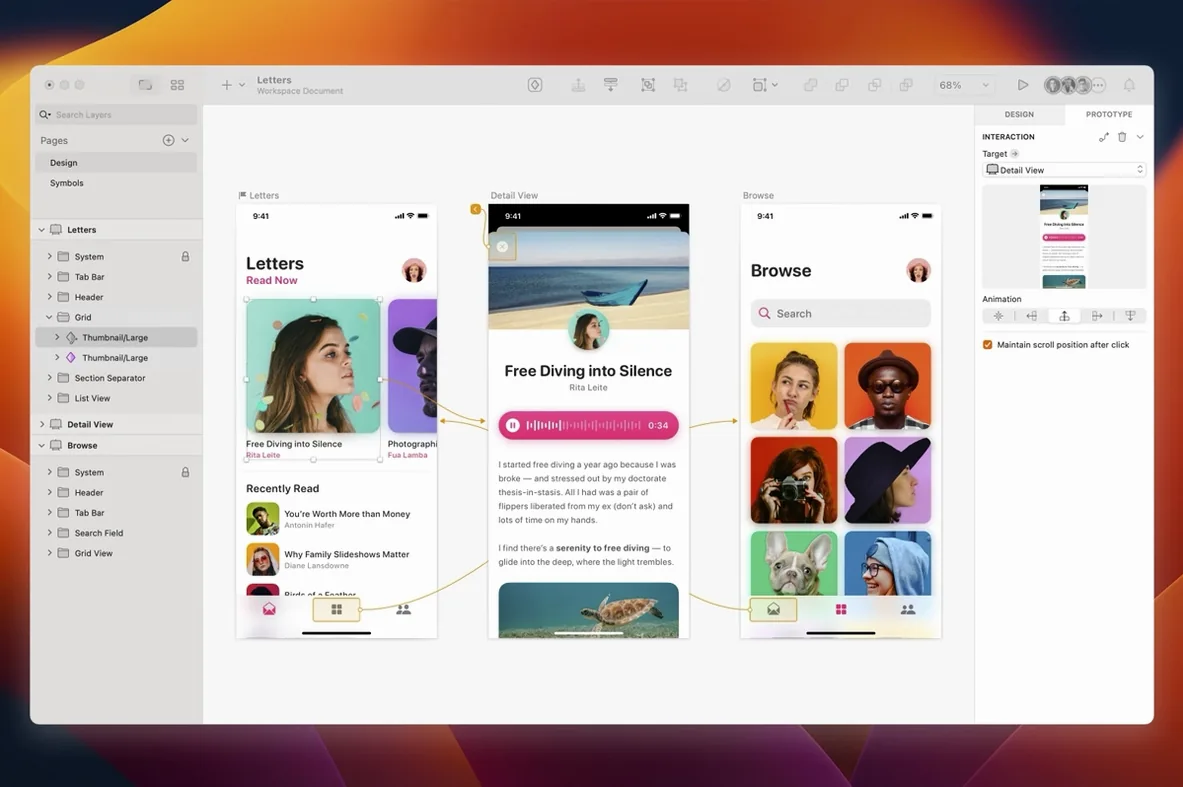
Version 2026.3.1 lands with a quieter set of changes. Document windows now adopt the system corner radius, a stack layout bug around text layer minimum widths is fixed, and tooltip clipping near the screen edge in macOS Golden Gate is sorted.
What the recent releases unlock
For someone who lives inside the app, the Florence release and the 2025.x cycle sharpened a few things that matter:
- Refined stack layout control — less fighting with auto-layout when text layers resize.
- Deeper integration with prototyping and collaboration tools, keeping the handoff from wireframe to production artwork cleaner.
- Native performance on both Intel and Apple Silicon Macs, so large symbol libraries stay responsive.
A screen design workhorse, not a swiss army knife
It remains a vector design tool built solely for Mac and solely for screen work. No print bloat, no cross-platform compromises. The toolset supports the full arc — early wireframes through to export-ready artwork — without forcing you into a separate app when you hit the prototyping stage.
First days with Sketch — do these four things
- Set up a colour palette and text styles on day one. Open the Components panel, add your project's core greys, brand colours and a type scale. Everything you draw later snaps onto this system, and a two-hour mockup change becomes five minutes of swapping shared styles.
- Turn on Smart Distribute early. It lives in the Inspector. With it on, nudging a row of buttons or a list keeps spacing even — no more calculator work for pixel gaps.
- Pin the Components panel and the Inspector together. Collapse the layer list when you are not using it. A cleaner workspace stops the app feeling cramped on a 13-inch screen.
- Drop a few plugin shortcuts into the toolbar. One for "Select all text layers", one for "Rename selected layers". Ten seconds saved per nudge adds up across a full day of layout work.
Text collapsing to zero in a stack
The stack layout fix in 2026.3.1 addresses one long-standing gremlin — text layers ignoring a minimum width inside a stack. If you still see a text block collapse to zero during a resize, toggle Fixed width off and back on in the text layer inspector. That forces a recalculation.
Tooltip clipping near the screen edge in Golden Gate is now patched, but if you work with an external display that rotates or shifts resolution, you might see a canvas redraw lag. A quick zoom flick (⌘0 then ⌘1) forces the canvas to repaint.
Plugins going quiet after an update is common. Open Sketch > Settings > Plugins and untick then re-tick the plugin. If that does not wake it, delete the plugin's cache folder inside ~/Library/Application Support/com.bohemiancoding.sketch3/Plugins and reinstall it. Nine times out of ten, that stops the rot.
Built for screens, not print or freeform art
Is it strictly for UI work? It is built for screen design — websites, app interfaces, icons. You can nudge it towards illustration work, but the toolset does not chase print or freeform vector art. If your day job is wireframes, mockups and developer handoff, it fits. If you need CMYK separations, look elsewhere.
Does it handle very large symbol libraries without beachballing? The native architecture on both Intel and Apple Silicon keeps things snappy. On a machine with 16 GB of RAM, libraries with a few thousand symbols scroll and search without stutter. Heavy nested overrides slow things more than symbol count alone, so keep override chains shallow where you can.
What happens to my files if I move from a different tool? Sketch opens Figma files reasonably well via the import function. Adobe XD and Illustrator files need an intermediate format — usually SVG — which means some layer structure and naming will shift. It is worth setting aside an afternoon to rebuild shared styles rather than trying to rescue every old layer name.
- Includes the Florence release features, enhancements for macOS 27 Golden Gate, and minor improvements and bug fixes.
- Document windows now use the system corner radius.
- Fixes a stack layout bug involving the minimum width of a text layer.
- Fixes blank canvas content while using Writing Tools in macOS Golden Gate.
- Fixes tooltip clipping near the screen edge in macOS Golden Gate.
- macOS 14 and later
- Intel 64-bit or Apple Silicon Mac









Comments 0
Sign in or create an account to add a comment.
No comments yet. They go up after moderation.