

Rhino — Mac download
Download (760 MB) Earlier builds
Ticked
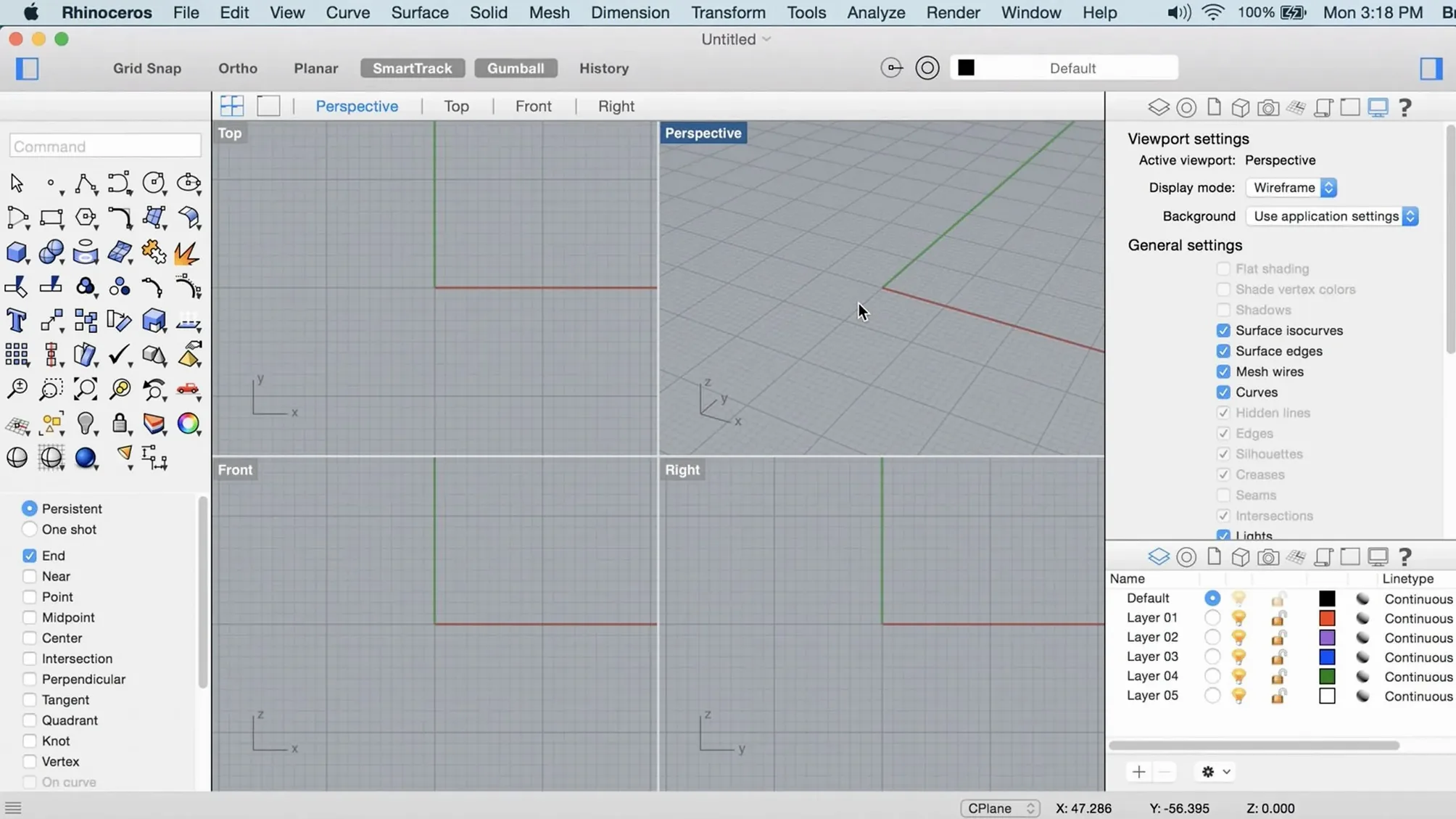
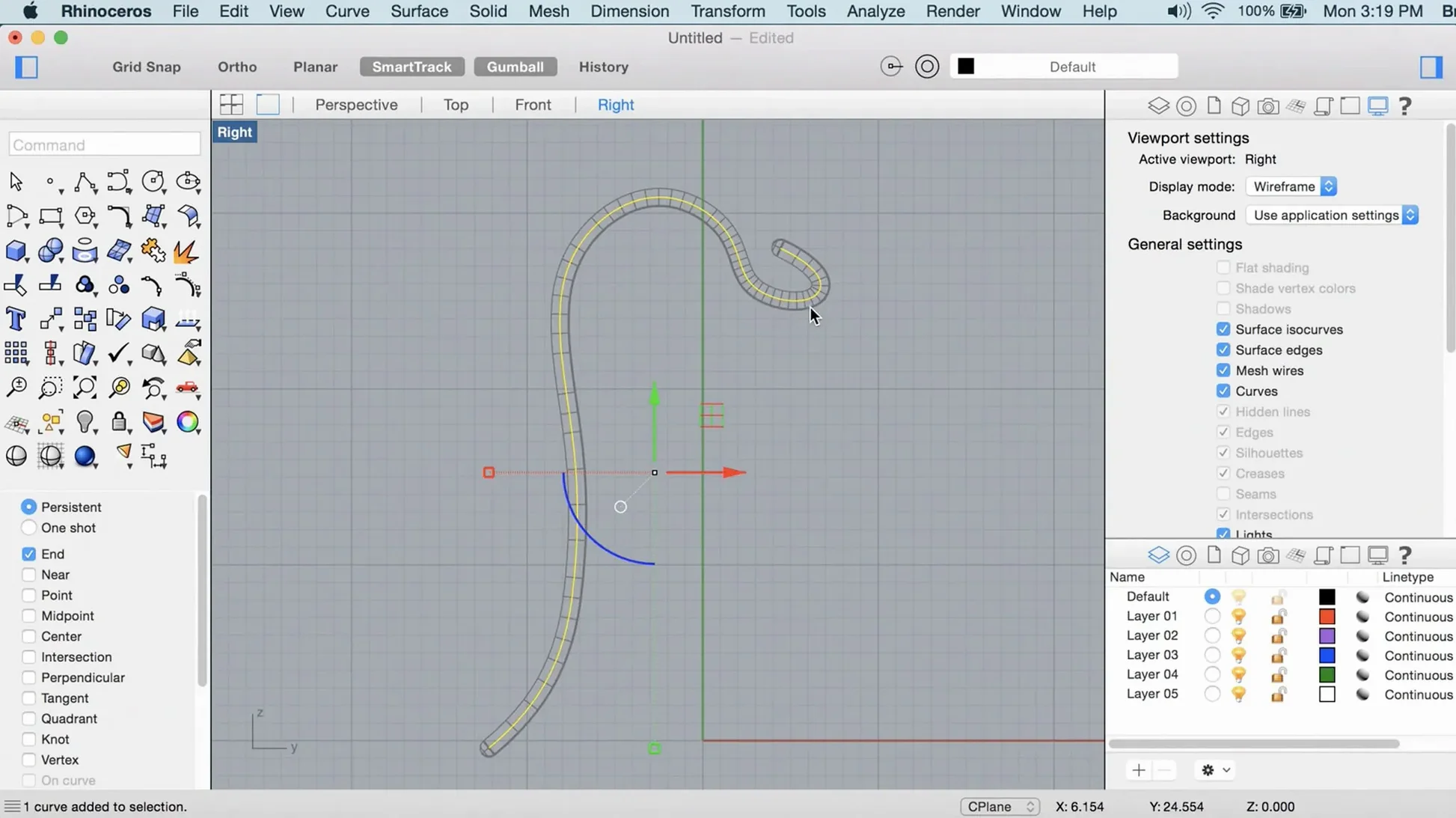
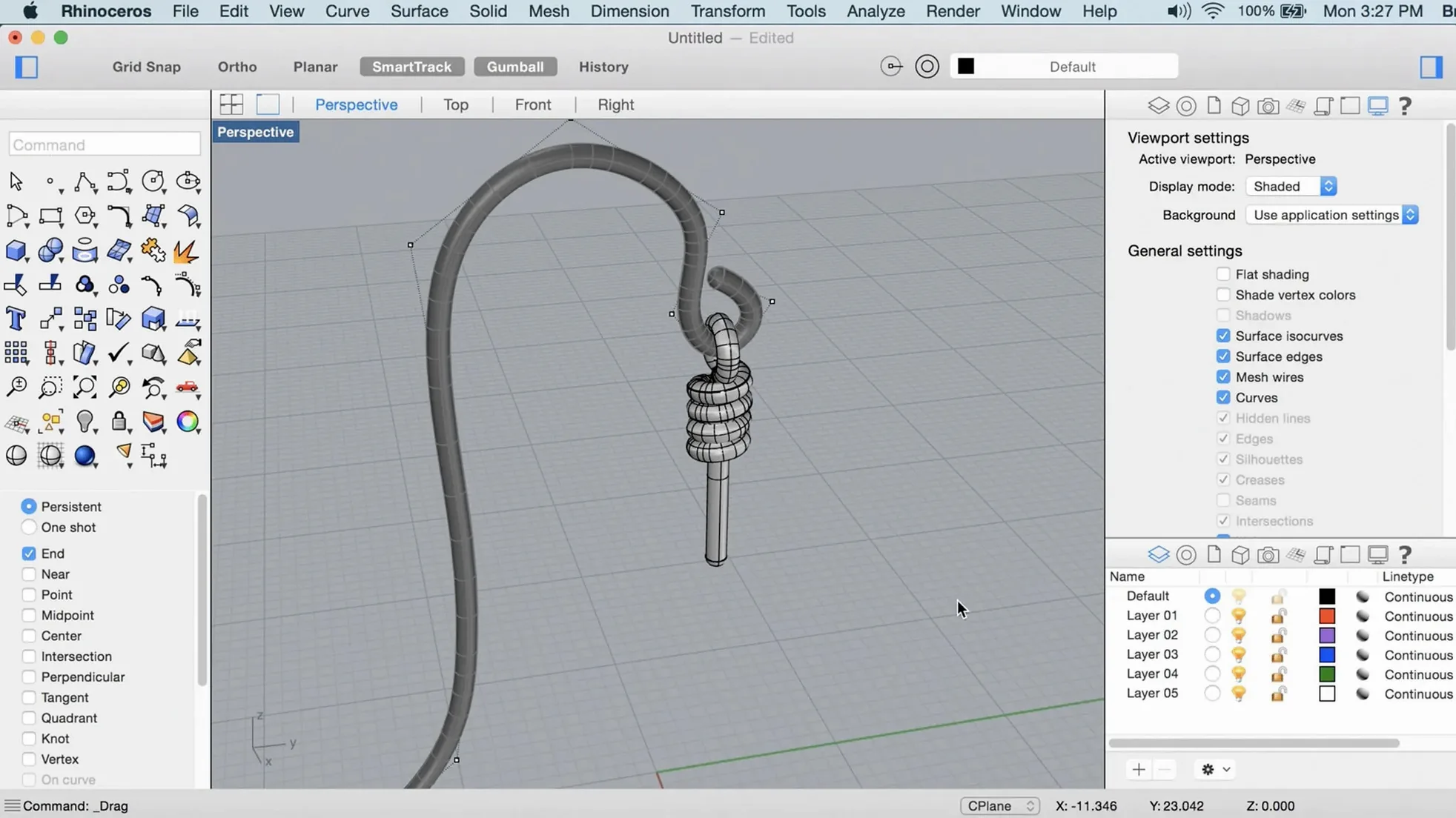
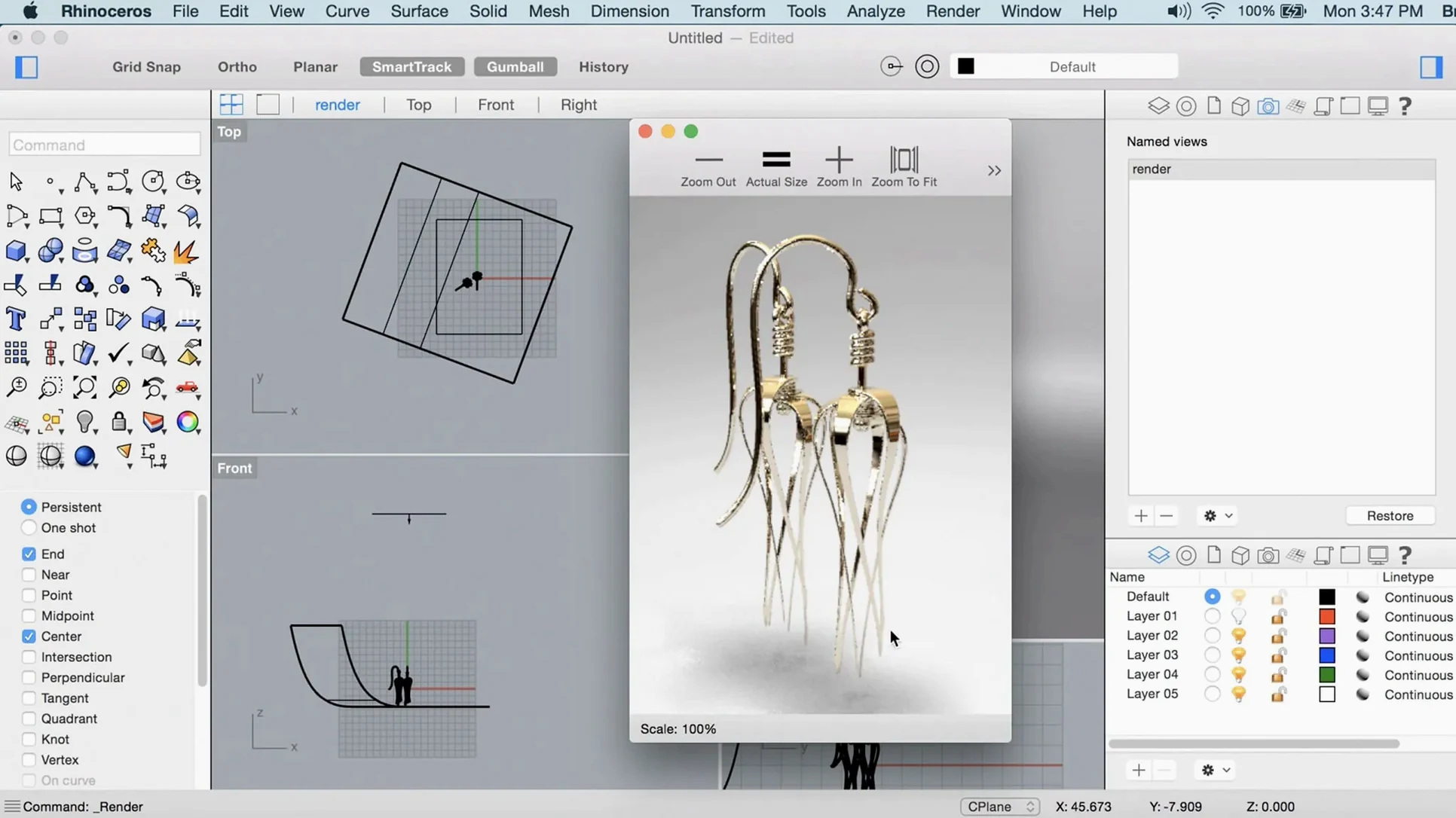
A naval architect re-fairing a 200-metre hull, a jewellery designer adjusting a parametric lattice — both need tools that keep pace with complex geometry.
ShrinkWrap
Create a watertight mesh envelope around any selection of geometry — open meshes, NURBS, SubD, point clouds. An indispensable starting point for 3D printing or reverse engineering.
PushPull
Extrude faces and edges of SubD and mesh objects by simply dragging. An immediate, sculptural way to add volume without switching tools.
Grasshopper data types
New types handle richer definition structures. Share data between definitions with less casting and fewer workarounds — direct help when a single project file feeds a team of specialists.
Metal-based graphics
The Mac viewport now runs on Metal. Orbit, pan and zoom through large assemblies with less input lag, even with real-time shadows and edge display active.
1.2 GB city model opens in under 12 seconds
On a Mac Studio with 32 GB RAM, Rhino 8 opens a 1.2 GB city model in under 12 seconds. The viewport stays responsive while orbiting through 4,700 block instances with shaded display on.
Memory use sits around 2.1 GB at idle with a blank file. Load that same city model and the figure climbs to 9.4 GB — expected, and it releases cleanly on close. No gradual creep after five hours of back-to-back Boolean operations and mesh repairs.
Apple Silicon feels native. No Rosetta lag, no mysterious beachballs during Grasshopper solver runs. Metal-based graphics cut the micro-stutter that plagued large-file navigation in earlier Mac builds. Shadows update at 60 fps where Rhino 7 on OpenGL hovered around 18 fps.
Stability notes from a month of production use: one crash during a custom Python script that referenced a null object — the autosave had a backup from 90 seconds prior. No kernel panics. No file corruption. The Undo stack holds reliably across 200-step sessions.
Areas to watch: plug-ins compiled for Rhino 7 Mac sometimes refuse to load. Test each one after updating. The render engine's new progressive mode pushes GPU temperature up 12–15°C on sustained output — well within limits, but worth monitoring on MacBook Airs with passive cooling.
From Illustrator vector to die-cut carton in an afternoon
Marta runs a small studio in Porto. She takes a flat vector from Illustrator, brings it into Rhino 8 as curves, and builds a die-cut folding carton with thickness, crease lines and glue tabs. One afternoon's workflow tells the story.
She imports the DXF at 9:14. By 9:40 the base surface is extruded to 0.6 mm board thickness. PushPull adjusts the tuck flap twice — once to match a client revision, once after realising the tab interfered with a side glue panel. Each adjustment takes under ten seconds. No rebuilding surfaces, no history tree to unpick.
At 11:00 she runs ShrinkWrap on the assembled carton to create a single mesh for the client's quick-view 3D PDF. The mesh is clean, watertight, no post-cleanup needed. By 11:20 the PDF is emailed. The rest of the day goes into a display tray for the same product line, built from SubD primitives with creased edges that hold sharp corners where the tray folds.
Marta's MacBook Pro 14-inch (M2 Pro) handles all of it on battery for four hours before dipping to 18%. Fans stayed quiet until the ShrinkWrap pass, then spun up for 45 seconds and settled.
Workflow: terrain model from point cloud to printable solid
- Import the .las point cloud into an empty Rhino file. Wait for the point count to stabilise in the status bar.
- Run
PointCloudSectionto slice it at 1-metre intervals. Group the slices on a dedicated layer. - Use
CurveThroughPton each slice to generate contour polylines. Filter withSelDuplicateand delete. - Loft the contour curves into a NURBS surface. Check deviation from the point cloud with
PointDeviation— aim for under 15 mm on a 2 km² site. - Close the surface with
Cap. If the base plane is uneven, extrude a flat bottom and Boolean union. - Apply ShrinkWrap to the closed polysurface. Set target edge length to 0.5 m for a balance of detail and file size.
- Export the ShrinkWrap mesh as STL. Slice in your slicer of choice. Print.
Total time from import to STL export: roughly 35 minutes on a site with 8 million points. The ShrinkWrap step takes the longest — about 4 minutes — and benefits from closing background applications to free RAM.
Empty section
Gatekeeper blocks first launch
After dragging the app to Applications, macOS flags it. The disk image includes a helper called Open Gatekeeper friendly. Run it, press Enter in Terminal, and the quarantine attribute clears. Launch normally after that.
ShrinkWrap mesh too dense
Default settings can produce a mesh with millions of polygons on even simple solids. Reduce Target edge length in the ShrinkWrap dialog — start at 2 mm for jewellery-scale objects, 50 mm for furniture, 200 mm for architecture. Preview before committing.
SubD Creases not holding after export
Crease data is a Rhino construct. OBJ and FBX exports often drop it. Workaround: bake the creased SubD to a dense mesh with ExtractControlPolygon, or export as .3dm and convert in the downstream tool where possible.
Grasshopper solver hangs on large definitions
Check for components that reference external files on a slow network share. Cache the files locally. Disable the solver (Lock Solver toggle) while wiring new components, then re-enable — prevents re-computation on every new wire.
PushPull creates non-manifold edges on open meshes
PushPull works on mesh faces, but pulling a boundary edge without adjacent faces produces a flap that confuses subsequent Boolean operations. Cap the region first with FillMeshHole, then PushPull the filled face. Run Check for non-manifold edges before exporting.
- ShrinkWrap mesh wrapping added
- Metal viewport engine for Mac
- Customisable interface on Mac — rearrange sidebars, toolbars and panels
- macOS 12.4 Monterey or later
- Apple Silicon or Intel 64-bit processor
- 8 GB RAM recommended
- 10 GB available disk space
- Multi-button mouse with scroll wheel recommended









Comments 0
Sign in or create an account to add a comment.
No comments yet. They go up after moderation.