

Plasticity — Mac download
Download (256 MB) Earlier builds
Ticked

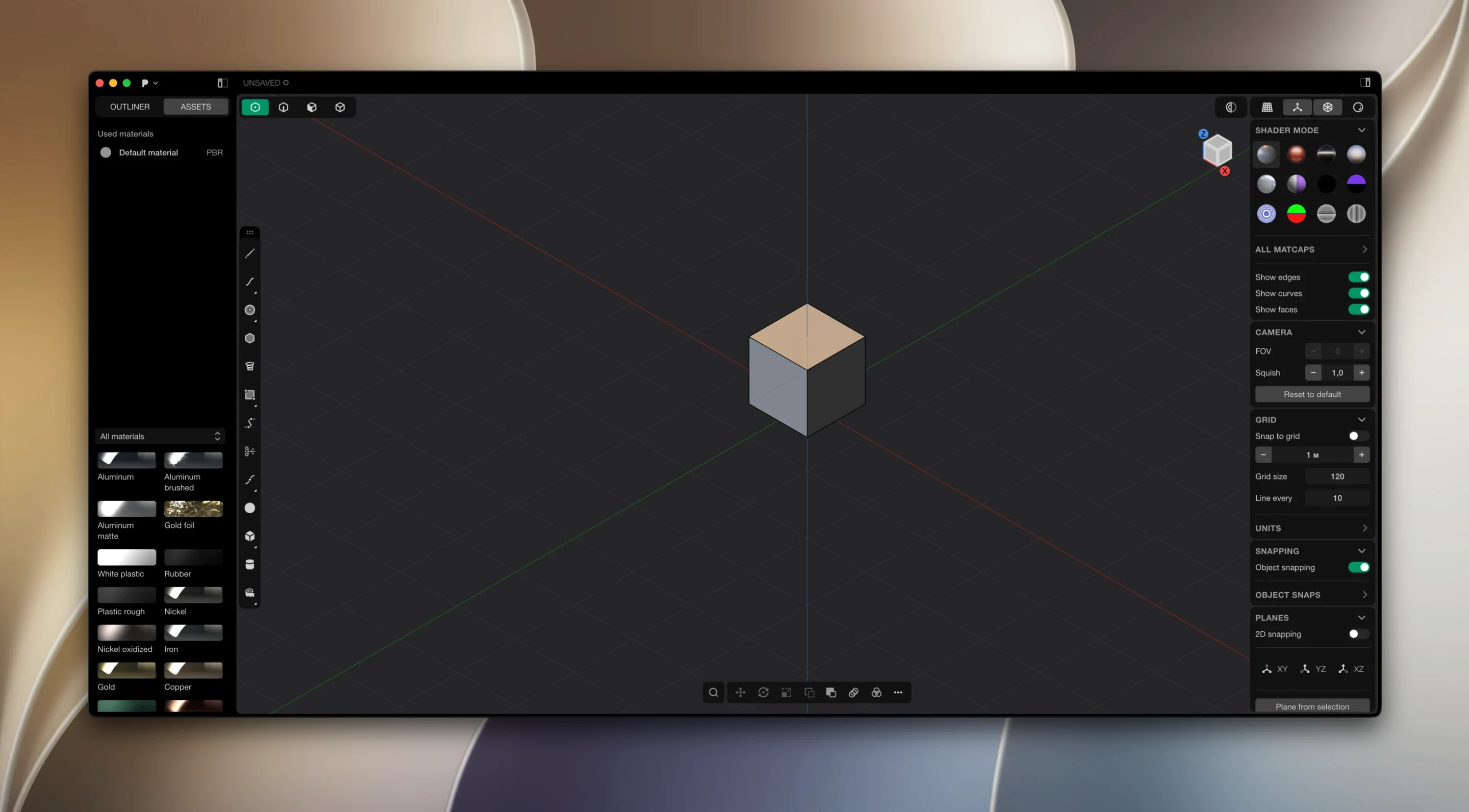
Version 26.1.3 is a maintenance release. No new features land, but the core toolset stays as sharp as ever. If you already run Plasticity, you download and install updates manually—the app does not update itself.
What modelling style does it use?
Direct editing. You push and pull faces, edges, and vertices without a history tree. Changes happen immediately, and live dimensions let you type exact values that update the geometry on the spot.
Which geometry does it handle?
Solids and surfaces. Boolean operations produce watertight results, and precise fillets keep edges clean. The Parasolid and xNURBS kernels sit underneath, so surface quality stays high throughout.
What's the PolySplines feature?
Workflow connections you'll rely on
Plasticity sits in the middle of a pipeline. You import reference sketches from Figma or Affinity Designer as SVGs or plain images. Model, refine, then export.
Exports go where you need them:
- Blender — OBJ or STEP for rendering, animation, or kitbashing.
- Rhino — STEP or IGES when you need NURBS-to-NURBS fidelity.
- Fusion 360 — STEP solids for CAM and engineering drawings.
- KeyShot — direct .ksp export from the file menu, materials intact.
- Unreal Engine — FBX with custom normals preserved.
macOS features it plays with
Plasticity respects native macOS conventions without leaning on them heavily. Spaces work — keep your viewport on one desktop and reference images on another. Spotlight indexes .plasticity files, so you find project files by name without digging through folders. The app uses Metal for the viewport, which keeps orbiting and panning responsive even on MacBook Air models. Drag-and-drop from Finder imports STEP, IGES, OBJ, and image files straight into the scene. No bridge plugin needed.
One gap: no iCloud sync awareness. Project files live where you put them. If you work across machines, manage versioning yourself or use a synced folder outside the app.
Rough out forms here, move to parametric CAD for details
Does it replace Fusion 360 or SolidWorks? No. Plasticity does direct modelling, not parametric, assembly, or drafting. It complements those tools rather than replacing them. Many designers rough out forms here and move to parametric CAD for engineering details.
Will it run well on an M1 or M2 MacBook Air? Yes. The Metal viewport stays fluid with moderate scene complexity. Heavy booleans on dense meshes will slow things down on fanless machines, but that's thermal throttling, not the software.
Can I open .step files from suppliers? Yes. STEP and IGES import is solid. Parasolid underneath means imported geometry stays accurate. No healing step required most of the time.
Is there a Plasticity torrent I should trust? People search for plasticity torrent, plasticity mac torrent, or plasticity 3d torrent regularly. The version you can verify is the one distributed directly. Any alternative build simply needs its checksum and source confirmed before you run it.
Does Plasticity 26.1.3 run on Intel Macs? The build is native Apple Silicon. Intel support is not part of this release. Rosetta 2 may bridge the gap on older machines, but your mileage will vary under heavy loads.
Boots under 4 seconds, holds 60 fps on M-series Macs
Plasticity boots in under four seconds on an M-series Mac. The viewport stays at 60 fps during standard modelling tasks. Memory usage sits around 400–600 MB with a typical product-model scene open. Complex booleans spike CPU briefly, then settle. No background processes linger after you quit the app.
Crashes are rare in daily use. The most common stability hiccup comes from deeply nested boolean chains — save before combining eight intersecting bodies. Autosave is not built in, so make manual saves a habit. The undo stack goes deep enough that you rarely lose work, but it clears on file close.
GPU temperature stays low during extended sessions. On a MacBook Pro, the fans may spin up during heavy fillet calculations, but the app releases Metal resources the moment the operation completes. You can run Plasticity alongside Affinity Photo, Blender, and a dozen browser tabs without the system feeling starved.
PolySplines arrived in the 2026.1 cycle for Studio-tier users. It blends polygonal modelling control with spline-based surfacing, giving you a hybrid workflow inside one environment.
- macOS 10.14 or later
- Apple Silicon
Questions the team asks
No. Updates must be downloaded and installed manually.









Comments 0
Sign in or create an account to add a comment.
No comments yet. They go up after moderation.