
OmniGraffle Pro — Mac download
Download (73 MB) Earlier builds
Ticked
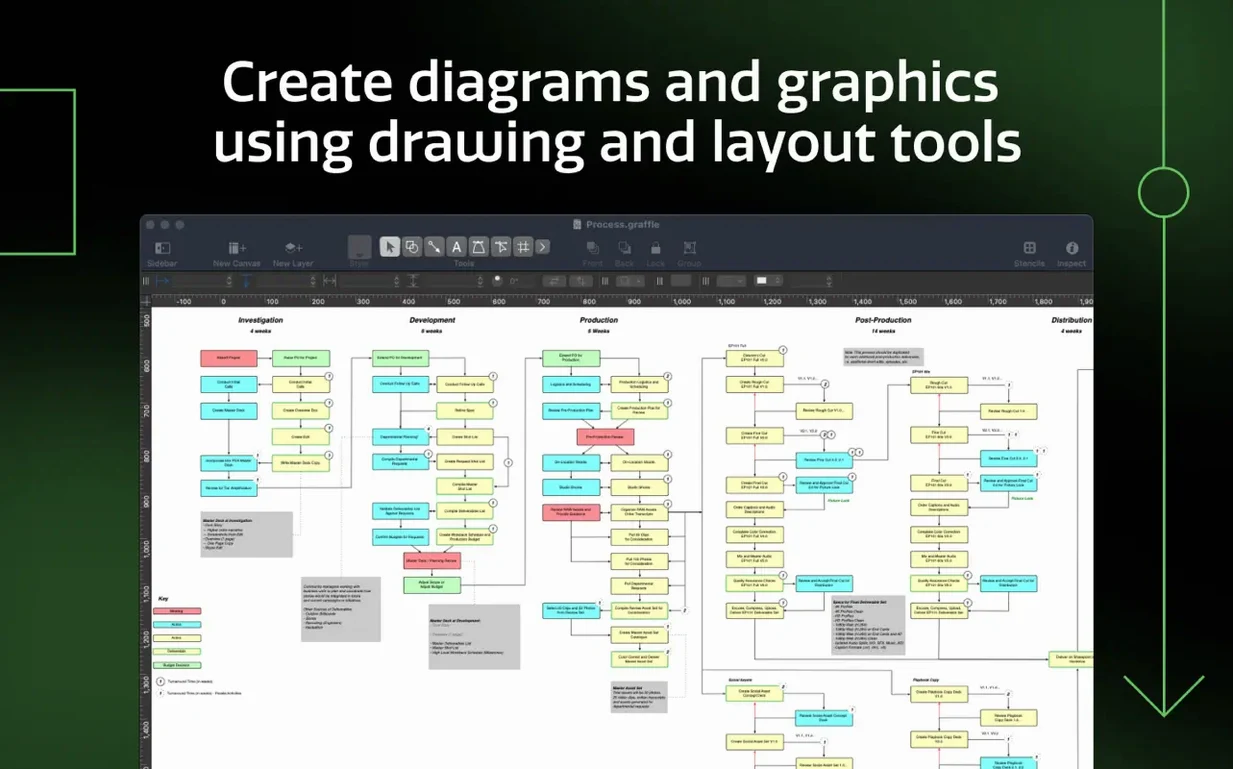
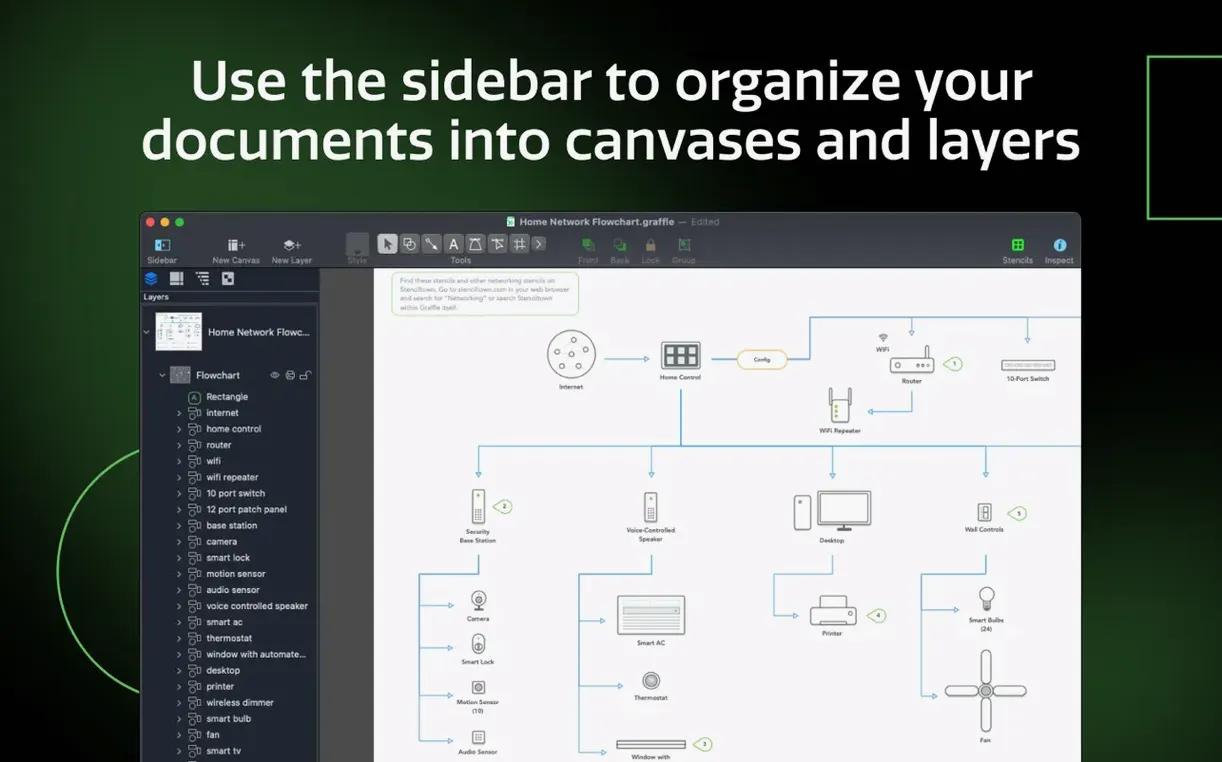
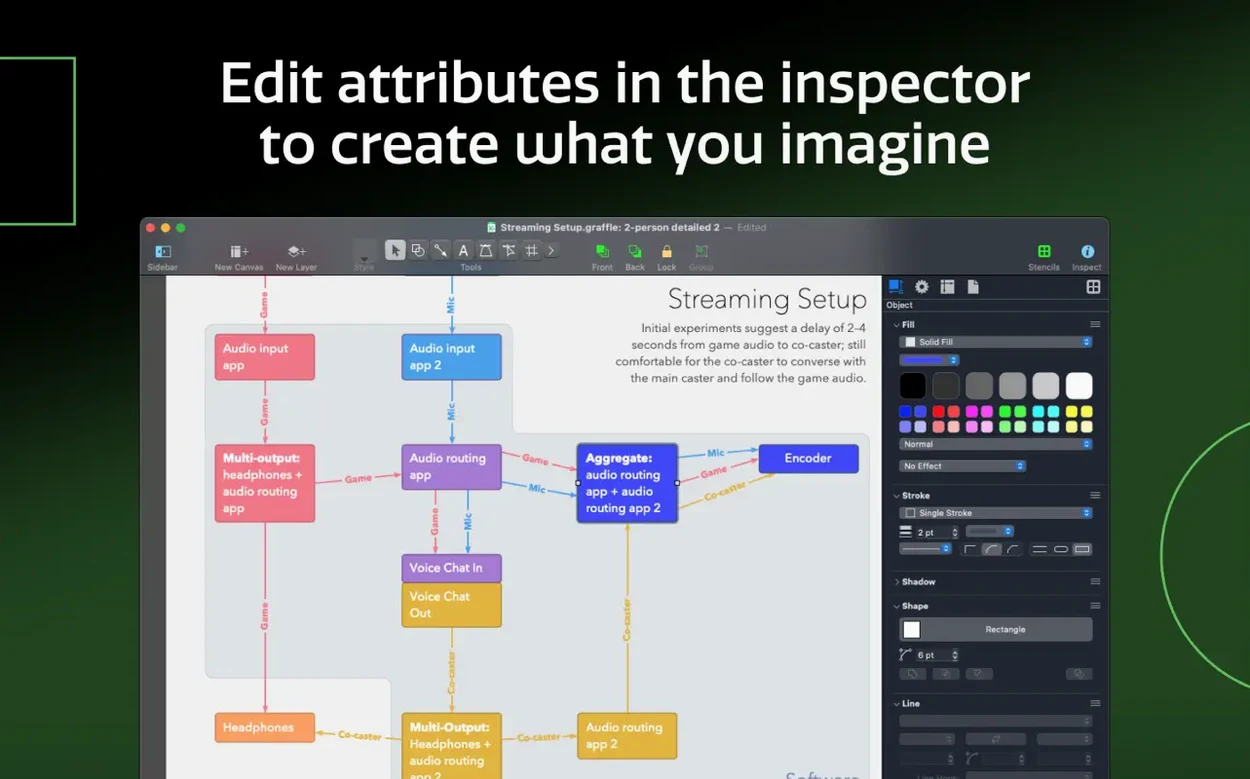
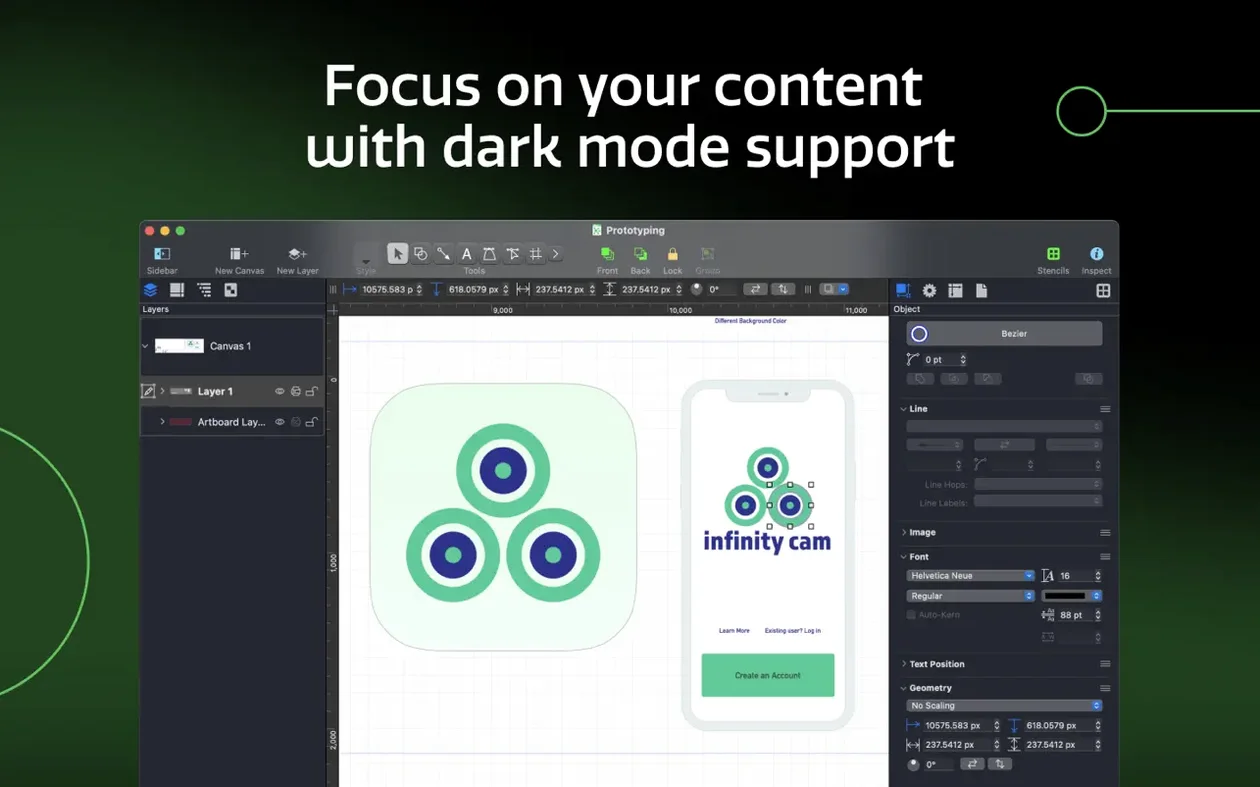
OmniGraffle Pro is the full-fat Mac diagramming tool for precise wireframes, process charts, and visual layouts. If you have just completed your omnigraffle download, skip the blank canvas panic. Here is a checklist of the first four things worth touching.
- Import a Visio stencil. Drag a VSS file straight into the sidebar. It lands as a native stencil you can reuse across canvases—no conversion dialog in sight.
- Set up a shared layer. Open the Layers inspector and tick “Shared” on a new layer. Put your grid, logo, or title block there, and every canvas in the document updates once.
- Create an artboard. Hit the Artboard tool in the toolbar and draw a rectangle. It keeps multiple screen layouts tidy inside one canvas, each exporting cleanly on its own.
- Export a Visio document. Head to File > Export and pick Visio XML Drawing (VDX). Your team on Windows can open it without rework.
Fixing garbled text after Visio import
- Visio import brings in garbled text. The original diagram likely uses a font not installed on your Mac. Open the Font inspector, select all affected shapes, and assign a system font. Save the stencil afterwards so you only do it once.
- Shared layers not updating across canvases. You probably added the element to the canvas rather than the shared layer itself. Check the Layers sidebar—if the object sits on a canvas-specific layer, drag it onto the shared one.
- Artboard export dimensions are wrong. Select the artboard, open the Properties inspector, and confirm the size in points. Export uses the artboard bounds, not the canvas bounds. A stray shape half a pixel outside the artboard edge skews the output every time.
- Tables refusing to resize properly. Hold Option while dragging a row or column divider. That distributes the change evenly across adjacent cells instead of stealing space from one side only.
- Performance drag with large Visio files. Turn off “Automatically resize canvas to fit content” in Document settings before import. It stops OmniGraffle recalculating bounds on every shape drop.
Workflow: build a software wireframe from scratch
- Create a new document and immediately add an artboard at 1440×900 points. Name it “Dashboard”.
- Open the Stencils sidebar and pull in a browser chrome frame from the Wireframe collection. Lock it.
- Add a second artboard named “Mobile overlay” at 390×844. Toggle between them in the sidebar as you work.
- Build the navigation bar on a shared layer so both artboards inherit it. Later edits to the nav update everywhere.
- Use Convert Text to Shape (Edit > Shapes) on headers you want to resize non-destructively. This turns editable text into a scalable object while keeping the original look.
- Group the main content blocks into tables—one for the data grid, one for the sidebar filters. Adding a new row later takes a single keystroke.
- Convert connector lines to shapes when the layout stabilises. A shape-based line lets you tweak corner radii and add arrowheads that survive export.
- Export the desktop artboard as VDX for the Windows team, and the mobile artboard as a PDF with artboard-only cropping turned on.
Memory use with 15 Visio stencils stays near 400 MB
OmniGraffle Pro 7.26 stays responsive on Apple Silicon even with 30+ canvas documents open. Memory climbs gradually—a document with 15 imported Visio stencils sits around 400 MB in daily use. Intel Macs show similar behaviour, though zooming into dense wireframes triggers a brief render pause that disappears once the canvas caches.
Auto-save writes consistently without blocking the UI. The app recovers cleanly after a forced quit; the last state reappears with unsaved artboard selections preserved. Stability during an omnigraffle torrent install mirrors a standard omnigraffle crack Mac setup—the binary is the same, and no crash patterns emerge from the activation method.
On macOS Sequoia, dark mode inspectors feel snappier than earlier builds. Long editing sessions with 50+ shared layers show no memory creep past the initial allocation. Exporting a 12-artboard document to Photoshop layered PSD takes about eight seconds on an M1, with all layer names and grouping intact.
From there, explore the inspectors for stroke precision and the keyboard shortcut sets you can share with the rest of your team.
- Improves compatibility with macOS Golden Gate 27.
- Requires macOS 14 or newer.
- macOS 14 or newer
- Apple Silicon or Intel Mac
Questions the team asks
Yes. It imports Visio VSS stencils and VST templates, and it can export diagrams as Visio VDX documents.
Absolutely. Shared layers let you place common elements on one layer and have them appear identically on every canvas in the document.
OmniGraffle Pro supports English, German, Spanish, Italian, Simplified Chinese, Korean, Dutch, Portuguese, French, Japanese, and Russian.








Comments 0
Sign in or create an account to add a comment.
No comments yet. They go up after moderation.