

MAXON Cinema — Mac download
Download (721 MB) Earlier builds
Ticked
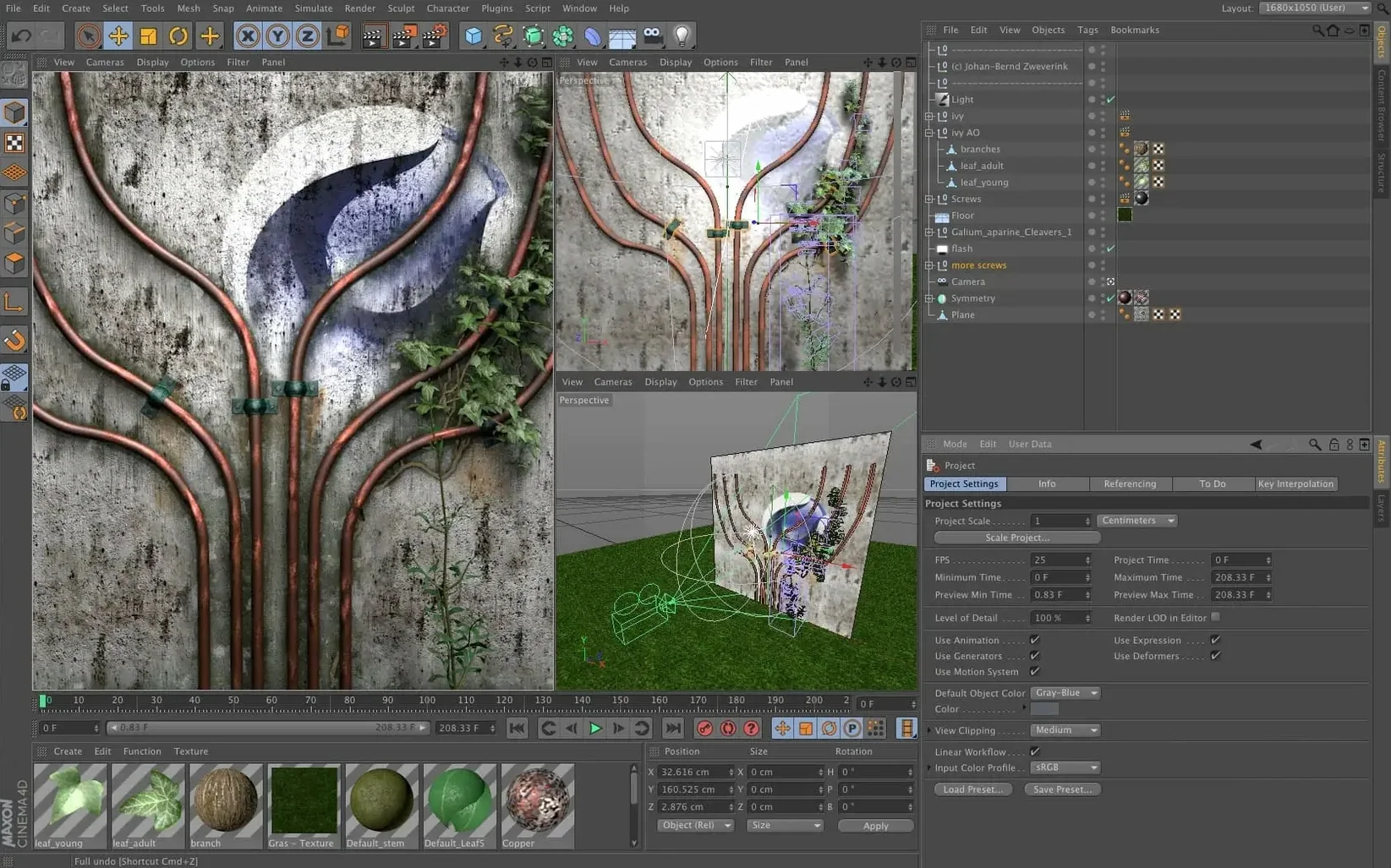
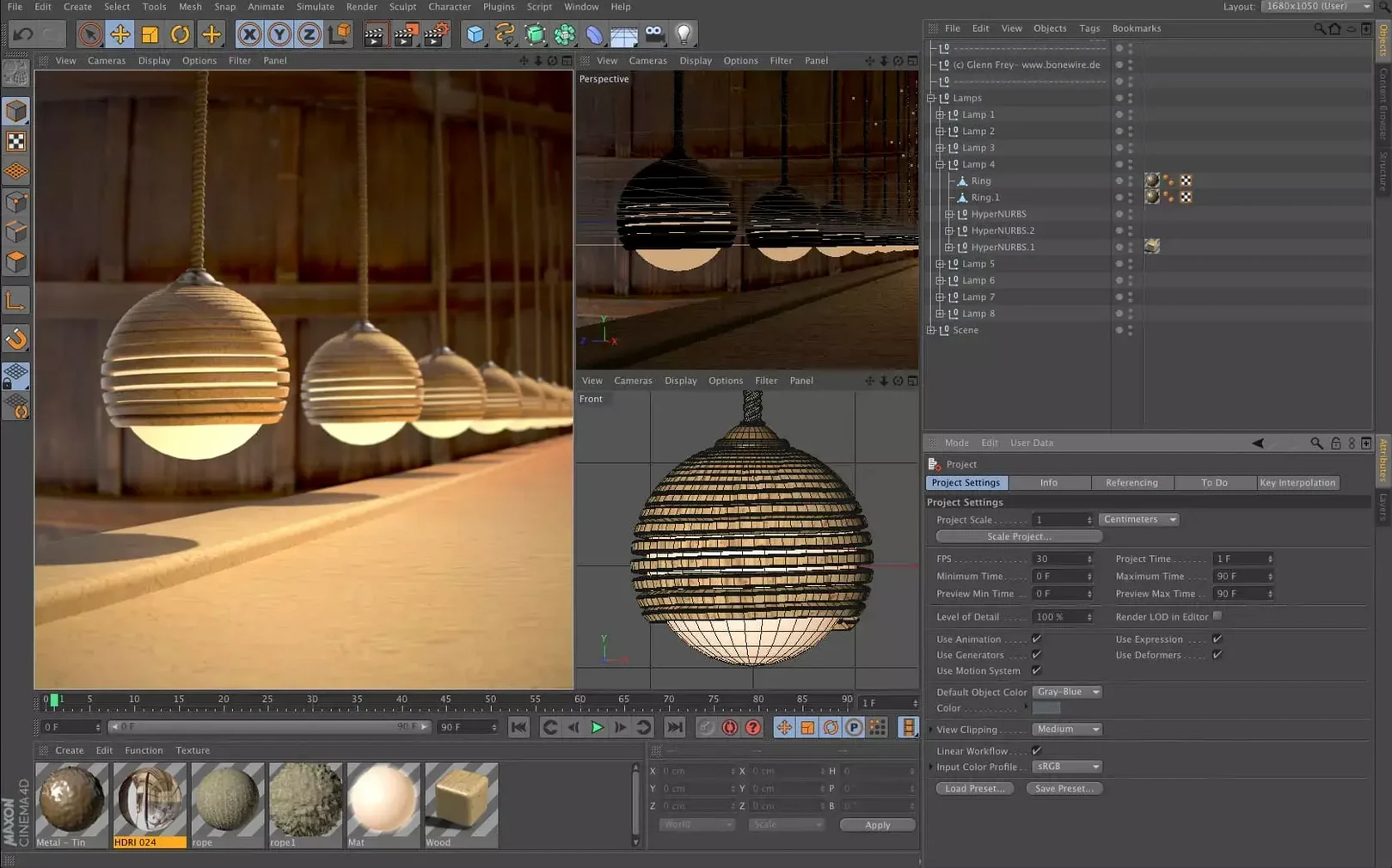
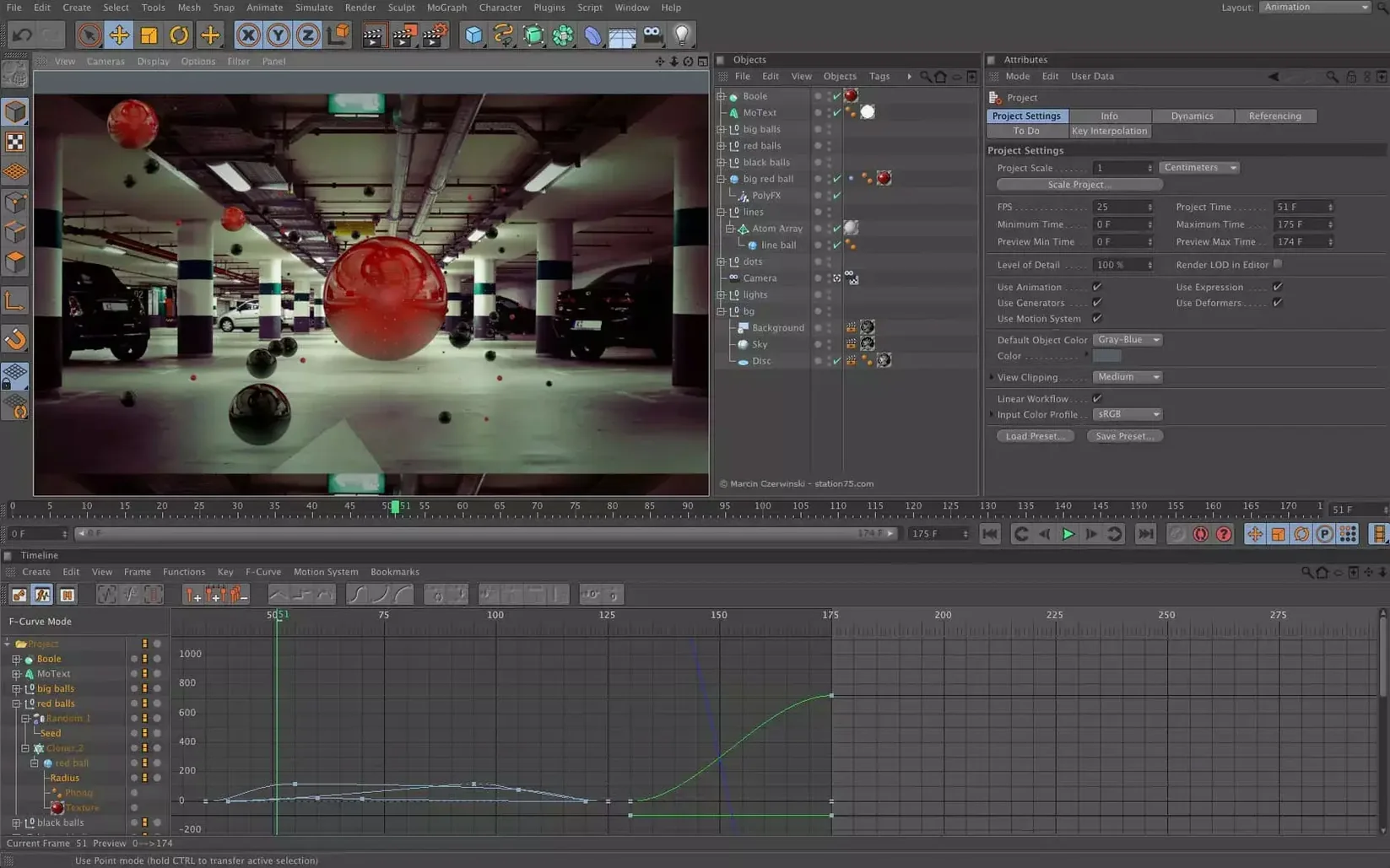
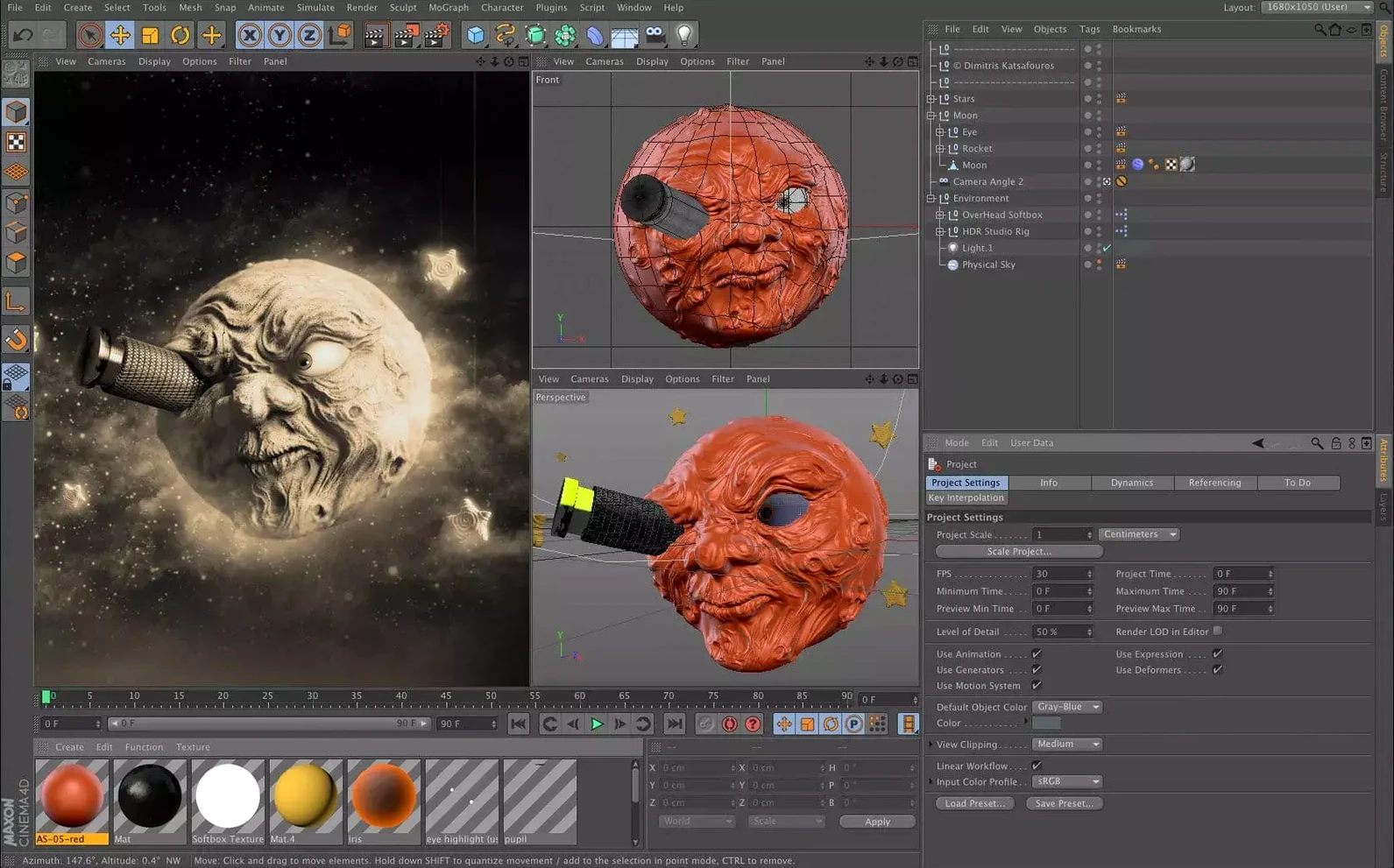
Motion designers, visual effects artists and architectural visualisers reach for Cinema 4D when they need a 3D tool that gets out of the way. It is the go-to for broadcast graphics, product renders and abstract animation work where speed and stability matter more than deep technical tinkering.
What does Cinema 4D actually do?
It covers the full 3D pipeline: polygonal and procedural modelling, keyframe and procedural animation, cloth and particle simulation, and final-frame rendering. The Redshift renderer handles the heavy lifting for photoreal output.
A cleaner layout that bakes scene nodes into the Object Manager
Maxon updated the UI with a cleaner layout and preset-based workflows. The Capsules system brings scene node powers into the classic Object Manager, so you can build complex setups without leaving the familiar stack-based view.
Who should not use it?
Hard-surface CAD modellers and those needing parametric history will find it lacks the precision tooling of dedicated engineering software. It is a creative 3D tool, not a manufacturing one.
Built for keeping editable 3D data alive inside After Effects
Motion graphics artists who live in After Effects. The Mograph toolset, effectors and cloners make abstract broadcast work fast without scripting. Cinema 4D integrates tightly with Adobe's ecosystem — import a C4D file and keep editable 3D data right in your comp.
Freelance generalists who model, light and render alone. One application does the lot: spline-based modelling, UVs, rigging, cloth sims and Redshift rendering. No jumping between four tools. The learning curve stays manageable because the UI conventions carry across modules.
Small studios where a render queue hiccup costs billable hours. Stability is the quiet feature here. Team Libraries let artists share assets, materials and Capsules without a full pipeline overhaul. One artist builds a rig; another drops it into a scene and it just works.
The less obvious fit: architectural visualisers who need fast turnarounds, not Revit precision. Cinema 4D excels at the set-dressing stage — populating scenes with vegetation, scattering objects and lighting interiors quickly.
It is not the first choice for character animators needing advanced rigging, nor for hard-surface CAD work. But for the motion designer, the generalist, the small-team artist — this is the natural centre of gravity.
Starting from a render-ready template when the CAD mesh lands
You open the project manager and pick a template with your render settings already dialled. A product shot is due tomorrow. The CAD mesh arrives as an FBX, so you drag it into the Object Manager. No import wizard, no fuss.
First step: materials. You open the Asset Browser, search for anodised aluminium, and drag the preset onto the model. A quick tweak of roughness in the Redshift material node, then you duplicate it for the dark variant the client wants. Done in three minutes.
Now the environment. You drop an HDRI dome light into the scene and spin it until the reflections sit right. A cloner scatters twenty copies of a simple cylinder to catch edge highlights. The viewport updates in near real-time — no render region needed to check placement.
Time for the hero camera. You set keyframes for a slow dolly and ease the curves in the timeline. A quick IPR preview shows the motion blur is right, so you lock the shot and send it to the Picture Viewer. Redshift chews through 120 frames while you grab coffee.
The client calls with a last-minute change: swap the dark variant for brass. You edit the material, point the three clones to the new shader, and re-render only those frames. The take system keeps your original version intact in case they change their mind again. You deliver before the deadline.
- Cinema 4D 2024.2 released on 11 December 2023.
- macOS 11 or later
- Apple Silicon or 64-bit Intel processor









Comments 0
Sign in or create an account to add a comment.
No comments yet. They go up after moderation.