

Logoist 5 — Mac download
Download (250 MB) Earlier builds
Ticked
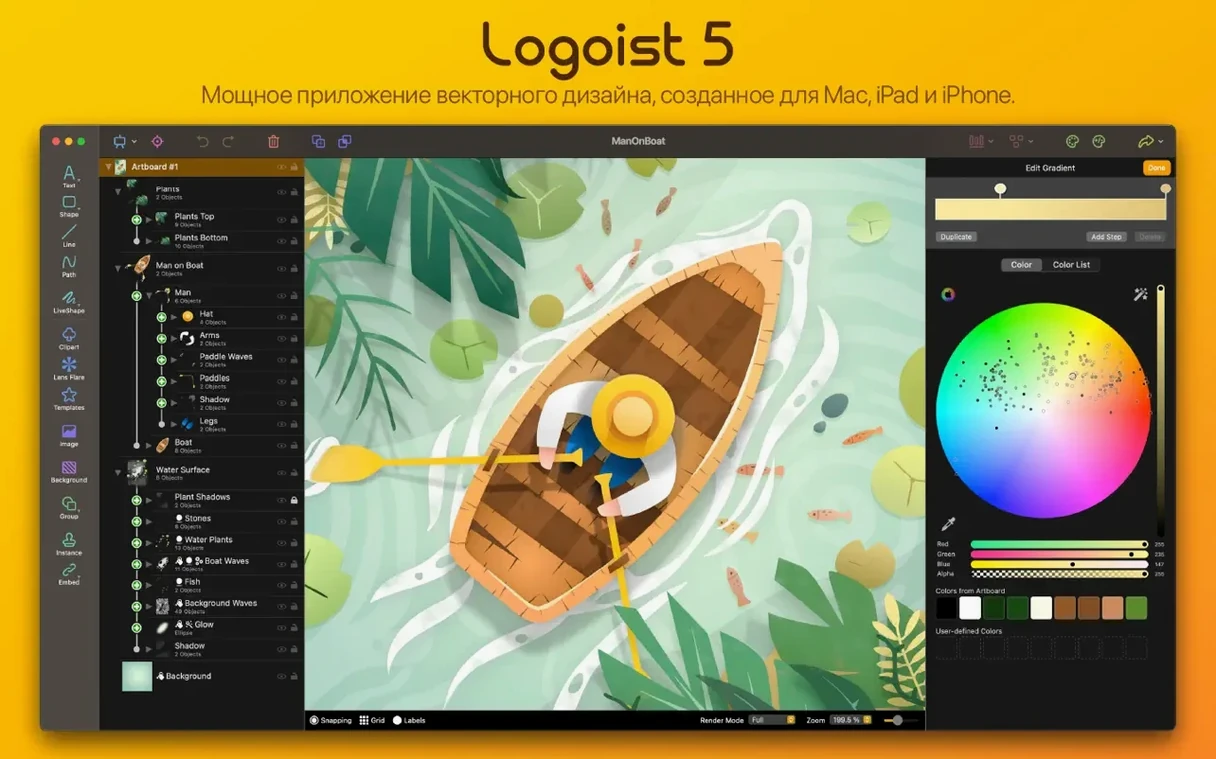
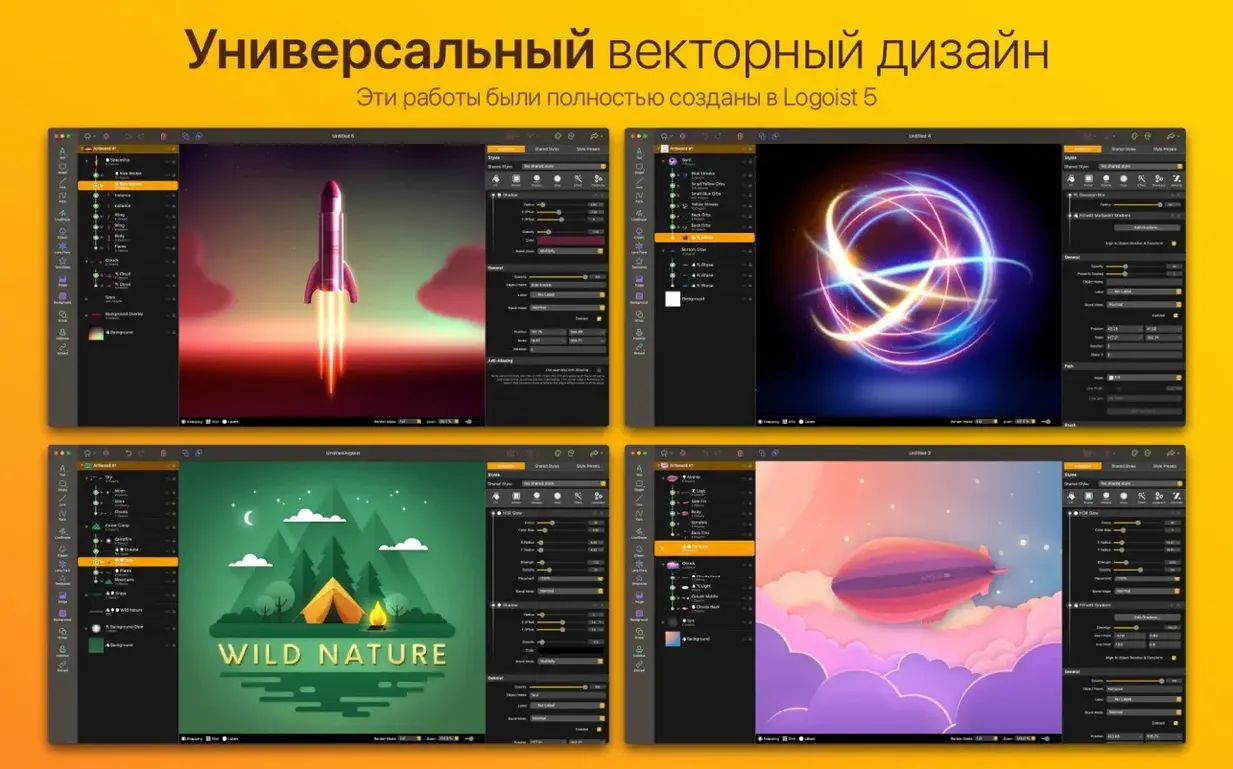

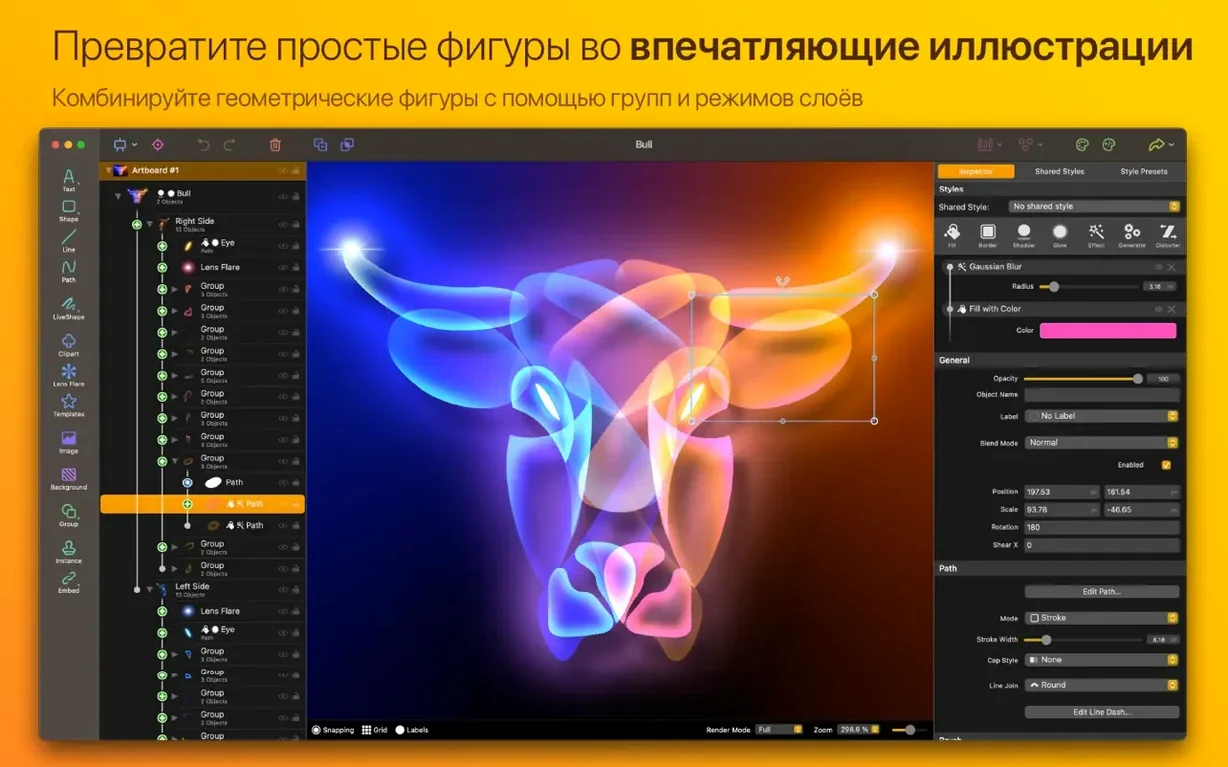
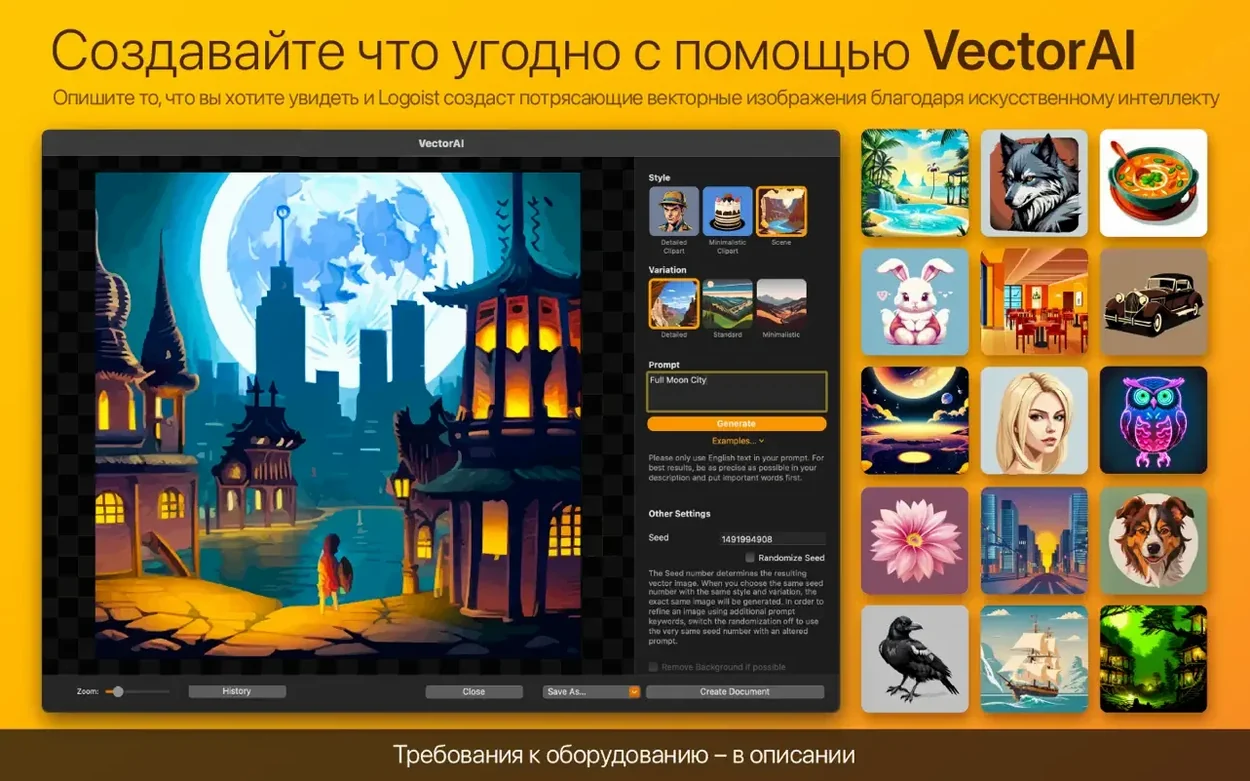
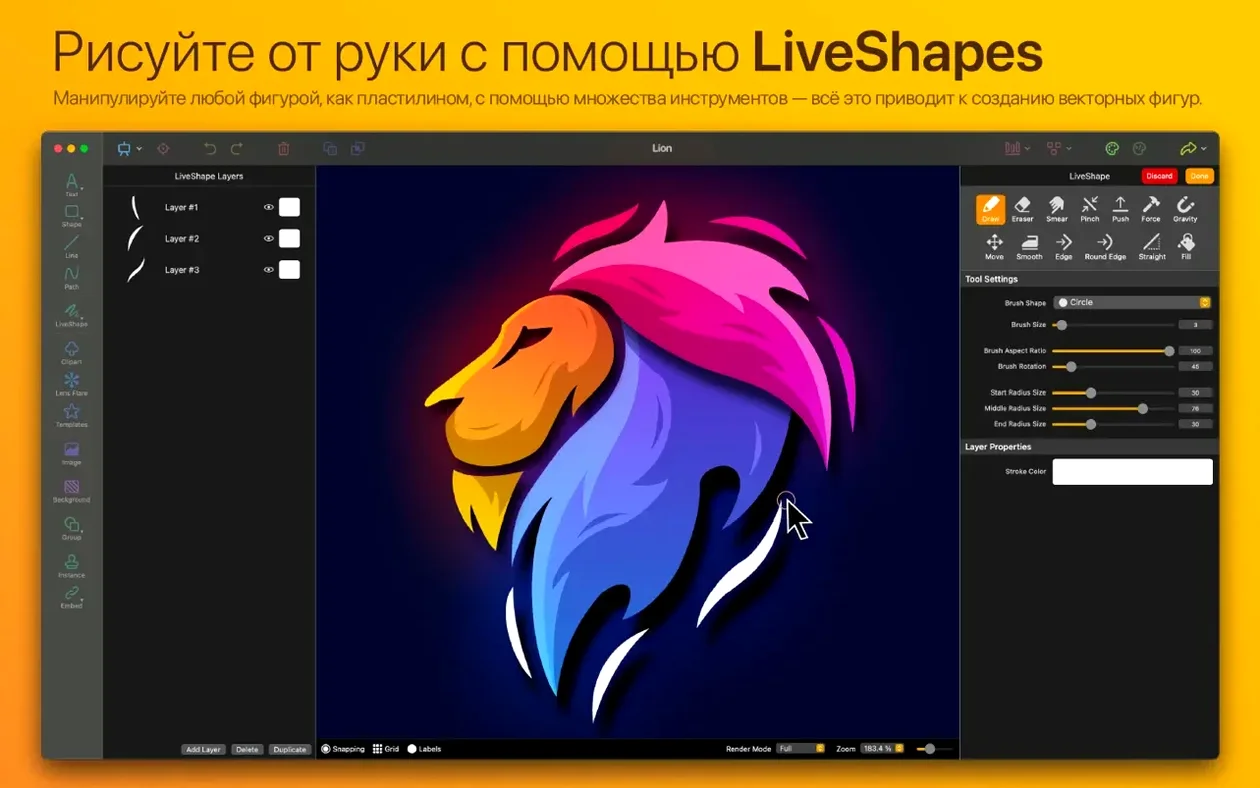

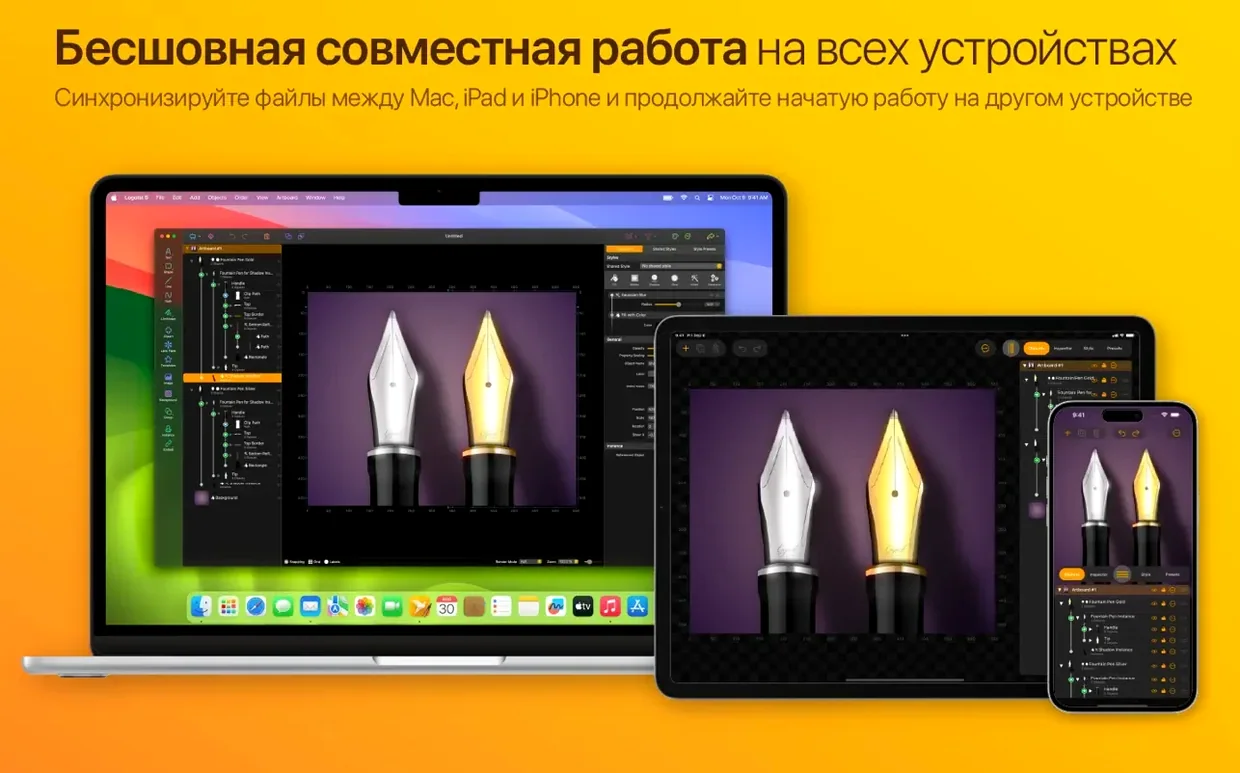
Logoist 5 sits somewhere between a dedicated vector tool like Illustrator and a simpler, template-driven graphics app. It gives you path editors for custom shape-building but also throws in a library of templates for cards, collages, and logos — so you don't always start from a blank canvas.
Quick logos from templates plus native Apple Silicon speed
- Quick logo concepts using built-in templates
- Combining custom paths with pre-made card and collage layouts
- Runs natively on Apple Silicon and Intel Macs
Needs macOS 15 and spans nine interface languages
- Requires macOS 15 or later — older systems are out
- Interface languages cover nine options including Russian, Simplified Chinese, and Dutch
- The same app is also available for iPad and iPhone
Recent changes in everyday use
- The 5.2.1 fix for export canvas selection matters if you regularly batch out images — fewer wrong-size PNGs.
- Logoist Showroom, added with 5.2, gives you a place to compare design drafts side by side before committing to one direction.
- Version 5.2.2 is the current Mac App Store build, so any Mac on macOS 15 or later gets the most recent fixes on install.
In practice, the export fix changes how you handle multi-canvas projects. Select the canvas you want, export, move on. No more checking whether the last one silently carried over.
The Showroom works best when you are down to two or three logo candidates. Drop them in, step back, pick one. It is a useful checkpoint before sending previews to a client or a colleague.
Set SVG export and canvas size before touching a template
- Set your preferred export format early — SVG or EPS for client hand-off, PNG for quick previews.
- Check the canvas size defaults before starting template work. Cards need different dimensions than a logo lockup.
- Switch the interface language if the system default is not your working language. Nine options are available, including Polish and Italian.
- Confirm the app runs natively on your Mac — both Apple Silicon and 64-bit Intel builds are included.
Once those are set, the template galleries become faster to use. You stop adjusting output settings mid-project and can focus on shapes, styles, and effects.
- Logoist Showroom added in version 5.2
- Fix for canvas selection glitch during image export in 5.2.1
- macOS 15 or later
- Apple Silicon or Intel 64-bit
Questions the team asks
You can create logos, cards, and collages using a combination of custom path editors and the app’s built-in template library.









Comments 0
Sign in or create an account to add a comment.
No comments yet. They go up after moderation.