

Marmoset Toolbag — Mac download
Download (169 MB) Earlier builds
Ticked

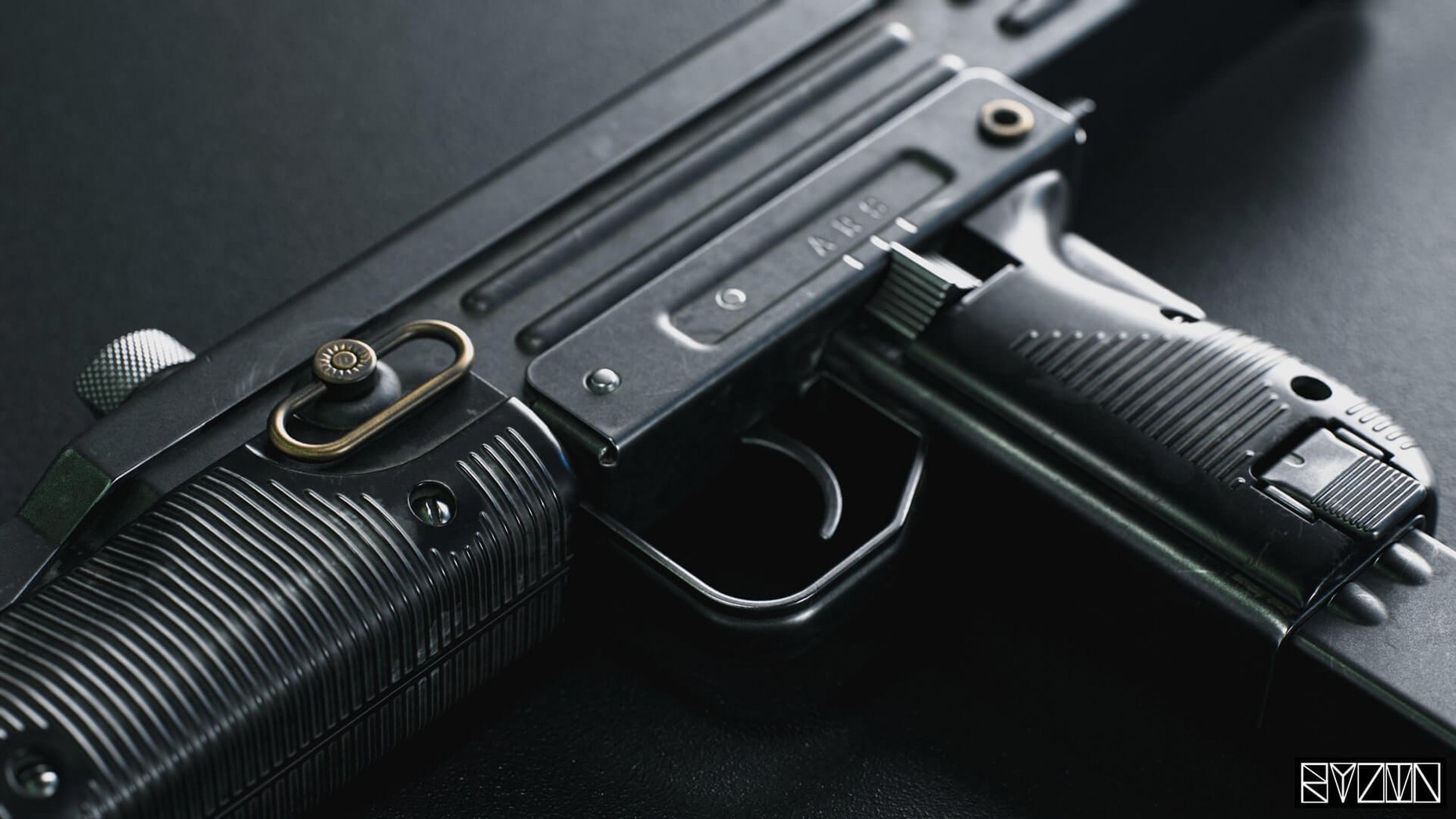

A 3D modeller finishes a character sculpt and needs to see how the materials catch light before sending it off. Marmoset Toolbag is Marmoset's flagship rendering suite for exactly that moment — a real-time renderer with a built-in material editor, available on Mac and Windows.
Drop in an HDRI sky
Load your model, then swap the default background for an HDRI map. It places the mesh into a lit environment instantly, no render queue required.
Edit a material
Open the material editor and adjust roughness or metalness on the fly. The viewport updates automatically as you tweak, so you see the result straight away.
Test texture exports
Apply texture warping and variant filtering, then check how the maps look outside Toolbag. The export tools give you a quick sense of final quality before you commit to a pipeline.
Set the final look before offline renders or game engines
Toolbag sits between your modelling app and your final render or game engine. Export an FBX from Blender, Maya or a sculpting tool, import it here, and set up the final look before you commit to an offline render or a real-time build. The FBX importer pulls in lights and cameras too, so a scene you blocked out elsewhere arrives with its basic rig intact.
For texturing, the mesh updates the moment you save a new version of the file. Keep your texturing app open on one side, Toolbag on the other, and the model in the viewport refreshes without a manual re-import. That loop alone saves a lot of back-and-forth during asset reviews.
When you are done, publish the turntable or a material study straight to ArtStation from within the app. No separate export step for a quick portfolio post.
It does not replace your modelling or sculpting suite
People usually ask whether Toolbag replaces their main 3D package. It does not. It is a look-development and presentation tool, not a modelling or sculpting suite. You build your mesh elsewhere and bring it in.
Another common question is about the Mac build. Version 4.02 runs on macOS 10.15 or later and expects an Intel Mac. If your machine fits that, the installer is a standard disk image with an executable inside the Patch folder for activation. Everything runs after that without extra configuration.
Beginners also ask how long it takes to learn. The material editor and lighting controls are direct enough that you get a presentable render on the first day. The deeper features — animation, volumetric fog, Viewer export options — take longer, but none of them gatekeep the basics.
Flat colour backgrounds kill metal reflections
- Using a flat colour background instead of an HDRI, then wondering why metals look dead. Metals need something to reflect.
- Tweaking material settings while the wrong UV set is selected. The emissive shader supports selectable UV sets; picking the wrong one shifts the glow to unintended parts of the mesh.
- Ignoring the export settings for Viewer, then seeing lossy normals or missing AO maps in a shared scene. Check the Viewer options before you publish.
- Forgetting that additive background blending in Viewer changes how a transparent or emissive model appears on a portfolio page. Preview it once before you send the link.
- Tooltips no longer crash on mixed-resolution display setups
- Tooltip display option in preferences works again
- Window elements no longer go out of bounds on widescreen monitors
- Window no longer flickers after changing monitor DPI scaling
- Text is no longer blurry at 125% and 175% scales
- macOS 10.15 or later
- Intel architecture
Questions the team asks
The listed compatibility is macOS 10.15 and later, running on Intel architecture.
It supports standard 3D model formats, with automatic mesh updating when source files change.








Comments 0
Sign in or create an account to add a comment.
No comments yet. They go up after moderation.