

Marvelous Designer — Mac download
Download (1.7 GB) Earlier builds
Ticked
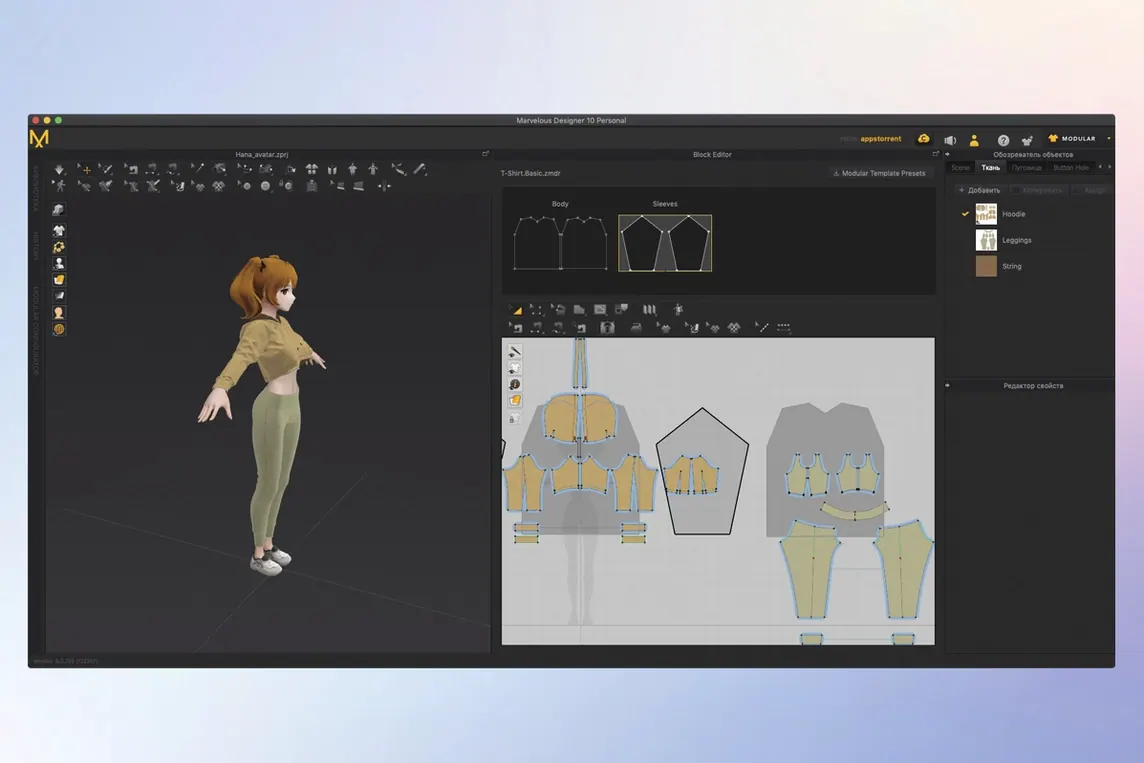
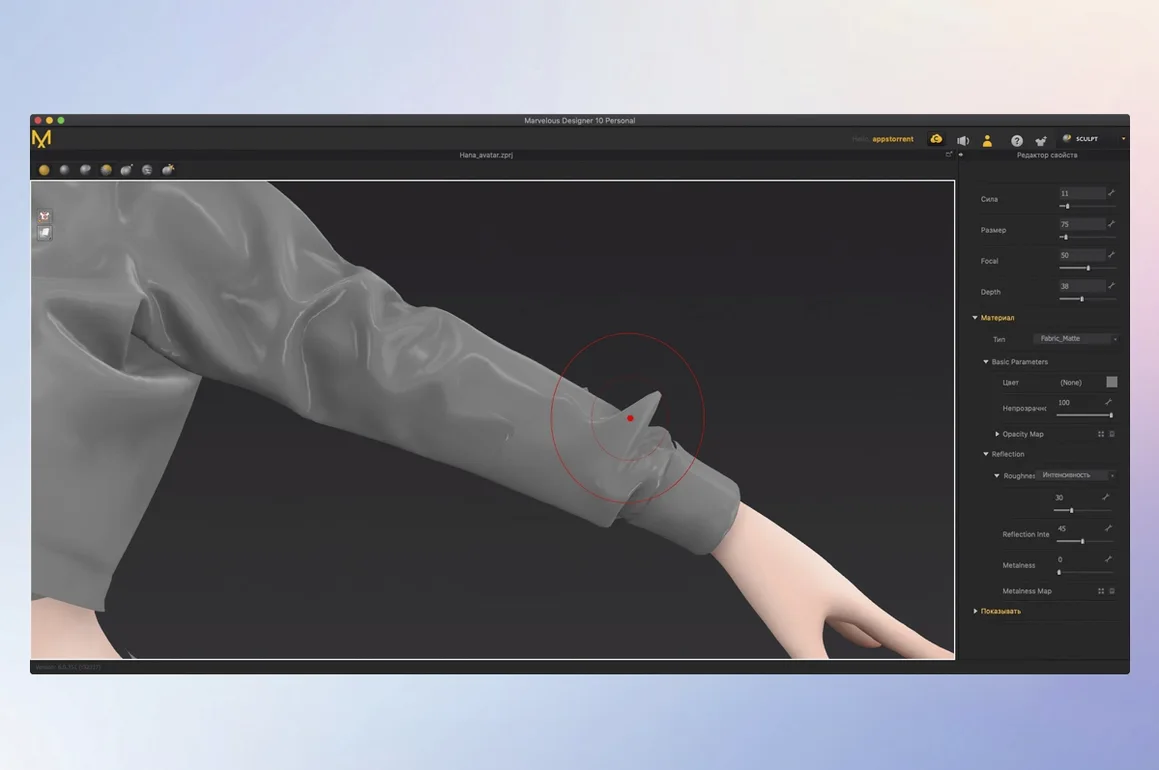
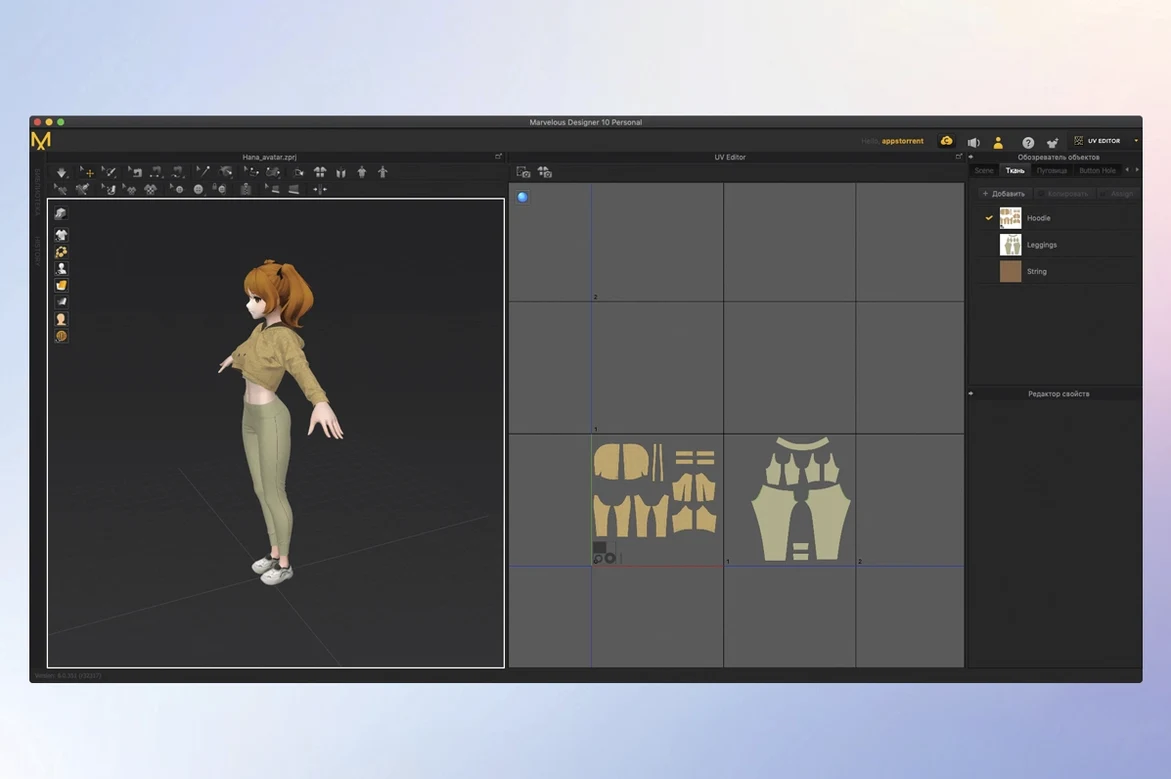
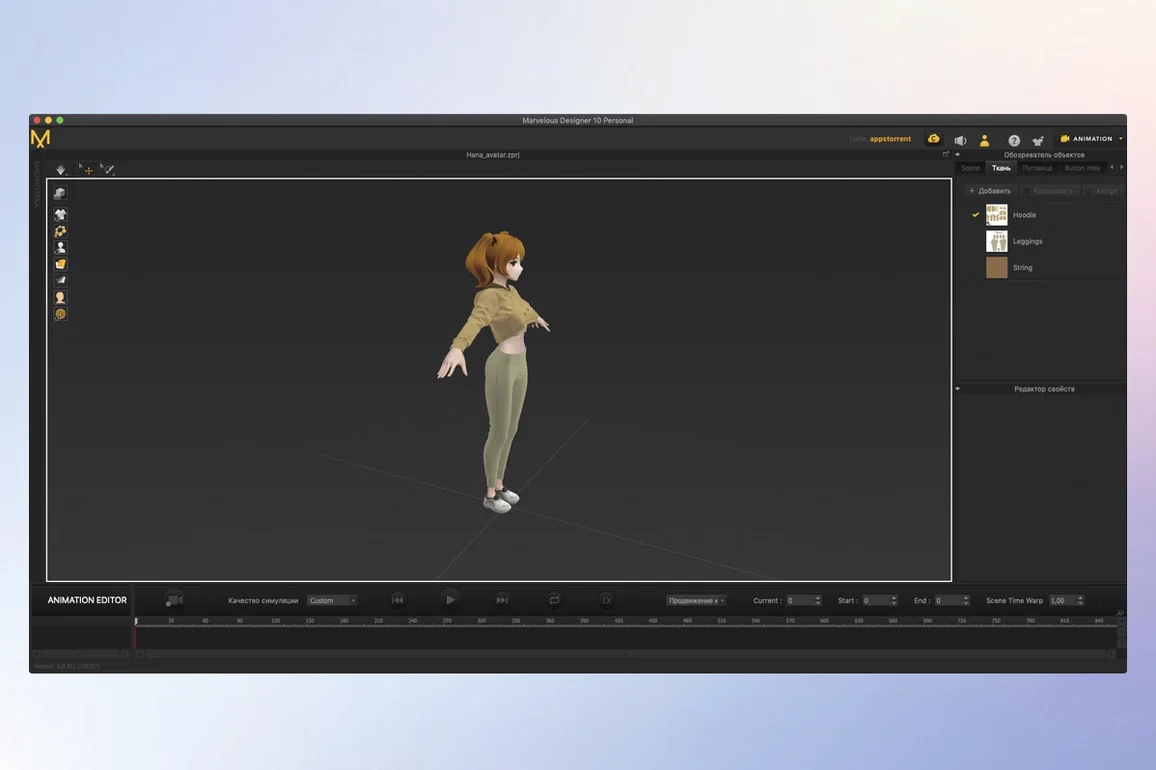
You have the avatar rigged and walking. A simple linen dress is draped over it, and as the hip rotates, the hem catches and folds — not because you animated it by hand, but because the cloth physics calculated the contact with the thigh in real time. That is the kind of job Marvelous Designer handles.
- Pattern-based garment construction. Draw and edit polygonal pattern shapes around an avatar. Sew them together along seams and watch the 3D garment take shape instantly.
- Real-time cloth simulation. Changes to a pattern or fabric property update on the 3D model immediately. Physical properties like stretch, shear, and bend drive how buttons, folds, and accessories behave.
- Motion recording on moving characters. Record cloth movement while a character walks, turns, or dances. The simulation captures realistic drape and collision frame by frame.
- Avatar and fit tools. Use point placement and contact tools to arrange garments on static or animated avatars. Check fit, pressure, and layering without leaving the workspace.
- Stylised and technical output. Toon Shader gives line-art and cel-shaded renders for concept work. USD and Alembic import/export slot the cloth into a full production pipeline.
- Template-based rigging in EveryWear. Speed up asset prep with ready-made rigging templates that adapt to the garment geometry.
Workflow: from flat pattern to draped tunic
- Import your avatar. FBX or Alembic — drop it into the viewport and set the arrangement points so it stands in a natural A-pose.
- In the 2D pattern window, draw the front bodice panel with the polygon tool. Keep seam allowances consistent — 1 cm does the job for a medium-weight cotton.
- Mirror the panel for the back piece. Add sleeve patterns, then use the sewing tool to link shoulder seams, side seams, and sleeve caps. Click a seam line on one panel, click its match on the other. Direction arrow confirms the pair.
- With all seams defined, hit Simulate. The flat panels fall onto the avatar. Fabric weight pulls the tunic into shape. If the neckline gapes, pause, adjust the pattern curve, and resume — the drape recalculates in real time.
- Switch the fabric preset from cotton to a lightweight linen. Watch the hem soften and the fold count increase. Fine-tune bend and shear in the property editor until the silhouette matches your reference.
- Animate the avatar with a slow walk cycle. Turn on simulation recording and let it run. The tunic sways, catches at the hip, and settles as the motion stops. Export the cloth cache as Alembic for your main 3D app.
Pattern-based seams versus pushing vertices by hand
Marvelous Designer vs Blender cloth simulation. Blender does cloth on any mesh with a modifier stack. That flexibility is useful, but pattern-based garment construction is absent. For a tailored jacket with accurate seam lines, you will spend hours pushing vertices in Blender for a result Marvelous Designer gives in minutes. Blender suits quick drape tests on existing meshes; Marvelous Designer is the choice when the garment itself is the deliverable.
Marvelous Designer vs CLO. Under the hood they share a simulation engine. CLO focuses on fashion production — graded sizing, tech packs, and factory-ready patterns. Marvelous Designer strips that back and adds tools game and VFX artists need: Alembic and USD round-tripping, motion recording, and the Toon Shader. If your output is a render or a game asset, Marvelous Designer fits the pipeline better.
Marvelous Designer vs ZBrush cloth sculpting. ZBrush gives total sculptural control over static folds. It cannot simulate how a skirt moves across 120 frames of animation. Many artists block out the garment in Marvelous Designer, record the animation, then send the result to ZBrush for fine detailing. The two complement each other rather than compete.
Searching for marvelous designer mac leads many 3D artists here — the native Apple Silicon build runs simulations without a hiccup on M-series machines. Whether you grabbed a marvelous designer torrent to test garment workflows or applied a marvelous designer mac crack on an older setup, version 2024.2.139 handles the same pattern-to-drape task with the same real-time feedback.
A focused tool for digital clothing creation — from flat pattern to moving, cloth-simulated result.
- macOS 12 or later
- Apple Silicon and Intel Macs supported







Comments 0
Sign in or create an account to add a comment.
No comments yet. They go up after moderation.