

QuarkXPress — Mac download
Download (2.4 GB) Earlier builds
Ticked
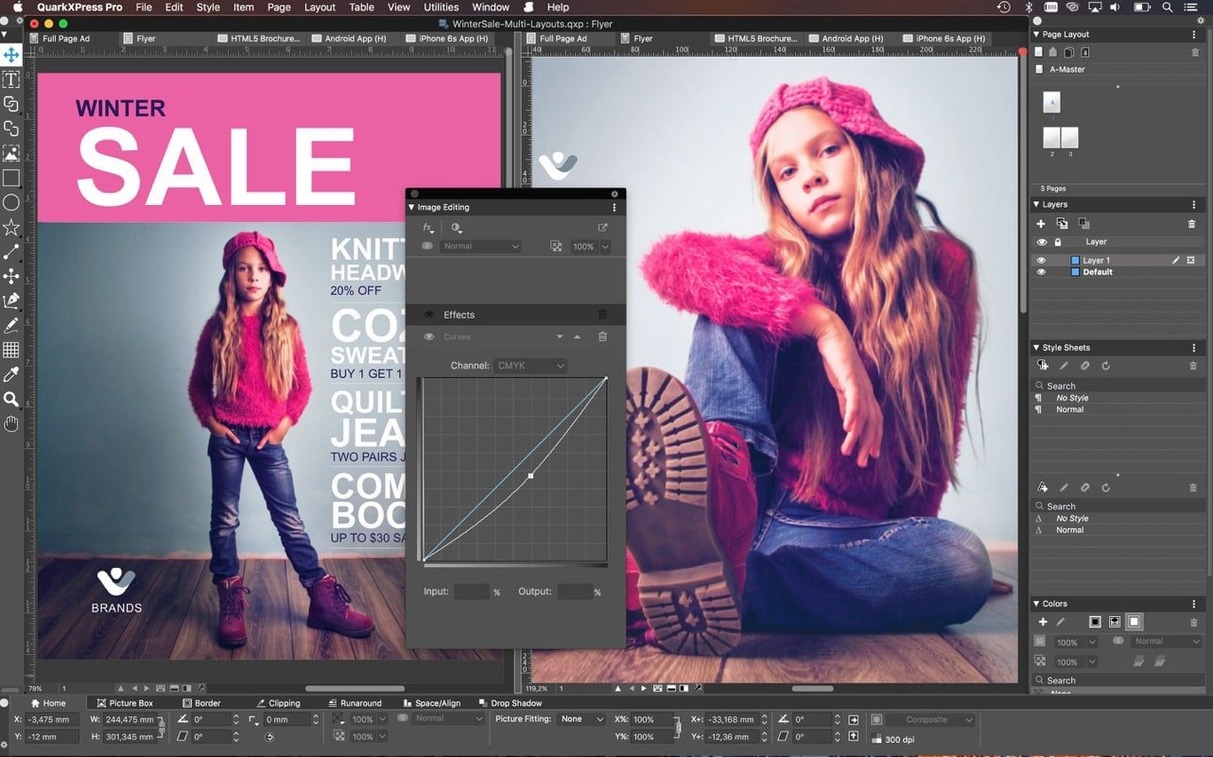
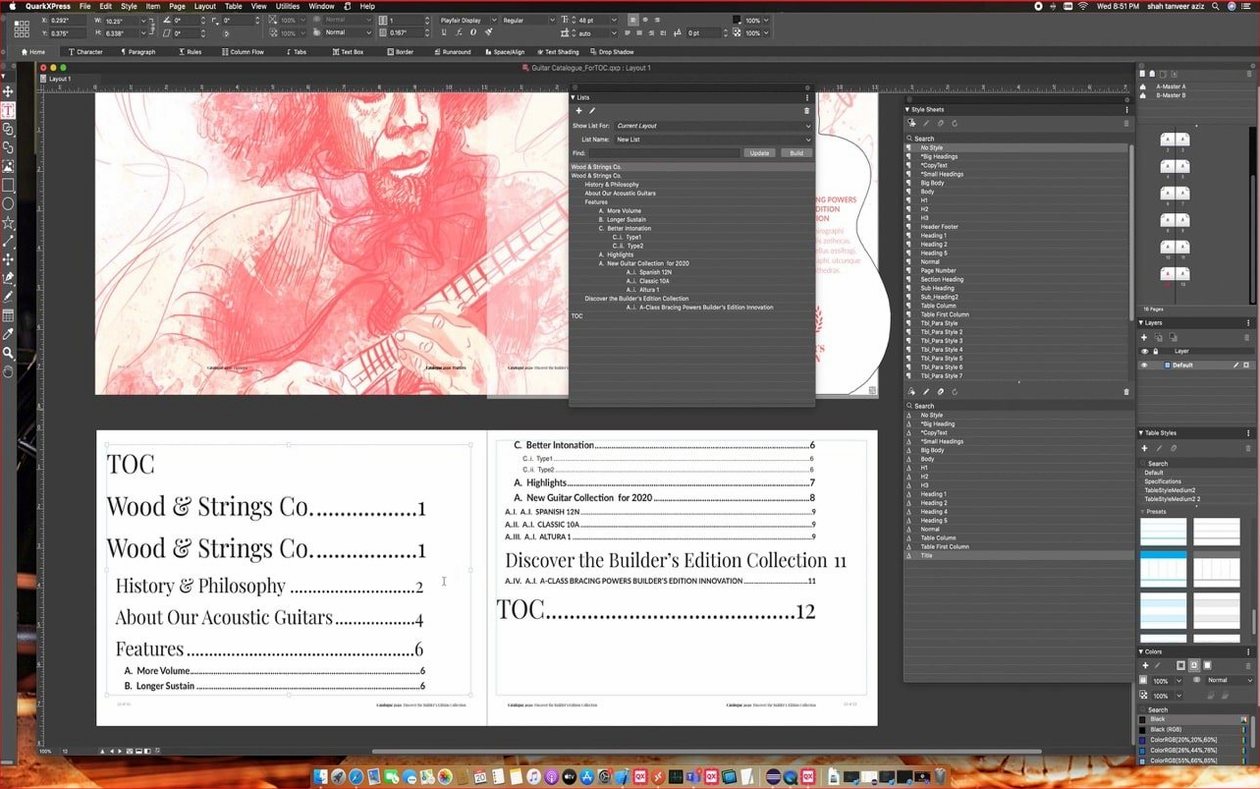
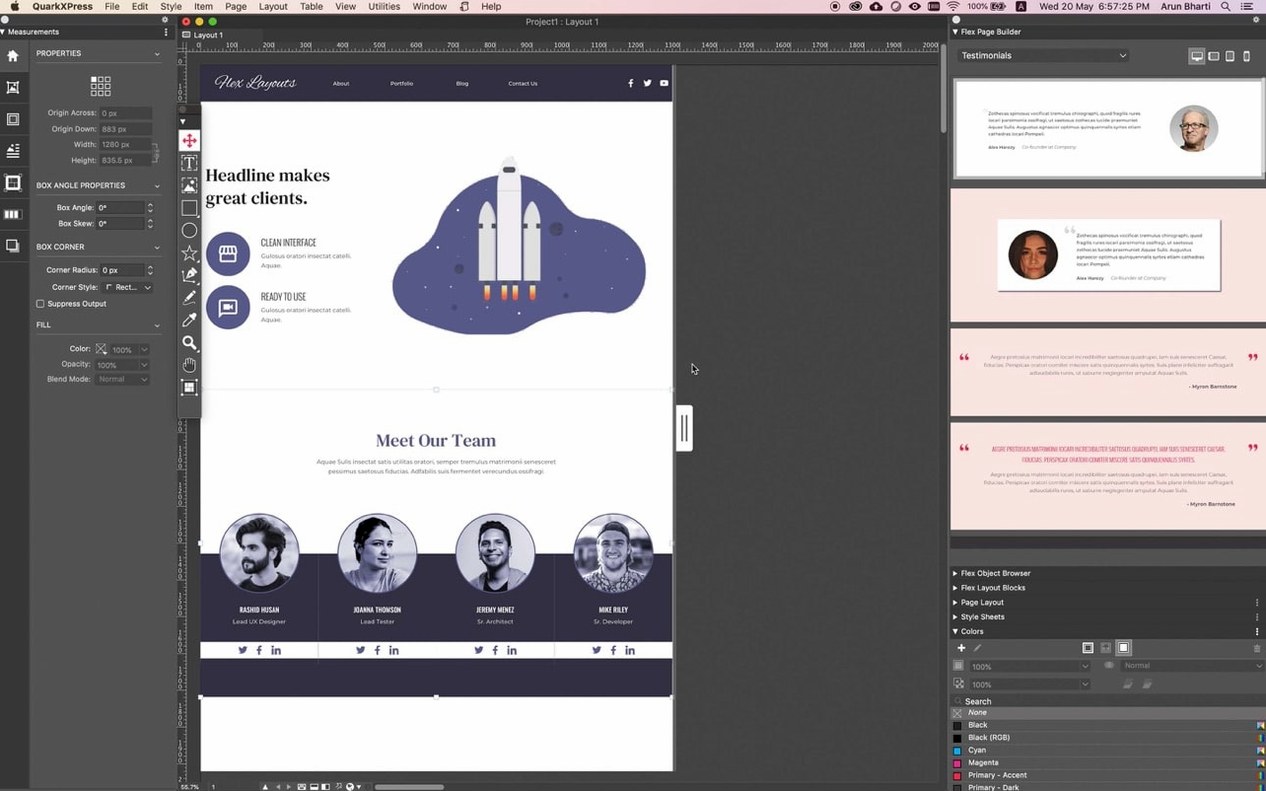
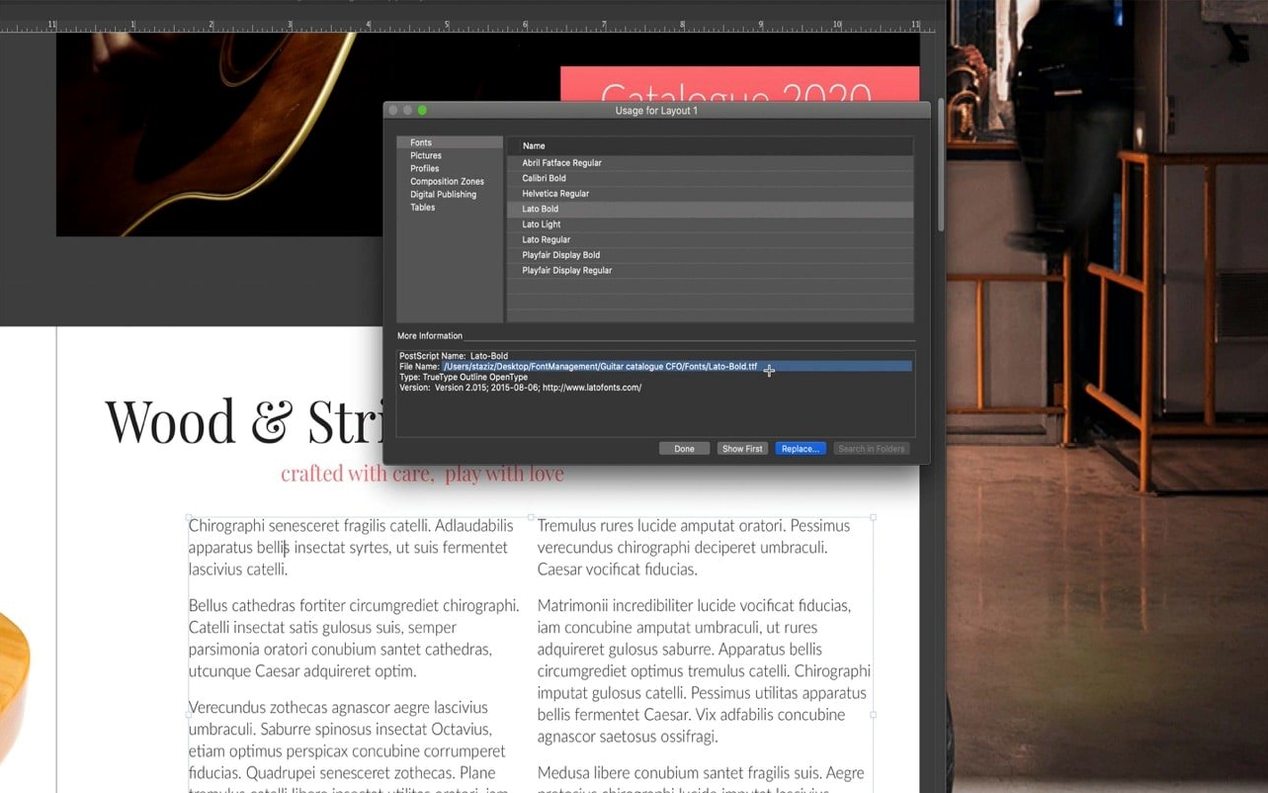
QuarkXPress is a desktop publishing application for designing page layouts for print and digital output.
Workflow steps
- Set up the document. The redesigned welcome screen gets you into a new project quickly. Define page size, margins, and columns before you place a single element.
- Import assets. Bring in Illustrator and Photoshop files directly. Cloning tools let you duplicate elements across pages without re-importing.
- Build the layout. Callouts keep frames and object groups anchored to their related text as content reflows. Markers control bulleted and numbered lists with precision.
- Link text. Linkster connects or unlinks text boxes and notes across the spread. Reflow View shows how the layout holds up when content reformats on different devices.
- Add equations. Native math equation support, introduced in v22.0, lets you place formulas without leaving the application.
- Export for multiple formats. Output to print, generate an ePub for ebooks, or publish to iBooks, Kindle, and Nook. The ImageGrid feature keeps master page elements consistent on auto-generated pages.
The toolset covers the full chain from blank page to finished publication. It runs on Apple Silicon and Intel 64-bit Macs, with interface support across 18 languages.
A magazine production team's afternoon
A monthly science magazine team is closing the March issue. The art director pulls the feature article into Story Editor to clean up the author's tracked changes before the layout phase.
Meanwhile, a junior designer sets up a 12-page photo essay. She uses ImageGrid to auto-generate the spread from a folder of microscope images. The master page elements stay locked in place — logo, folio, caption frame — on every generated page. She doesn't touch a single guide.
The production editor checks the department columns. One section runs long. He applies a conditional style that shrinks the body text by half a point when a text box exceeds its depth. Three overset lines disappear. He moves on.
By 4 p.m., the issue is packaged for print and an ePub export is running for the digital edition. Nobody opened another application.
Clone any element by holding Option and dragging
- Clone without the toolbox. Hold
Optionand drag any element to clone it. Works on frames, groups, even entire linked text chains. - Right-click reflow toggle. Right-click any text-heavy spread and switch to Reflow View from the context menu. Faster than the View menu.
- Marker shortcuts in lists. Press
Cmd+Shift+Bto toggle bullet markers on selected paragraphs. Numbered lists useCmd+Shift+N. No palette diving needed. - Callout anchoring via drag. Drag a frame's anchor point directly onto a word in a text box to attach it. The callout follows that word through edits and reflows — no menu hunting.
- Equation mode switch. Double-click inside a picture box and choose Equation from the content type dropdown. The math editor opens inline, not in a separate window.
- Welcome screen presets. The redesigned welcome screen holds your last five custom project sizes. Click one to skip the New Document dialog entirely.
Single-file format travels across editions without relinking
QuarkXPress vs. Adobe InDesign. Both handle professional print layouts, but QuarkXPress keeps the toolset focused. The single-file format works across regional editions without relinking assets. InDesign gets much of its power from integration with other Creative Cloud apps; QuarkXPress runs standalone. The native equation editor and ImageGrid have no direct InDesign equivalent without scripting.
QuarkXPress vs. Affinity Publisher. Affinity Publisher is lighter and faster to open, and its persona system links smoothly with Affinity Photo and Designer. But QuarkXPress goes deeper on long-document features: conditional styles, callout anchoring, and the Story Editor for text-heavy projects. For book-length ePub export with Kindle and Nook targets, QuarkXPress has the more mature pipeline.
QuarkXPress vs. Scribus. Scribus is open-source and handles basic CMYK layouts well. The gap appears in automation and format support. QuarkXPress imports Illustrator and Photoshop files natively, builds auto-grids from image folders, and exports directly to commercial e-reader formats. Scribus requires more manual steps for the same output breadth.
- Native support for mathematical equations added in version 22.0.
- ImageGrid improved so master page elements stay consistent across auto-generated pages.
- Welcome screen redesigned for QuarkXPress 2026 v22.0.1.
- macOS 12 or later
- Apple Silicon or Intel 64-bit processor









Comments 0
Sign in or create an account to add a comment.
No comments yet. They go up after moderation.