

RightFont — Mac download
Download (18 MB) Earlier builds
Ticked
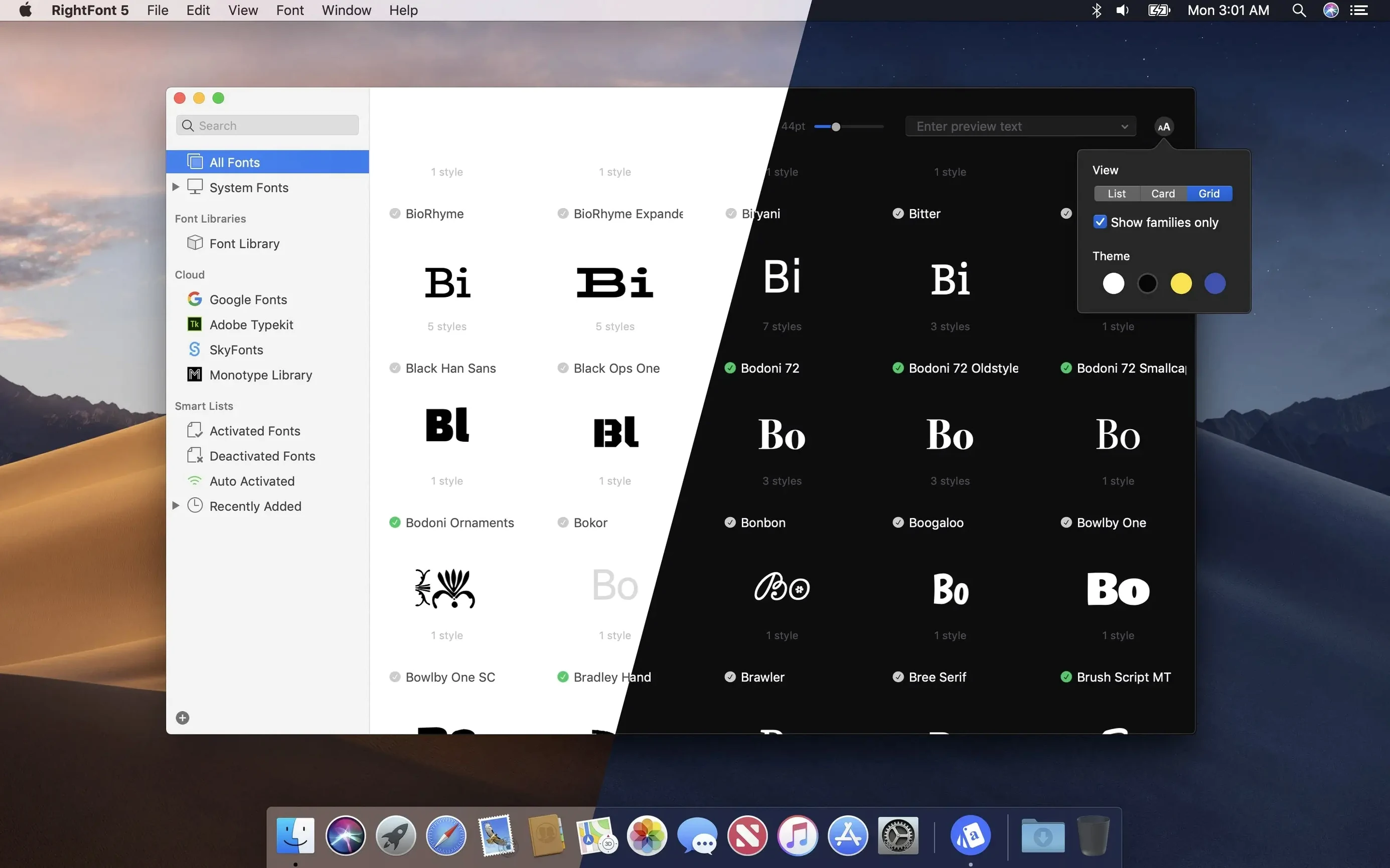
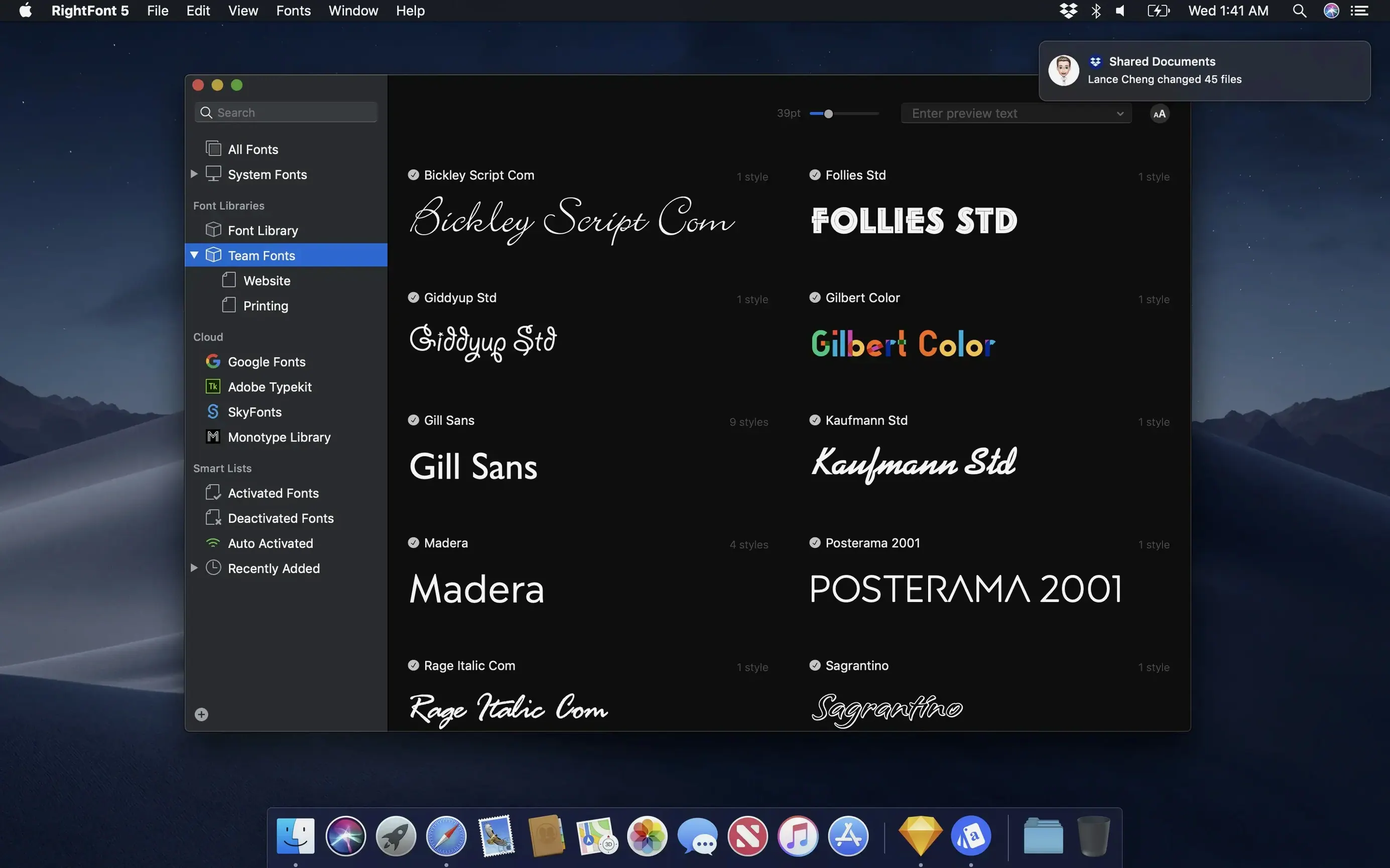
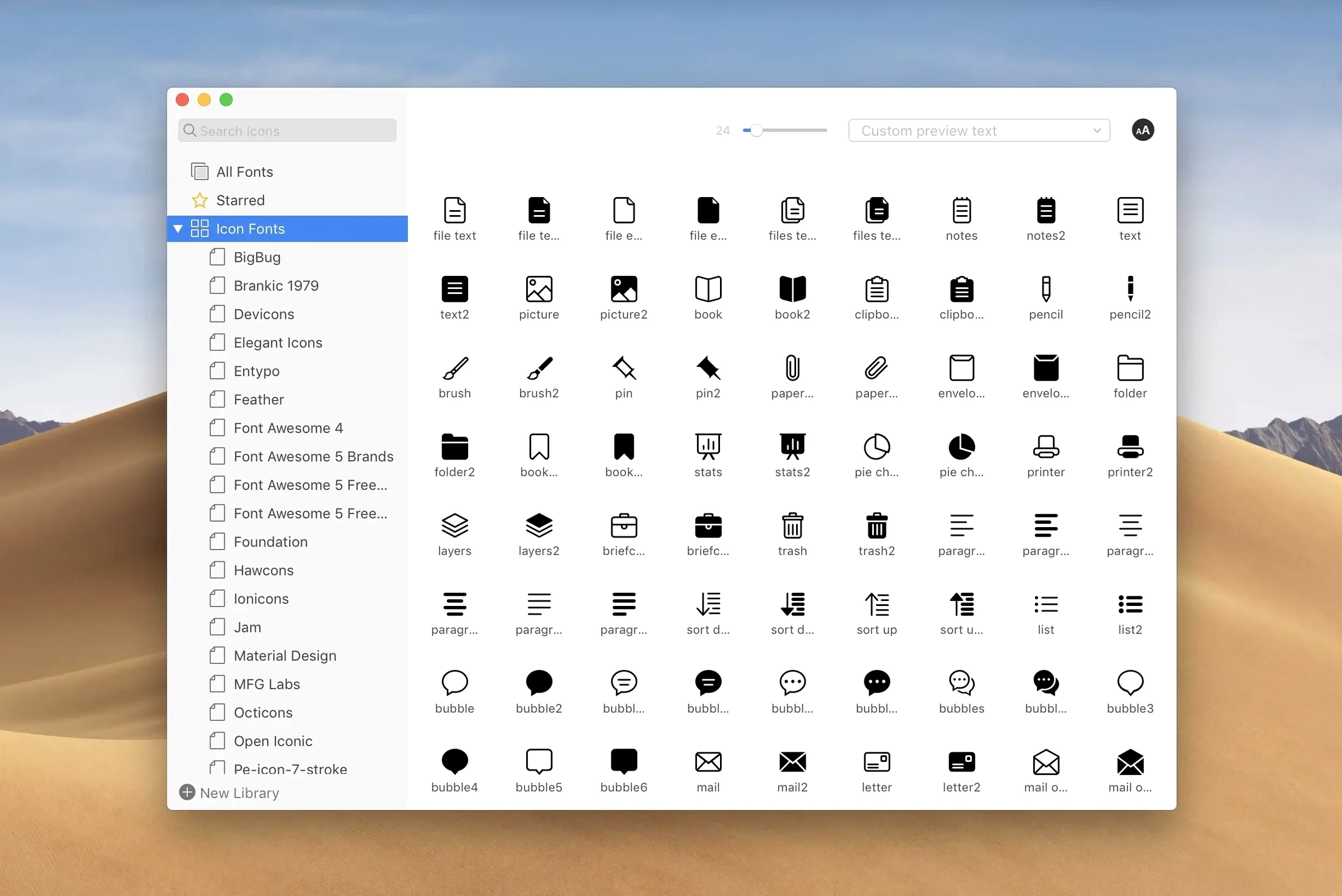
RightFont 10.2.1 sharpens up the import process. You get clearer progress details, including a finalisation stage and a count of unsupported files. Imports are more reliable, and tag management has had a tidy-up.
What does RightFont do?
It is a lightweight font manager made exclusively for Mac. You use it to organise, preview and install fonts without the clutter. The library lets you move fonts for sharing or backup.
Font hub for Creative Cloud, Sketch and Apple silicon Macs
Designers who switch between Adobe Creative Cloud, Sketch and other tools. It fits teams that want a clean, central place for fonts on both Intel and Apple silicon Macs.
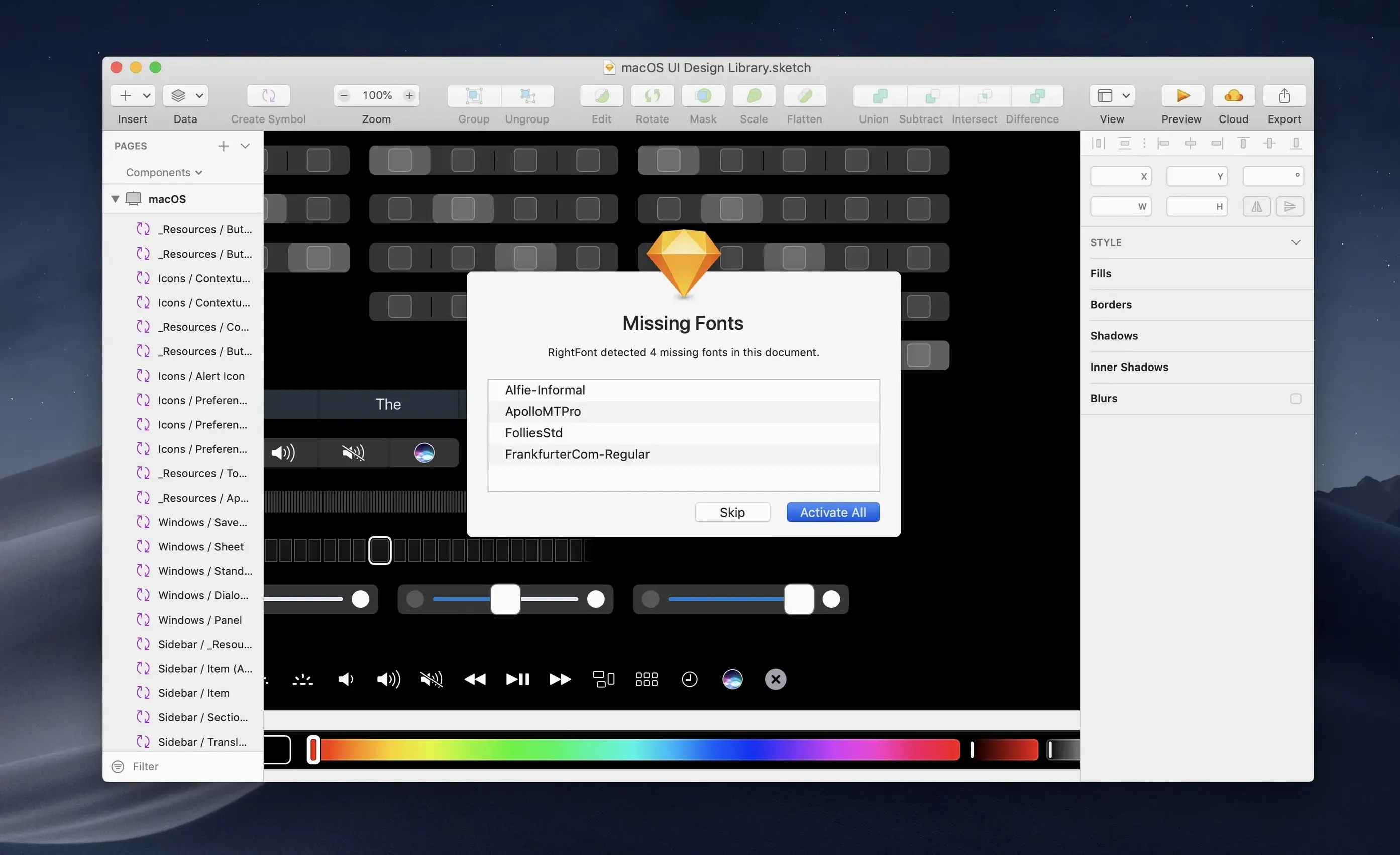
Double-click any text layer to change its font instantly
It connects directly to your software. You can change a text layer font by double-clicking from RightFont. Search results appear as you type, so finding the right face is quick.
Adobe apps not seeing activated fonts
RightFont is straightforward, but a few things can trip you up.
- Font doesn't appear in Adobe apps after activation. Check the auto-activation plugin. In RightFont, go to Preferences → Plugins and confirm the Adobe extension is installed and enabled. Restart the affected app, then try again. If it still doesn't show, clear the font cache with a tool like Onyx or a Terminal command and reboot.
- Imported fonts show as unsupported. RightFont now flags these after import. The file might be an old PostScript Type 1 font, a Windows-only .exe font installer, or a corrupt file. Remove unsupported items from the list and source a different format — OTF or TTF — if needed.
- Tag drag-and-drop stops working. Version 10.2.1 fixed subtags getting stuck. If you have an earlier build, update. In the current version, you can drag any subtag back to the main Tags section to reorganise.
- Menu bar helper won't launch. Open System Settings → Privacy & Security → Accessibility and confirm RightFont is ticked. If it's already ticked, untick, wait a moment, and tick it again.
- Fonts go missing after a macOS update. This happens when system font folders get cleaned. RightFont keeps your library separate, but any fonts stored only in the system Library/Fonts folder may vanish. Keep your working collection inside RightFont's library or a dedicated folder, then activate from there.
Troubleshooting auto-activation plugin and preferences
RightFont vs. Font Book
Apple's built-in Font Book is free, basic and fine for casual use — enabling a font, previewing families, printing a sample. RightFont leaves it behind for professional work. Font Book has no auto-activation, no direct plugin link to Creative Cloud or Sketch, no tagging, and no menu bar search. If you manage more than a few dozen fonts, RightFont saves hours.
RightFont vs. Typeface
Typeface is a visual font browser, great for comparing typefaces side by side with custom text samples. It does quick previews beautifully. But it is not a full manager: no auto-activation plugins, no font library organisation with tags and lists, no import progress detail. Designers who need live font switching inside Illustrator or Photoshop will find RightFont the more practical choice.
RightFont vs. FontExplorer X Pro
FontExplorer X Pro was the heavyweight — deep classification, smart sets, server-based team sharing. It is now discontinued. RightFont covers the core workflow of a modern font manager without the bloat. It lacks the server-side team sync, but for a solo designer or a small studio sharing libraries manually, it is lighter, faster, and supported now.
Downloading three font families on a Tuesday morning
It's Tuesday morning. You've just downloaded three new font families from a foundry. Here's how the next fifteen minutes look.
- You mount the disk image and run the rightfont download installer you got from the developer. The app lives in your Applications folder. You launch it.
- You drag the folder of new fonts onto the RightFont window. The import progress bar appears, showing a count of files processed. A finalisation stage runs. Two unsupported .fon files are flagged — you remove them.
- You create a new font list called Client – Brand Refresh. You drop the new families into it. Then you tag them:
sans,display,Q2-project. - You open a Sketch file. With a text layer selected, you double-click a font name in RightFont. The layer updates instantly. You scroll through the list using arrow keys to audition faces in place.
- Mid-afternoon, you need a condensed weight for a tight headline. You filter by classification (Sans Serif), then by width (Condensed). Three candidates appear. You pick one.
- At the end of the day, you right-click the font list and choose Export List. You share it with a colleague who also uses RightFont on macOS. They import it and get exactly the same set, ready to activate.
The menu bar helper sits there throughout. One click, type a name, activate — you never opened the full window after the morning import.
- More reliable font imports with clearer progress details. You now see a finalisation stage and a count of unsupported files.
- Improved tag management. Subtags can be dragged back to the main Tags section.
- Fixes for Adobe Illustrator, QuarkXPress and macOS 27.
- macOS 11 or later
- Apple silicon and Intel Macs supported
Questions the team asks
It requires macOS 11 or later and runs natively on both Intel-based Macs and Apple silicon Macs.









Comments 0
Sign in or create an account to add a comment.
No comments yet. They go up after moderation.