

Pixologic Zbrush — Mac download
Download (3.1 GB) Earlier builds
Ticked
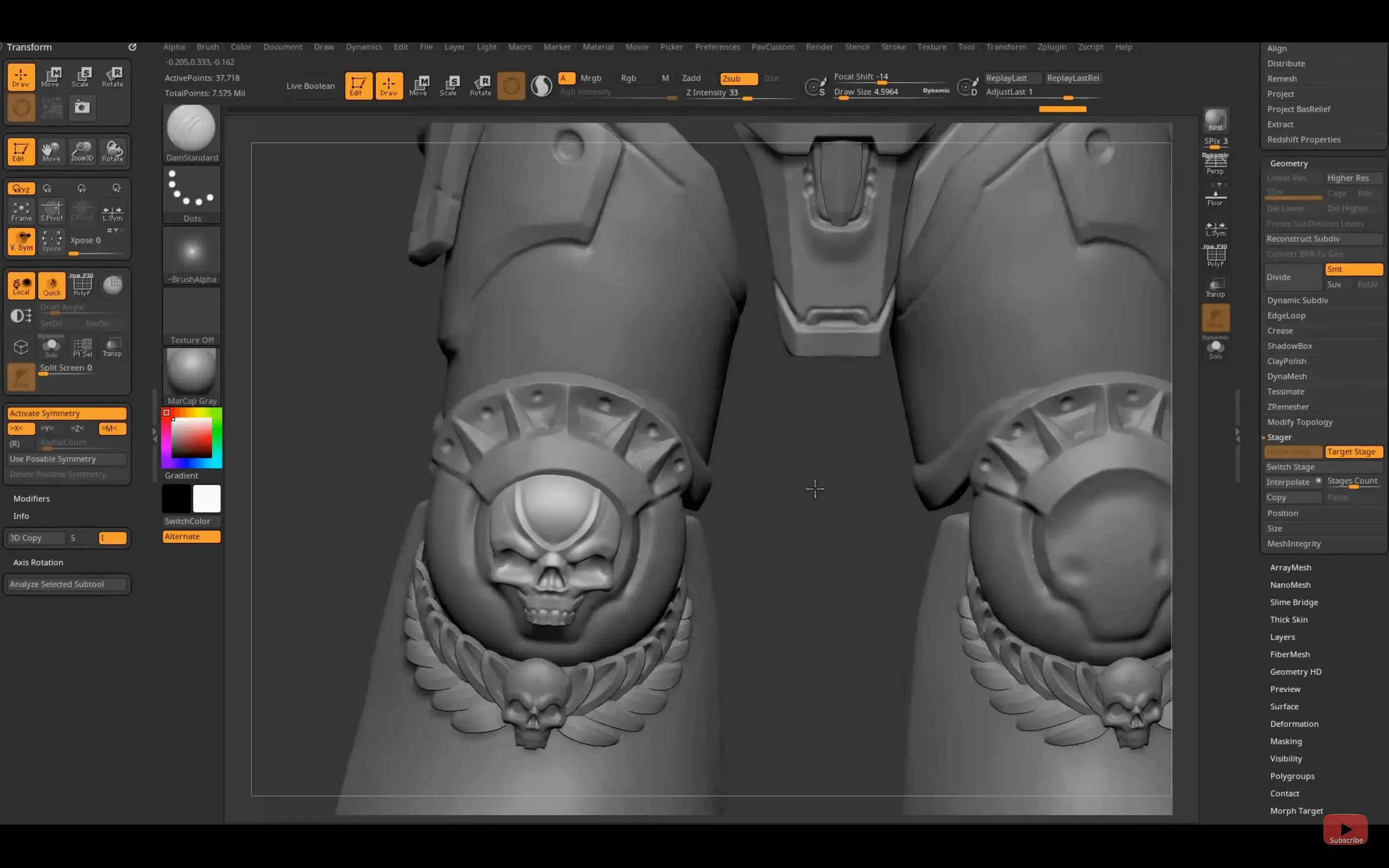
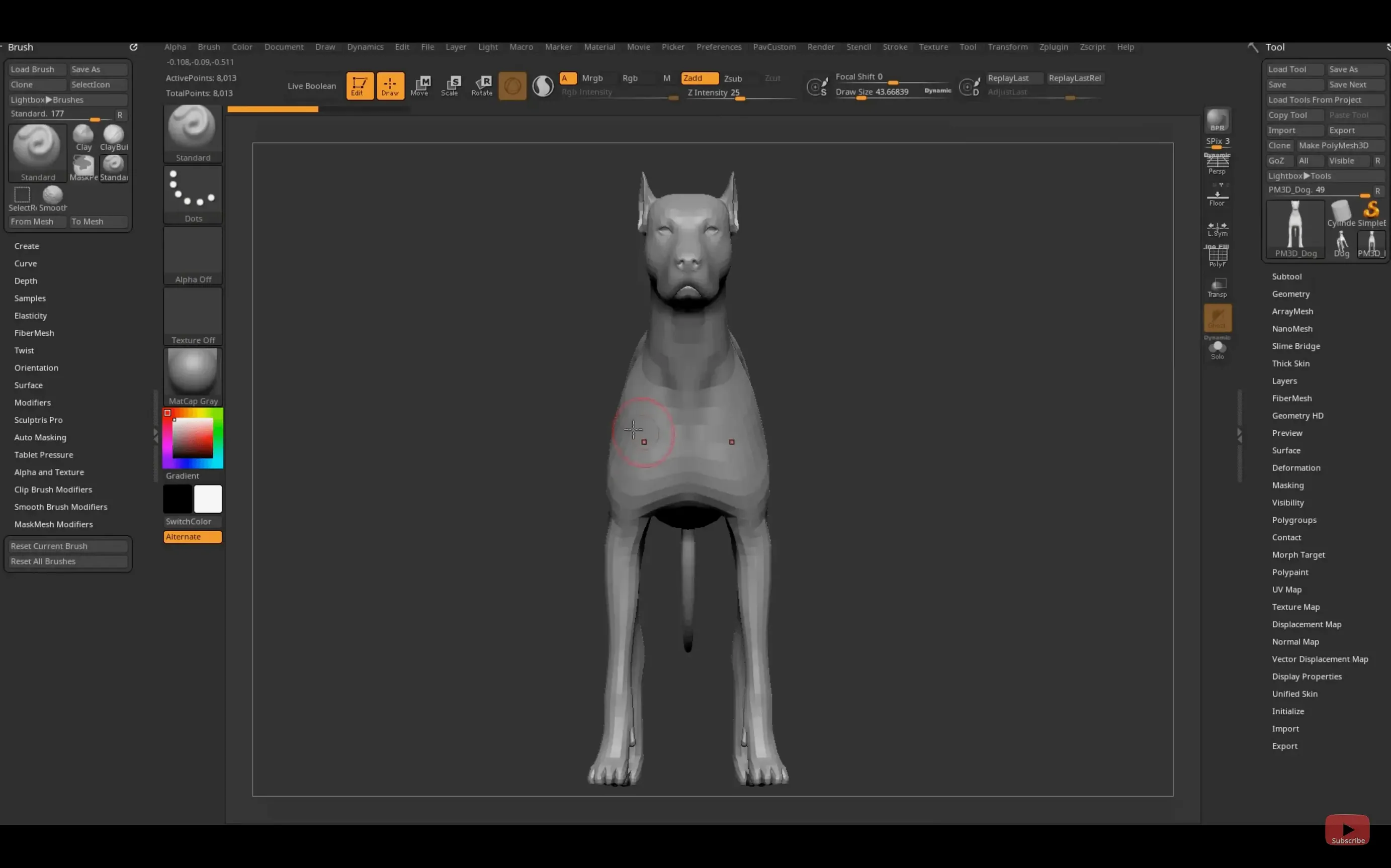
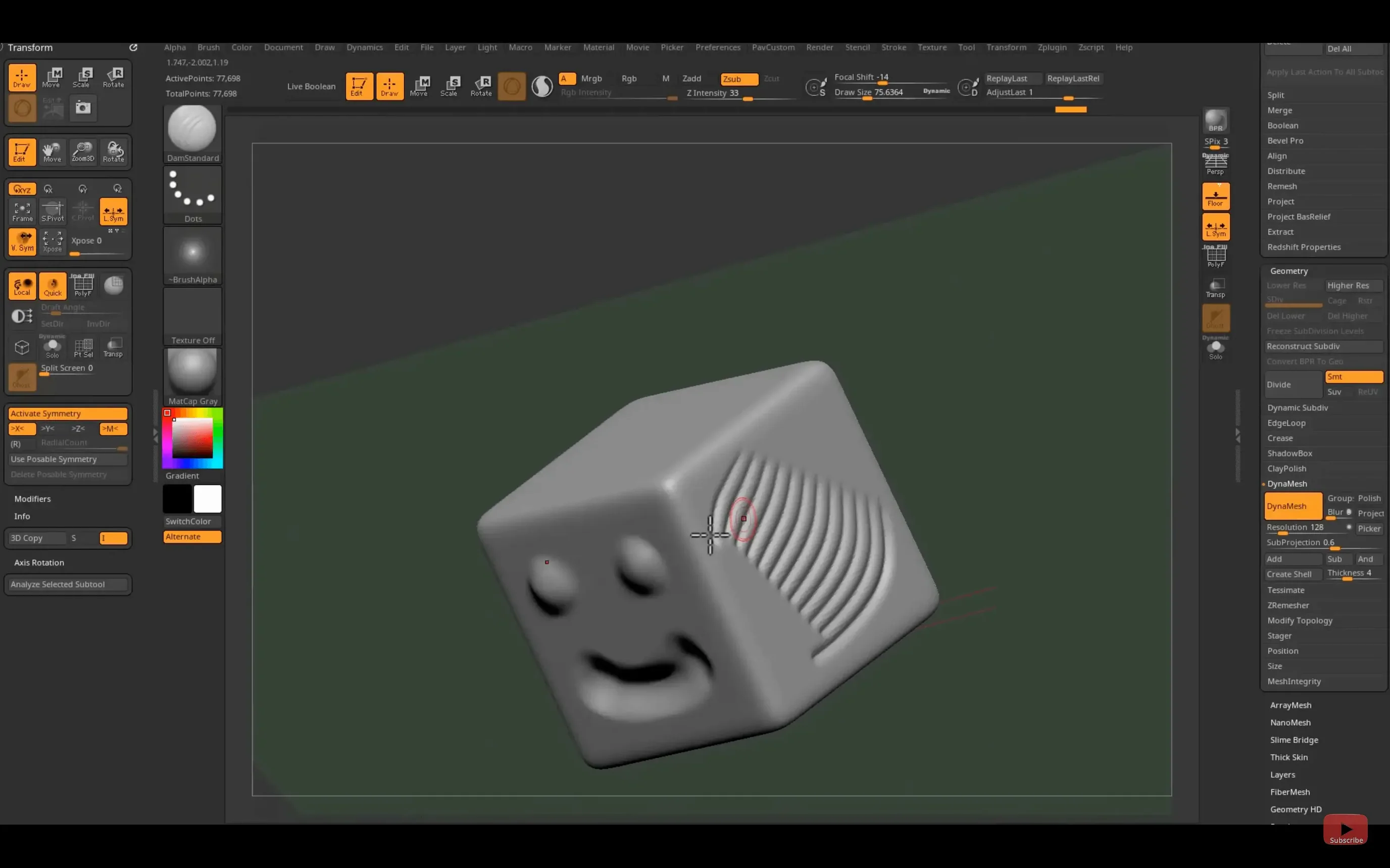
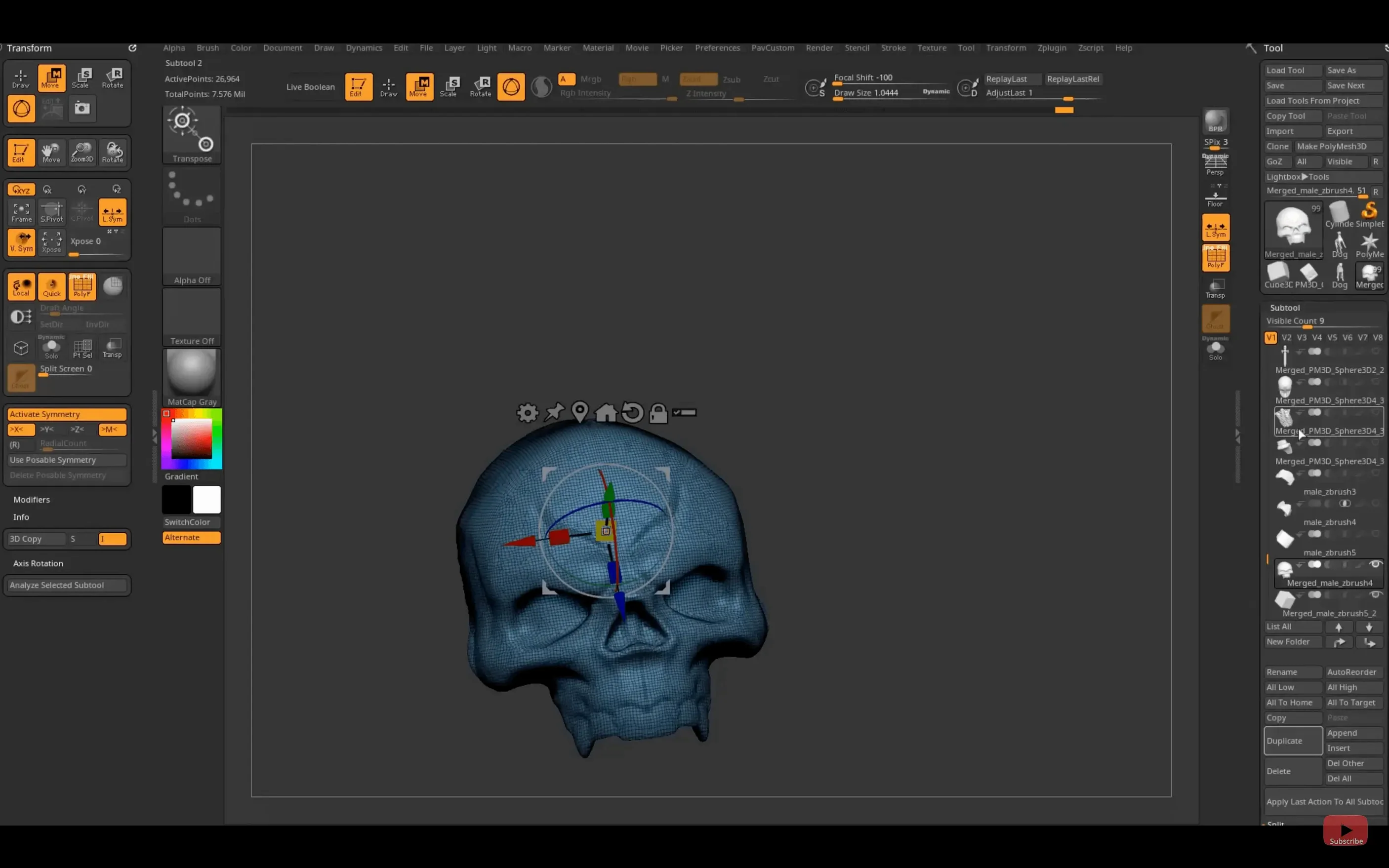
Pixologic shipped ZBrush 2026.2.1 with a new Substance Bridge and refreshed GoZ support. Before you download, here are the terms that matter.
Pixol — the core data point. It stores XY position, colour, Z depth, orientation, and material in a single point on your model.
GoZ — the bridge to other 3D apps. This update adds support for Maya 2026 and 3ds Max 2026, so models move between ZBrush and those tools without export-import busywork.
Substance Bridge — new in this version. One click sends your sculpt straight to Substance Painter for texturing, with no intermediate file wrangling.
Real-time renderer — the viewport engine that gives you instant feedback as you sculpt, paint, and tweak lighting on high-poly models.
iPadOS version — ZBrush runs on iPad too. Hotkeys you customise there can now be saved and shared, matching the desktop flexibility.
Bypass the macOS launch warning
A few friction points come up regularly when you first open ZBrush on a Mac. Most are quick to fix.
- Compatibility warning on launch. If macOS flags the app after installing, open Terminal and run:
xattr -dr com.apple.quarantine /Applications/ZBrush\ 2026/ZBrush.app. That clears the quarantine attribute. The app opens normally after that. - Tablet pressure not registering. Check System Settings → Privacy & Security → Input Monitoring. Make sure ZBrush is toggled on. Restart the app. If you use a Wacom, confirm the driver is up to date — older drivers trip up the Apple Silicon build.
- GoZ not seeing Maya 2026 or 3ds Max 2026. Run the GoZ installer again from inside ZBrush (ZPlugin menu). The 2026.2.1 update refreshed those connections, but a clean reinstall of the bridge often sorts path mismatches.
- Viewport lag on heavy meshes. Drop the document resolution or switch from Best to Preview render mode in the right tray. Apple Silicon Macs handle high poly counts well, but very large subtools still benefit from those small adjustments.
- Hotkeys lost after an update. The new
HotkeySaveandHotkeyLoadbuttons live in Preferences → Hotkeys → Store. Save your setup to a file and reload it after updating. That file also transfers to the iPad version.
Sculpt high-poly skin and cloth for game engines
- Character artists in game studios. The polygon count ceiling is high enough that you sculpt fine skin detail, cloth folds, and armour damage directly, then decimate for the engine. The Substance Bridge cuts out a whole round of mesh export.
- Concept artists working fast. DynaMesh and the large brush library let you block out forms without worrying about topology. You iterate shapes in hours, not days.
- Collectible and toy designers. ZBrush outputs directly to 3D printing pipelines. The real-time renderer shows exactly how light catches a surface, which matters when the final object is a physical cast.
- Scientific illustrators. The pixol system captures colour and depth per point, so you paint a cross-section or fossil reconstruction with accurate Z-depth information baked in.
- iPad users who split time with the desktop. The hotkey sharing in 2026.2.1 means your muscle memory travels between devices. Sculpt on the iPad on location, refine on the Mac at the desk.
A short scenario: toy sculptor
A collectible-figure artist starts a new bust on a Friday afternoon. She drops a sphere into the viewport, hits DynaMesh, and roughs out the skull with the Move and Clay Buildup brushes. The real-time renderer shows the form under the studio matcap she set as default.
By Monday morning the high-frequency detail — pores, scratches, subtle asymmetry — is all in. She hits the Substance Bridge button. ZBrush sends the high-poly mesh straight to Substance Painter with UVs intact. She paints colour and roughness maps in Painter, exports the textures, and brings them back into ZBrush for a final render pass. No OBJ export, no re-import, no lost vertex order. The file goes to the 3D printer the same afternoon.
- Substance Bridge sends models to Substance Painter in one click.
- GoZ updated for Maya 2026 and 3ds Max 2026.
- Native Windows on Arm support added.
- Custom hotkeys can be saved and shared on iPad.
- macOS 12.6 or later
- Intel and Apple Silicon Macs supported
- Interface languages: English, German, Spanish, Simplified Chinese, Korean, French, Japanese




Comments 0
Sign in or create an account to add a comment.
No comments yet. They go up after moderation.