
Swift Publisher 5 — Mac download
Download (478 MB) Earlier builds
Ticked
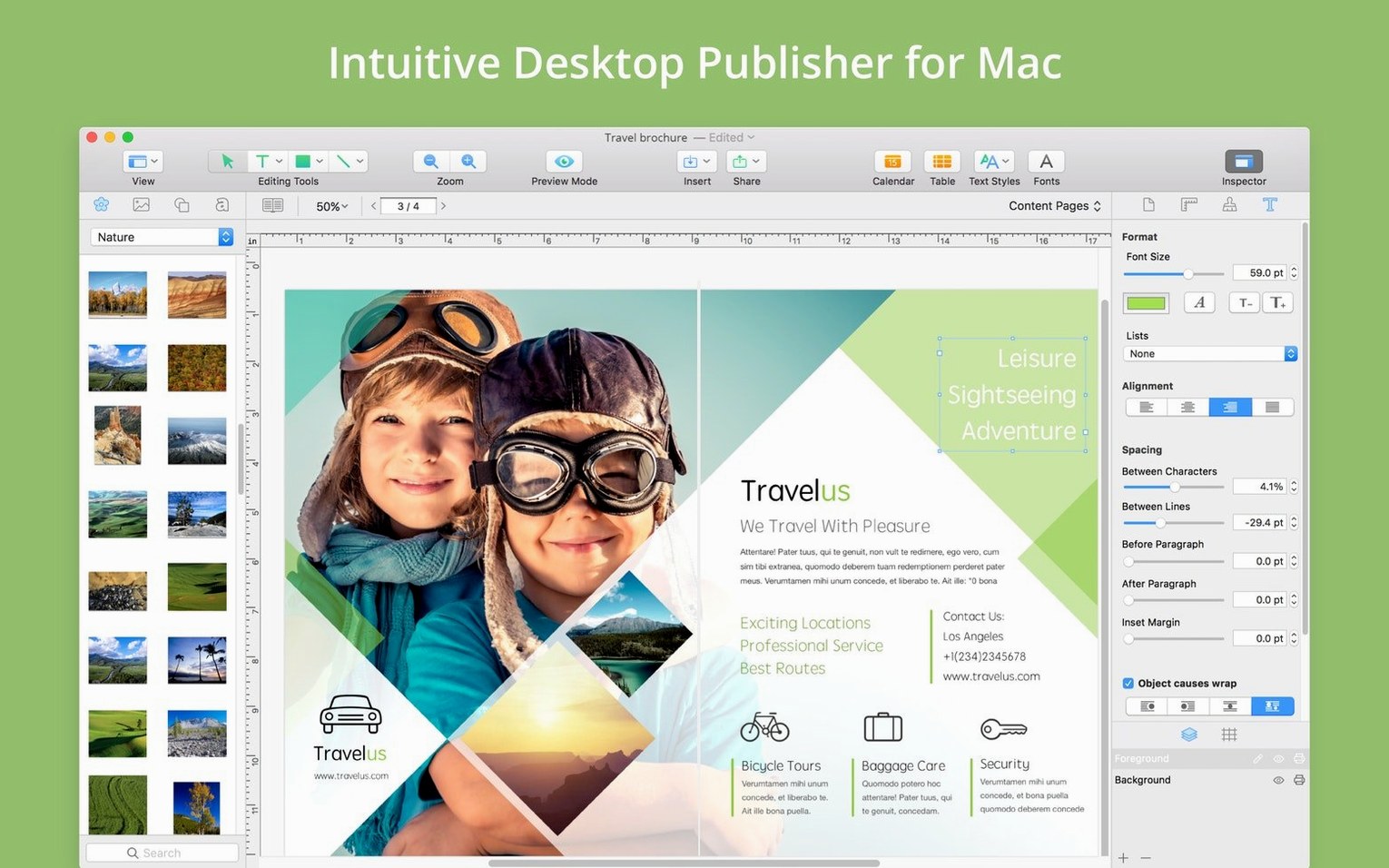
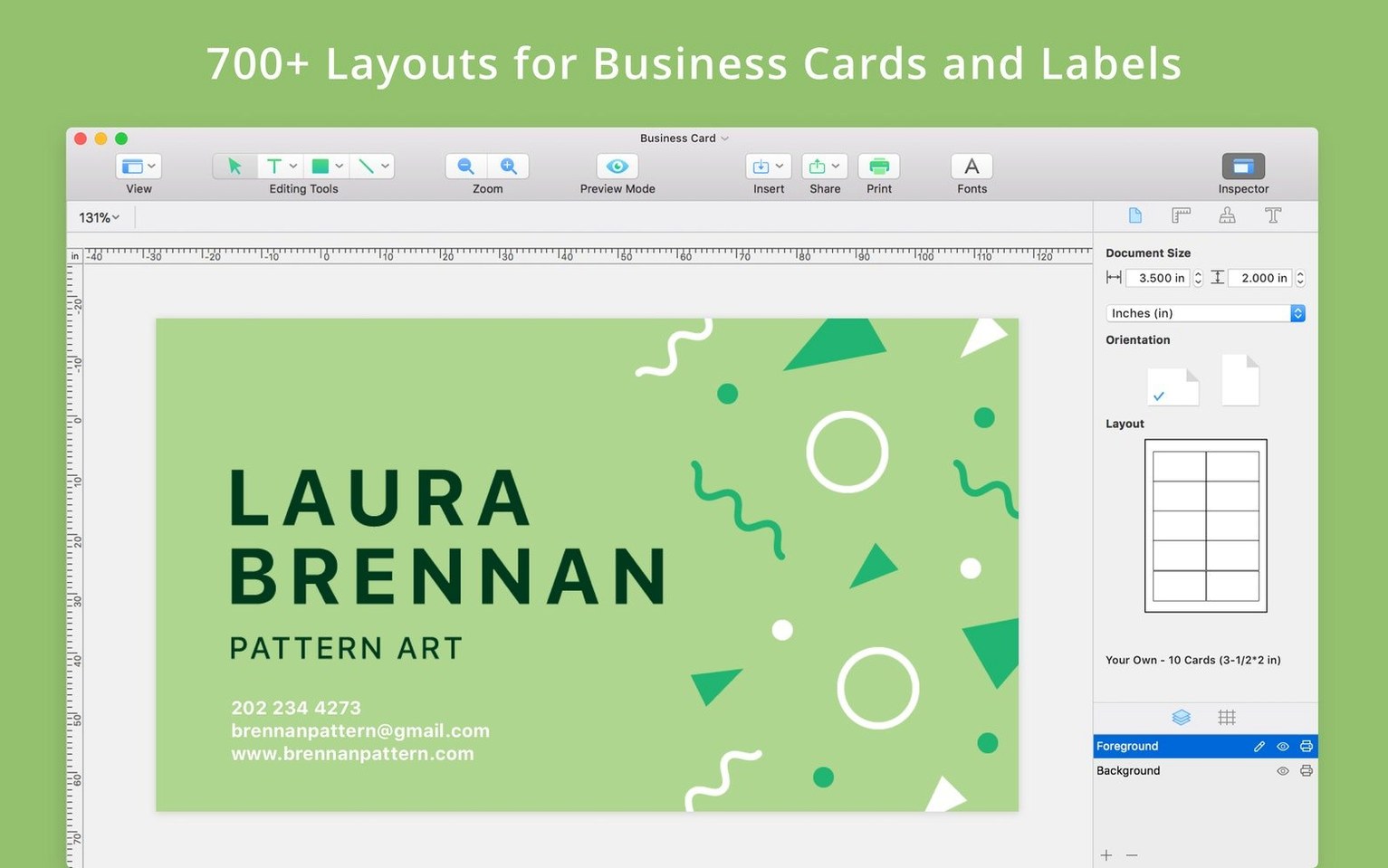
You have a postcard to get out by Thursday. You open Swift Publisher 5, pick a page size, and pull in a few photos. Grids keep the text blocks aligned. You set a 3 mm bleed, export a print-ready file, and send it off.
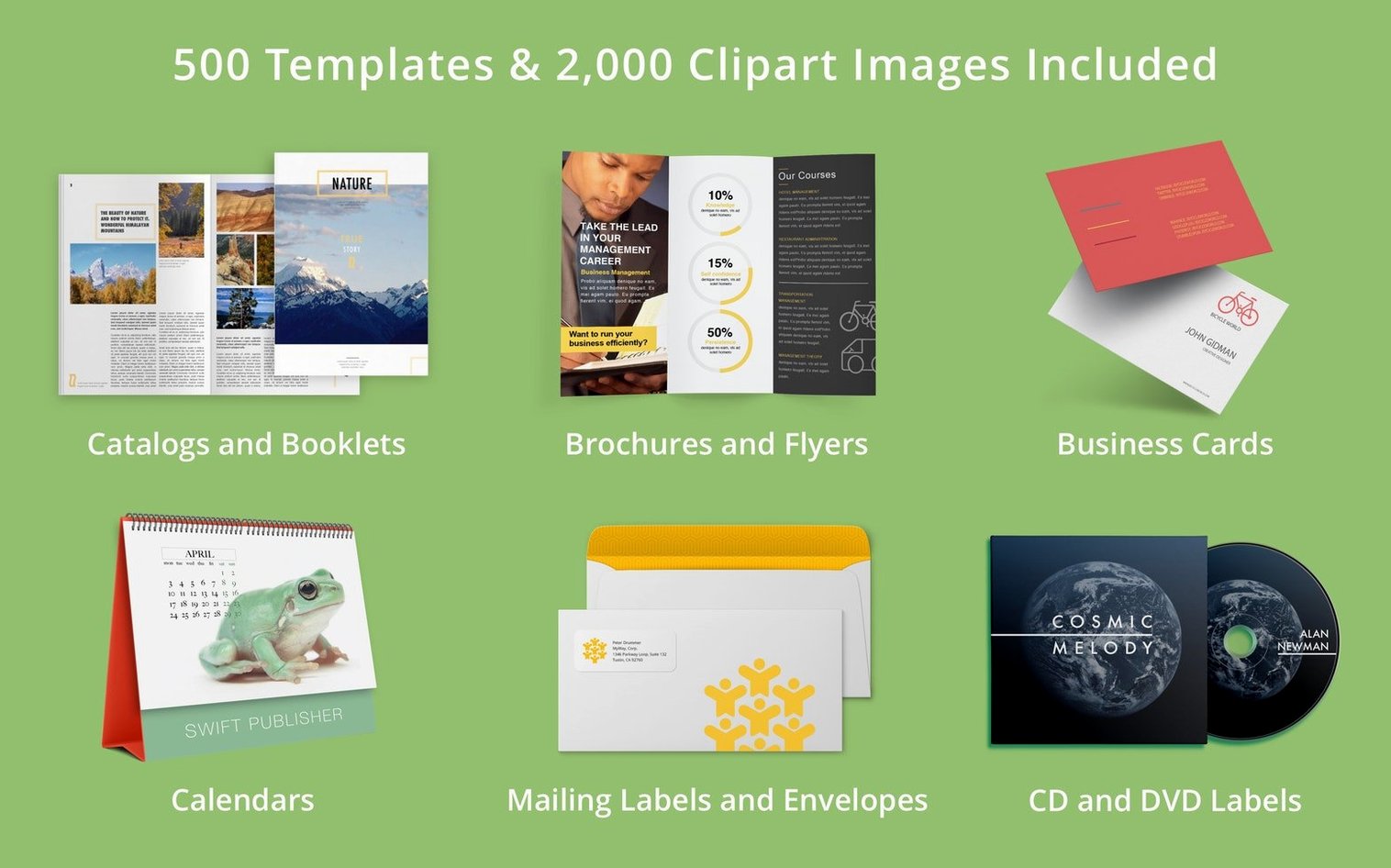
Before installing, people usually ask three things. Does it run on this Mac? It needs macOS 10.12 or higher, and it works on both Apple silicon and Intel processors. What can it actually make? Flyers, newsletters, brochures, letterheads, booklets, self-published books and magazines. It also publishes to the web when print is not the goal.
For layout work, it gives you grids, smart guides, gradients, freehand shapes and transparency controls. There is an internal graphics editor for images and illustrations, so you can adjust a logo without leaving the app.
What you will not get is a heavyweight print production suite. Bleed settings are there, and six interface languages are covered: English, German, Spanish, Italian, French and Japanese. For short-run print jobs and everyday design, that is usually enough.
Recover old flyers after macOS upgrades
If you keep old project files around, the 2026-07-22 update matters. Version 5.7.8 added an alternative way to open documents saved in older versions of the app. In practice, that means you can recover a flyer from three macOS upgrades ago instead of starting from scratch.
No interface changes, no new tools. This was a quiet compatibility fix for anyone who downloaded Swift Publisher 5 for Mac years back and still opens those files today.
Switch default units to millimetres and set a tighter grid
Spend two minutes before your first layout.
- Default document units. Open Preferences and switch from inches to millimetres if you work with A4 or A3. Bleed values make more sense in mm.
- Grid spacing. The default grid is 10 mm. Set it to 5 mm for tighter control, or 1 mm for small-format work like postcards.
- Smart guides threshold. Drop the snap distance from 10 px to 5 px. Objects snap less aggressively and you spend less time nudging elements back into place.
- Image import resolution. The app respects original file resolution, but check the export settings early. Set PDF output to 300 dpi for print; leave it at 72 dpi for web previews.
- Added an alternative way to open documents saved in older versions of the app.
- macOS 10.12 or higher
- Apple silicon or Intel processor
Questions the team asks
Yes. Version 5.7.8 added an alternative way to open documents saved in older versions of the app.
It requires macOS 10.12 or higher and runs on both Apple silicon and Intel Macs.








Comments 0
Sign in or create an account to add a comment.
No comments yet. They go up after moderation.