

Vector Magic — Mac download
Ticked
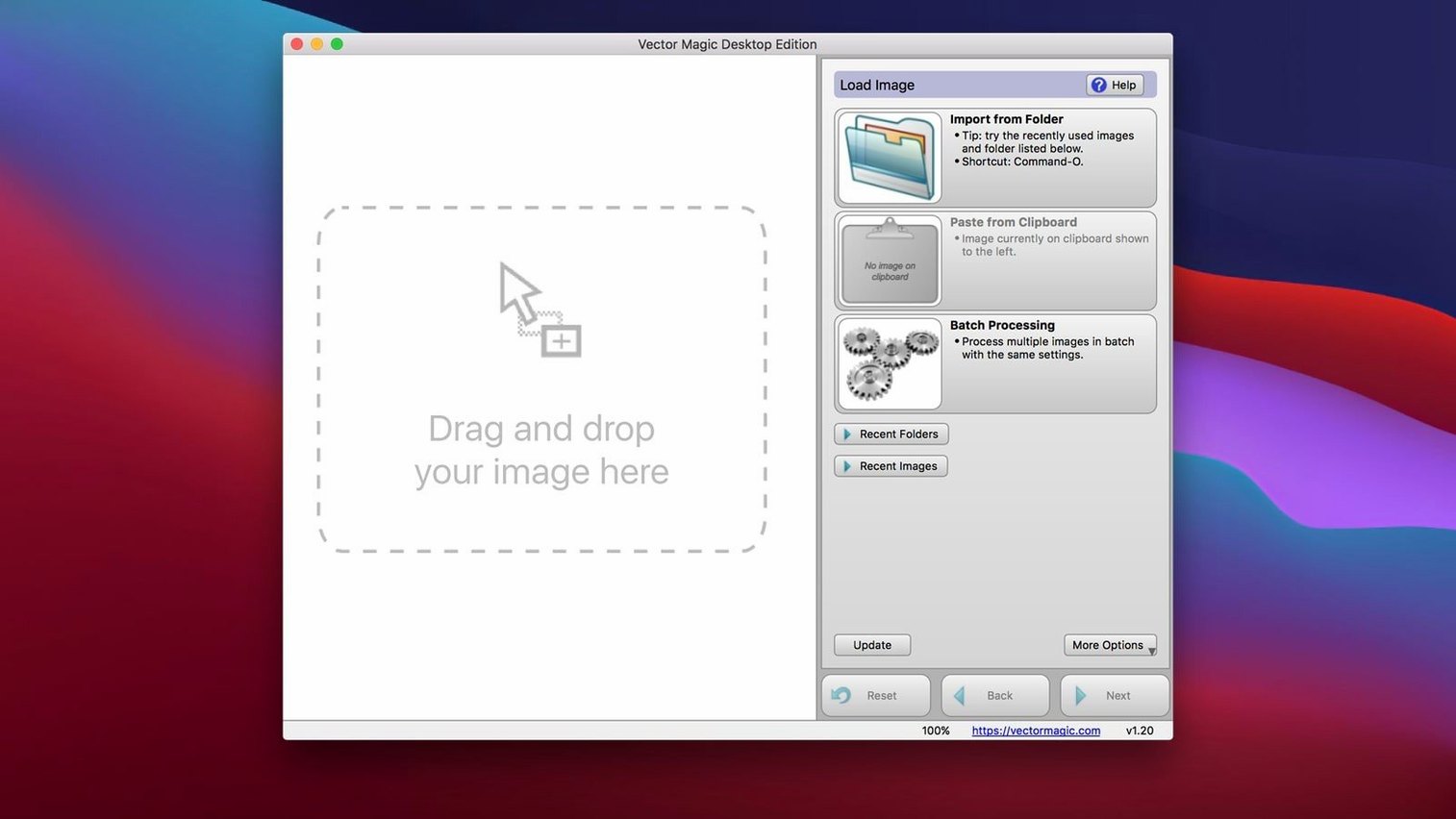
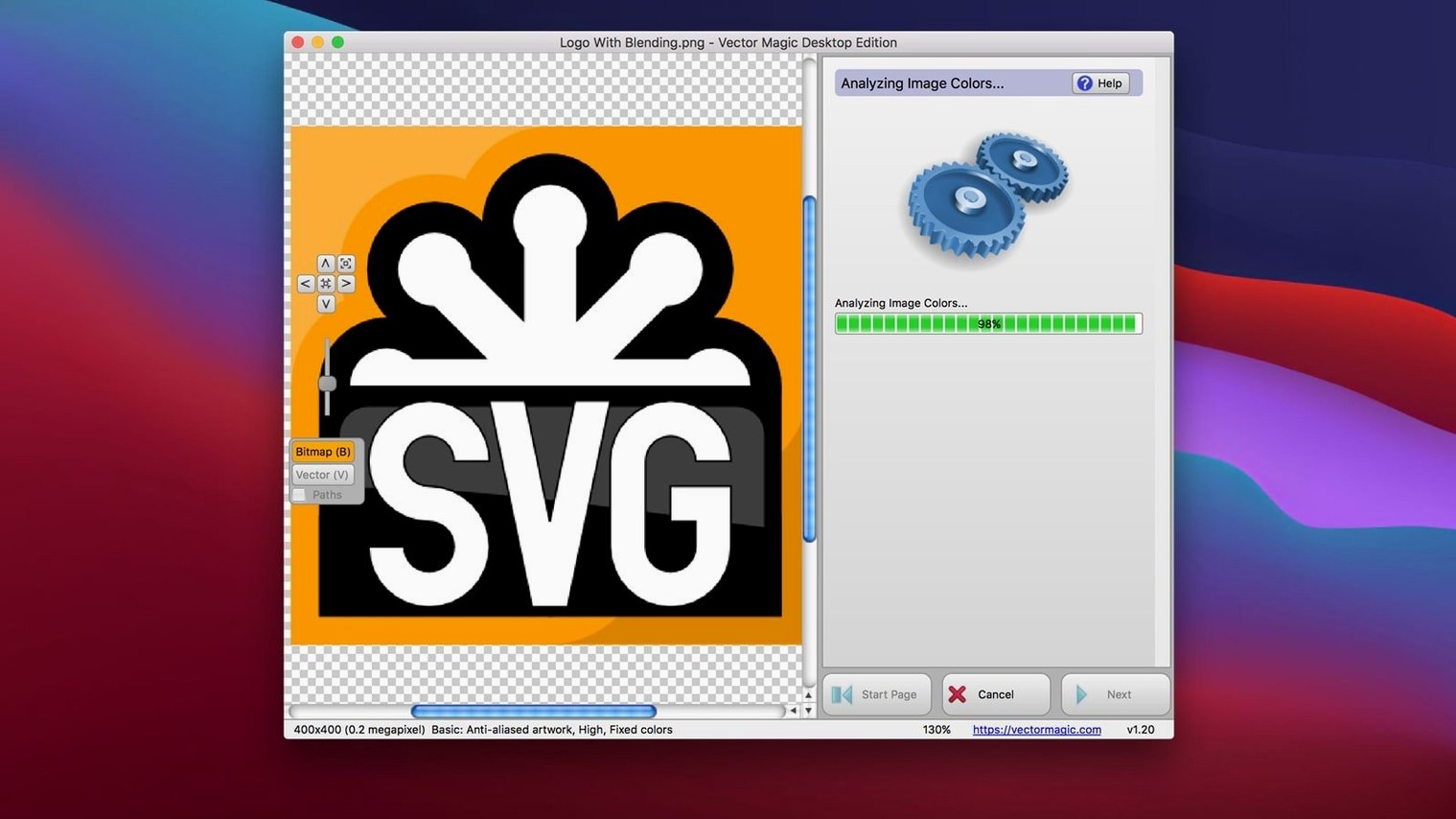
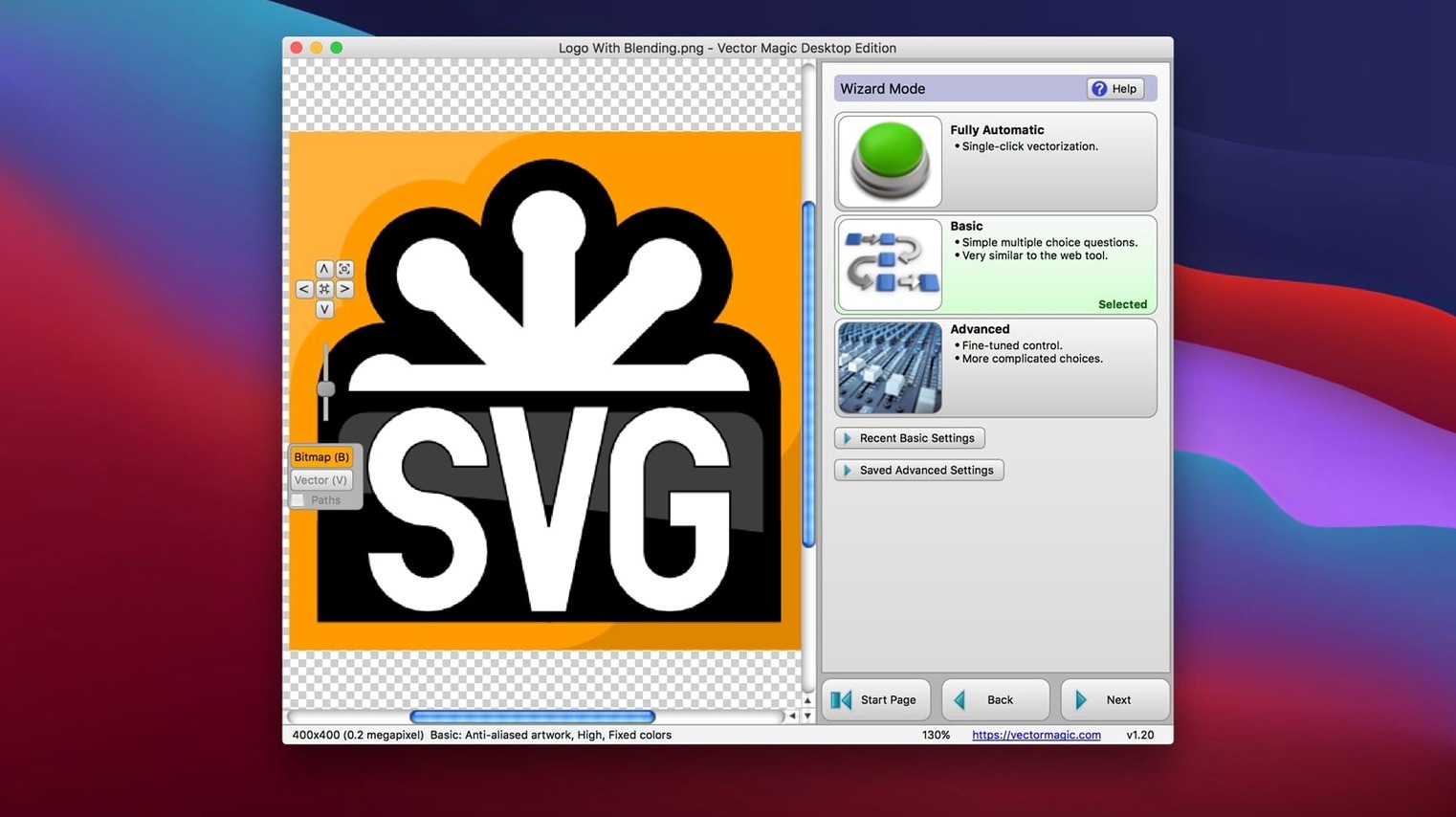
Version 1.20 stays focused on a single job: turning bitmaps into clean vectors without a browser. The installer brings a 64-bit Intel binary that runs on anything from OS X 10.7 forwards.
Drag, pick a mode, export a flat JPEG as vectors
- Designers who need vectors from a flat JPEG, PNG, or PSD — drag the file in, pick a mode, and export.
- Batch work. Queue a folder of TIFFs or BMPs and let it run while you stay in Illustrator or Sketch.
- Offline-only workflows. No upload, no account; everything stays on the Mac.
- Quick clean-up. The built-in segment editor and background-removal tool let you fix tracing errors before you save.
Caps at 10 MB and 10 megapixels, no native Apple Silicon
- File size caps at 10 MB and image dimensions max out at 10 megapixels — fine for logos and icons, tight for high-res photos.
- Intel-only. Apple Silicon Macs run it through Rosetta; no native arm64 build yet.
- Interface is English-only, and tracing stays manual where the automatic mode guesses wrong.
One designer’s afternoon
A branding freelancer opens a client folder. Inside: a phone photo of a hand‑drawn logo, a low‑res PNG of the same mark pulled from a website footer, and a TIFF scan of the original ink drawing. All three need to become one clean EPS for the print shop.
She drags the phone photo into Vector Magic first. The automatic mode guesses the palette wrong — too many colours. She switches to basic mode, drops the colour count to two, and watches the preview sharpen. The other two files trace in seconds. Twenty minutes later, three matching vectors sit in a folder, ready for the sign‑maker. The client never hears about the source mess.
Single‑colour marks trace faster than a pen‑tool rebuild
- Logo and icon designers. Single‑colour marks with sharp edges trace faster than any pen‑tool rebuild. The segment editor handles the last 5% of clean‑up.
- Print‑shop staff. Batch‑processing a morning’s worth of client JPEGs into EPS or PDF keeps the queue moving without an internet connection.
- CAD and vinyl‑cutter operators. DXF output means a scanned sketch can become a cut path in one session, no Illustrator middle step needed.
- Anyone with an older Mac. The OS X 10.7 floor and Intel build keep a 2011 MacBook Air in service when all you need is tracing muscle.
From a 2 MB PNG to a one‑colour screen‑print graphic by lunch
Sarah runs a small merch shop. A band wants their tour poster artwork turned into a one‑colour screen‑print graphic by lunch.
- Drag in the source. She pulls a 2 MB PNG from Finder onto the Vector Magic window. It opens in automatic mode with a colour palette that’s close but not perfect.
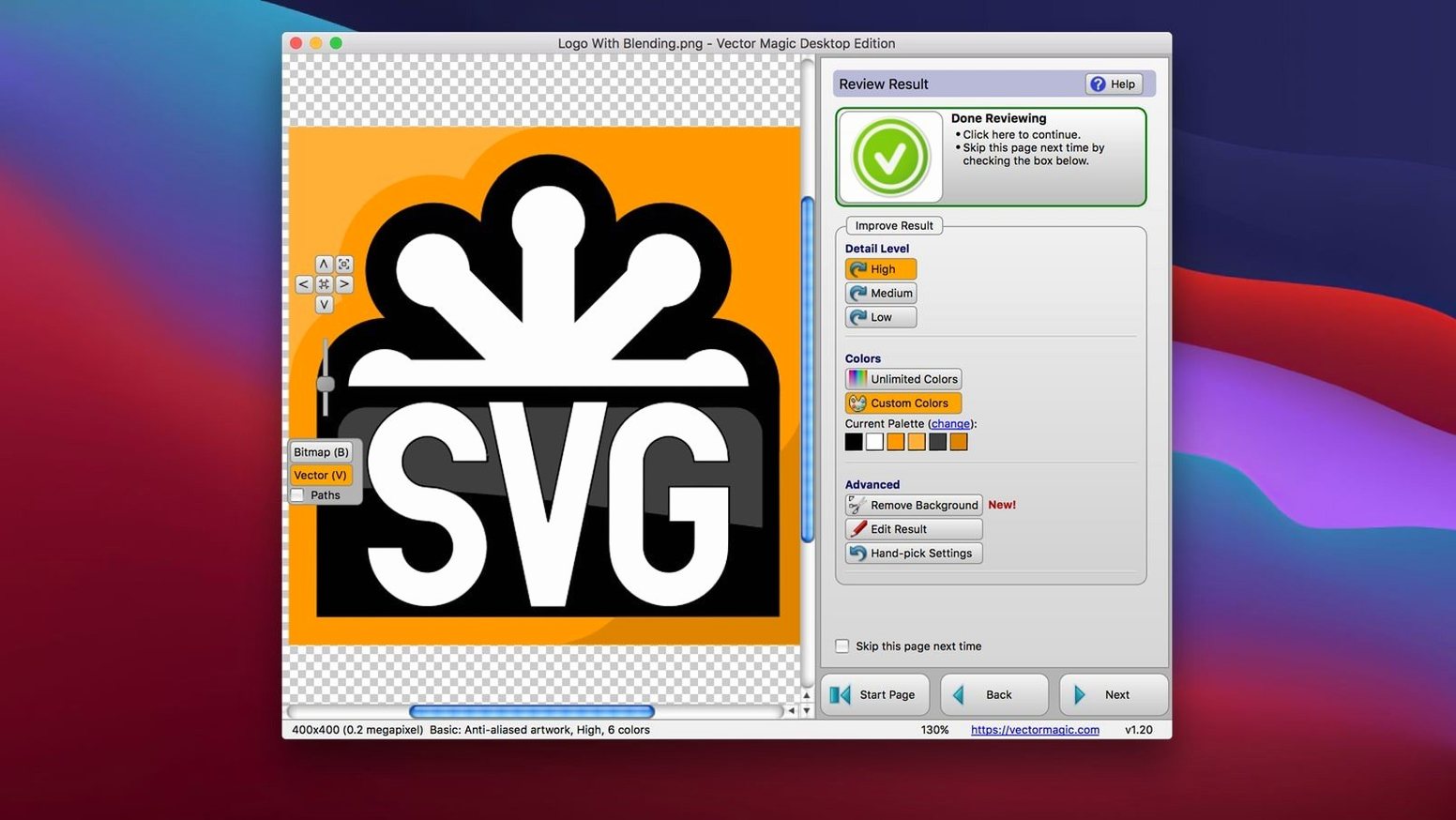
- Pick a mode. She switches to Manual. The slider panel appears: colours, detail level, smoothing. She sets colours to one, bumps detail to high, and drags smoothing left until the jagged edges vanish. The preview redraws instantly.
- Remove the background. A single click on the background area drops it out. She zooms in, spots a stray pixel island, and clicks it away with the segment editor.
- Check the segments. She toggles the outline view — all paths look clean, no broken curves. One anchor point sits off‑grid; she nudges it in the editor.
- Export. She copies the result and pastes it straight into Illustrator as editable paths. Then she saves an SVG for the shop file and an EPS for the screen‑print RIP.
The whole chain — from messy PNG to print‑ready vector — stays on her Mac. No upload, no browser tab, no waiting on a server queue. That’s the session rhythm Vector Magic was built for.
- OS X 10.7 or later
- Intel 64-bit processor
- Maximum file size: 10.0 MB
- Maximum image size: 10.0 megapixels
Questions the team asks
Yes. It preserves transparency during conversion, so icons and logos with soft edges stay clean.
It opens JPEG, GIF, PNG, BMP, TIFF, and PSD files.






Comments 0
Sign in or create an account to add a comment.
No comments yet. They go up after moderation.