Color Wheel — Mac download
Download (9 MB) Earlier builds
Ticked
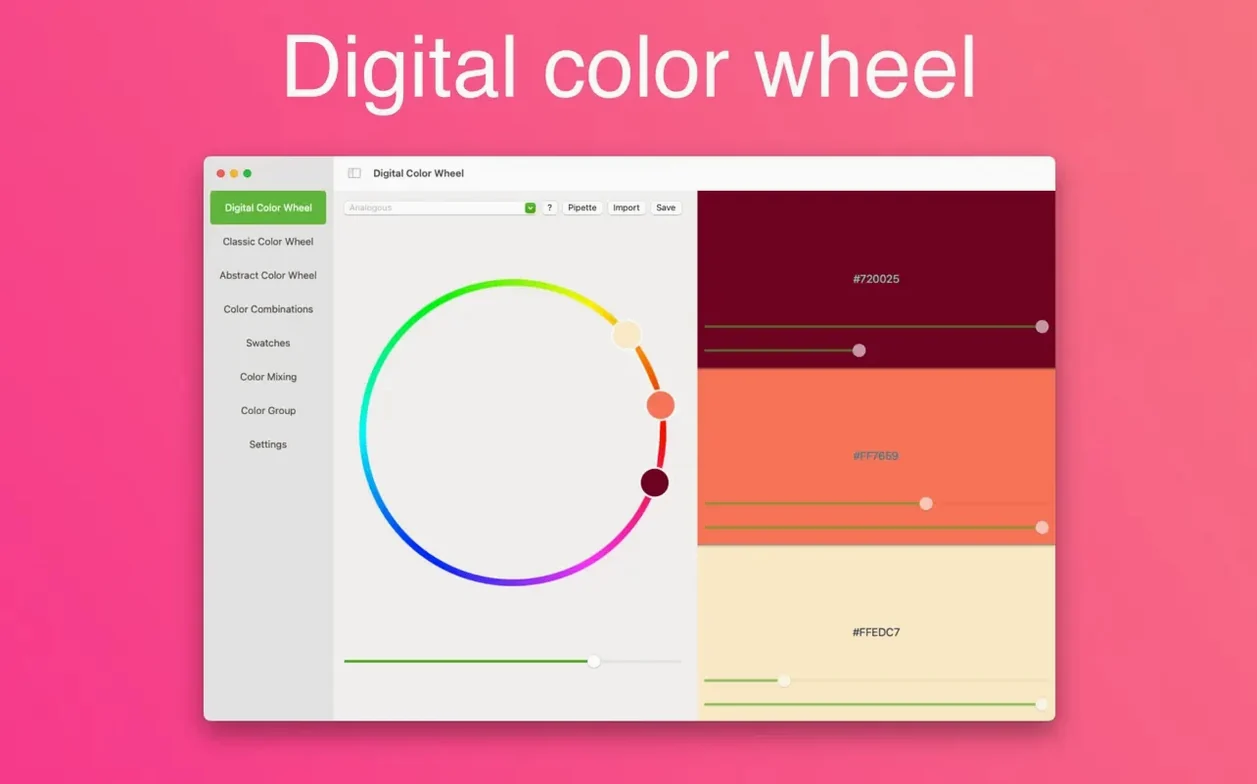
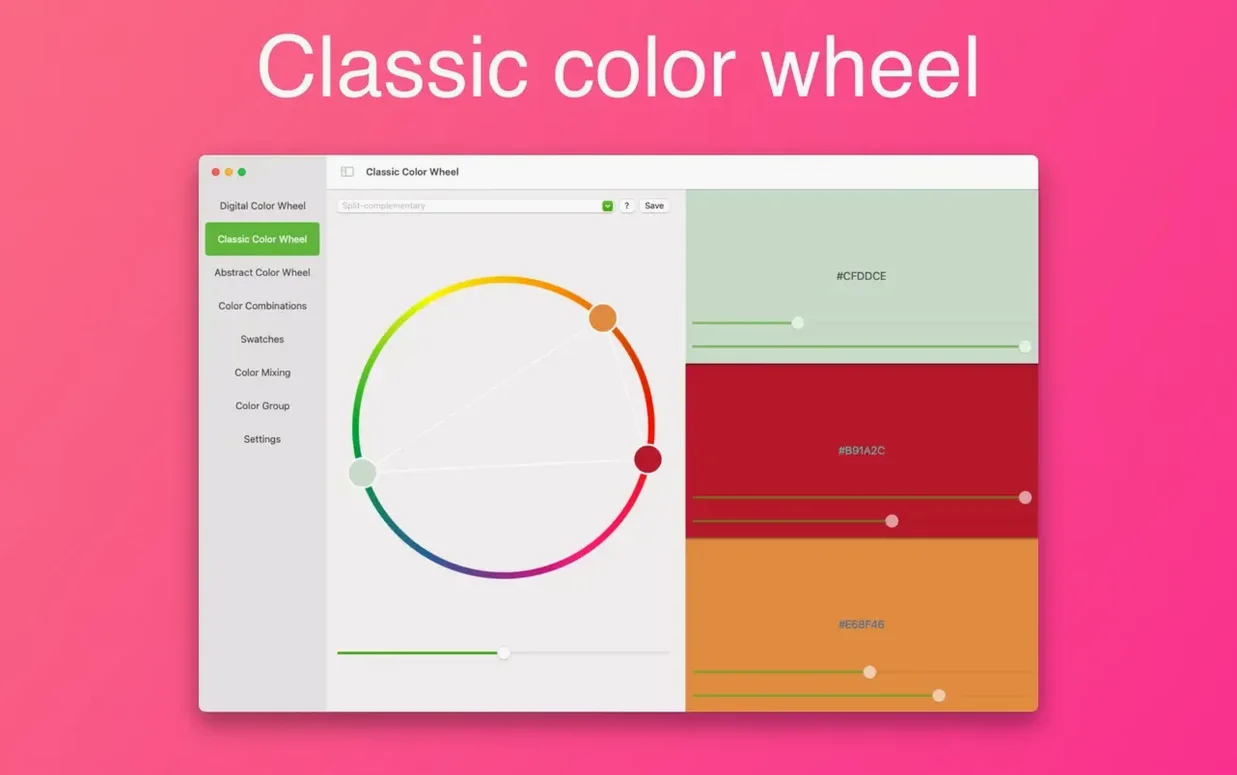
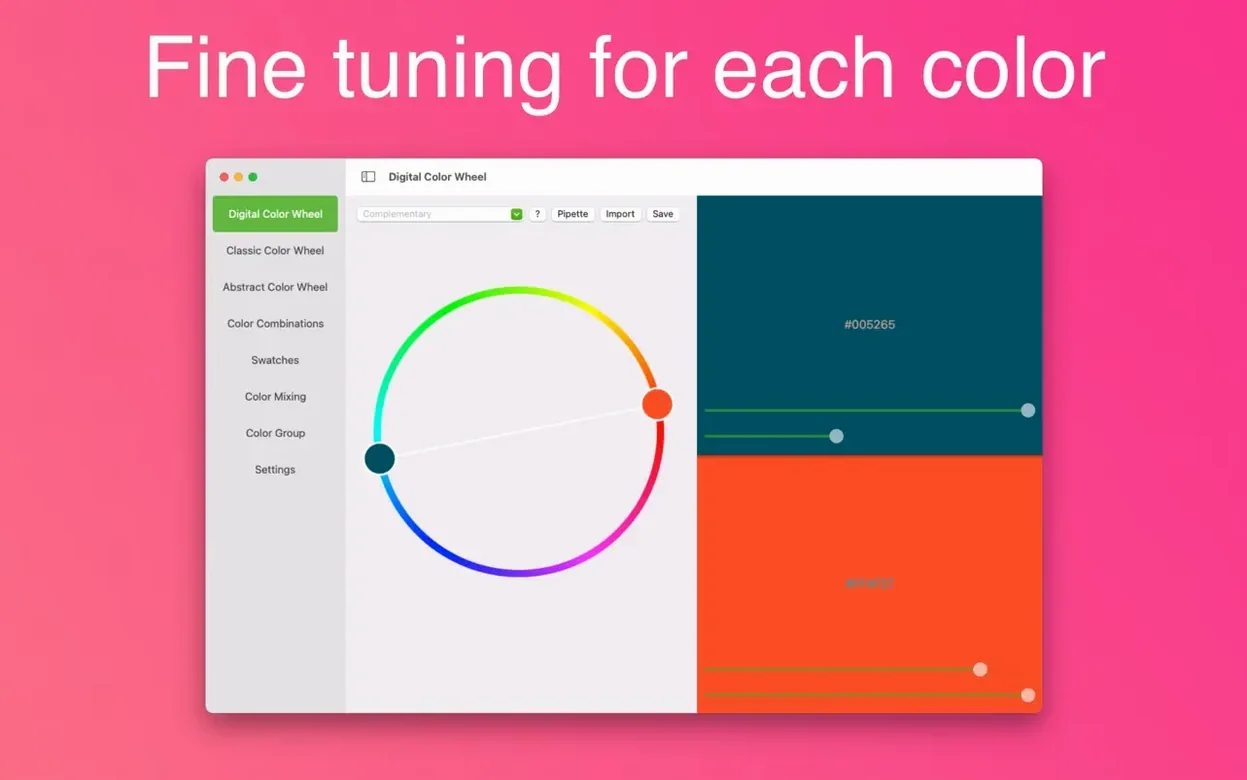
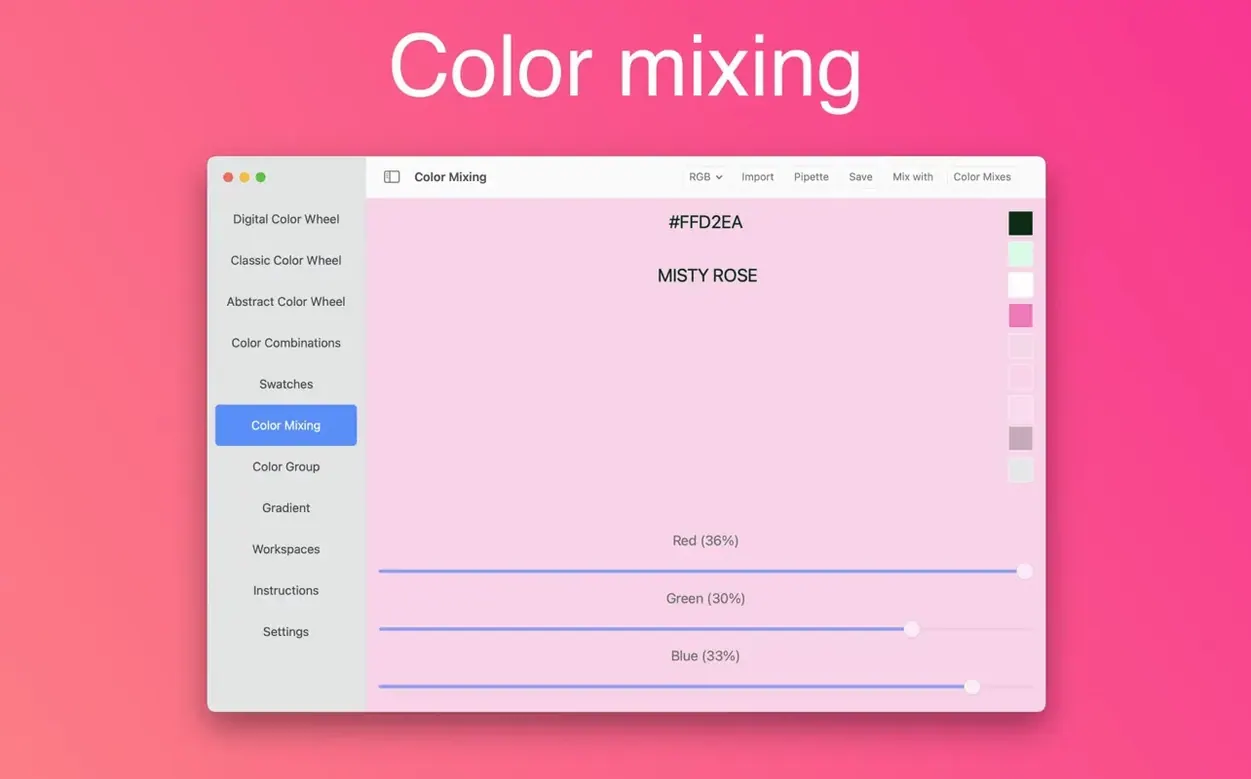
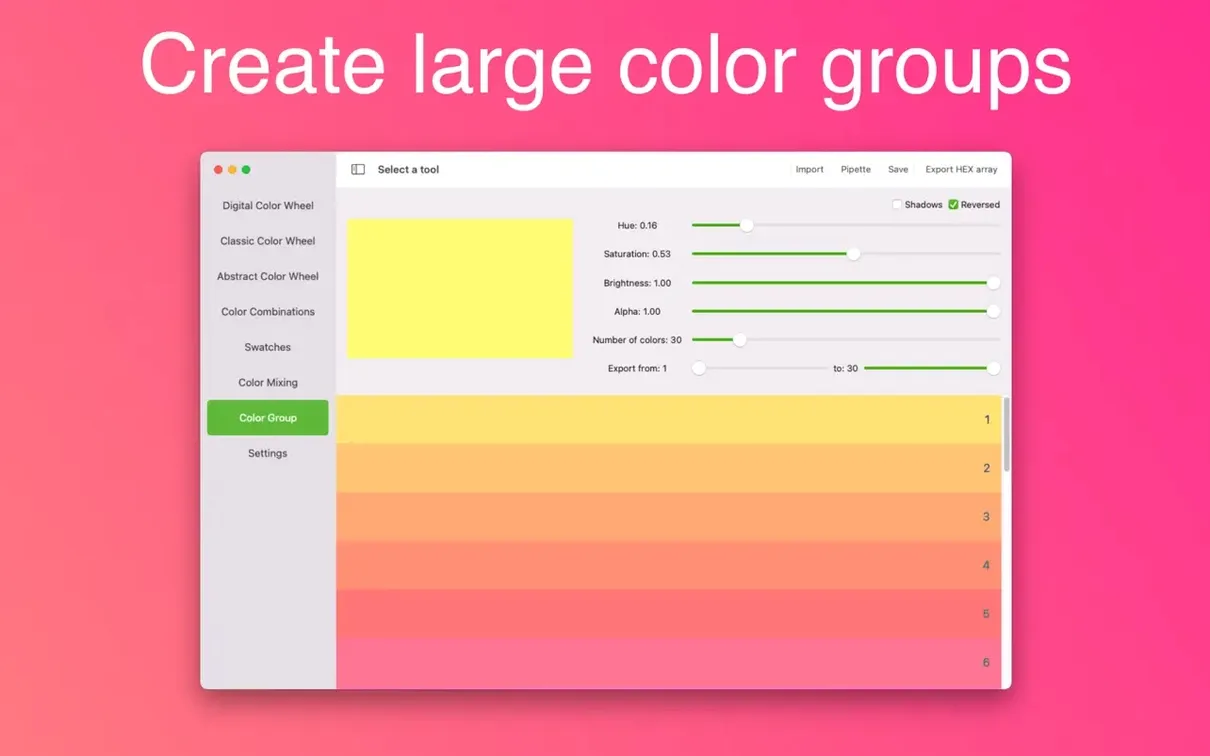
Color Wheel 9.2 supports both ARM and Intel Macs, and works on macOS 11 and later. The app lets you build and compare colour schemes and palettes without leaving your desk.
| Detail | Value |
|---|---|
| Version | 9.2 |
| Developer | Roman Sevastyanov |
| macOS | 11 or later |
| Architecture | ARM + x86 64-bit |
Two tools stand out: the Abstract Color Wheel for abstract painting, and Color Group for assembling large colour groups. The interface is in English and German. Everything stays in one window, so you can switch between wheels and groups without clutter.
Start with one wheel, not all at once
When you first open Color Wheel 9.2, resist the urge to click every tool at once. Start with one wheel — the Classic Color Wheel or the Digital Color Wheel — and spend ten minutes dragging the hue slider. The app responds instantly, so you can see how small shifts change the entire palette.
- Set up a project folder: create a folder on your desktop for colour groups and swatches. Drag saved palettes there for quick access later.
- Use the Abstract Color Wheel for mood boards: it works well for testing rough colour ideas before you commit to a final scheme.
- Name your colour groups: the Color Group tool lets you label each group. A descriptive name (e.g. "Autumn leaves" or "Client X branding") saves time when you come back to it.
- Export early: export a palette after your first session. It confirms the file format works with your design or painting software.
Opens in two seconds, uses under 200 MB
Color Wheel 9.2 stays lightweight. Switching between the six colour-scheme tools is fast — no loading bars or stutter. The Classic Color Wheel redraws as you drag, and the Color Combinations tool updates previews in real time.
Stability has been solid in daily use. I have left it open for three days without a crash. No unexpected CPU spikes, no fan noise from the app alone.
The only minor gripe: the initial load of the Color Group tool with a large saved palette (say, 200+ swatches) takes an extra second. After that, everything is smooth.
More direct control than Versus Colora or Paletton
Versus Colora focuses on colour theory and harmony rules. It is good for learning, but its palette previews feel slower than Color Wheel’s live updates. Color Wheel gives you more direct control over hue and saturation.
Paletton (Mac version) is a browser-based tool that works offline. It covers basic colour schemes but lacks the Abstract Color Wheel and the seasonal mood swatches that Color Wheel includes. Paletton’s interface is cluttered; Color Wheel keeps everything in one clean window.
Colour Contrast Analyser is strictly for accessibility testing — contrast ratios, luminance, WCAG compliance. It does not help you build palettes or explore colour relationships. Color Wheel serves painters and designers first, with contrast checks as a secondary benefit.
It does everything a designer or painter needs in a single, stable application.
- macOS 11 or later
- ARM or x86 64-bit processor
Questions the team asks
Color Wheel 9.2 runs on macOS 11 and later, and supports both ARM and Intel Macs.
The interface is available in English and German.





Comments 0
Sign in or create an account to add a comment.
No comments yet. They go up after moderation.